
Early access · Release date: October 22, 2026
UpdatedGroundwork Simulator Wheel Loader: Controls and Tips
Learn Groundwork Simulator wheel loader controls, move stockpiled pay dirt, feed the conveyor, and keep the wash plant running with practical loading tips.
Jump to
What Does the Groundwork Simulator Wheel Loader Do?
A pile of pay dirt beside an idle conveyor is where the Groundwork Simulator wheel loader earns its place. It carries stockpiled material into the conveyor’s receiving hopper, connecting your hauling work to the gold washing process. Learn the Groundwork Simulator wheel loader cycle, and you can spend less time repositioning machines and more time moving dirt through the plant.
The loader fits into a larger operation: excavate promising ground, haul it to a stockpile, transfer it into the conveyor, and wash it. Each machine handles a different part of that chain.
| Equipment | Job in the mining workflow |
|---|---|
| Excavator | Digs material and loads the dump truck |
| Dump truck | Carries excavated material to the stockpile |
| Wheel loader | Transfers stockpiled dirt into the small conveyor’s hopper |
| Small conveyor | Feeds material into the trommel |
| Trommel and sluice boxes | Wash material and collect concentrate |
| Cleanup table | Separates gold from the concentrate |
This guide covers the October 22, 2026 Early Access launch. The starting tutorial walks you through this equipment chain, including dumping a compact pile beside the gravel path for the loader to collect.
Follow that marked stockpile placement during the tutorial. Afterward, plan your dumping area around the loader’s approach and the conveyor’s position. Leave room to enter the pile, reverse out, and turn toward the hopper.
Keep the dump truck outside that turning space. Parking beside the dirt can force awkward approaches, especially when the pile sits near a slope.
Official page: Groundwork Simulator (store.steampowered.com)
Learn the Loader Controls Before Collecting Dirt
The Groundwork Simulator wheel loader combines driving with separate lift and bucket controls. Get comfortable with those movements before approaching the conveyor: steering into position while correcting bucket height is much harder with equipment directly ahead.
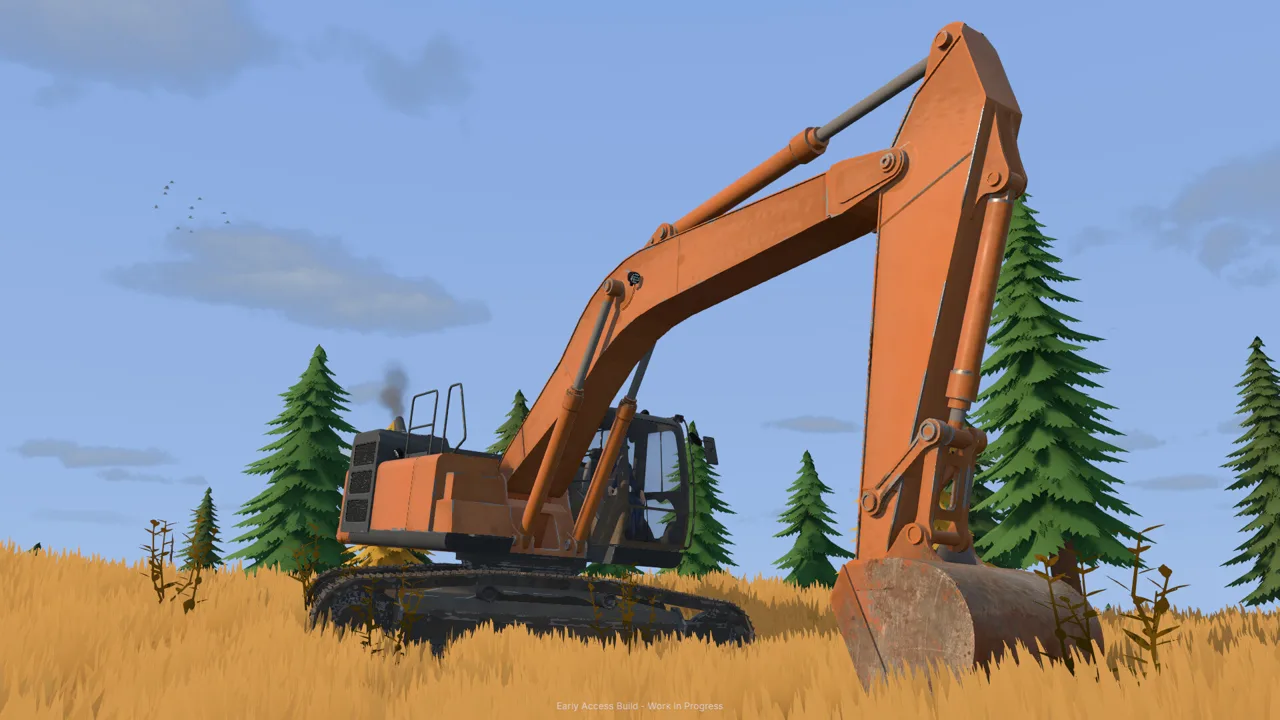 Image: Steam / XYZ STUDIO
The launch keyboard setup uses these controls:
| Input | Function |
|---|---|
| I | Lowers the loader arms |
| K | Raises the loader arms |
| J / L | Adjusts bucket tilt |
| E | Enters or exits the machine |
| Tab | Switches directly between machines |
Keyboard layout selection and control rebinding are available in settings. Check the selected layout if the displayed keys feel unfamiliar, then adjust bindings before settling into repeated loading runs.
Practice the bucket movements somewhere clear. Lower it, change its angle, raise it, and tip it forward. Watch the cutting edge throughout the motion so you can recognize a collecting position without repeatedly checking the controls.
Separate lift from bucket tilt
Raising the arms changes the bucket’s height. Tilting changes its angle. Both matter when collecting and unloading material.
For a stockpile pickup, bring the bucket down and position its cutting edge near the base of the loose dirt. After entering the pile, curl the bucket back and raise it slightly before reversing.
At the conveyor, lift enough to clear the receiving hopper, position the bucket over the opening, and tip forward.
Avoid raising the arms while the bucket still points down into the pile. Practice curling and lifting as distinct movements until you can combine them deliberately.
Use the camera to judge clearance
First-person and external views are available for the loader. Switch views when the hopper edge or bucket position becomes difficult to judge.
Use an external view to inspect your approach and surrounding equipment. Try the cabin view when lining up the bucket with the receiving area. Choose whichever gives you a clear view of the task at hand.
Move Pay Dirt From the Stockpile to the Hopper
The Groundwork Simulator wheel loader works through a repeated scoop, carry, and dump cycle. Set up that cycle carefully before trying to move material quickly.
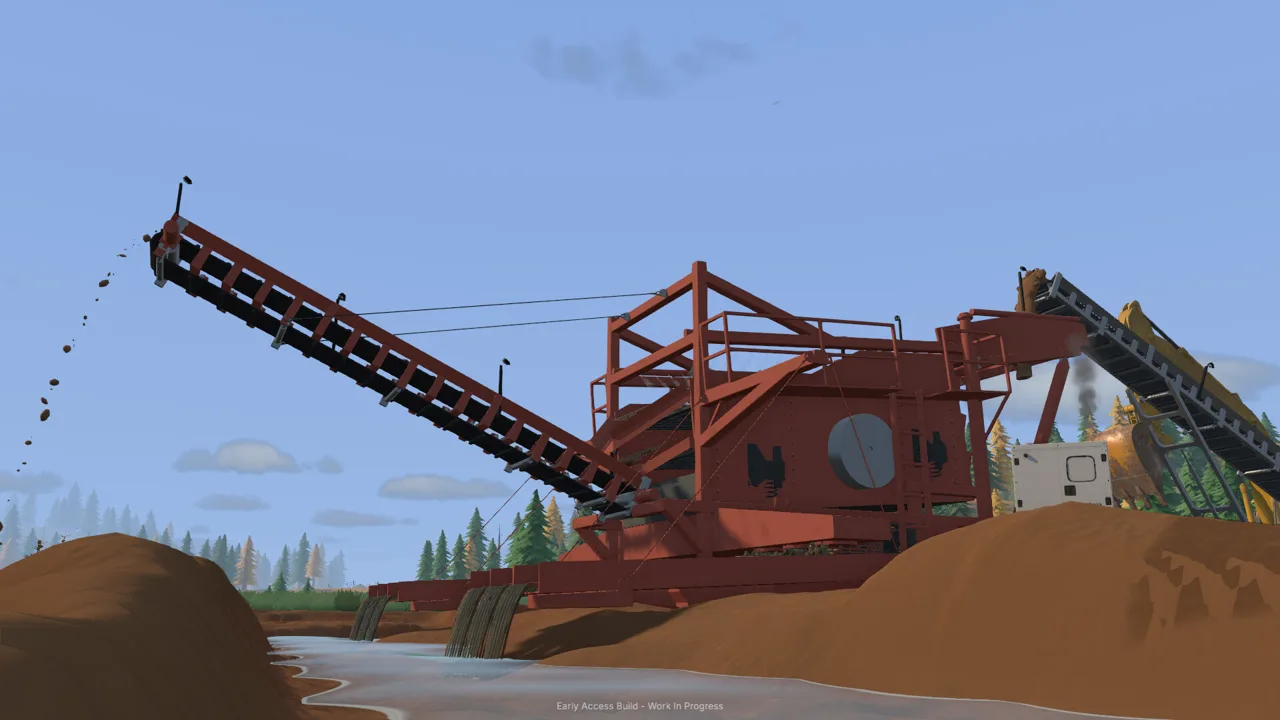 Image: Steam / XYZ STUDIO
| Step | Action |
|---|---|
| Prepare the pile | Tip the truck’s load into the tutorial’s marked stockpile area |
| Clear the approach | Park the truck away from the loader’s working space |
| Position the bucket | Lower it and align the cutting edge with the loose material |
| Collect dirt | Drive into the pile, curl back, and lift slightly |
| Approach the conveyor | Reposition toward the receiving hopper |
| Unload | Raise the bucket over the opening and tip forward |
Make the pile accessible
Dump the truck’s material together rather than scattering it around the conveyor. During unloading, move forward if the remaining dirt is held up against the pile beneath the truck bed.
Once unloading is complete, lower the bed and move the truck aside. Inspect the stockpile from the loader’s approach before starting your next scoop.
Leave access to the pile as it changes shape. A route that works for the opening bucket can become awkward after several passes remove its front edge.
Enter the dirt with a deliberate bucket angle
Line up before driving forward. Keep the bucket low enough to collect the stockpile, then curl it back once material enters.
The game models resistance during excavation, so bucket movement and angle matter. If the bucket struggles, back away and adjust your approach rather than holding the same input against the ground.
Target the loose dirt you dumped. The loader can also disturb the surrounding terrain, making bucket placement especially important beside your gravel access route.
Check the load before turning away
After curling back, raise the bucket slightly and check what you collected. If you missed the pile, reposition before making a trip to the conveyor.
Carry the material with enough clearance for the route. Watch slopes, mud, and uneven ground, particularly around the edge of the stockpile.
The Groundwork Simulator wheel loader operates on terrain that changes as you work. Keep looking at the ground beneath your wheels instead of assuming each return trip will follow an identical surface.
Center the bucket over the opening
Approach the hopper slowly, raise the load clear of its edge, and move the bucket over the receiving area before tipping.
Watch where the dirt lands. If it falls beside the hopper, correct your alignment on the next pass. Repeated spills create another pile to collect and can alter the space around the conveyor.
Back away before lowering the bucket for another scoop. Check that the cutting edge clears the hopper and nearby equipment throughout the movement.
Feed the Wash Plant in the Correct Order
Loading the hopper is only part of the Groundwork Simulator wheel loader workflow. The conveyor needs a running trommel ready to receive its material.
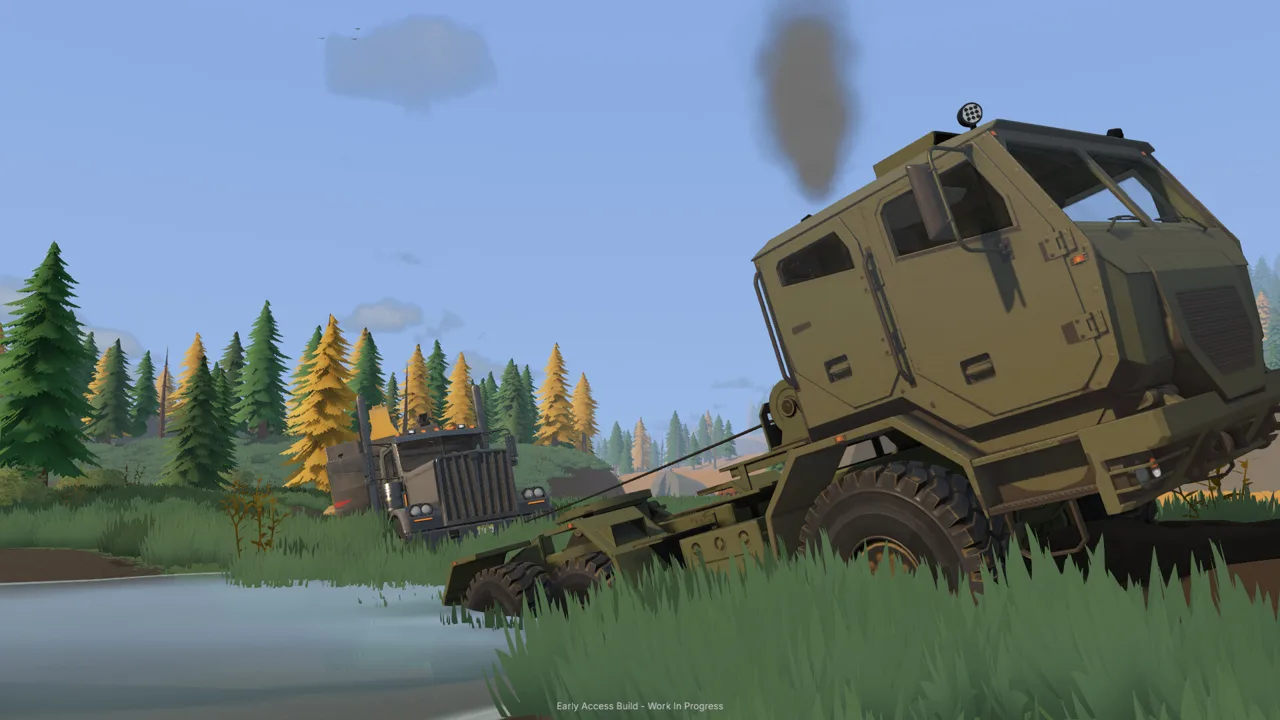 Image: Steam / XYZ STUDIO
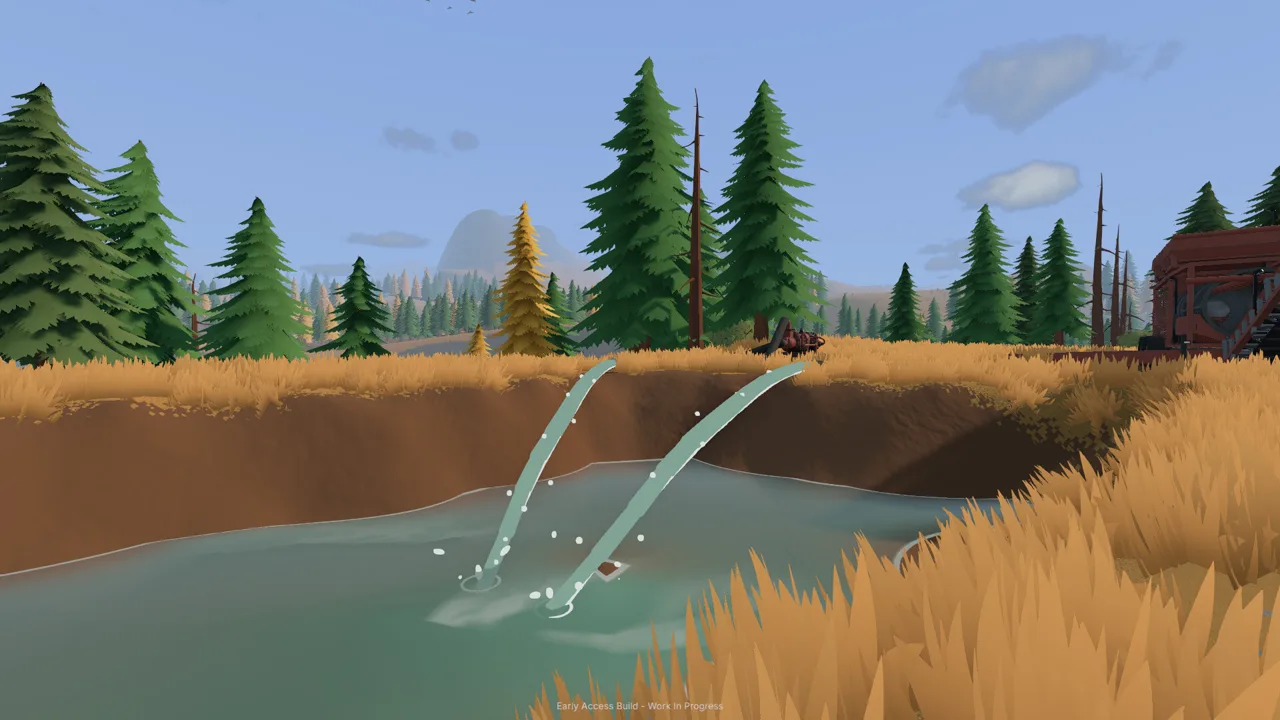
The starting setup uses a river pump to supply a holding pond and another pump to send water from that pond to the trommel. A generator trailer provides power when positioned within reach of the plant.
Complete those connections and start the required equipment before feeding dirt.
The tutorial’s operating order is:
- Establish the water supply and position the generator.
- Start the generator.
- Load stockpiled dirt into the small conveyor’s hopper.
- Start the trommel’s drum and spray bar.
- Start the small conveyor.
- After feeding finishes, stop the conveyor.
- Let the remaining material finish processing, then stop the wash plant.
- Empty the sluice boxes and carry the concentrate pallet to the cleanup table.
At the launch setup’s equipment controls, G toggles the generator, trommel, and conveyor. Stand at the relevant control position before using it.
Watch both ends of the conveyor
Conveyor speed is adjustable. Watch the receiving material level at the trommel when increasing the feed rate, and reduce the belt speed if material begins accumulating there.
Keep your attention on the whole washing line. An empty loader bucket tells you the transfer is complete; the plant still needs time to process what has entered.
Finish the cleanup
After stopping the wash plant, empty the sluice boxes and move the concentrate pallet to the cleanup table. Start the table to separate the remaining dirt from the gold.
The launch tutorial gives the cleanup table a processing rate of 125 grams per hour and directs you to use 120× time speed during cleanup. Collect the finished gold jar and place it in storage before selling through the Gold Prices menu.
Check the pond while working elsewhere, too. Leaving the river pump running can overflow it and flood the claim.
Fix Awkward Loading and Protect Your Worksite
Check where the pile sits, how the bucket meets it, and whether the hopper opening is clear before correcting your approach.
Use these checks when a Groundwork Simulator wheel loader run becomes messy:
| Problem | What to check | Adjustment to try |
|---|---|---|
| Bucket collects little dirt | Alignment with the stockpile | Reposition toward the loose material before entering |
| Bucket disturbs the access route | Cutting-edge height and angle | Raise or tilt it before crossing exposed ground |
| Dirt lands beside the hopper | Bucket position over the opening | Move into alignment before tipping |
| Loader approach feels cramped | Truck parking and nearby equipment | Move the truck outside the turning area |
| Ground around the plant floods | River pump and pond level | Stop the filling pump before the pond overflows |
Keep checking the ground
Every scoop can change the worksite. Digging creates edges, dumping builds obstacles, and careless bucket placement can disturb a route you still need.
Inspect the approach after several loading cycles. If the ground has become awkward, improve it before continuing with another load. The game includes bulldozers for earthmoving and a rake that flattens ground.
Keep equipment routes accessible as the operation grows. Leave space around the stockpile, conveyor controls, pumps, and cleanup area.
Divide the work in online co-op
Online co-op lets you split excavation, transport, and material handling between players.
Assign the loader operator the stockpile-to-conveyor transfer while another player digs or hauls. Coordinate truck arrivals so the dumping area stays accessible, and communicate before starting or stopping the washing line.
For solo work, use machine switching to move between jobs. Finish unloading the truck and park it clear before returning to the loader.
Keep the cycle deliberate: collect loose dirt, carry it across usable ground, and place it inside the hopper. Those small positioning decisions shape every load that follows.
FAQ
What does the Groundwork Simulator wheel loader do?
It carries stockpiled dirt into the small conveyor’s receiving hopper. In the starting tutorial, the dump truck creates the stockpile, then the loader transfers that material into the washing line.
How do you raise and tilt the loader bucket?
The launch keyboard setup uses I to lower the arms and K to raise them. J and L adjust bucket tilt. Check your keyboard layout and bindings in settings before practicing.
Can the wheel loader change the terrain?
Yes. Its bucket can disturb the ground as you work. Aim at the truck-dumped stockpile and watch the cutting-edge position when crossing the gravel route or maneuvering beside the conveyor.
Why is the conveyor loaded but the dirt is not washing?
Check that the water supply, generator, and trommel are running, then start the conveyor. The drum and spray bar need to operate before the belt feeds material into the plant.
Continue with
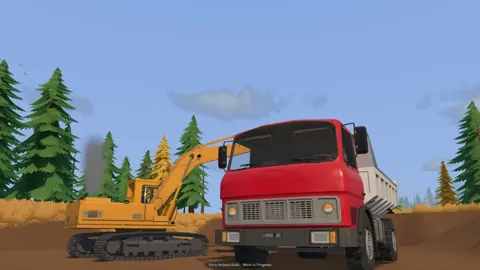 Groundwork Simulator Bulldozer Guide: Terrain & WaterUse the bulldozer's front blade to push tailings into holes, spread dirt, and reshape your mining site while keeping truck and loader routes clear.
More in Machinery

Groundwork Simulator Excavator Controls and Digging Tips
Master the Groundwork Simulator excavator with tips on controls, bucket angles, truck loading, terrain changes, and keeping your gold operation moving.
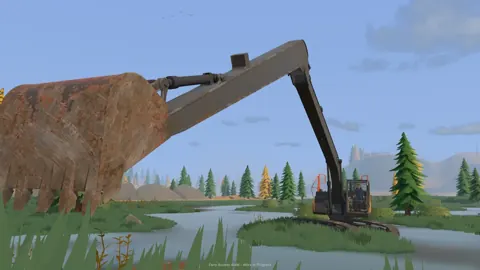
Groundwork Simulator Machinery Guide: Dig and Haul
Use this Groundwork Simulator machinery guide to master excavators, loaders, hauling, water pumps, and gold processing. Plan a smoother mining operation.
Continue exploring

Join the community
Official channels for news, updates and player help: