Dig into hillsides, haul material and build a washing operation that turns dirt into gold. Take the controls yourself or share the site with up to three friends.
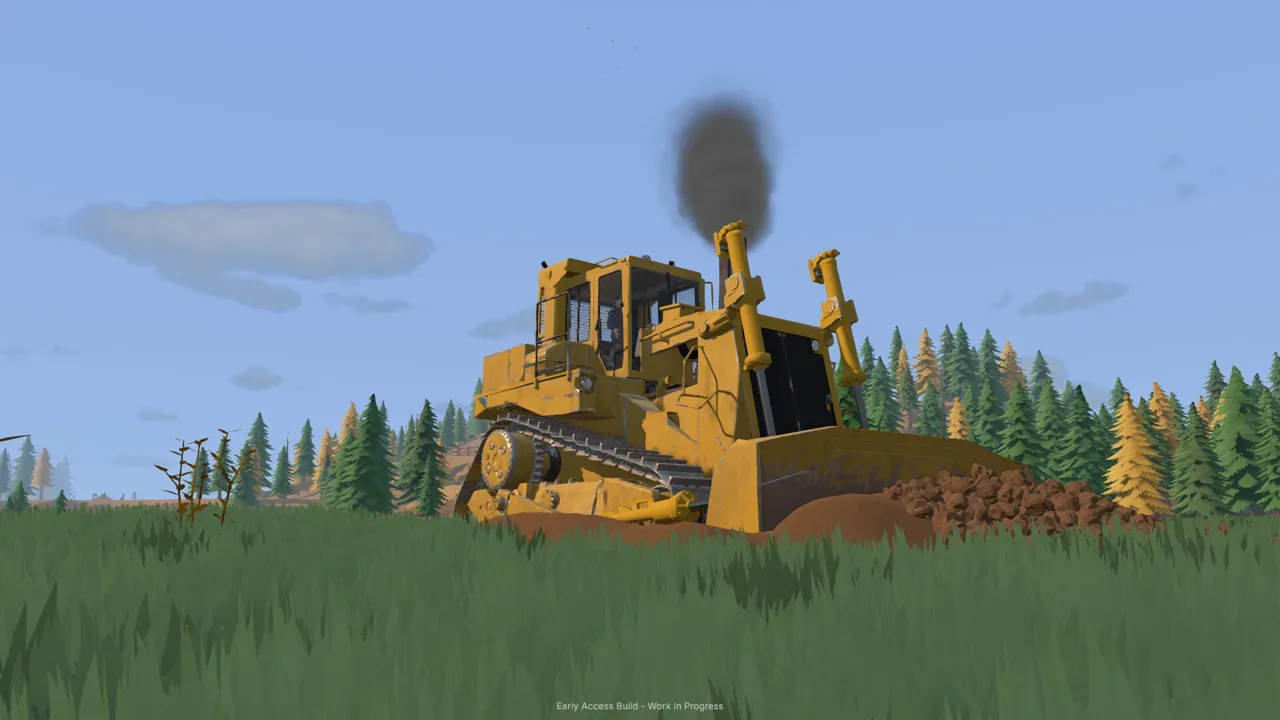
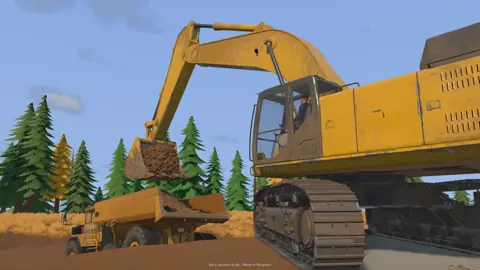
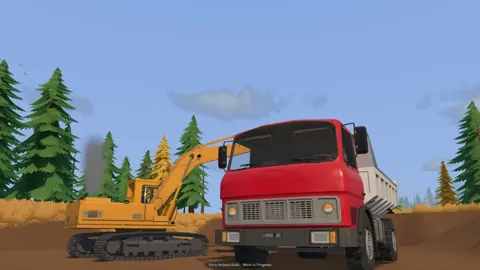
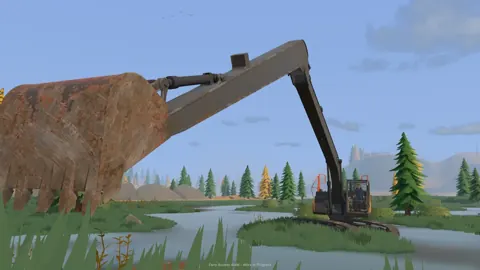
Groundwork Simulator is an open-world heavy machinery and gold mining simulator. Operate excavators, wheel loaders and bulldozers while turning untouched ground into a working site.
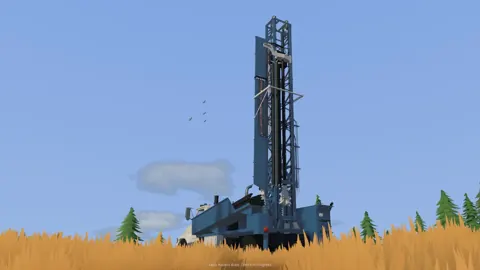
Every scoop reshapes the terrain, changing slopes and access routes around your operation. Drill for deposits, transport material and connect washing equipment to recover gold.
Gold recovery starts with testing the ground before you commit to digging. Follow the mining loop from drilling for deposits to washing material and processing concentrate on the shaking table.
1
1
Explore the land, drill test holes and test for gold deposits before choosing your digging spot.
2
2
Set up your wash plant and excavate promising material from the ground you have tested.
3
3
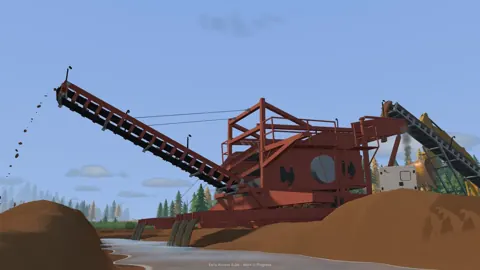
Move excavated material to the washing setup and wash it through the sluice boxes.
4
4
Process the concentrate on the shaking table to recover gold.
Share the worksite with friends and split the work between digging, transport and washing. You can also run the operation solo and handle each part of the job yourself.
Online Co-op
Work together on a shared site and coordinate machines between the excavation area and the wash plant.
Split the Work
Take the excavator while a friend handles transport to keep material moving across the site.
Solo Play
Run the operation yourself and work through digging, hauling and washing at your own pace.
Get familiar with the excavators, wheel loaders, bulldozers and trucks available for site work. Digging is only part of the operation: machinery also needs moving, and excavated material needs hauling.
Check your hardware before heading onto the worksite, especially your CPU and RAM. Detailed soil and water simulations make this a demanding game even when the graphics look straightforward.
Platforms
Available on Steam for Windows and macOS, released October 22, 2026.
Minimum Windows Requirements
64-bit Windows 10, Intel Core i5-8400 or AMD Ryzen 5 2600, 16 GB RAM, NVIDIA GTX 1070 with 8 GB VRAM, DirectX 12 and 10 GB available storage.
Recommended Windows Requirements
64-bit Windows 11, Intel Core i5-12400 or AMD Ryzen 5 5600, 24 GB RAM, NVIDIA RTX 3060 with 8 GB VRAM or AMD RX 6600 with 8 GB VRAM, DirectX 12 and 10 GB available storage.
CPU Workload
Soil and water physics place a heavy load on the CPU, so check more than your graphics card when comparing your setup.
Getting a bucket into the ground means working with resistance and available hydraulic power. Learn how digging angle, material buildup and lifting the load fit into each scoop.
Bucket Resistance
The excavation engine simulates resistance as the bucket meets the ground and fills with material.
Digging Angle
Adjust the bucket angle as you cut through the terrain.
Hydraulic Power
Work with the machine's available hydraulic power to fill the bucket and lift the load.
Changing Ground
Every scoop reshapes the terrain, changing the ground you will work on next.
Your washing operation needs a water supply routed across the worksite. Position pumps and hoses, connect the setup and adapt the layout as your operation grows.
1
1
Position your water equipment to supply the washing operation.
2
2
Route pump and hose connections across the site to bring water where it is needed.
3
3
Get water flowing to the washing setup.
4
4
Adapt the equipment layout and connections as the worksite grows.
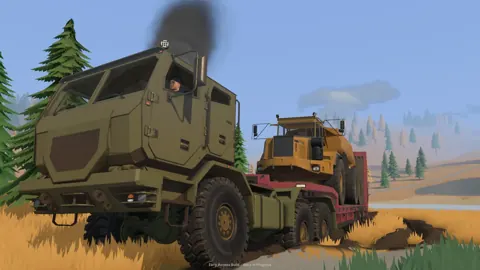
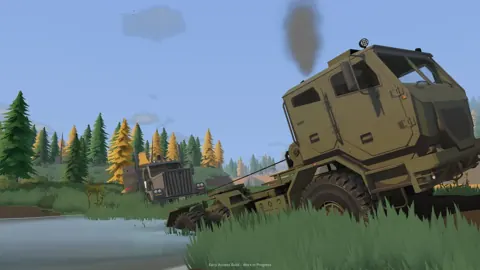
Moving heavy machinery is a job of its own. Line up for trailer loading, plan a route through difficult ground and deliver your equipment to the next worksite.
1
1
Line up your machinery for loading onto the trailer.
2
2
Load the machinery and plan the truck route to your next worksite.
3
3
Navigate tight turns, slopes and rough terrain with the heavy load behind you.
4
4
Unload your machinery where it is needed and begin work at the new site.
The ground you leave behind affects the next load, route and digging job. Shape trenches, hillsides and piles while keeping an eye on mud, slopes and traction.
Terrain Shaping
Dig trenches, cut into hillsides and build up piles to reshape the worksite.
Access Routes
Excavation creates new routes and steeper slopes, changing how machinery moves around the site.
Mud and Slopes
Watch traction and choose your approach when driving across mud, slopes and rough ground.
Ground Improvement
Improve the ground beneath your wheels when difficult terrain gets in the way of the next digging job.
Play solo or join online co-op with up to four players.
Which platforms can I play on?
Groundwork Simulator is available through Steam for Windows and macOS.
What do I do in Groundwork Simulator?
Operate heavy machinery, reshape terrain, test for gold deposits and build a washing operation.
Run the Site Yourself or Bring Your Crew
Take the excavator while a friend handles transport, or work together to keep material moving to the wash plant. Play solo or build your operation with up to four players.