
Early access · Release date: October 22, 2026
UpdatedGroundwork Simulator Excavator Controls and Digging Tips
Master the Groundwork Simulator excavator with tips on controls, bucket angles, truck loading, terrain changes, and keeping your gold operation moving.
Jump to
How the Groundwork Simulator Excavator Works
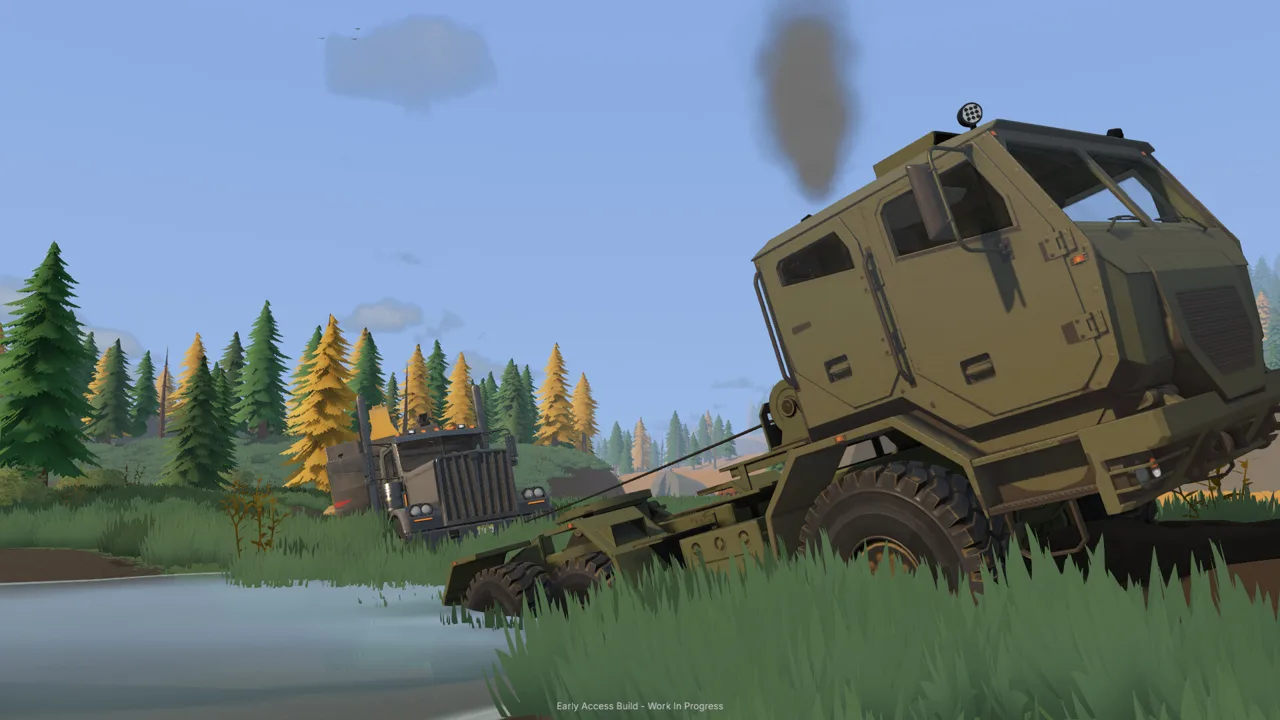
Every scoop leaves you with a changed worksite. The Groundwork Simulator excavator digs material for your gold operation while reshaping the ground that your trucks and other machines depend on. Learning the Groundwork Simulator excavator means getting comfortable with hydraulic resistance, bucket angles, and a loading position that keeps material moving.
Groundwork Simulator launched into Early Access on October 22, 2026. Excavation connects directly to its larger mining loop: investigate promising ground, dig out material, transport it to your washing setup, and process the concentrate into gold.
The excavator handles several jobs within that loop. You can cut into hillsides, dig trenches, create piles, and open up terrain around your operation. Those changes affect your next move because the landscape keeps the shape you leave behind.
The digging system also responds to resistance. A bucket buried in the ground can struggle as you curl it, and pressure against the terrain can lift the machine itself. Your angle and the available hydraulic power both matter when filling and raising a load.
Start with the tutorial’s rusty excavator and its marked digging area. Practice a complete scoop, lift, swing, and dump before opening a larger cut. Watch the bucket and the ground together: material moving around the teeth tells you something different from material actually staying inside the bucket.
Set Up Your Excavator Controls Before Loading
The Groundwork Simulator excavator has several movements to coordinate, so spend time with the control settings before trying to work quickly. The launch build includes keyboard rebinding and ISO/SAE control-pattern options.
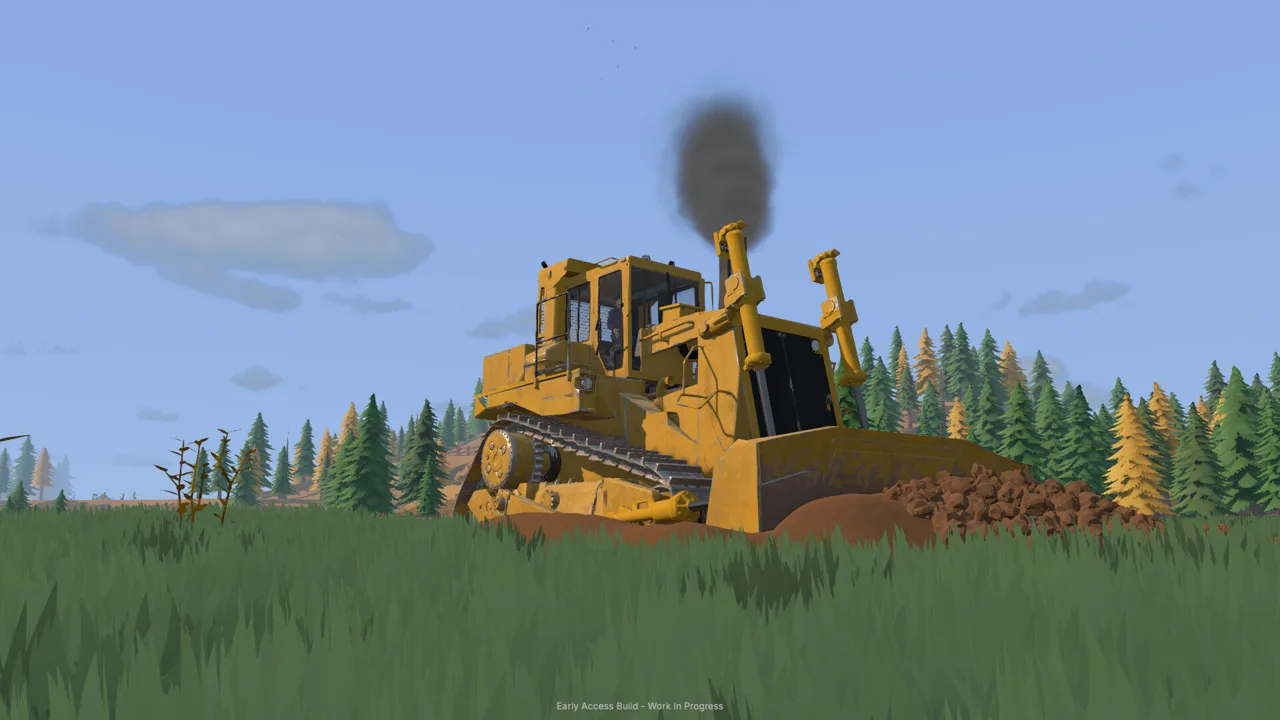 Image: Steam / XYZ STUDIO
Check the keyboard layout early. Launch gameplay includes both Z/Q-style movement prompts and a QWERTY setting. Match the layout to your keyboard before changing individual bindings, then test each excavator movement separately.
| Control or setting | What it does | What to check |
|---|---|---|
| F2 | Opens additional control information | Read the machine’s displayed controls |
| Keyboard layout | Changes the keyboard arrangement | Select the arrangement matching your keyboard |
| ISO/SAE pattern | Changes the excavator control pattern | Choose your familiar pattern before practicing |
| Control rebinding | Changes individual key assignments | Test each changed movement immediately |
| V | Enables driving mode | Check the mode before repositioning |
Use keyboard and mouse as your starting setup. Launch-era Windows gameplay includes unsuccessful attempts to use an Xbox controller and a steering wheel with an H-pattern shifter. Keep that limitation in mind when planning your controls.
Separate learning the boom, stick, bucket, and swing into individual actions. Raise and lower the boom, extend and retract the stick, curl and open the bucket, then rotate toward an empty dumping area. Combine those movements after you can identify each one without guessing.
If a movement feels backward, rebind it before continuing. For example, launch gameplay uses I to lower and K to raise the boom before those keys are swapped in the settings. Follow your chosen bindings once you make changes.
Use the camera to keep the bucket visible. Switch between the cabin and exterior views as needed, and check clearance around the truck before swinging a loaded bucket over it.
Build a Consistent Digging and Loading Cycle
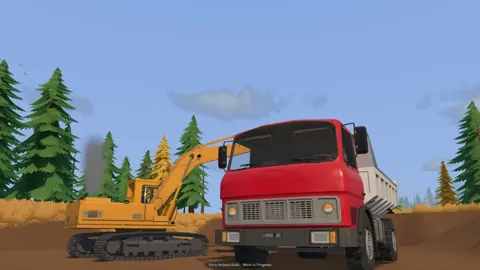
The Groundwork Simulator excavator rewards attention to how the bucket enters the soil. Digging too deeply creates resistance, while lifting too early can leave you carrying a small amount of material.
 Image: groundworksimulator.com
Use the tutorial’s darker gravel and low spots as your starting point. Later, combine surface scanning with drill samples to choose your cut. The material detector checks shallow ground, while the drill truck reveals deeper layers and gold-bearing bands.
Work Through Each Bucket Deliberately
- Position beside the digging area. Leave room to reach the material and swing toward the truck.
- Open the bucket and lower it into the cut. Keep the entry point visible.
- Draw material inward while curling. Watch how much soil actually enters the bucket.
- Lift the load clear. Raise it before swinging toward nearby equipment.
- Line up over the truck bed. Adjust the arm’s reach before opening the bucket.
- Dump and check the truck’s load display. Return to the cut after checking where the material landed.
The game displays bucket fullness, and launch gameplay includes noticeably different fills from one scoop to the next. Use that feedback to compare your movements. Repeat an angle that fills the bucket cleanly, then adjust when the same motion starts pushing soil around or struggling against the cut.
| What happens during the cycle | What to watch | Adjustment to try |
|---|---|---|
| Bucket curls with strong resistance | How deeply it sits in the ground | Reposition for a shallower cut |
| Bucket lifts with little material | Whether you lifted before filling it | Continue the scooping motion before raising |
| Dirt lands outside the truck | Bucket position above the bed | Adjust reach before opening |
| Truck reaches full capacity | Truck load percentage | Haul the load before adding more |
| Digging changes the loading area | New holes, piles, and slopes | Reposition the machines as the cut develops |
Avoid judging the truck’s remaining capacity by appearance alone. Launch gameplay reaches a 100% truck load while the bed still appears to have room. Read the load display before taking another scoop.
Keep checking your Groundwork Simulator excavator position as you advance. A truck placement that worked beside a shallow opening can become awkward after repeated digging changes the surrounding ground. Move the equipment when the loading cycle starts requiring extra reach or obstructed swings.
Practice precision before speed. A full bucket only helps when its contents reach the intended destination.
Connect Excavation to the Gold Processing Line
Your Groundwork Simulator excavator supplies the material, but gold recovery depends on the rest of the site. The tutorial moves dirt through a dump truck, a stockpile, a wheel loader, and a conveyor before washing begins.
 Image: Steam / XYZ STUDIO
Follow that sequence while learning the equipment. The starting truck cannot simply replace every transfer step: launch gameplay uses the wheel loader to lift stockpiled dirt into the conveyor hopper.
| Stage | Equipment | What happens |
|---|---|---|
| Excavation | Excavator | Material is dug and loaded into the truck |
| Hauling | Dump truck | The load moves closer to the wash line |
| Stockpile handling | Wheel loader | Dirt moves from the pile into the conveyor hopper |
| Feeding and washing | Conveyor and trommel | Material enters the running wash plant |
| Concentrate recovery | Sluice boxes | Concentrate is collected after shutdown |
| Cleanup | Shaking table | Remaining dirt is separated from the gold |
Place the stockpile where the loader can approach it without another vehicle blocking the way. Park the empty truck clear after unloading. Keep the loader’s approach visible, especially when working beside slopes or equipment.
Watch the material as the truck tips. A pile can build against the discharge area and prevent the remaining dirt from dropping freely. Pull forward carefully when needed to finish unloading.
Start the Wash Line in Order
The washing setup needs water and power before it can process the excavated material. In the tutorial, one pump supplies a holding pond from the river, while another supplies the trommel from that pond. A nearby generator powers the plant.
Start the trommel before starting the feeding conveyor. Monitor the receiving hopper as you adjust conveyor speed; launch gameplay shows its contents building up when material arrives faster than the plant clears it.
After feeding finishes, shut down the conveyor. Let the remaining material finish processing, then stop the wash plant before emptying the sluice boxes.
Carry the cleanup pallet to the table and start processing there. The tutorial uses a cleanup rate of 125 grams per hour and directs you to increase time speed during that stage. Collect the finished gold jar and put it into storage before selling the recorded gold.
Keep the digging area, stockpile, and processing line in mind together. Prepare the next load around the space and equipment available at each transfer point.
Manage Terrain, Water, and Shared Work
The Groundwork Simulator excavator keeps changing the conditions around your operation. Digging creates slopes and holes, while deposited material builds piles that affect access. Mud and rough ground also make transport more demanding.
Inspect the route between the cut and wash line as the operation grows. Use the bulldozer and other terrain tools when the ground needs reshaping, and keep your machines’ working areas clear.
| Machine or system | Role around the excavation site |
|---|---|
| Excavator | Digs cuts, trenches, and material for processing |
| Dump truck | Transports excavated material |
| Wheel loader | Moves stockpiled material into the feeding setup |
| Bulldozer | Pushes material and reshapes ground |
| Pumps and hoses | Supply water to the washing operation |
| Truck and trailer | Transport heavy machinery between worksites |
Watch the Holding Pond
Water deserves the same attention as truck capacity. Leaving the river pump running can overflow the tutorial’s holding pond and flood the surrounding claim.
Check the pond before walking away for drilling or exploration. Shut off its supply pump when it no longer needs filling, and distinguish that pump from the one feeding the trommel. Each serves a different part of the water line.
Excavation also interacts with water. The bucket disturbs water during digging, and moving terrain can displace it. Check the area around a flooded cut before settling into another loading cycle.
Divide the Work in Online Co-op
Online co-op lets you split machine duties. Take the excavator while a friend handles transport, or divide the digging and wash-line jobs.
Coordinate truck arrivals and departures before swinging a loaded bucket. Keep the loading position clear when a truck leaves, and communicate when the next truck is ready.
When running the Groundwork Simulator excavator solo, finish each transfer deliberately: load the truck, haul and unload it, then switch to the loader. Keep track of the pump and processing equipment between machine changes.
The soil and water simulations also put substantial demand on the CPU. The Windows requirements include 16 GB of RAM at minimum and 24 GB recommended. Check your hardware against the Groundwork Simulator Steam page before buying.
FAQ
How do you change Groundwork Simulator excavator controls?
Open the control settings and rebind the individual excavator actions. The game also includes keyboard-layout settings and ISO/SAE patterns. Select the layout and pattern first, then test your bindings.
Why does the bucket struggle to curl?
The excavation system simulates resistance and hydraulic power. A bucket pressed deeply into the terrain can struggle during curling. Lift or reposition it and try a shallower entry angle.
Can you dig in water?
Yes. Excavation interacts with water, and the bucket disturbs it while digging. Terrain changes can also displace water. Monitor nearby pumps so an overflowing pond does not keep adding water to the work area.
Can you excavate while a friend drives the truck?
Yes. Online co-op supports dividing the work between excavation and transport. Coordinate the truck’s loading position and keep it stationary while material is being dumped into the bed.
Continue with
 Groundwork Simulator Machinery Guide: Dig and HaulUse this Groundwork Simulator machinery guide to master excavators, loaders, hauling, water pumps, and gold processing. Plan a smoother mining operation.
More in Machinery
Groundwork Simulator Bulldozer Guide: Terrain & Water
Use the bulldozer's front blade to push tailings into holes, spread dirt, and reshape your mining site while keeping truck and loader routes clear.

Groundwork Simulator Wheel Loader: Controls and Tips
Learn Groundwork Simulator wheel loader controls, move stockpiled pay dirt, feed the conveyor, and keep the wash plant running with practical loading tips.
Continue exploring

Join the community
Official channels for news, updates and player help: