
Early access · Release date: October 22, 2026
UpdatedGroundwork Simulator Bulldozer Guide: Terrain & Water
Use the bulldozer's front blade to push tailings into holes, spread dirt, and reshape your mining site while keeping truck and loader routes clear.
Jump to
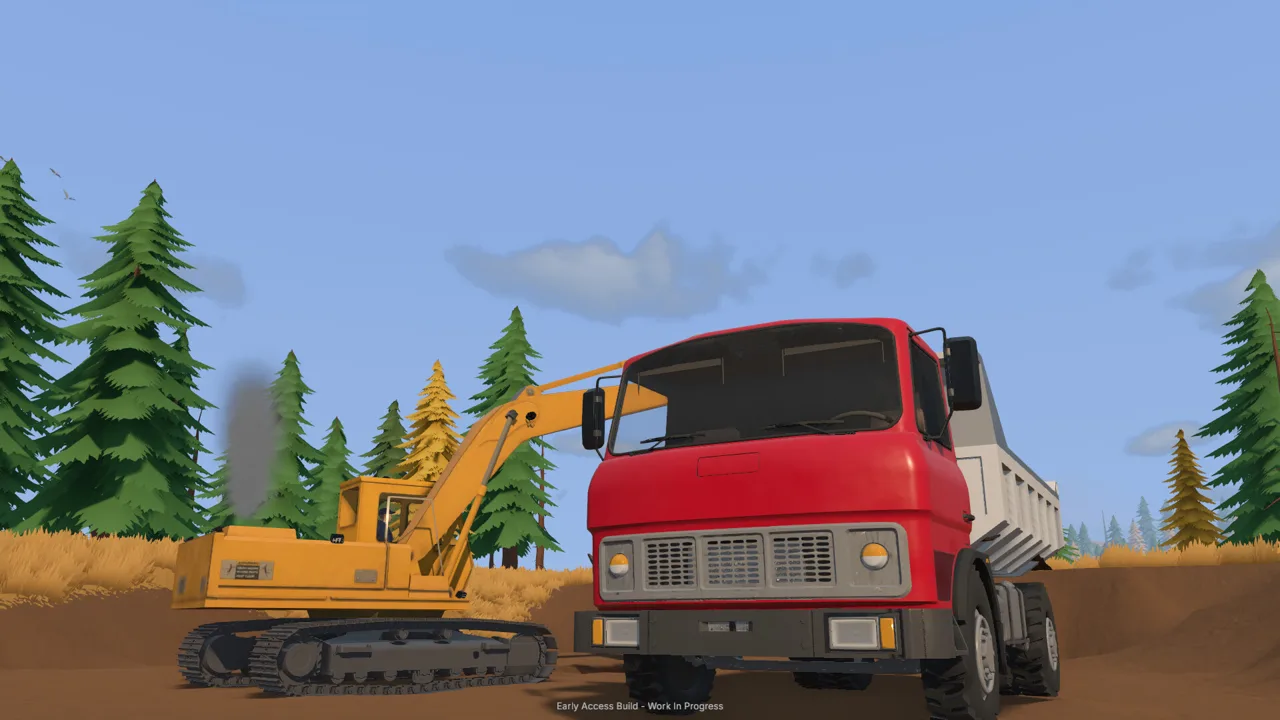
What Does the Groundwork Simulator Bulldozer Do?
The Groundwork Simulator bulldozer lets you push loose material into excavated ground and reshape the surface of your mining site. That matters because every digging job changes the routes your trucks and loaders need to use. Put the Groundwork Simulator bulldozer to work around those changes, especially when piles, pits, and water start competing for the same space.
Its clearest job is moving material with the front blade. Push tailings toward a hole, spread accumulated dirt, or work on the ground around your excavation. When pushed material enters water, it also changes the space that water occupies.
Groundwork Simulator launched into Early Access on October 22, 2026. In the launch build, the dozer's blade moves up, down, left, and right, giving you control over how it meets the terrain.
The machine fits into a larger operation built around digging, transporting, and washing material:
| Machine | Role in the mining operation |
|---|---|
| Bulldozer | Push material and reshape ground with its blade |
| Excavator | Dig into terrain and load excavated material |
| Wheel loader | Scoop material from piles and feed the washing setup |
| Dump truck | Carry loose material between working areas |
| Drilling rig | Test underground deposits before excavation |
Keep those jobs connected. Use the excavator to reach promising ground, transport the material, and feed your processing equipment. Bring the bulldozer into the plan when the resulting terrain needs attention.
Before pushing a pile, decide where that material should end up. A hole you intend to fill and an active excavation you intend to keep open require different decisions. Look beyond the blade to the next truck approach, loader pickup area, and water connection.
Official page: Groundwork Simulator (store.steampowered.com)
Learn the Blade Before Moving a Large Pile
The Groundwork Simulator bulldozer becomes easier to manage when you separate blade positioning from forward movement. Start on an open patch, check the blade's position, and make a short push before tackling a larger mound.
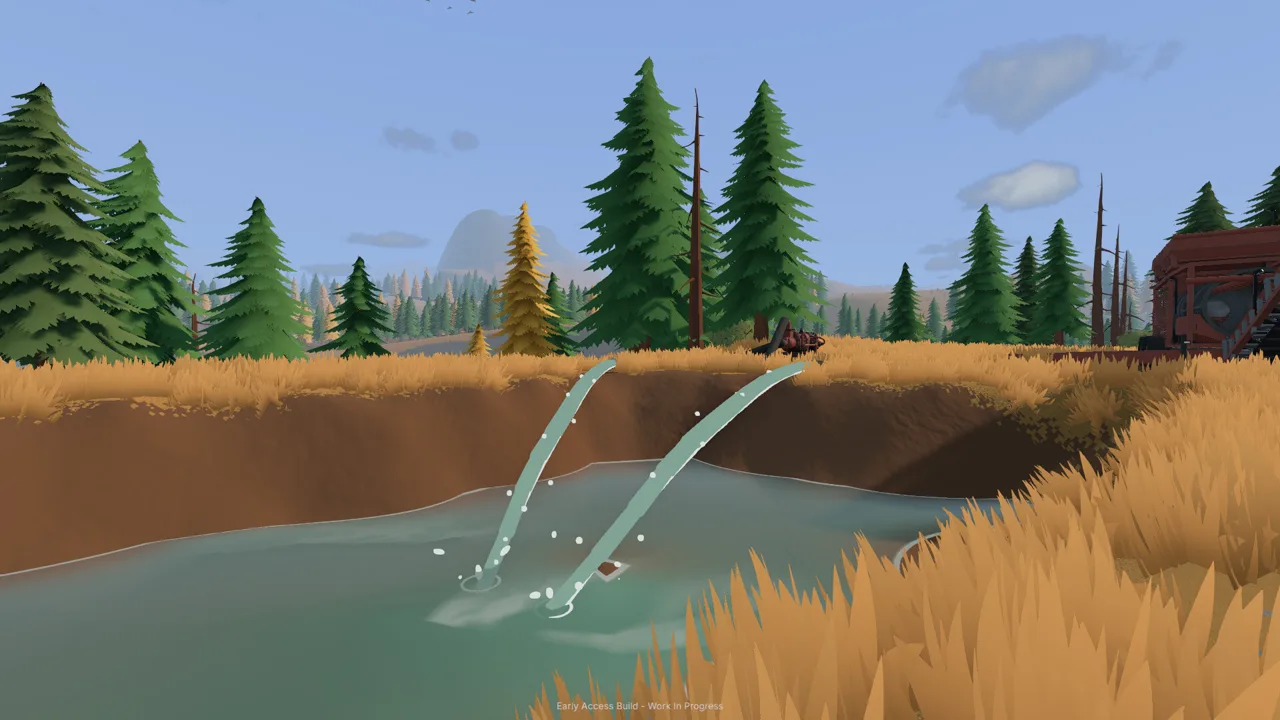 Image: Steam / XYZ STUDIO
The launch build includes machine control information and configurable bindings. Check your active controls before working beside equipment or water. Keyboard layout settings also matter: select the layout you actually use before adjusting individual bindings.
Think about blade movement in terms of the job directly ahead:
| Blade movement | What it changes | Practice task |
|---|---|---|
| Up | Raises the blade | Lift it before repositioning |
| Down | Lowers the blade toward the ground | Bring it into contact with a small pile |
| Left and right | Moves the blade sideways | Check its position against the intended push |
Use a view that lets you see the blade and the receiving ground together. Groundwork Simulator provides alternate vehicle views, so change your angle when the machine blocks your view of the material.
Practice With a Small Fill
Choose a small amount of loose dirt beside an excavated area. Position the dozer so the material and destination are ahead of you, lower the blade, and push toward the opening. Stop and inspect the surface before continuing.
Keep the exercise focused:
- Move a small pile before working a larger bank.
- Lift the blade when traveling between working positions.
- Check the ground after each push.
- Leave room to turn and approach again.
- Keep your active digging area separate from material you intend to spread.
These are planning habits rather than a fixed operating sequence. The terrain changes as you work, so adjust your next approach to the surface you have just created.
Avoid judging progress only by how much dirt moves in one pass. Look at where the dirt lands. Material pushed across a truck route creates another job, while material placed in your intended fill area advances the work.
Move Your Bulldozer Between Worksites
Getting the Groundwork Simulator bulldozer into position is part of the machinery workflow. Heavy equipment can travel on a trailer behind a truck, and the game also includes a machine transport tool.
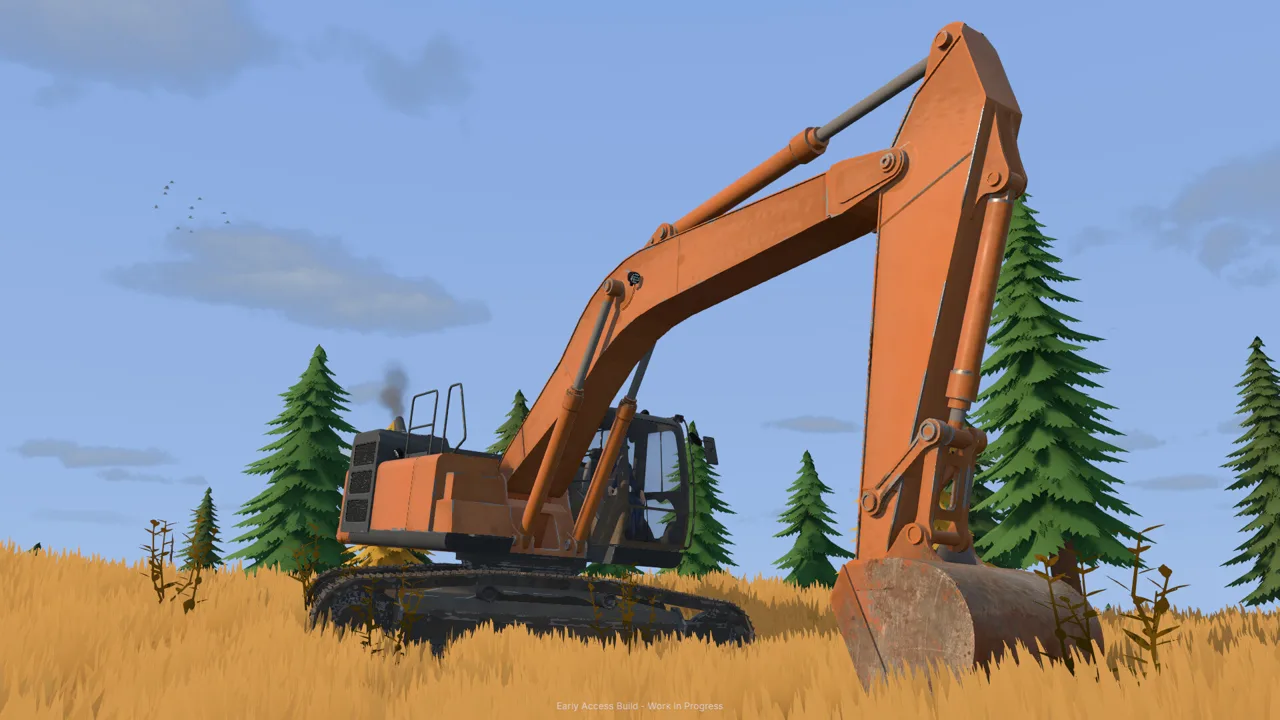 Image: Steam / XYZ STUDIO
Truck-and-trailer transport requires lining up your equipment for loading and navigating with a heavy load. Tight turns, slopes, and rough terrain all become part of the trip. The dozer appears on a low-loader trailer in the game's transport setup.
Choose your relocation method before committing to the journey:
| Relocation method | What it involves |
|---|---|
| Truck and trailer | Load the machine, drive the route, and unload at the worksite |
| Machine transport tool | Select and relocate equipment through the transport interface |
For trailer transport, inspect the destination as well as the road. Leave enough space to unload and bring the dozer around to its working position. Avoid filling that arrival area with excavated material before the machine gets there.
For the transport tool, check the selected machine before completing the move. The interface cycles through equipment, so pay attention to which vehicle you are placing.
Park near the work you intend to do. A bulldozer beside the wrong pile still needs repositioning, and a machine placed across the loader's approach becomes another obstacle.
Before leaving, lift the blade and take another look at nearby equipment. Plan the exit while there is still open ground around the machine.
Handle Water When Filling Pits
Water gives bulldozer work an extra consequence. In the launch build, pushing material into a water-filled excavation displaces water as the ground changes.
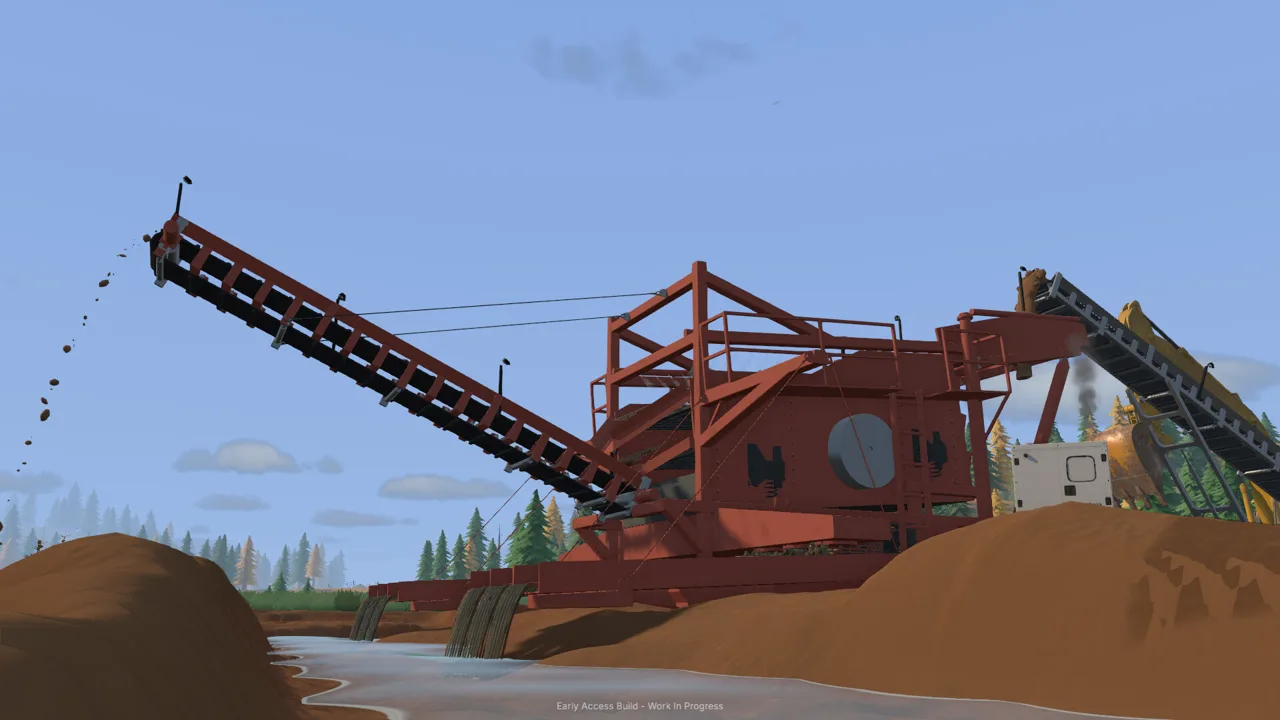 Image: Steam / XYZ STUDIO
That makes the Groundwork Simulator bulldozer useful for experimenting with the shape of a wet work area. It also means a fill job deserves more attention than simply pushing until the hole looks smaller.
Watch the water as closely as the dirt. Pause after a push and inspect the surrounding ground before adding more material. Keep the next move small enough that you can assess what changed.
| System or condition | What happens in the game | Action to take |
|---|---|---|
| Soil pushed into water | The added material displaces water | Inspect the water after each push |
| Pump feeding a holding pond | Water continues entering while the pump runs | Check the pump before changing the pond's shape |
| Excavated ground | Digging changes the surrounding terrain | Recheck access around the cut |
| Mud and slopes | Traction and route choice affect travel | Inspect approaches before moving a heavy load |
Check the Pumps Before Reshaping a Pond
The washing operation uses pumps and hoses to move water. In the starting setup, one pump brings water from the river to a holding pond, while another supplies the trommel from that pond.
Check whether water is still entering before you begin filling or reshaping that area. Stop the relevant pump when you need to work without continued inflow, then inspect the pond and its connections.
Keep the washing setup in mind throughout the job. The plant needs its water supply, and its hoses run across the site. Plan your pushing route around that layout.
Keep Water Experiments Separate From Production
Try a small fill away from the active washing area before making a larger change beside it. Watch how the ground and water respond, then decide whether to continue.
Avoid building an entire mining plan around an imagined river diversion. Start with the terrain change directly in front of you: where the material goes, where the water moves, and whether your machines still have access afterward.
Fit Bulldozer Work Into Your Mining Routine
The Groundwork Simulator bulldozer supports the work between excavation and processing. Give it a defined task within that routine so you spend your time moving useful material.
Before opening a larger cut, drill and test the ground. Gold recovery involves finding promising deposits, excavating material, washing it through sluice boxes, and processing the concentrate on a shaking table. Keep that chain in mind when deciding where piles and access routes belong.
Plan Around the Machines That Need Access
Leave a route between the excavation and the washing equipment. Keep the loader's pickup area accessible, and give the truck enough room to approach its loading and dumping positions.
When a pile begins obstructing that layout, decide whether to move it for processing or push it as part of a fill job. Keep those intentions separate before bringing the blade into contact with it.
For solo play, group related tasks together. Inspect the ground, handle the dozer work, then return to digging or feeding the plant. Finish a defined section of terrain before switching machines again.
In online co-op, divide work around the site's immediate needs. Divide excavation and transport duties among teammates. Coordinate a bulldozer pass before sending it across the same space.
Use clear, physical destinations when discussing the job: the hole beside the pile, the approach to the loader, or the ground behind the truck. Agree on where the material belongs before anyone starts moving it.
Respect the Launch Build's Rough Edges
The October 2026 Early Access build has control and interface problems, including menus becoming unresponsive. Save and close the game if the interface stops responding, then reopen it before continuing equipment management.
Keep hardware demands in mind, too. The soil and water simulations place a substantial load on the CPU. The Windows minimum includes an Intel Core i5-8400 or AMD Ryzen 5 2600, 16 GB of RAM, and a GTX 1070 with 8 GB of VRAM.
Approach a new terrain job with a specific goal: fill this section, move this pile, or preserve this route. That gives every push a purpose and makes the changing landscape easier to manage.
FAQ
What can the Groundwork Simulator bulldozer do?
It pushes material with its front blade and reshapes terrain. In the launch build, it can push tailings into excavated ground, including water-filled holes, where the added soil displaces water.
Can you adjust the bulldozer blade?
Yes. The launch build supports blade movement up, down, left, and right. Check the machine's controls and your keyboard layout before practicing on a small pile.
How do you transport a bulldozer?
Heavy machinery can be loaded onto a trailer and hauled by truck. The game also includes a machine transport tool for relocating equipment through its interface.
Can you use the bulldozer during online co-op?
Yes. Groundwork Simulator supports online co-op and operating bulldozers within the shared worksite. Coordinate terrain work with players handling excavation, transport, and the washing operation.
Continue with
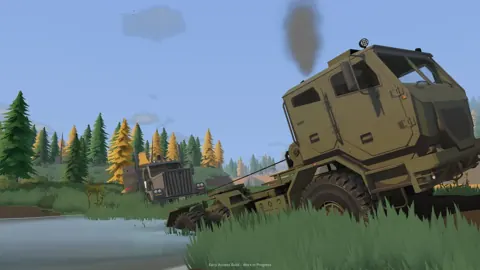 Groundwork Simulator Excavator Controls and Digging TipsMaster the Groundwork Simulator excavator with tips on controls, bucket angles, truck loading, terrain changes, and keeping your gold operation moving.
More in Machinery
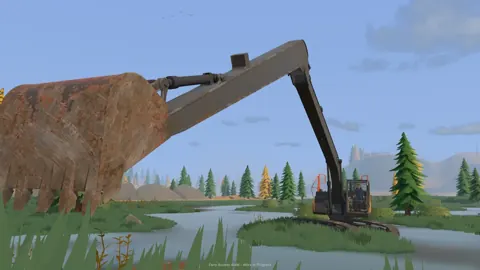
Groundwork Simulator Machinery Guide: Dig and Haul
Use this Groundwork Simulator machinery guide to master excavators, loaders, hauling, water pumps, and gold processing. Plan a smoother mining operation.
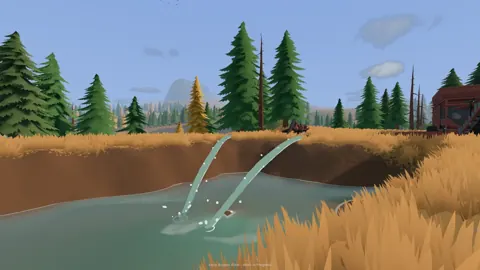
Groundwork Simulator Wheel Loader: Controls and Tips
Learn Groundwork Simulator wheel loader controls, move stockpiled pay dirt, feed the conveyor, and keep the wash plant running with practical loading tips.
Continue exploring
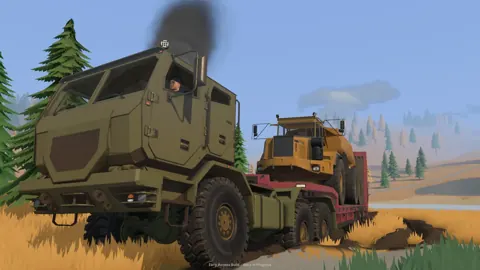
Groundwork Simulator PS4: Platforms and Launch Guide
Play on Windows or Mac and explore machinery, co-op, and PC requirements. Groundwork Simulator launched in Early Access; launch fixes are underway.
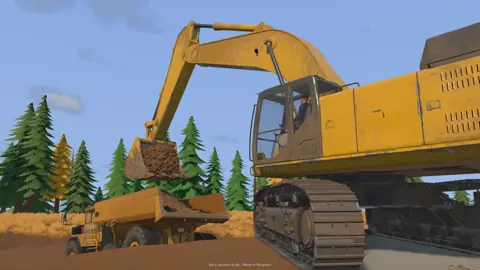
Groundwork Simulator Digging Physics: Terrain Guide
Master Groundwork Simulator digging physics with tips on bucket angles, hydraulic resistance, terrain shaping, water flow, and keep your worksite moving.
Join the community
Official channels for news, updates and player help: