
Early access · Release date: October 22, 2026
UpdatedGroundwork Simulator Pumps: Water Setup and Flood Fixes
Set up Groundwork Simulator pumps, connect river and pond hoses, supply your trommel, and stop flooding with practical tips for your gold mining operation.
Jump to
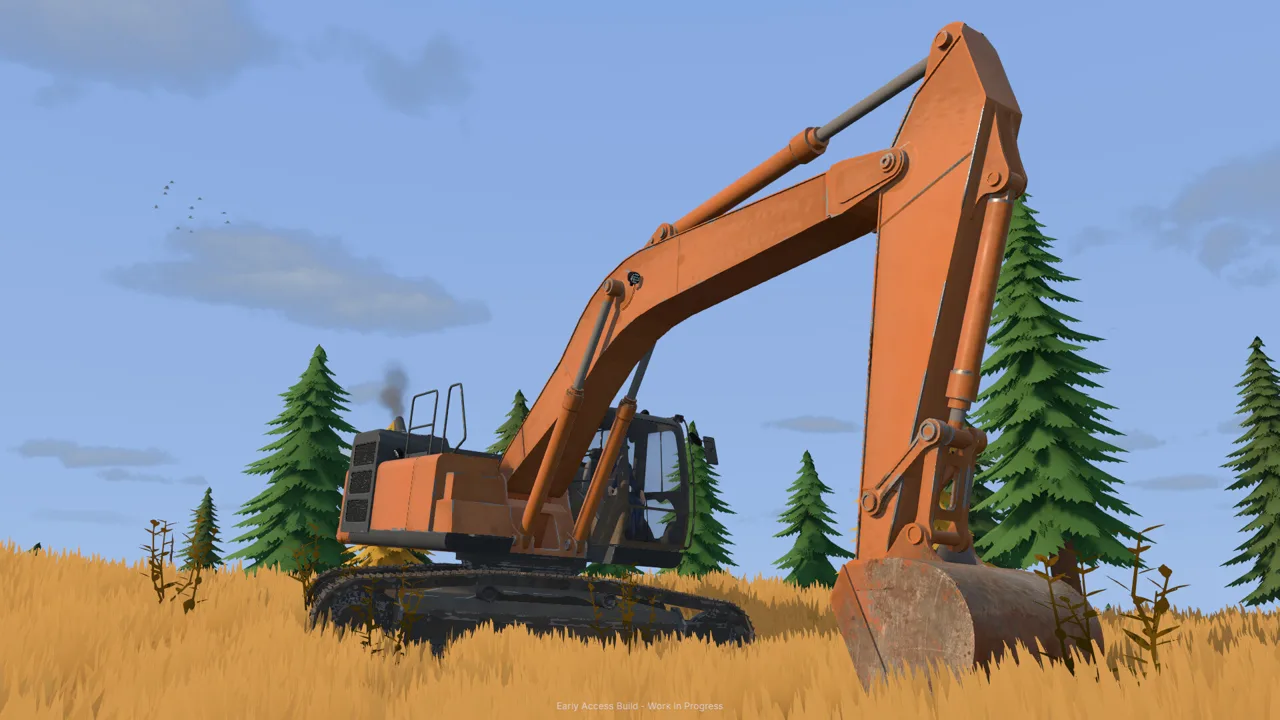
How Groundwork Simulator Pumps Supply Your Wash Plant
Groundwork Simulator pumps get your washing operation moving, but leaving the river pump running can flood your claim. Water supply matters because your trommel needs a complete water connection before you start processing pay dirt. Set up Groundwork Simulator pumps as a two-stage system: move river water into the holding pond, then draw from that pond to supply the trommel.
That separation is the key to understanding the starting claim. The pump beside the river fills your water reserve. The pump near the washing equipment feeds the plant. Each has its own job, so switching off one does not accomplish the same thing as switching off the other.
| Part of the water system | Connection | Job |
|---|---|---|
| Pump one intake | River to pump one | Draws water from the river |
| Pump one discharge | Pump one to holding pond | Fills the pond |
| Pump two intake | Holding pond to pump two | Draws from the stored water |
| Pump two discharge | Pump two to trommel | Supplies the washing equipment |
Follow that route whenever you inspect the setup: river → pump one → pond → pump two → trommel.
The game combines pumps and hoses with terrain that changes as you excavate. Your water layout therefore deserves the same attention as your truck route and stockpile placement. Before moving equipment or cutting into nearby ground, trace the connections and check where the water is going.
These instructions cover the October 22, 2026 Early Access launch setup. Use the on-screen prompts when interacting with fittings and machine controls.
Official page: Groundwork Simulator (store.steampowered.com)
Connect Pump One From the River to the Pond
Start at the river pump. The tutorial leads you downhill to it, away from the mobile trommel and the other washing equipment.
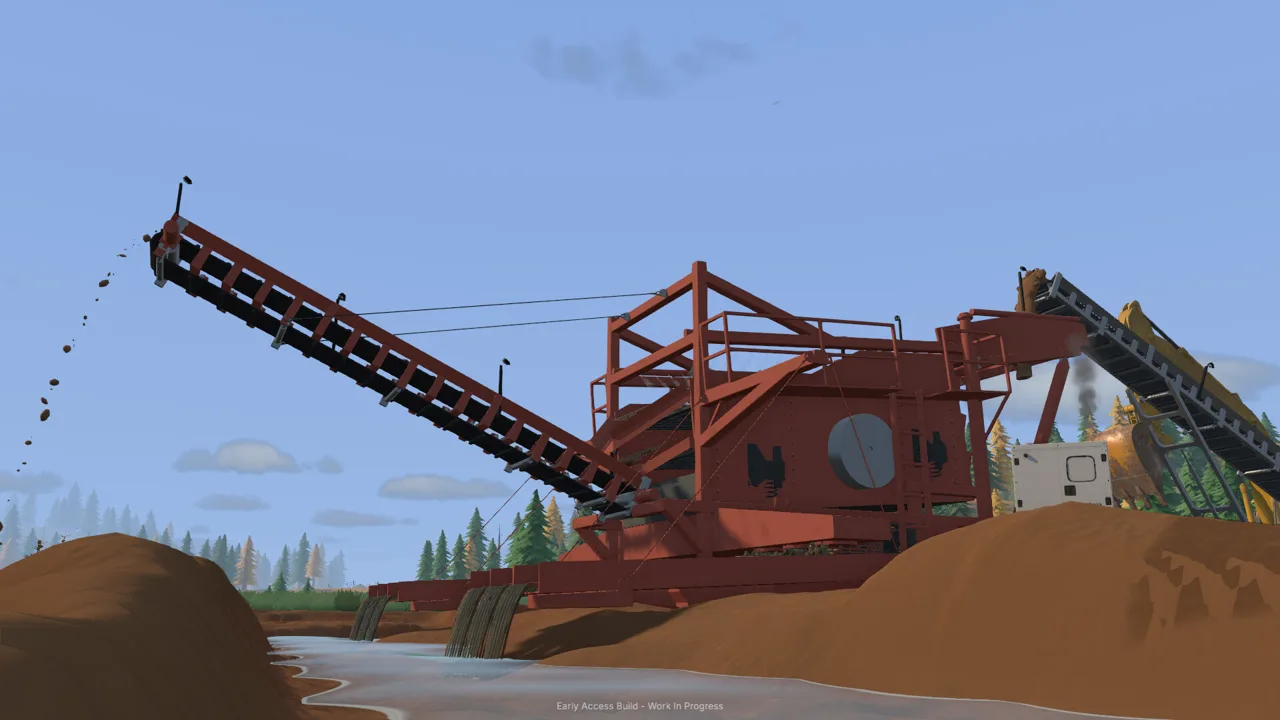 Image: Steam / XYZ STUDIO
Pump one has separate intake and discharge fittings. At this starting pump, the lower fitting draws water in, while the upper fitting sends it out. Connect both hoses before switching the pump on.
Lay out the intake and discharge hoses
- Walk to pump one beside the river.
- Select the lower intake fitting with the left mouse button.
- Carry the free hose end into the river and place it in the water.
- Return to the pump and select the upper discharge fitting.
- Run that hose uphill to the holding pond.
- Place its end inside the pond’s highlighted tutorial area.
- Return to the pump switch and press E to start it.
| Action at the starting pump | Control or location |
|---|---|
| Select a hose fitting | Left mouse button |
| Connect the river intake | Lower fitting |
| Connect the pond discharge | Upper fitting |
| Place the discharge end | Highlighted area inside the pond |
| Switch the pump on | E at the pump switch |
After starting it, walk back to the pond and watch the water arrive. This gives you a clear checkpoint before you move on to the wash plant.
Keep the distinction between the two hose ends in mind. The river end supplies the pump; the pond end releases the water. When checking Groundwork Simulator pumps, trace each hose from its fitting to its destination instead of judging the setup from the pump’s position alone.
Pump one can continue filling the pond while you prepare the rest of the claim. Keep returning to check the level, particularly before leaving for a longer job.
Plan around your working routes
Leave room to walk between the river pump, pond, and washing equipment. You will need to revisit those controls after the initial setup.
Keep your planned stockpile and machine parking areas in mind while routing connections. Excavators, loaders, and dump trucks all work around the washing line, and the terrain changes with every scoop. Review the hose route whenever you substantially rearrange that area.
Connect Pump Two and Start the Trommel
Once water is collecting in the pond, move to the pump near the washing equipment. Pump two draws from that pond and supplies the mobile trommel.
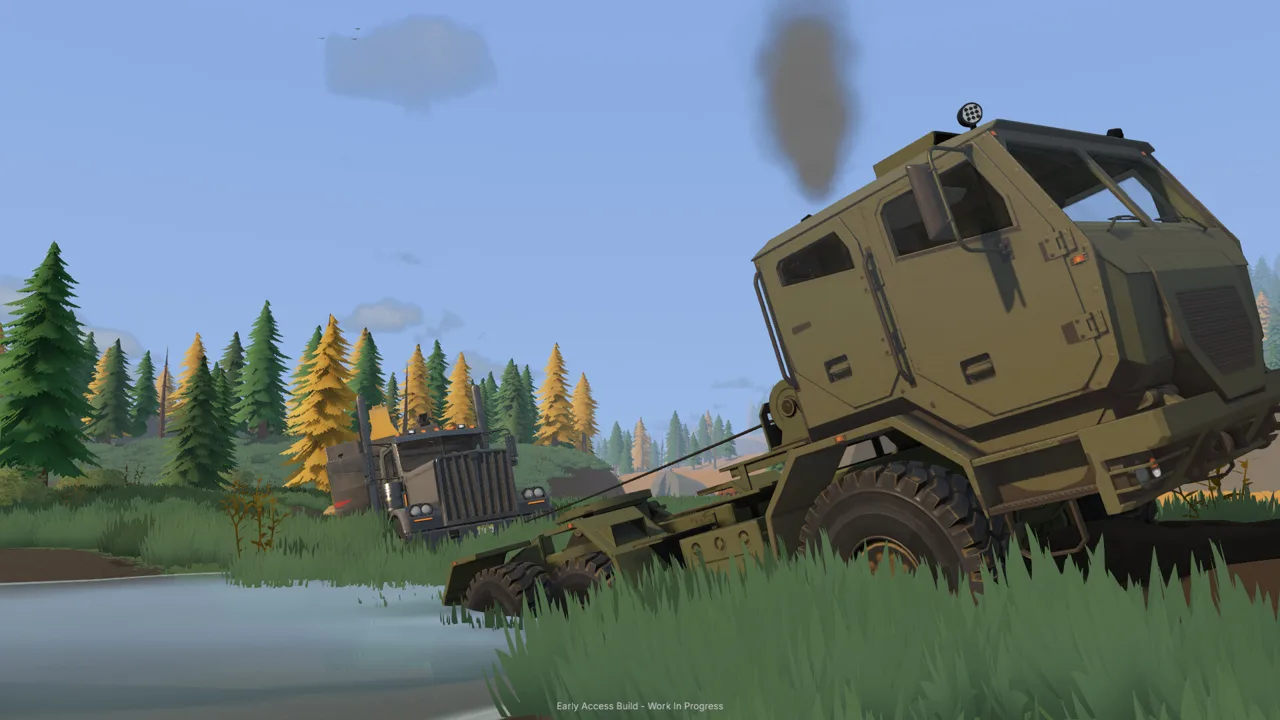 Image: Steam / XYZ STUDIO
The tutorial also has you unfold the trommel and position the small conveyor. Complete those equipment steps before feeding material.
Build the pond-to-trommel connection
Connect pump two’s intake hose to the holding pond. Then carry its discharge hose to the trommel’s water connection and attach it at the fitting.
Walk around the machine if you cannot immediately see the connection point. Aim at the fitting itself and follow the interaction prompt. Once the water line is complete, return to pump two and press E at its switch.
Groundwork Simulator pumps handle the water supply, while the trommel also needs a nearby generator. In the starting tutorial, you purchase a generator trailer through the Machine Dealer, position it near the plant using Machine Transport, and start it at its controls.
Start processing in the correct order
Prepare the water and power before starting the material feed. The drum and spray bar need to run before the conveyor delivers pay dirt.
| Stage | What to do | Launch tutorial control |
|---|---|---|
| Deploy the trommel | Unfold it from its transport position | K near its controls |
| Prepare the water supply | Complete pump two’s hoses and start the pump | E at the pump switch |
| Prepare power | Position the generator nearby and start it | G at generator controls |
| Start the wash plant | Run the trommel before feeding dirt | G at trommel controls |
| Feed the plant | Start the loaded small conveyor | G at conveyor controls |
Position the conveyor so it delivers into the trommel, then load its hopper with the wheel loader. Start the trommel before switching on the conveyor.
Watch the material move through the washing line. That lets you check the relationship between the feeder and plant while processing is underway.
When the feed finishes, stop the conveyor. Let the remaining material finish processing, then stop the wash plant before emptying the sluice boxes. Carry the concentrate pallet to the cleanup table afterward.
Treat water, power, and material feed as separate checks. A connected hose does not start the generator, and a running generator does not switch on the trommel.
Prevent Pond Overflow and Flooding
The holding pond can overflow when the river pump keeps supplying water. At launch, leaving pump one running through other tasks could send water out across the claim.
 Image: groundworksimulator.com
The important response is to stop the incoming supply. Switch off pump one beside the river when the pond is overflowing.
Pump two serves a different purpose: it draws water from the pond and sends it to the trommel. Switching off pump two does not stop pump one from adding more river water.
This is the most useful distinction to remember when managing Groundwork Simulator pumps. Identify the pump by its hose route before touching the switch.
Check the pond before leaving the claim
The tutorial soon sends you into excavation, hauling, cleanup, and drill sampling. Those jobs pull your attention away from the water system.
Before driving away:
- Check the pond level.
- Look for water spreading beyond its edges.
- Trace the river discharge hose to identify pump one.
- Stop pump one if the pond is overflowing.
- Check the pond again when you return.
Use the same check before concentrating on cleanup. The tutorial introduces 120× time speed for processing concentrate at the cleanup table. Inspect your water setup before settling into that step, then check it again afterward.
Account for changing terrain
Excavation and earthmoving interact with water. Digging changes the shape of the ground, while moving dirt into water changes the space it occupies.
Inspect the pond and surrounding slopes after nearby earthwork. Keep digging plans clear of the pond’s boundaries until you have considered where the water could spread.
Stopping the incoming river supply addresses continued filling. Do that before taking on another task at the flooded claim. Then inspect the affected area and plan your next machine movements around the water.
Troubleshoot Your Water Setup and Expand Carefully
When the washing line stalls, work through its connections in order. Start at the river and finish at the trommel, then check the generator and machine controls.
This keeps a pump issue separate from a plant that has water but has not been started.
| Situation | What to inspect | Next action |
|---|---|---|
| You are still setting up pond filling | Pump one’s two hose destinations | Connect the intake to the river and discharge to the pond, then start it |
| The trommel water connection is unfinished | Pump two’s intake and discharge | Connect the pond to pump two and its output to the trommel fitting |
| Water is connected but processing has not started | Generator and trommel controls | Start the nearby generator, then the trommel |
| The conveyor is feeding before the plant runs | Trommel drum and spray bar | Stop feeding and start the plant before resuming |
| Water is spreading out of the pond | River pump | Switch off pump one |
Use prompts to find the right controls
Some launch equipment controls require you to stand near a particular part of the machine. Move around the pump or generator until you reach the interaction point.
Check your current key bindings if a control does not behave as expected. The game includes control settings, and launch gameplay allows rebinding. Follow your active bindings after making changes.
Avoid pressing a familiar machine key at every piece of equipment. In the starting tutorial, pumps use E, while the generator, trommel, and conveyor use G at their respective controls.
Recheck connections when expanding
As your operation grows, adapt the water layout alongside the washing equipment. Before moving a plant, plan its water connection and leave access to the pump controls.
Use the starting claim’s arrangement as your planning checklist:
- Identify the water supply.
- Decide where the washing equipment will sit.
- Route the required hose connections.
- Prepare the plant’s power.
- Check water delivery before feeding material.
Groundwork Simulator pumps are part of the worksite layout. Revisit their routes whenever a new digging area, stockpile, or equipment position changes how you use the claim.
In online co-op, divide excavation and transport duties while keeping someone aware of the pond level. Call out changes to the river pump so the team knows whether the holding pond is being filled.
FAQ
How do Groundwork Simulator pumps connect in the starting tutorial?
Pump one takes water from the river and discharges it into the holding pond. Pump two draws from that pond and sends water to the mobile trommel. Complete both hoses on each pump before starting the washing operation.
Which pump should I turn off when the claim floods?
Turn off pump one beside the river. It supplies the holding pond and can keep adding water until the pond overflows. Pump two supplies the trommel from the pond.
What button starts a water pump?
In the Early Access launch tutorial, press E at the pump switch. Use the left mouse button to select hose fittings and place hose ends. Follow your current bindings if you have changed the controls.
Why does the trommel need more than a running pump?
The trommel needs water, power from a nearby generator, and its own controls switched on. Start the drum and spray bar before running the conveyor that feeds pay dirt into the plant.
Continue with
 Groundwork Simulator Water Connections: Pump Setup GuideConnect your trommel through the starting claim's pond: one pump fills it from the river, and a second draws from it to supply the washing equipment.
More in Water
Groundwork Simulator Hoses: Pump Setup and Water Flow
Connect Groundwork Simulator hoses, set up both pumps, and supply your wash plant. Learn the tutorial water route and stop your pond from overflowing.
Groundwork Simulator Water Guide: Pumps & Flood Control
Use this Groundwork Simulator water guide to connect pumps, supply your wash plant, manage the pond, and stop flooding before it spreads across your claim.
Continue exploring

Join the community
Official channels for news, updates and player help: