
Early access · Release date: October 22, 2026
UpdatedGroundwork Simulator Beginner Guide: Your First Gold
Use Groundwork Simulator beginner guide to set up water and power, handle heavy machinery, wash pay dirt, and sell your first gold. Start digging today.
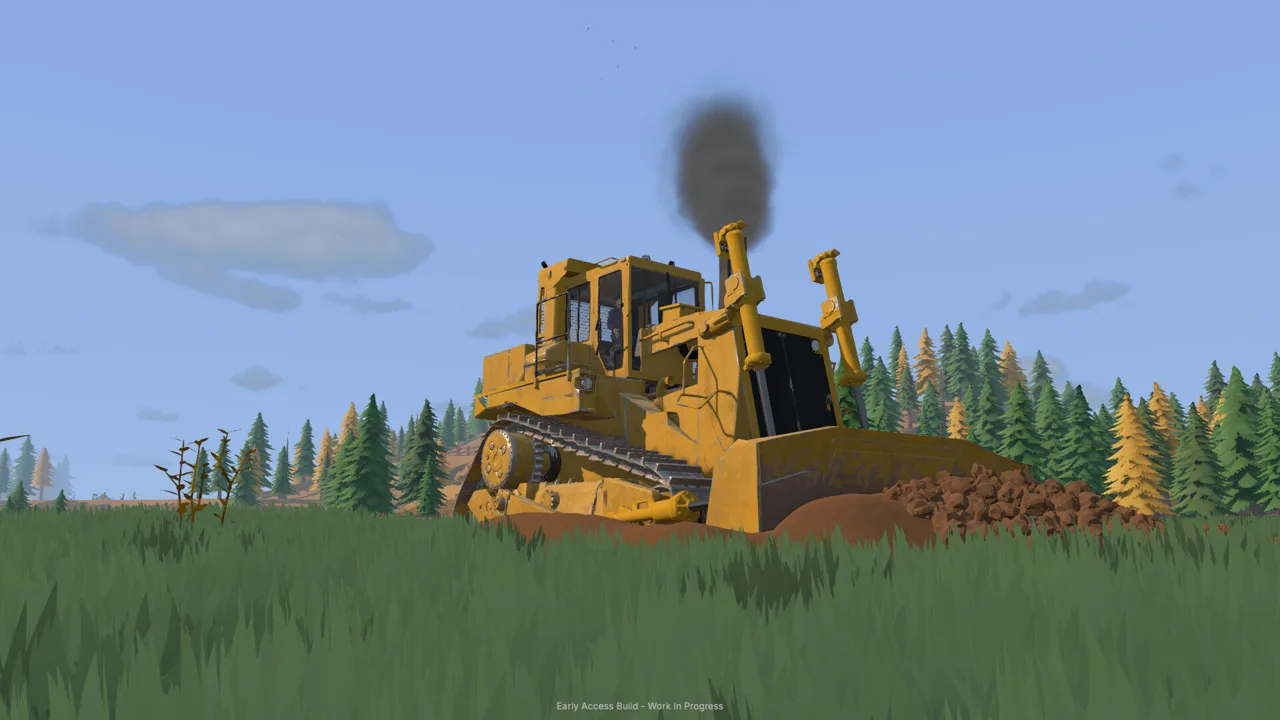
Start With a Working Claim and Comfortable Controls
One unattended pump can turn your digging area into a pond. This Groundwork Simulator beginner guide walks you through water, machinery, and cleanup so your work reaches the gold jar. Follow this Groundwork Simulator beginner guide through a complete processing cycle before expanding your operation.
Groundwork Simulator combines gold prospecting, heavy equipment, deformable terrain, and flowing water. These tips cover the October 22, 2026 Early Access launch, with an emphasis on the opening tutorial.
1. Keep the tutorial enabled
Start on Normal if you want the guided introduction. The harder difficulty disables the tutorial, which makes learning the water connections and processing sequence more demanding.
Enter the starting truck, hitch the caravan, and follow the marked route to the family claim. Park and unhitch where instructed, then press Enter to read the letter. Its practical message carries through the opening: get water running, sample promising ground, and test your operation before moving large quantities of dirt.
2. Fix your keyboard layout before excavating
Check the keyboard layout in Settings before learning the excavator. The launch settings include QWERTY, while excavation controls support ISO and SAE patterns and individual rebinding.
Practice each movement separately:
- Raise and lower the boom.
- Extend and retract the arm.
- Curl and open the bucket.
- Swing left and right.
- Check the switch between driving and digging.
Use the machine’s control display while practicing. Several vehicles reuse keys for different actions, so check the active machine before pressing anything. This Groundwork Simulator beginner guide follows the tutorial sequence; use your configured bindings for each movement.
Official page: Groundwork Simulator (store.steampowered.com)
Groundwork Simulator Beginner Guide to Water and Power
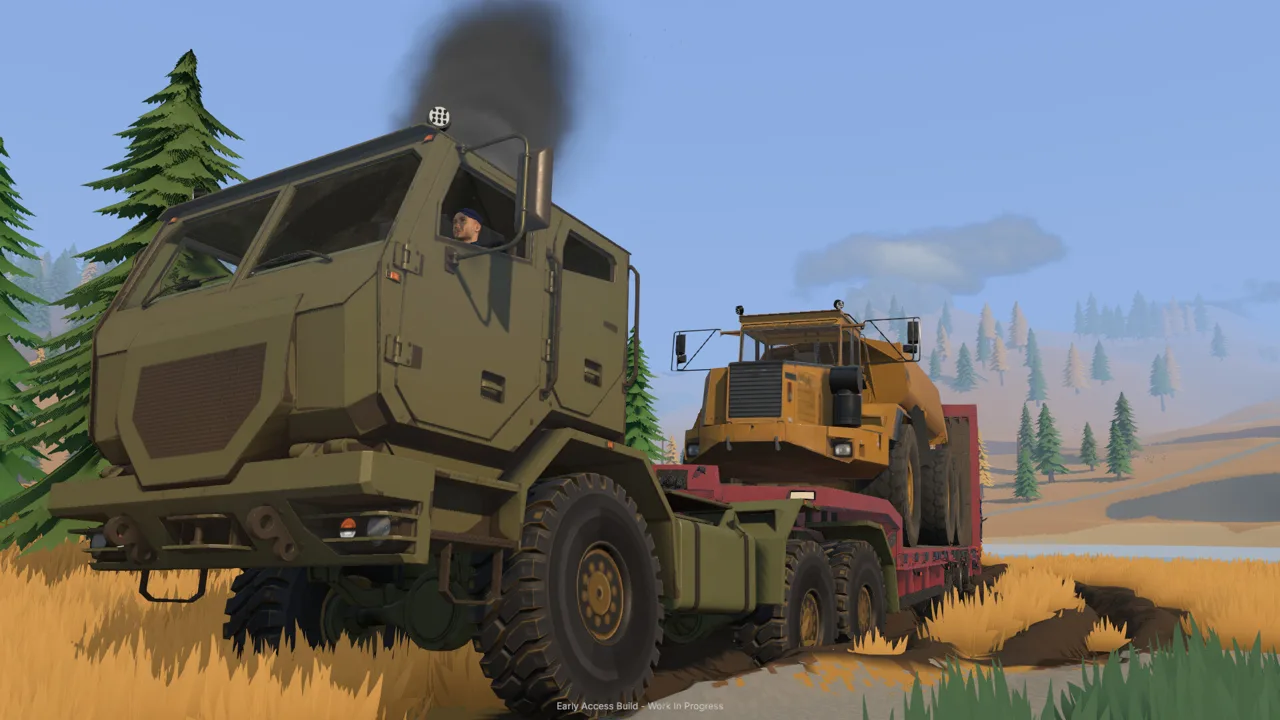 Image: Steam / XYZ STUDIO
3. Connect the two pumps in sequence
The opening wash setup uses a holding pond between the river and the trommel. Pump one supplies that pond; pump two draws from it to supply the washing equipment.
| Component | Input or placement | Output or function |
|---|---|---|
| Pump one | Intake hose in the river | Discharges into the holding pond |
| Holding pond | Receives river water | Supplies pump two |
| Pump two | Intake hose in the pond | Connects to the trommel |
| Generator trailer | Positioned near the trommel | Provides power for the washing setup |
At pump one, connect the lower intake fitting to the river and route the upper discharge fitting to the pond. Follow the highlighted connection prompts, then operate the pump switch.
Next, unfold the mobile trommel using its setup prompt. Position the small conveyor so its discharge reaches the trommel’s receiving area. Connect pump two between the pond and the trommel, then switch it on.
Finish by acquiring the generator trailer through the Machine Dealer. Use the machine transport tool to place it near the wash equipment, then start it at its controls.
4. Watch the pond instead of leaving the intake running
Pump one continues adding water while you work elsewhere. Left running long enough, it can overflow the pond and flood the claim.
Check the water level between tasks, particularly before driving away or speeding up time for cleanup. Shut off the river supply when the pond is full, and monitor the remaining supply as washing continues.
Keep the pumps’ jobs straight: the river pump fills storage, while the second pump feeds the trommel. Turning off the wrong one interrupts the washing supply while water continues entering the pond.
Keep your initial setup compact. Leave room to reach pump switches, generator controls, and conveyor controls without squeezing between machines.
Move Pay Dirt Without Wrecking Your Access
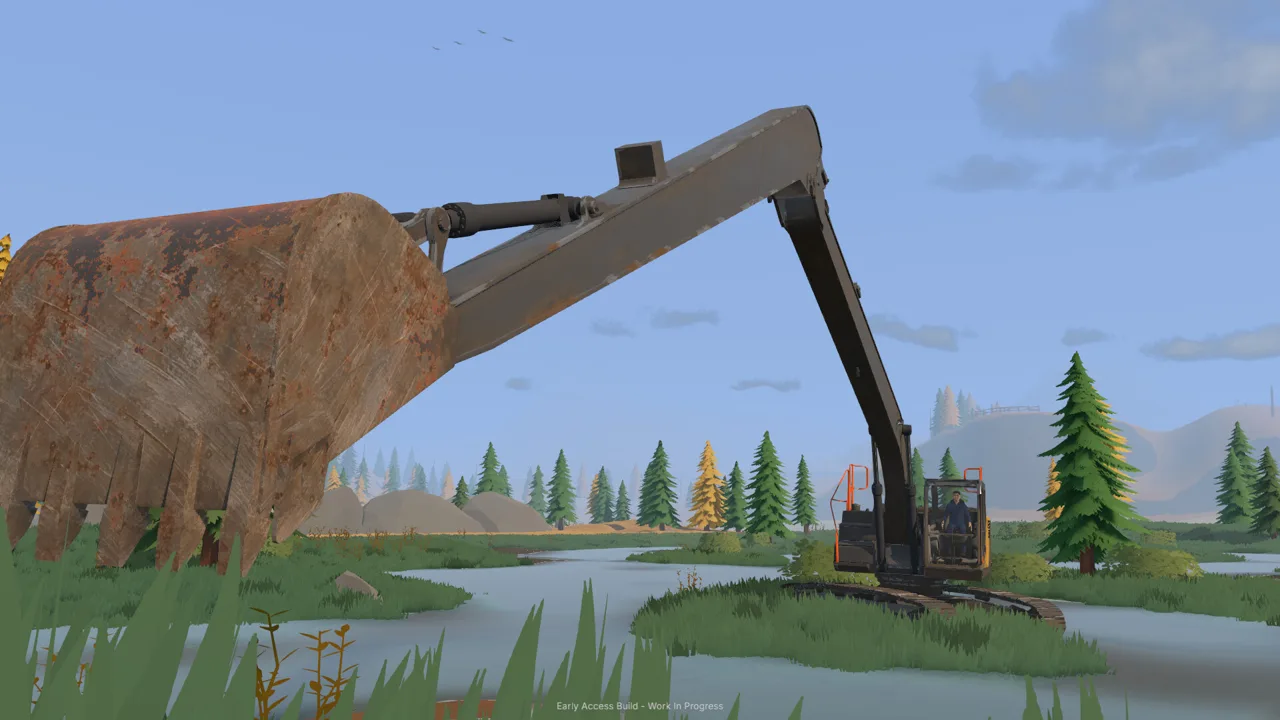 Image: Steam / XYZ STUDIO
5. Give each machine a clear job
The opening workflow moves material through several machines. Follow that chain while learning rather than rearranging everything immediately.
| Machine | Opening task | Handling tip |
|---|---|---|
| Excavator | Dig promising material and load the truck | Take controlled cuts and adjust the bucket angle |
| Dump truck | Carry excavated material to the stockpile | Use the load display to track remaining capacity |
| Wheel loader | Transfer stockpiled dirt into the conveyor hopper | Approach the pile with the bucket positioned to scoop |
| Small conveyor | Feed material into the trommel | Start it after the wash plant is running |
Position the truck within comfortable excavator reach. Leave enough clearance to swing the bucket over the bed without clipping the vehicle.
For each scoop, lower the bucket into the cut, draw material in while curling, lift clear, and swing toward the truck. Open the bucket over the bed. If the bucket struggles in the ground, take a shallower cut or change its angle.
The excavation physics include hydraulic resistance, so repeatedly forcing the same deep bite can leave you fighting the machine.
6. Read the load display before adding another bucket
Use the truck’s capacity indicator instead of judging by the visible pile. Stop loading when it reaches capacity.
Drive to the marked stockpile area and raise the bed to unload. If material remains crowded against the discharge, move forward carefully to create room. Lower the bed before returning to the digging area.
Next, use the wheel loader to scoop the loose stockpile and carry it to the conveyor hopper. Align the bucket before tipping so material lands inside.
7. Protect the route you will use again
Every scoop changes the worksite. A careless loader pass can disturb your gravel access, and a growing excavation can leave awkward slopes beside the loading position.
Keep stockpiles away from turning areas. Lower the loader bucket deliberately when approaching loose dirt, and watch its edge near ground you want to preserve.
For this part of the Groundwork Simulator beginner guide, aim for one repeatable route between the cut, stockpile, and hopper. Improve rough access before sending another loaded truck across it.
Groundwork Simulator Beginner Guide to Your First Cleanup
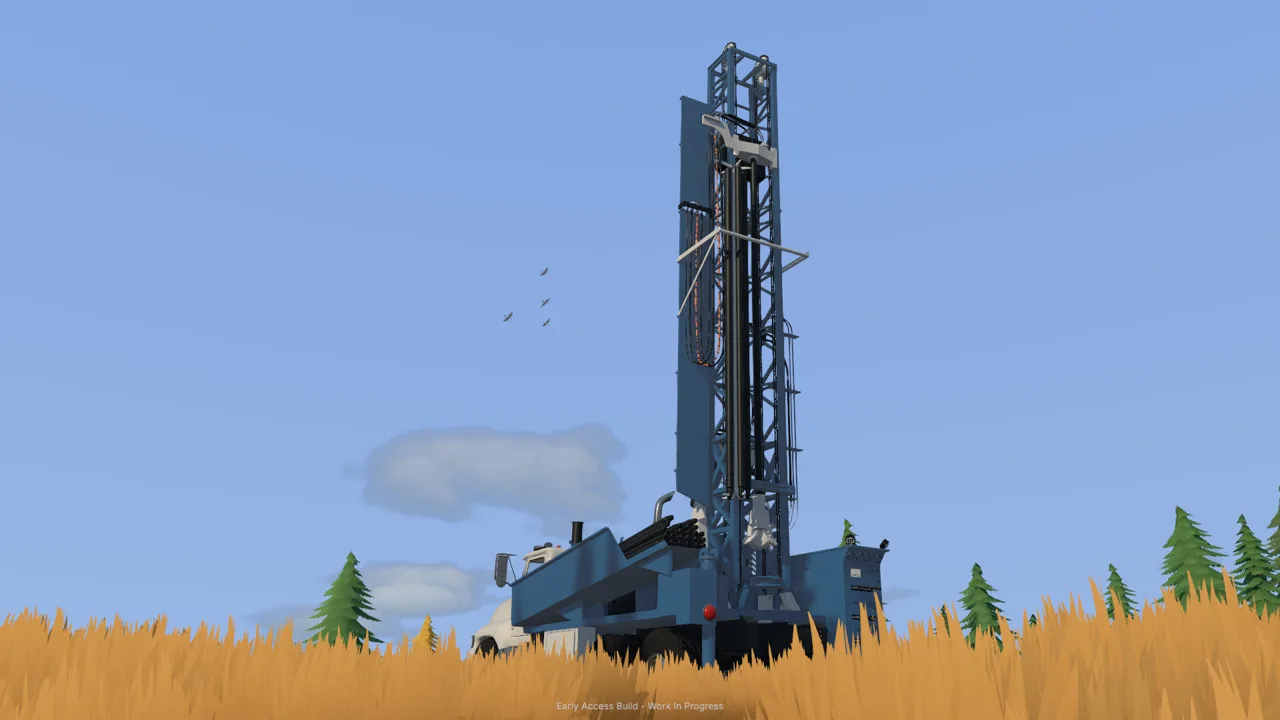 Image: Steam / XYZ STUDIO
8. Start the wash plant before feeding dirt
Once water and power are ready, start the trommel’s drum and spray bar. Then start the small conveyor.
That order matters: the receiving equipment needs to be operating before the belt delivers material.
| Stage | Action | What to watch |
|---|---|---|
| Prepare | Establish water and start the generator | Pond supply and equipment readiness |
| Start washing | Start the trommel | Drum and spray bar operation |
| Feed material | Start the conveyor | Material entering the receiving hopper |
| Finish feeding | Stop the conveyor once its feed is finished | Remaining material in the plant |
| Begin cleanup | Stop the wash plant after processing finishes | Concentrate ready in the sluice boxes |
Watch both ends of the conveyor. Increasing belt speed moves material faster, but the receiving hopper can accumulate dirt while the trommel processes it.
Feed at a pace you can monitor. Finish a small batch before committing another truckload.
9. Empty the sluice boxes after stopping the plant
Once feeding is finished, shut down the conveyor. Let the remaining material finish processing, then stop the wash plant.
Interact with the sluice boxes to empty the concentrate. Pick up the cleanup pallet, carry it to the table’s drop zone, and place it down.
Start the cleanup table to separate the remaining dirt from the gold. The opening tutorial gives the table a processing rate of 125 grams per hour. That rate describes processing speed; your recovered gold depends on the material you washed.
The tutorial directs you to increase time speed to 120× during cleanup. Check the pond and stop unnecessary river pumping before accelerating time. After cleanup, check that time has returned to normal.
10. Store the gold before opening the sale menu
Collect the finished gold jar, then interact again to put it into storage. Open Gold Prices and sell the stored gold through that menu.
Complete that storage step before looking for the sale. The opening workflow records the cleaned gold before it becomes available to sell.
Run another modest batch afterward. This Groundwork Simulator beginner guide uses a full cycle—digging, hauling, washing, cleanup, storage, and sale—as the checkpoint before expanding. Repeating it gives you a chance to correct awkward parking or misplaced equipment.
Prospect Before Expanding and Avoid Costly Detours
11. Separate surface scanning from deeper sampling
Darker gravel and low spots are starting clues in the opening claim. Use the material detector to scan shallow ground, then use the drill truck to investigate deeper layers.
Hold the tool dial, select the material detector, and scan the target ground until you get a reading.
| Prospecting tool | Information it provides | Next action |
|---|---|---|
| Material detector | Shallow-ground readings | Compare nearby spots |
| Drill truck | Layers and deeper sample information | Examine material beneath the surface |
| Gold Map | Filed boreholes, depths, and gold-bearing bands | Compare completed holes before digging |
Follow the tutorial’s drill objectives in order. Position the rear of the truck over the target, deploy the supports and mast as prompted, start drilling, and add rods when required. Retract the drill after completing the hole, then follow the preparation prompts before moving.
Check the Gold Map after filing the required holes. Compare the gold-bearing bands and their depths rather than choosing a digging area solely from its surface appearance.
12. Return hired equipment after completing its objectives
The tutorial introduces a hired DR64 drill truck. Rental charges continue until you return it, so finish the required sampling before getting distracted by exploration.
Exit the hired vehicle, open the company fleet menu, and return it after the tutorial directs you to do so. Check that the sampling stage has advanced before moving on.
Carry these Groundwork Simulator beginner guide habits into your next site:
- Check the route before hauling machinery on a trailer.
- Watch traction on mud, slopes, and rough ground.
- Keep water supply in the plan when relocating washing equipment.
- In online co-op, divide excavation, transport, and plant work.
- Follow the cabin clue after completing the opening claim tutorial.
FAQ
What should I do first in this Groundwork Simulator beginner guide?
Complete the caravan introduction and read the letter, then establish the water supply. Connect the river pump to the holding pond, connect the second pump to the trommel, and prepare the generator before washing dirt.
Why is my claim flooding?
The river pump keeps supplying the holding pond while it runs. Shut it off when the pond is full, then monitor the stored water as the washing setup uses it. Check the pond before accelerating time.
How do I sell my first gold?
Finish washing, stop the equipment, empty the sluice concentrate, and process it at the cleanup table. Collect the finished jar and place it in storage. Then open Gold Prices to sell the stored gold.
Can I play Groundwork Simulator with friends?
Yes. Groundwork Simulator supports online co-op as well as solo play. Split the work so one person excavates while another transports material or handles the washing operation, and coordinate movement around the shared worksite.
Continue with
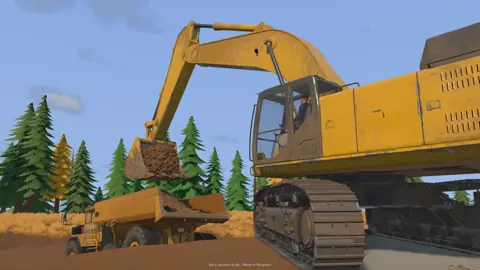 Groundwork Simulator Controls: Dig, Drive, and WashLearn Groundwork Simulator controls for excavators, trucks, tools, and wash plants. Set up your keyboard, handle heavy equipment, and finish your cleanup.
More in Guide
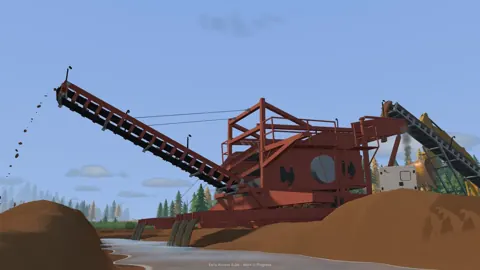
Groundwork Simulator Multiplayer: Co-Op Guide & Tips
Groundwork Simulator multiplayer lets you dig and haul with friends. Learn co-op roles, plan a mining site, and understand launch issues before you play.
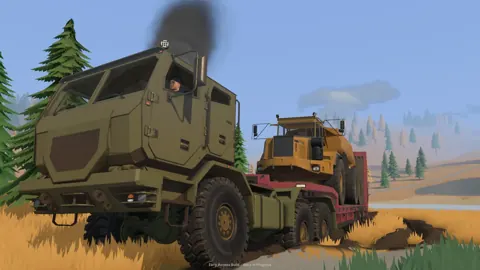
Groundwork Simulator Review: Digging Into Gold Mining
Groundwork Simulator review covering excavation, gold washing, online co-op, and PC requirements. Explore the machinery and plan your mining operation.
Continue exploring

Groundwork Simulator Excavator Controls and Digging Tips
Master the Groundwork Simulator excavator with tips on controls, bucket angles, truck loading, terrain changes, and keeping your gold operation moving.
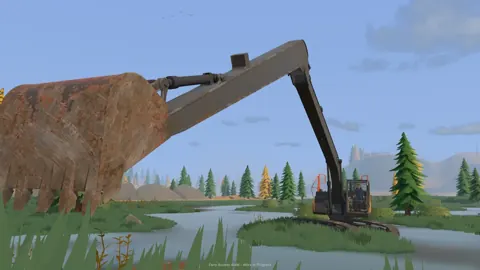
Groundwork Simulator Machinery Guide: Dig and Haul
Use this Groundwork Simulator machinery guide to master excavators, loaders, hauling, water pumps, and gold processing. Plan a smoother mining operation.
Join the community
Official channels for news, updates and player help: