
Early access · Release date: October 22, 2026
UpdatedGroundwork Simulator Machinery Guide: Dig and Haul
Use this Groundwork Simulator machinery guide to master excavators, loaders, hauling, water pumps, and gold processing. Plan a smoother mining operation.
Jump to
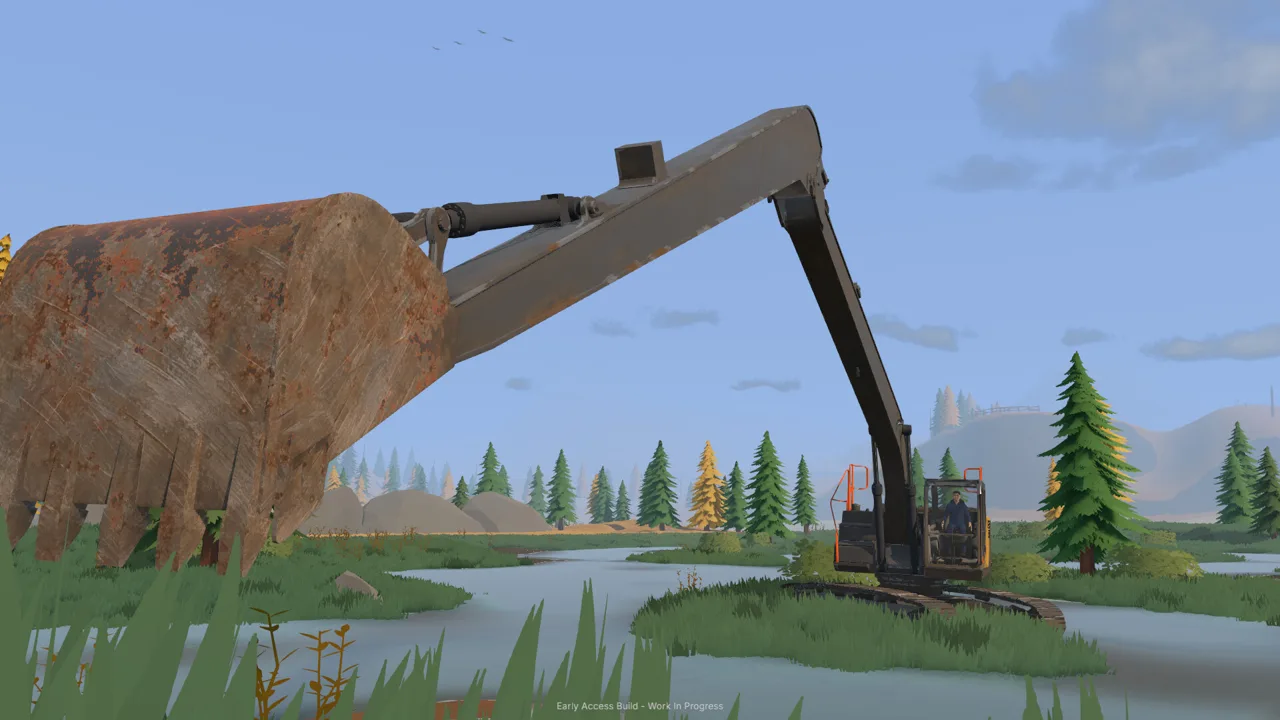
Which Machines Do You Need in Groundwork Simulator?
Every bucket changes the ground your next truck has to cross. This Groundwork Simulator machinery guide connects digging, hauling, and washing so you can keep material moving without burying your access route. Use the Groundwork Simulator machinery guide to learn each machine’s job, organize your worksite, and carry promising gravel through to gold recovery.
The operation runs through connected stages: investigate deposits, excavate material, transport it, feed the washing equipment, and process the concentrate. Excavators, loaders, and bulldozers handle different parts of that work.
| Machine or equipment | Role in your operation |
|---|---|
| Truck-mounted drill rig | Samples deeper ground and records deposit information |
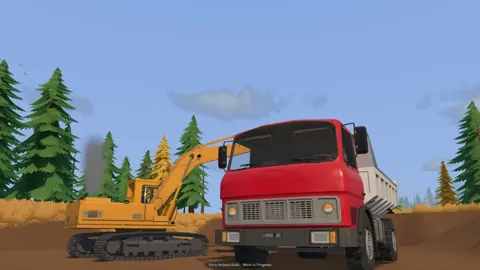
| Excavator | Cuts into terrain and loads excavated material |
| Dump truck | Carries material between the excavation and stockpile |
| Wheel loader | Transfers material from the stockpile to the conveyor hopper |
| Bulldozer | Pushes material and reshapes the worksite |
| Truck and machinery trailer | Relocates heavy equipment between worksites |
| Wash plant and cleanup table | Wash material and separate gold from concentrate |
Plan the whole material route before expanding the excavation. Leave room for the excavator to swing, the truck to approach, and the loader to reach its pile.
Groundwork Simulator entered Early Access on October 22, 2026. This guide covers its launch machinery workflow; additional vehicles, processing equipment, and deeper wash plant controls belong to the development roadmap.
Official page: Groundwork Simulator (store.steampowered.com)
Learn the Controls, Then Dig With the Terrain
Start this part of the Groundwork Simulator machinery guide by checking your keyboard layout. The launch settings include a QWERTY option, control rebinding, and ISO and SAE excavator patterns. Select your layout before practicing bucket movements.
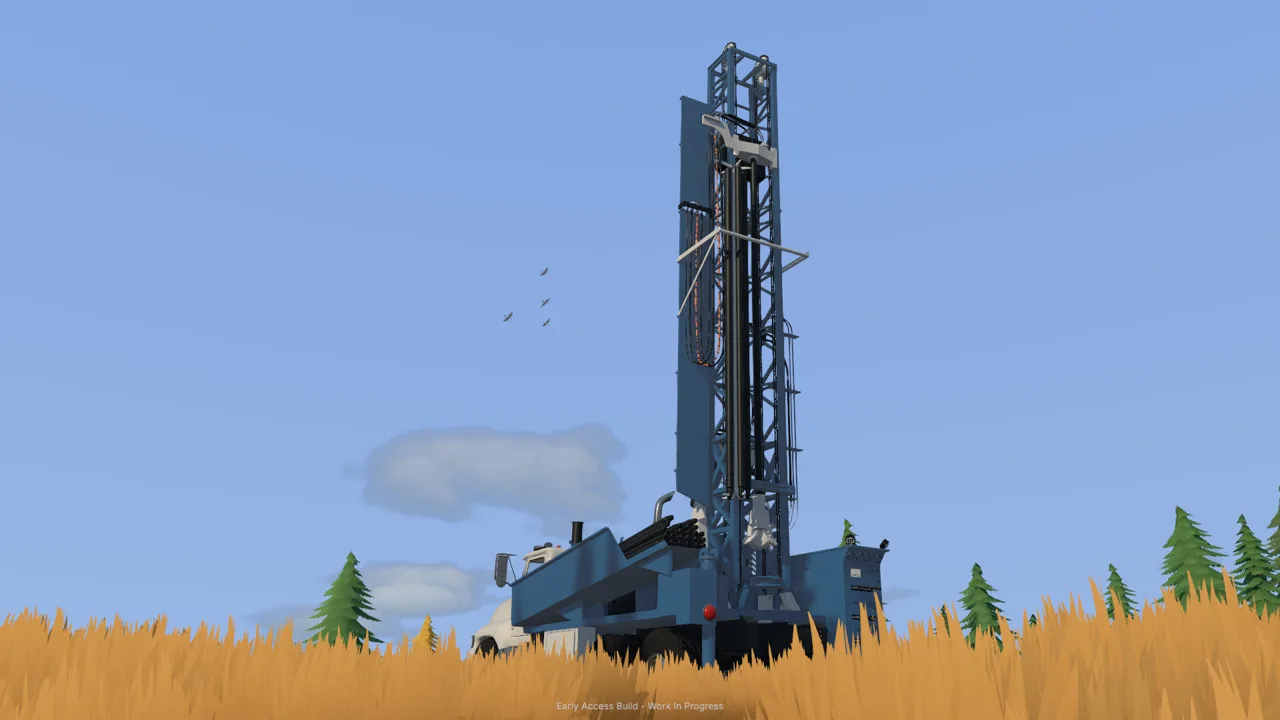 Image: Steam / XYZ STUDIO
Check the machine’s control display whenever you change vehicles. Several machines use similar keys for different actions, while the excavator separates driving from digging.
Practice a Complete Excavator Cycle
Work through each movement in this Groundwork Simulator machinery guide separately before combining them:
- Position the machine within reach of the cut and receiving truck.
- Open the bucket and lower it toward the material.
- Draw through the ground while curling the bucket.
- Lift the load clear of the terrain.
- Swing toward the truck, then extend and uncurl to unload.
The excavation system simulates resistance and hydraulic feedback. Bucket angle, digging depth, and available hydraulic power affect how the machine responds.
Take a shallower cut when the bucket struggles. Reposition the bucket and adjust its angle before trying the same movement again. Forcing a deep scoop can leave you working against the terrain instead of filling the bucket cleanly.
Watch the fill indicator alongside the bucket itself. A scoop that looks substantial can still carry less material than expected. Use the readout to judge whether your digging motion is producing a useful load.
Keep the truck within comfortable loading reach. Move it when the excavation shifts, and check clearance before swinging a full bucket across its side.
Use Surveys to Choose Your Next Cut
The material detector checks shallow ground, while the drill truck investigates deeper layers. Borehole records include depth, ground layers, and gold-bearing bands that you can review on the gold map.
Complete the tutorial’s initial washing run, then follow its scanning and drilling steps. Compare nearby samples before committing to a larger excavation.
The drill works from the rear of the truck. Align that end with the sampling location, deploy the supports, and follow the drilling prompts. Retrieve the drill and lift the stabilizers before moving.
Return hired drilling equipment through the company fleet menu when sampling is finished. Exit the rental before attempting to return it, and check that the return completes so daily hire charges stop.
Keep Trucks, Loaders, and Bulldozers Working Together
The transport section of this Groundwork Simulator machinery guide centers on the stockpile. In the starting workflow, the dump truck deposits material near the washing area, and the wheel loader moves it into the conveyor hopper.
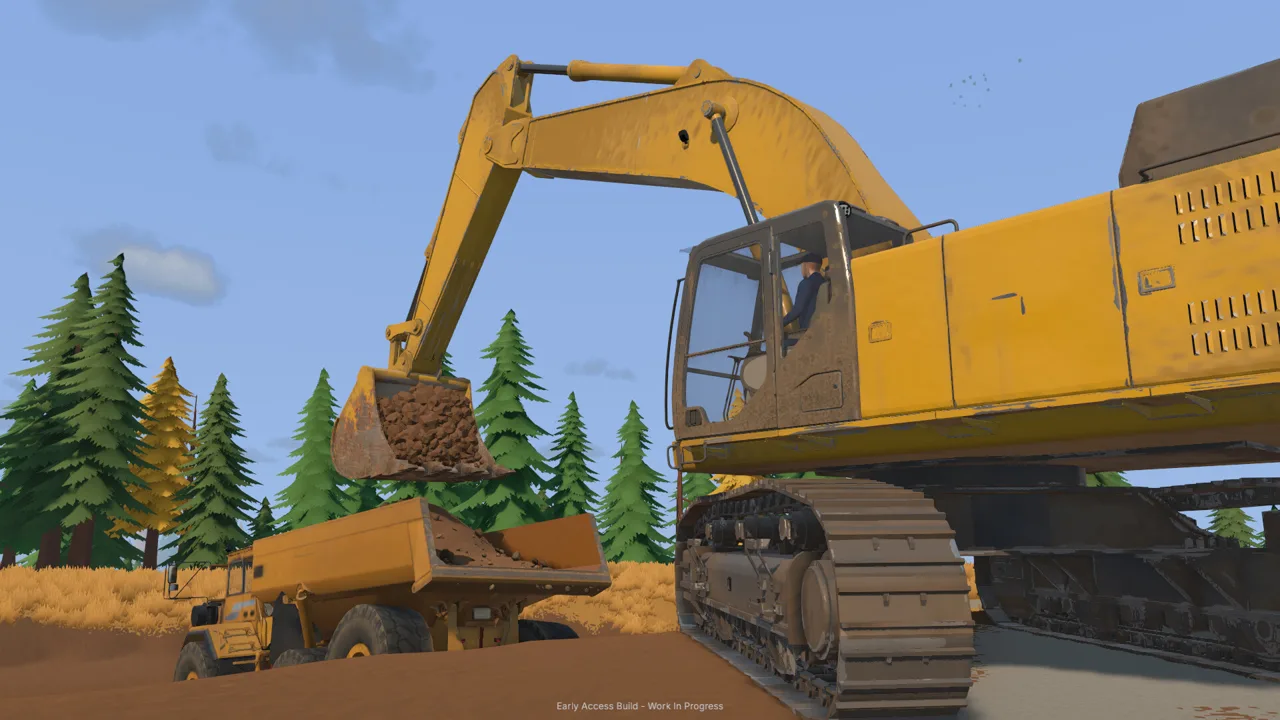 Image: Steam / XYZ STUDIO
That handoff gives each machine a defined task.
| Material movement | Equipment involved | Action |
|---|---|---|
| Excavation to truck bed | Excavator and dump truck | Load material from the cut |
| Excavation to stockpile | Dump truck | Haul and tip the load |
| Stockpile to feed hopper | Wheel loader | Scoop material and unload into the hopper |
| Hopper to washing equipment | Conveyor | Feed material into the running plant |
Leave Space Around the Stockpile
Place the pile where the loader can approach it without squeezing between parked equipment. Keep the dump truck’s departure route clear.
Check the truck’s load indicator before returning for another bucket. The starting DT44 has a displayed capacity of 5 cubic meters. Stop loading when it reaches capacity.
When tipping, watch where the material lands. Move forward carefully if the discharged pile blocks the remaining material from leaving the bed, then lower the bed before traveling.
With the loader, approach the pile with the bucket positioned to enter the material. Curl it back after filling, lift clear, and line up with the hopper before dumping.
Keep watching the ground beneath the bucket. The loader can disturb the surface around your pile, including the route you use to reach it. Raise or reposition the bucket when you begin cutting into your driveway.
Shape Routes Before They Become Obstacles
Bulldozers push soil and tailings, allowing you to reshape working areas and fill depressions. Mud, slopes, and rough terrain also affect vehicle movement.
Inspect the haul route after extending your cut. Remove obstructing piles and improve awkward approaches before sending another loaded truck through.
For relocation, load machinery onto a trailer and haul it by truck. Plan the route around tight corners, slopes, and rough ground. Leave enough room at the destination to unload and position the machine.
Connect Water and Power Before Feeding the Plant
Water deserves close attention in any Groundwork Simulator machinery guide. Pumps move actual water around the site, and an unattended supply can overflow the holding pond into your working area.
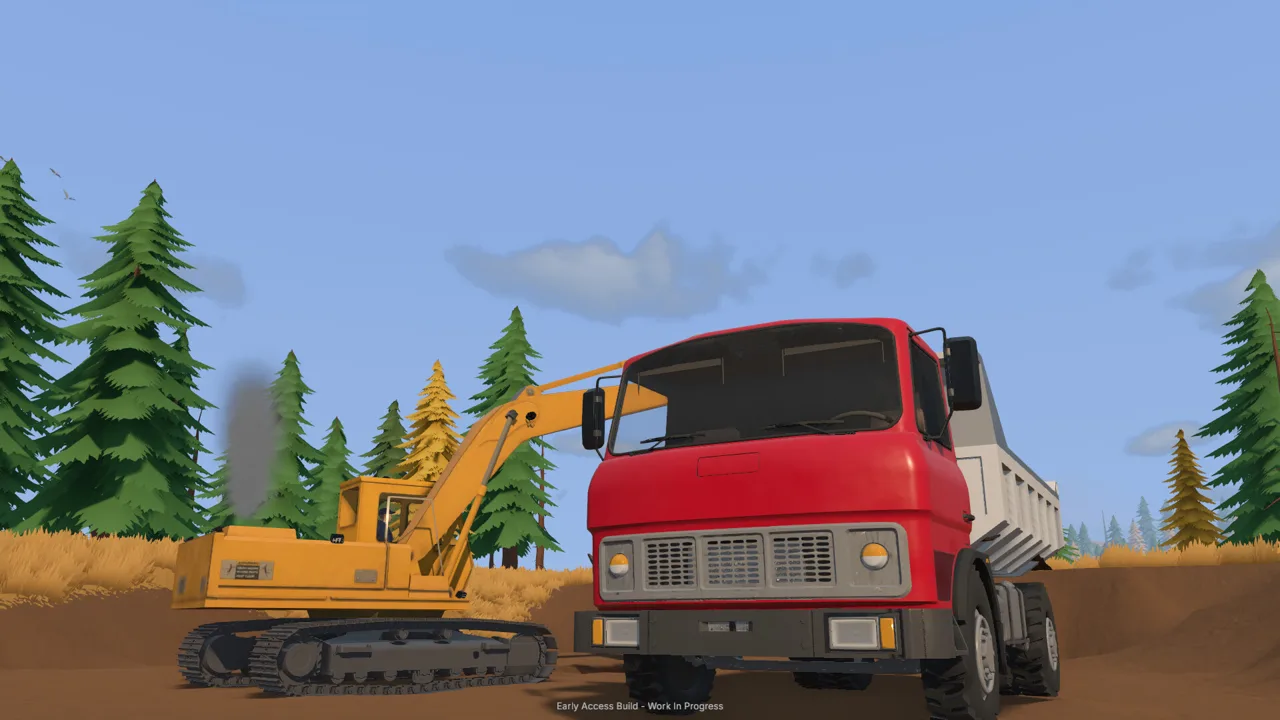 Image: Steam / XYZ STUDIO
The starting setup uses one pump to bring river water into the pond and another to supply the trommel.
| Component | Connection or function | Setup action |
|---|---|---|
| River pump | Transfers river water to the holding pond | Put the intake in the river and route the discharge to the pond |
| Holding pond | Receives water for the washing setup | Watch its level while the supply pump runs |
| Plant supply pump | Transfers pond water to the trommel | Connect its intake to the pond and output to the plant |
| Generator trailer | Supplies power to nearby washing equipment | Position it within reach of the plant and start it |
| Small conveyor | Delivers material to the trommel | Align its discharge with the plant intake |
Follow the Water From Intake to Plant
Connect both sides of each pump before starting it. Trace the route yourself: river to pond, then pond to washing equipment.
Check the pond again before leaving to drill or explore. Water continues moving while you work elsewhere. Stop the river supply pump when continued filling would flood the surrounding ground.
Keep track of which pump serves which connection. Stopping the plant supply pump does not stop the river pump from adding more water to the pond.
Ground reshaping also interacts with water. Consider the nearby pond and excavation before pushing material into a depression or cutting a new channel. Watch where the water moves as the terrain changes.
Position the Conveyor and Generator
Unfold the mobile trommel before aligning the feed conveyor. Adjust the conveyor so its discharge reaches the intake.
Place the generator trailer near the washing equipment and start it at its controls. The launch tutorial uses proximity to bring its power within reach of the trommel.
Check water and power before adding material. Then start the trommel’s drum and spray bar before starting the feed conveyor. Follow that sequence each time you resume washing.
Run a Washing Batch Through to Gold Recovery
The final machinery handoff is processing. This Groundwork Simulator machinery guide follows the full chain through the sluice boxes and cleanup table, because washed material still needs cleanup before you can sell the gold.
| Stage | Equipment | What to do |
|---|---|---|
| Feed preparation | Loader and conveyor hopper | Load the hopper with excavated material |
| Washing | Conveyor and running trommel | Move material through the plant |
| Shutdown | Conveyor, then wash plant | Stop feeding and let remaining material finish |
| Concentrate collection | Sluice boxes and cleanup pallet | Empty the stopped plant and collect the concentrate |
| Final separation | Cleanup table | Process the concentrate |
| Collection and sale | Gold jar, storage, and Gold Prices menu | Collect, store, and sell the recovered gold |
Watch the Receiving Hopper
Conveyor speed is adjustable, and the plant displays material waiting to be processed. Watch that quantity while feeding.
Reduce conveyor speed if material accumulates in the receiving hopper. Increase it carefully when the plant is keeping up. Keep checking the display after each adjustment.
When the feed finishes, stop the conveyor and allow the material still inside the plant to process. Stop the wash plant before emptying its sluice boxes.
Finish the Cleanup
Collect the cleanup pallet and carry it to the table’s drop area. Start the table and let it process the concentrate before collecting the gold jar.
The tutorial uses the General settings’ 120× time speed during cleanup. Check that normal time resumes afterward before returning to other work.
Collect the jar, put the gold into storage, and open Gold Prices to sell it. Keep concentrate estimates separate from the finished gold total: cleanup is another processing stage, and the collected jar is what you sell.
For solo play, complete one batch through this entire sequence before increasing your stockpile. In co-op, divide excavation, hauling, and plant work, then coordinate deliveries around the material already waiting to be washed.
FAQ
What should a Groundwork Simulator machinery guide help beginners learn?
Learn how the equipment connects: the excavator loads the truck, the truck supplies a stockpile, and the loader feeds the washing line. Then practice water setup, plant startup, and cleanup.
Can you operate the entire mining site alone?
Yes. Groundwork Simulator supports solo play and online co-op for up to four players total. Alone, switch between machines as each stage needs attention; with friends, divide the work.
Why is the excavator struggling to fill its bucket?
Excavation includes hydraulic resistance. Reduce the depth of your cut, adjust the bucket angle, and coordinate the digging and curling movements. Check the fill indicator before lifting away.
Why is water spreading across the claim?
The river supply pump can keep filling the holding pond until water overflows. Check the pond level and stop that pump when necessary. Follow the hoses to distinguish it from the pump supplying the wash plant.
Continue with
 Groundwork Simulator Wheel Loader: Controls and TipsLearn Groundwork Simulator wheel loader controls, move stockpiled pay dirt, feed the conveyor, and keep the wash plant running with practical loading tips.
More in Machinery
Groundwork Simulator Bulldozer Guide: Terrain & Water
Use the bulldozer's front blade to push tailings into holes, spread dirt, and reshape your mining site while keeping truck and loader routes clear.

Groundwork Simulator Excavator Controls and Digging Tips
Master the Groundwork Simulator excavator with tips on controls, bucket angles, truck loading, terrain changes, and keeping your gold operation moving.
Continue exploring

Join the community
Official channels for news, updates and player help: