
Early access · Release date: October 22, 2026
UpdatedGroundwork Simulator Slopes: Terrain and Hauling Tips
Master Groundwork Simulator slopes with tips for excavation, muddy climbs, hauling, and water control. Plan your routes and keep the gold operation moving.
Jump to
How to Handle Groundwork Simulator Slopes
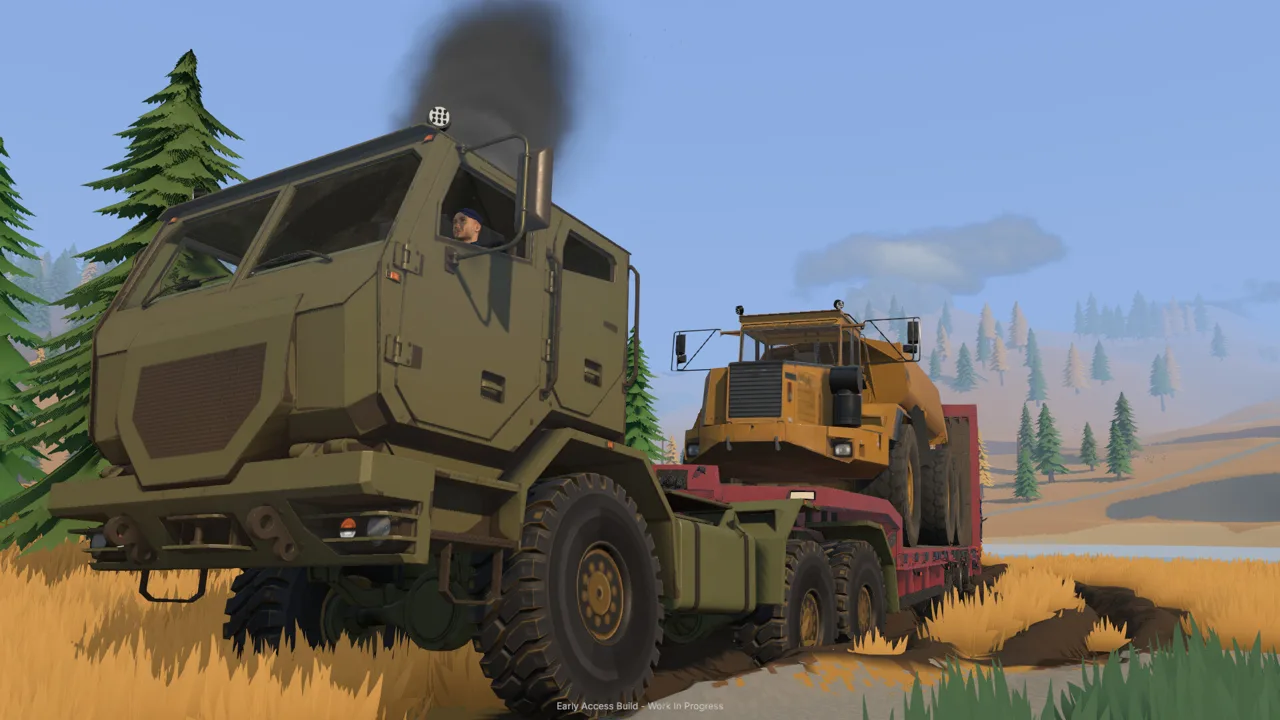
Groundwork Simulator slopes can turn a short haul into the job that holds up your entire claim. Every scoop reshapes the ground, so excavation can create steeper approaches just as easily as new routes. To manage Groundwork Simulator slopes, plan your access, reshape troublesome ground, and account for traction and heavy loads before hauling.
The terrain connects nearly everything you do. Your excavator changes the digging area, your trucks need access to that area, and your loader needs room to move material into the washing setup. Digging farther into a hillside also means reconsidering the ground that connects those machines.
Groundwork Simulator entered Early Access on October 22, 2026. Its terrain systems include deformable soil, mud, excavation resistance, and flowing water. Work with those systems by checking the entire route between your digging face and processing equipment.
| Terrain feature | How it affects your work |
|---|---|
| Hillsides | Excavation changes their shape and can create steeper slopes |
| Mud | Traction becomes part of route selection |
| Rough ground | Loaded transport requires a careful approach |
| Excavated trenches | Digging changes the routes available around your site |
| Material piles | Dumped soil becomes part of the ground you must navigate |
Before opening a cut, identify where the truck will stop and how it will leave. Keep that access separate from the material you plan to remove. Place stockpiles where the loader can approach them without repeatedly crossing your excavation.
Recheck the route after substantial digging. A slope you crossed before moving several buckets deserves another look once the surrounding terrain has changed.
Official page: Groundwork Simulator (store.steampowered.com)
Shape the Hillside Around Your Next Haul
Every bucket changes your worksite. Cutting into a hill exposes material, but it also changes the terrain you will depend on for your next load. Treat access preparation as part of excavation.
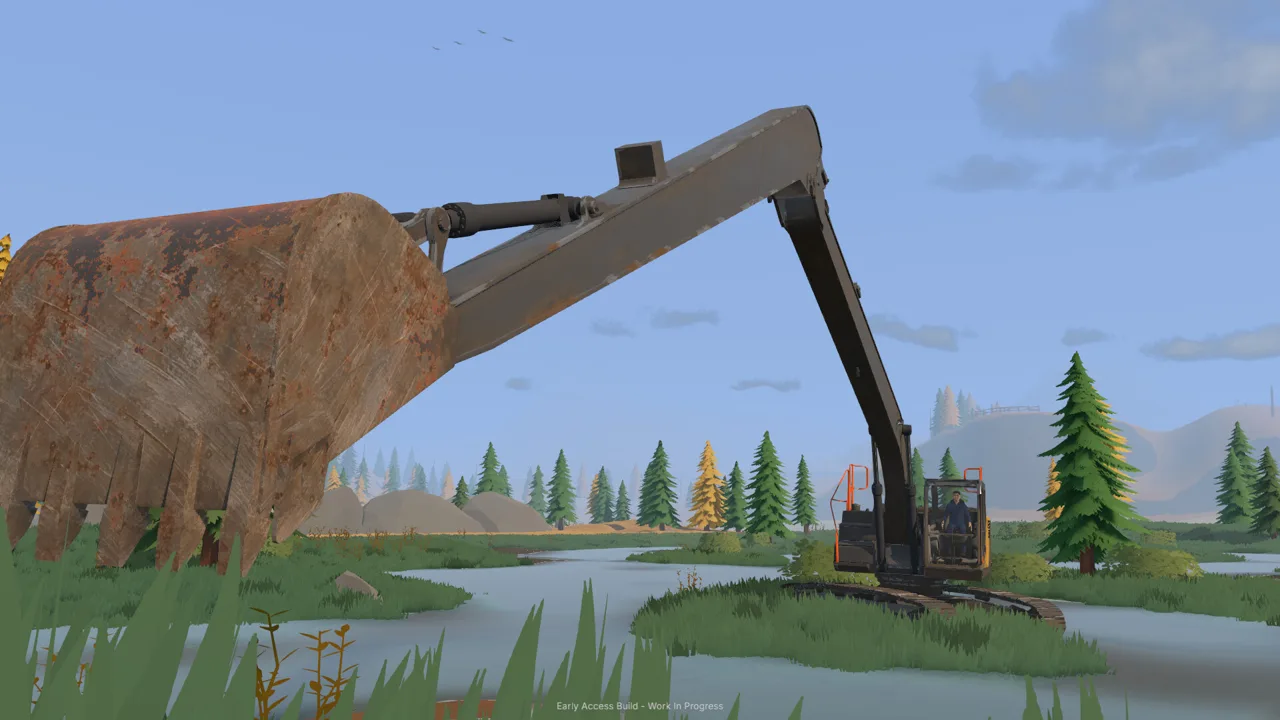 Image: Steam / XYZ STUDIO
Start by choosing your digging spot through exploration and testing. The material detector checks shallow ground, while the drill truck samples deeper layers. Use that information to decide where to excavate before reshaping a large area.
Dark gravel and low spots are useful places to begin the tutorial’s search for gold. Follow that lead with testing rather than assuming that every nearby slope contains equally valuable material.
Use Each Tool for Its Terrain Job
The game gives you several ways to change the ground, from heavy machinery to hand tools.
| Machine or tool | Terrain interaction |
|---|---|
| Excavator | Cuts into hillsides, digs trenches, and loads material |
| Bulldozer | Pushes soil and reshapes the ground with its blade |
| Wheel loader | Collects stockpiled material and moves it toward processing |
| Shovel | Allows digging on foot |
| Rake | Flattens small patches of ground |
Use the excavator to open the cut and load your truck. Push displaced material with the bulldozer when you need to reshape the surrounding work area. Reserve the rake for small surface adjustments.
When preparing Groundwork Simulator slopes, spread the work across manageable passes. Remove material gradually and inspect the resulting approach before cutting farther. Keep an exit available as the excavation expands.
Adjust the Bucket When the Ground Resists
Excavation includes simulated hydraulic feedback. Bucket angle, material resistance, and available hydraulic power affect the digging action.
If the bucket struggles during a deep cut, adjust its angle and take a shallower bite. Watch how much material enters before lifting. Reposition the machine when reaching farther would leave you fighting the same awkward angle.
Check your controls before working beside an edge. Keyboard layout options, control rebinding, and ISO or SAE excavator patterns are available. Practice lowering, curling, lifting, and swinging the bucket in an open working area before combining those movements near your haul route.
Move Loaded Machines Through Mud and Rough Ground
Groundwork Simulator slopes demand attention when you are moving material or transporting equipment. The game supports hauling machinery on trailers, with tight turns, rough terrain, and slopes all forming part of the trip.
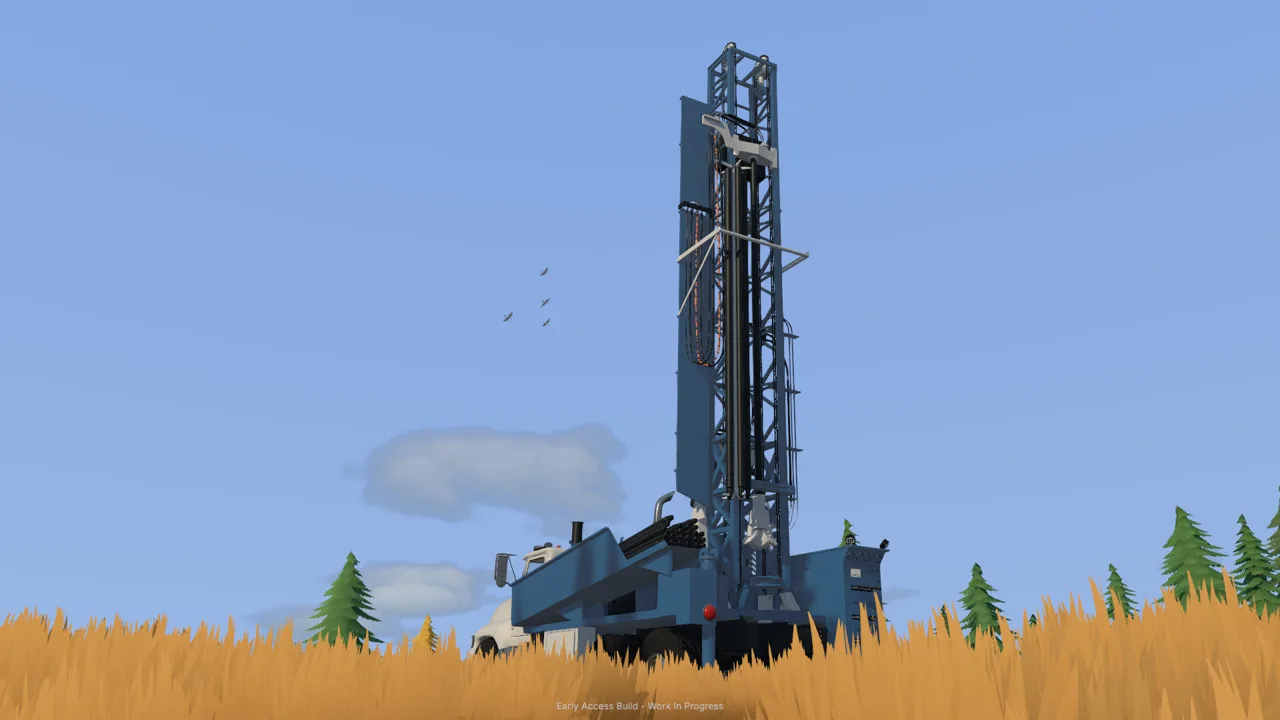 Image: Steam / XYZ STUDIO
Inspect the route before loading your trailer. Look beyond the climb itself: check the approach, the turn at the top, and the space available for unloading. Choose a destination that leaves room to position the machine for its next job.
For material hauling, plan the truck’s departure before filling it. Keep the loading position connected to the stockpile area, and avoid dumping soil into that connection.
| Situation | Action to take |
|---|---|
| Mud interrupts the route | Engage differential lock and follow the terrain prompts |
| A machine becomes stuck | Use the recovery winch and select a tree attachment |
| A loaded trailer approaches a tight turn | Line up the approach before entering the turn |
| Excavation has changed an access slope | Inspect and reshape the affected section before another haul |
| Dumped material blocks movement | Relocate the pile or clear the route with machinery |
Use Differential Lock and the Recovery Winch
The launch tutorial introduces differential lock with X and the recovery winch with L. It also prompts you to maintain momentum through mud.
Use those tools deliberately. Engage differential lock for the muddy section, and follow the current on-screen prompts when connecting and operating the winch. Check your bindings if you have changed the control layout.
If a machine repeatedly struggles at the same spot, stop repeating the trip unchanged. Improve the ground beneath its wheels or choose another approach. Terrain reshaping is part of the transport problem.
Give the Loader Room to Work
The starting operation moves excavated dirt by dump truck, deposits it in a stockpile, and then uses a wheel loader to feed the conveyor.
Place that pile with the loader’s approach in mind. Leave room to line up the bucket and turn toward the hopper. Park the truck clear after unloading.
Lower the loader bucket carefully around your driveway. Its interaction with the soil can change the working surface while you collect material. Watch the bucket’s contact with the ground so each loading cycle leaves a usable route behind.
Control Water Before It Spreads Across Your Site
Water deserves a place in every discussion of Groundwork Simulator slopes. Pumps move it through your washing setup, and excavation changes the ground around it. Leave a filling pump running long enough, and the holding pond can overflow into the claim.
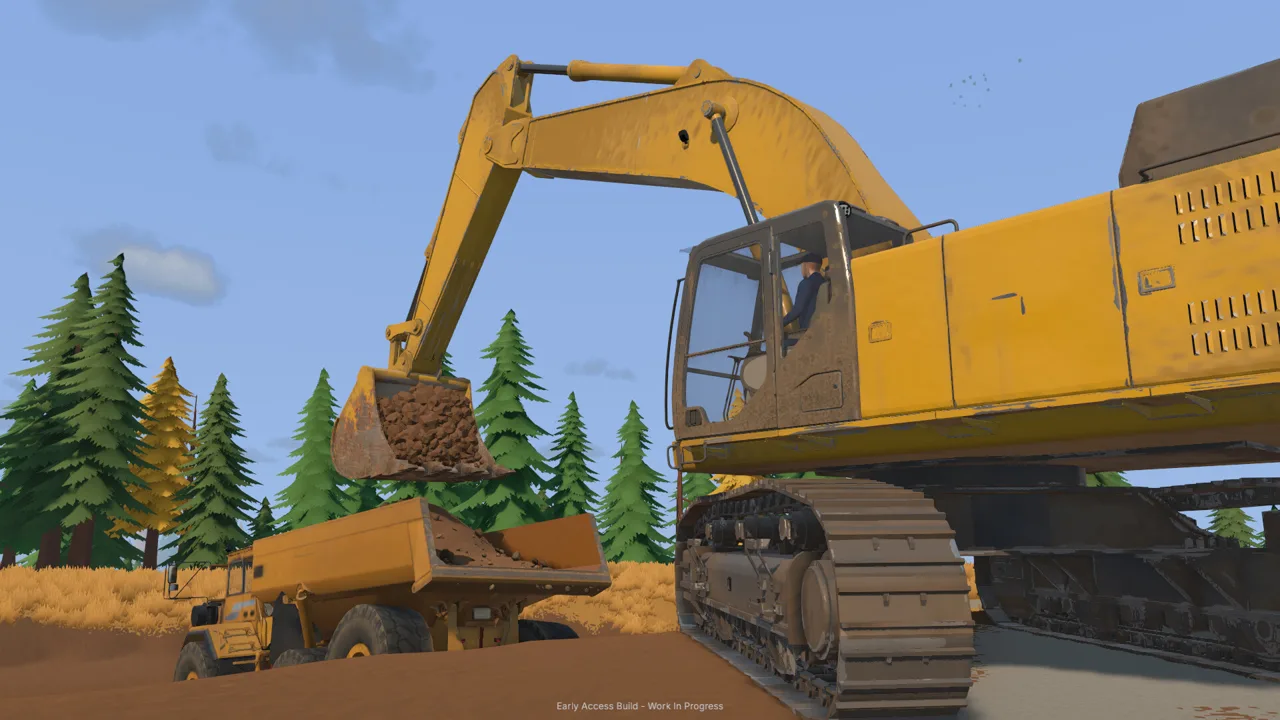 Image: Steam / XYZ STUDIO
Check the pond while you work elsewhere. A trip to collect equipment or drill another location gives the pump time to keep supplying water.
The starting wash operation uses separate pumps for filling the pond and supplying the trommel.
| Component | Function in the starting setup |
|---|---|
| River intake hose | Draws water into the filling pump |
| Filling pump | Transfers river water toward the pond |
| Discharge hose | Releases that water into the pond |
| Pond | Holds water for the washing operation |
| Second pump | Supplies the trommel from the pond |
If the pond is overflowing, shut down the pump that fills it. Trace the hoses before switching equipment off so you address the incoming water.
Terrain changes also interact with water. Pushing soil into a water-filled excavation changes the space the water occupies and moves it around the altered ground.
Before reshaping a wet area, inspect where the water already sits and where your next cut will open the terrain. Make smaller changes and watch the result before continuing.
Keep water management connected to your excavation plan:
- Check the holding pond before leaving for another task.
- Follow each hose to identify the pump’s purpose.
- Inspect wet ground around the truck’s approach.
- Watch water movement when pushing soil into a flooded cut.
Give the washing setup and its water connections room as your digging area expands. Reconsider their placement when the worksite grows.
Build a Repeatable Digging and Hauling Routine
Managing Groundwork Simulator slopes becomes easier when you plan several connected jobs together. Your digging position determines where the truck stops; the truck’s route determines where material arrives; the stockpile determines how the loader approaches the conveyor.
Organize those connections before committing to a large cut.
- Test the intended digging area. Use shallow scanning and deeper drill samples to choose where to work.
- Inspect access. Identify the machine’s approach, loading position, and exit.
- Prepare the ground. Reshape troublesome sections before sending equipment across them.
- Choose the stockpile location. Leave the loader room to collect material and approach the conveyor.
- Check water flow. Inspect the pond and the pumps supplying your wash operation.
- Reassess after excavation. Look for newly steep sections, obstructing piles, and changed routes.
Think through a hillside job before taking the next scoop. If the truck must return along the edge of the cut, preserve that connection as you excavate. If the stockpile starts occupying the loader’s turning space, adjust its placement before adding another load.
Coordinate Terrain Changes in Co-op
Online co-op lets you divide excavation, transport, and processing between players. That division also makes communication useful whenever someone changes shared ground.
Tell your transport partner before cutting into a route they are using. Agree on stockpile locations before the truck tips its load. Keep the loading position clear for the excavator and leave the loader’s approach open near the washing equipment.
While your teammate excavates, inspect the route and monitor the pond between transport jobs. Use those checks to catch changes before the next loaded trip.
For solo play, pause between roles to inspect the site. Walk the route after digging, check the stockpile before switching to the loader, and look at the water setup before leaving for another machine. Each inspection connects the ground you just changed to the job you are about to start.
FAQ
How do you manage Groundwork Simulator slopes?
Plan access before excavating, reshape troublesome approaches, and inspect routes after digging changes the terrain. Account for mud and heavy loads when choosing how to reach the work area.
Can you flatten terrain in Groundwork Simulator?
Yes. The rake flattens small patches of ground. Bulldozers push soil, while excavators and wheel loaders also change terrain through their work. Use hand tools for small adjustments and machinery for larger earthmoving jobs.
What controls help when a vehicle gets stuck?
The launch tutorial uses X for differential lock and L for the recovery winch. Follow the on-screen prompts to attach and operate the winch, and check your settings if you have rebound those controls.
Can your holding pond overflow?
Yes. Continuing to pump water into the pond can flood the surrounding claim. Shut off the filling pump when needed, and distinguish it from the separate pump supplying water to the trommel.
Continue with
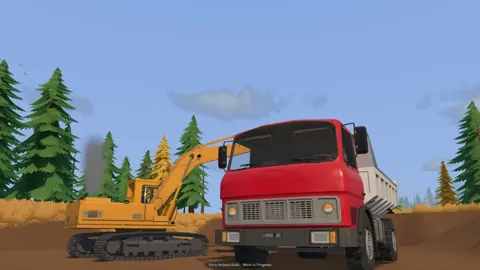 Groundwork Simulator Terrain Guide: Dig, Haul, and WashUse this Groundwork Simulator terrain guide to plan digs, handle mud and slopes, manage water, and keep gold-bearing material moving through your site.
More in Terrain
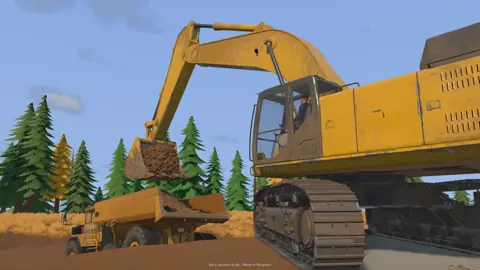
Groundwork Simulator Digging Physics: Terrain Guide
Master Groundwork Simulator digging physics with tips on bucket angles, hydraulic resistance, terrain shaping, water flow, and keep your worksite moving.
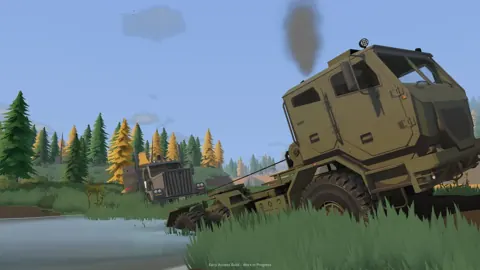
Groundwork Simulator Mud Guide: Traction and Recovery
Groundwork Simulator mud guide: learn differential lock, winch recovery, and pump management to handle rough terrain and keep your gold operation moving.
Continue exploring

Groundwork Simulator Beginner Guide: Your First Gold
Use Groundwork Simulator beginner guide to set up water and power, handle heavy machinery, wash pay dirt, and sell your first gold. Start digging today.
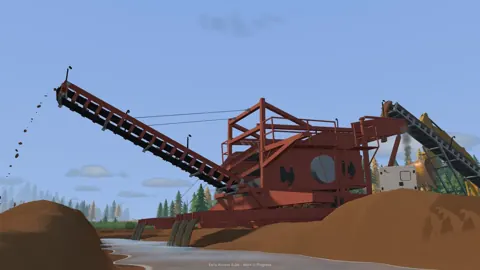
Groundwork Simulator Multiplayer: Co-Op Guide & Tips
Groundwork Simulator multiplayer lets you dig and haul with friends. Learn co-op roles, plan a mining site, and understand launch issues before you play.
Join the community
Official channels for news, updates and player help: