
Early access · Release date: October 22, 2026
UpdatedGroundwork Simulator Sluice Box: Wash and Recover Gold
Get your Groundwork Simulator sluice box running with pump setup, conveyor controls, safe shutdown steps, and a clear walkthrough from pay dirt to gold.
Jump to
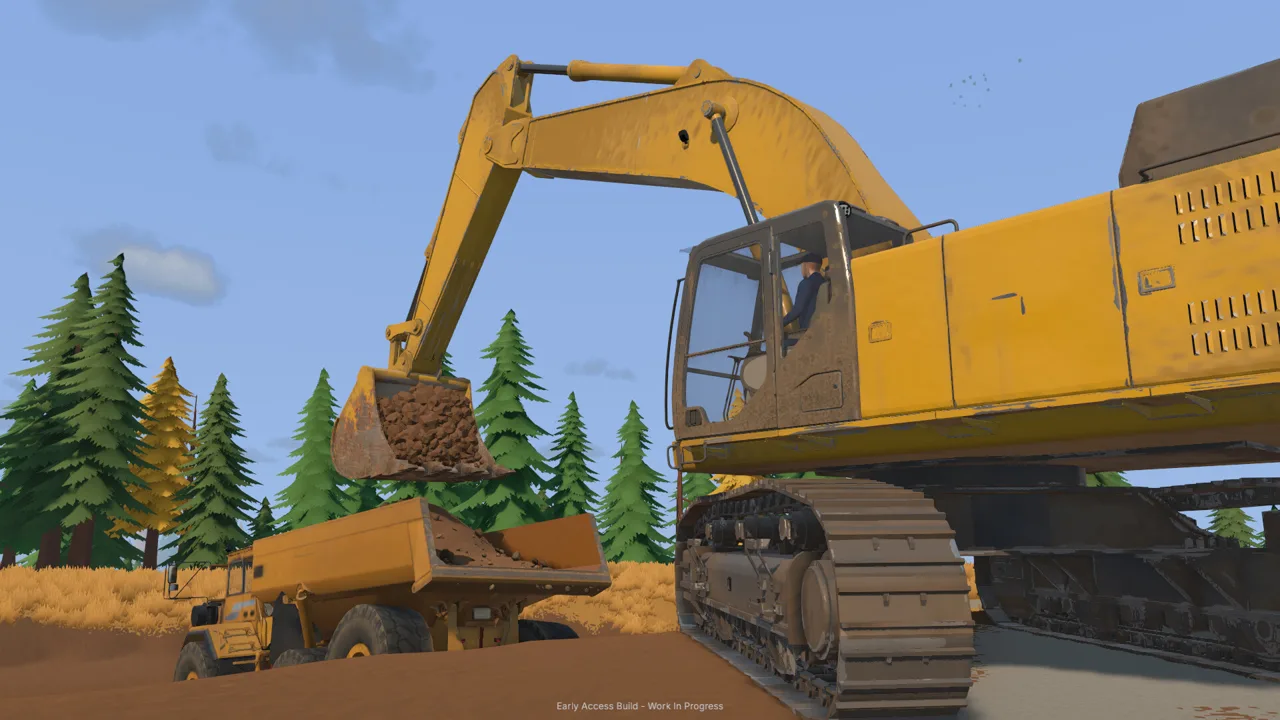
How the Groundwork Simulator Sluice Box Works
Your Groundwork Simulator sluice box holds the concentrate that needs further processing before you can collect clean gold. Getting the washing and cleanup sequence right carries your excavation work through to a sellable result. To use the Groundwork Simulator sluice box, wash your pay dirt, finish feeding the plant, shut the equipment down, and empty the concentrate for the cleanup table.
The sluice boxes sit between bulk washing and final gold separation. Excavating and hauling get material to the plant; the cleanup table handles the remaining separation after you empty the boxes.
| Stage | Equipment involved | What happens |
|---|---|---|
| Find promising ground | Material detector and drill truck | Check shallow ground and sample deeper layers |
| Move pay dirt | Excavator, dump truck, and wheel loader | Carry excavated material to the wash line |
| Wash material | Conveyor, trommel, and sluice boxes | Process the dirt and collect concentrate |
| Finish recovery | Cleanup table and collection jar | Separate gold, collect it, and put it in storage |
Keep that sequence in mind when something appears unfinished. A stopped conveyor does not mean the trommel has processed everything, and concentrate in the sluice boxes still needs cleanup.
The controls below cover the PC keyboard tutorial workflow at launch. Groundwork Simulator also lets you rebind controls, so follow your displayed prompts if you have changed them.
Official page: Groundwork Simulator (store.steampowered.com)
Set Up Water and Power Before Feeding Dirt
Prepare the washing equipment before bringing material through the conveyor. The starting claim uses two pumps with different jobs: one fills the pond from the river, while the other supplies the trommel from that pond.
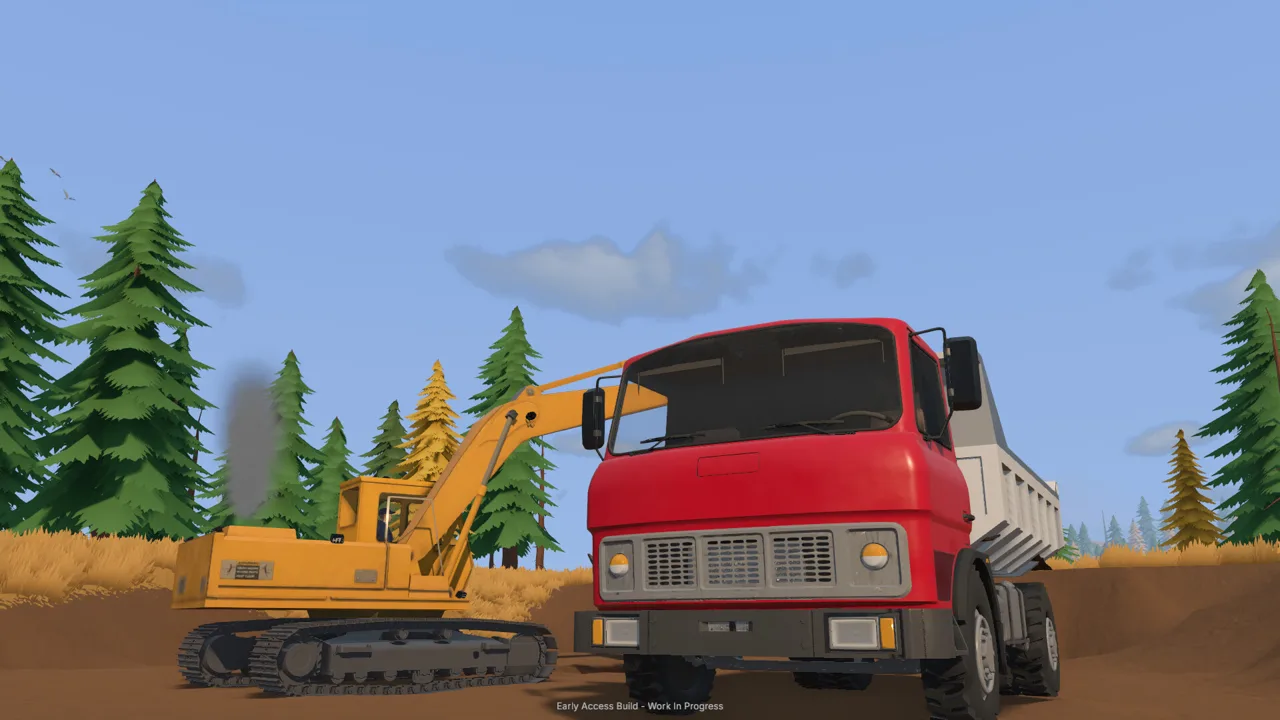 Image: Steam / XYZ STUDIO
Connect the two water lines
Follow the tutorial markers to pump one near the river. Its lower fitting draws water into the pump; its upper fitting sends water out.
- Select the intake fitting with the left mouse button and place the hose end in the river.
- Select the output fitting and route its hose to the marked pond discharge area.
- Start pump one to fill the pond.
- Move to pump two and place its intake in the pond.
- Connect pump two’s output hose to the trommel’s water connection.
- Press E at pump two to start the wash plant’s water supply.
| Connection | Intake location | Output destination |
|---|---|---|
| Pump one | River | Pond |
| Pump two | Pond | Trommel |
Watch the pond while you work. Leaving the river pump running can overflow it and flood the surrounding claim. Shut off the filling pump when you need to stop adding water; distinguish it from the pump supplying the trommel.
That distinction matters during a Groundwork Simulator sluice box run. Turning off the wash supply and leaving the river pump running does not stop the pond from filling.
Unfold the trommel and position the generator
Stand near the mobile trommel’s controls and press K to unfold it. Position the small conveyor so its discharge lines up with the trommel’s receiving hopper.
The trommel also needs a larger generator nearby. Buy it through the machine dealer, select it with the machine transport tool, and place it in the marked area where its power reaches the trommel.
Stand near the generator’s front control area and press G to start it. Keep the loading approach clear when placing equipment so the wheel loader has room to reach the conveyor hopper.
Load Pay Dirt and Control the Conveyor
Start with the ground the tutorial points out: darker gravel and low spots where water slows. As you move beyond that introduction, use the material detector for shallow checks and the drill truck to inspect deeper layers.
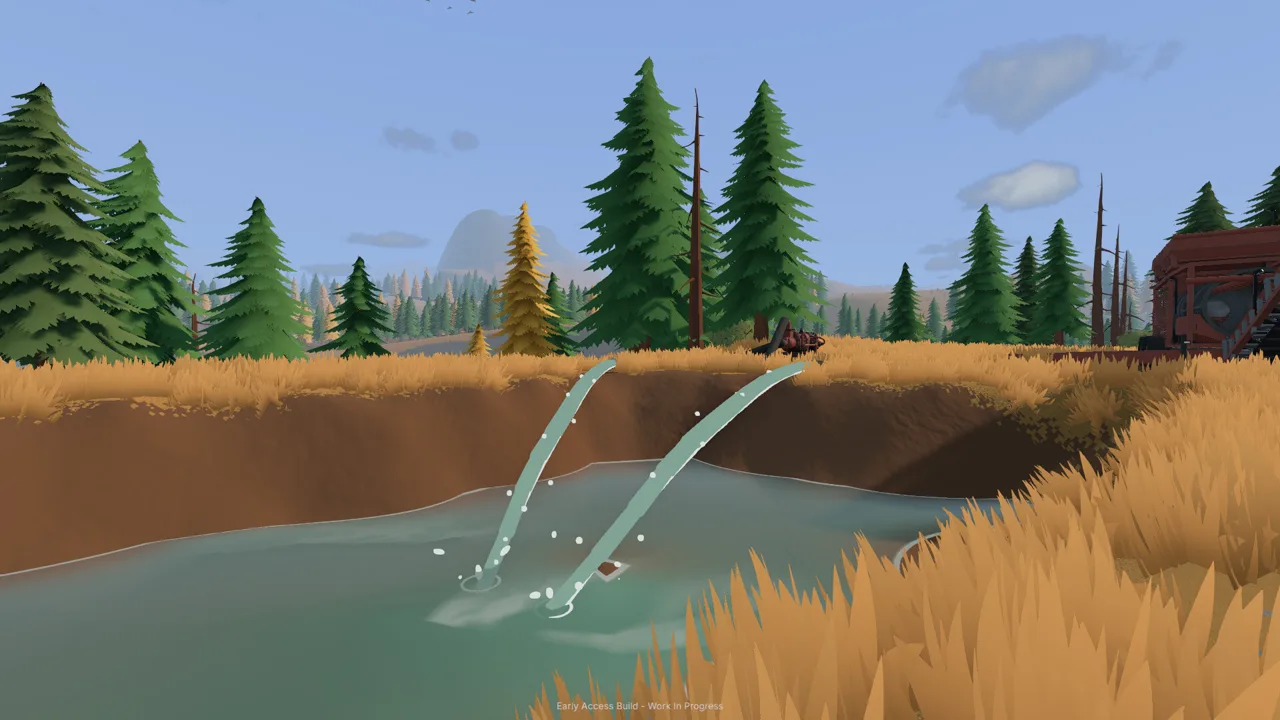 Image: Steam / XYZ STUDIO
Test promising ground before committing to a large excavation. The game’s digging changes the landscape, so every trench and spoil pile affects the routes your machines use afterward.
For the starting operation, the material-handling sequence is:
- Excavate pay dirt into the dump truck.
- Drive the loaded truck to the stockpile area beside the gravel path.
- Tip the material into a compact pile.
- Use the wheel loader to scoop that pile.
- Empty the loader into the small conveyor’s hopper.
Place the stockpile where you can approach it without blocking the conveyor. Park the dump truck clear after unloading; leaving it beside the pile makes the loader’s next approach harder.
The starting truck’s tutorial load target is 5 cubic meters, while the conveyor-loading tutorial asks you to reach 3.5 cubic meters. Follow the objective currently on screen rather than using one number for every machine.
Start the plant before the belt
The Groundwork Simulator sluice box receives material through the washing process, so get the trommel running before starting the conveyor.
| Action | Keyboard input | Where to use it |
|---|---|---|
| Unfold the mobile trommel | K | Near the trommel controls |
| Start the generator | G | At the generator control area |
| Start the trommel | G | At the trommel controls |
| Start or stop the small conveyor | G | At the conveyor controls |
The tutorial specifically puts the drum and spray bar into operation before feeding dirt. Start those, then switch on the loaded conveyor.
Watch the receiving hopper as material moves. The conveyor has an adjustable speed, including settings of 65% and 100%. Increasing belt speed moves dirt out of the feed hopper faster, but the trommel still has material to process.
Use the hopper level to guide adjustments. Reduce the conveyor speed if material keeps accumulating at the receiving end. Keep checking both ends of the belt instead of watching only the stockpile disappear.
Shut Down and Empty the Sluice Boxes
The important part of a Groundwork Simulator sluice box cleanup happens before you collect anything: finish processing the material already in the wash line.
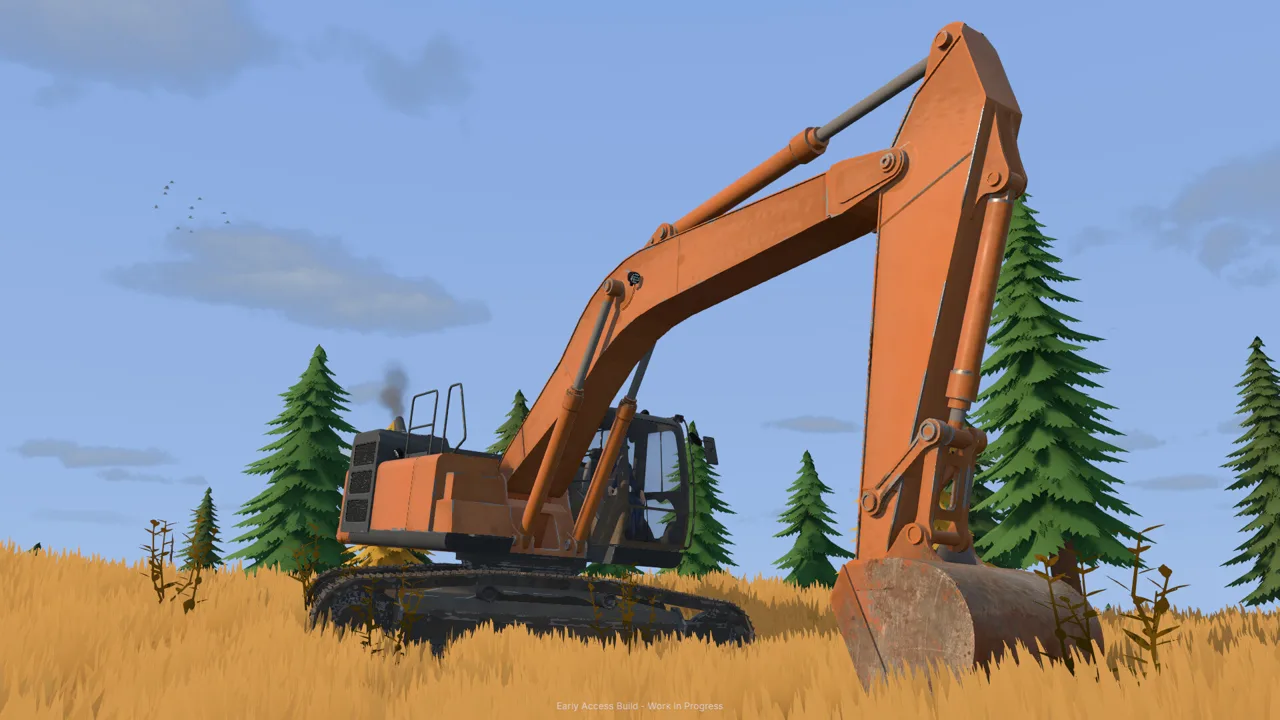 Image: Steam / XYZ STUDIO
When the conveyor’s load runs out, stop the belt and check the trommel hopper. Material remaining there still needs to pass through the plant. Let that finish before stopping the trommel.
Use this shutdown order:
| Order | Action | What to check |
|---|---|---|
| Finish feeding | Let the conveyor carry its loaded material through | The feed hopper has emptied |
| Stop the conveyor | Press G at its controls | The belt has stopped |
| Finish washing | Let the remaining material process | The trommel hopper has emptied |
| Stop the wash plant | Press G at its controls | The plant has stopped |
| Empty the sluice boxes | Press E beside a sluice box | The cleanup pallet is available |
Walk alongside any part of the sluice box and press E once the wash plant has stopped. This empties the concentrate for the cleanup stage.
Do not read the sluice estimate as the amount of finished gold you will sell. During the introductory cleanup, the interaction displays an estimated 50–250 grams, while the collected jar contains 61 grams after processing. Concentrate still includes material the cleanup table must separate.
Keep the area around the Groundwork Simulator sluice box accessible. Leave yourself a clear walking route between the boxes, the cleanup pallet, and the tent. Moving a parked machine out of that path before cleanup saves maneuvering around it while carrying the pallet.
Process Concentrate and Collect Your Gold
After emptying the sluice boxes, find the cleanup pallet holding the concentrate buckets. Press G to pick it up, carry it to the cleanup table under the tent, and press G again to place it in the marked drop zone.
Look at the table and press E to begin processing. The tutorial gives a cleanup rate of 125 grams per hour. That figure describes processing speed; use the finished jar to check your recovered gold.
Use time acceleration during cleanup
The tutorial directs you to open Settings, choose General, and set the time speed to 120× while the table works. During that guided cleanup, time automatically returns to 1× when processing finishes.
Check the time setting when you resume normal work. Also check the pond before accelerating time: the river pump can continue filling it while you are occupied elsewhere.
Wait until all concentrate has been processed before collecting the gold. Then:
- Look at the collection jar and press E to collect it.
- Press E again to put the jar into storage.
- Open Gold Prices.
- Choose the option to sell filed gold.
The storage step sits between collecting the jar and selling its contents. Finish it before opening the sales menu.
Judge the run by the finished jar
Two early cleanups yield 61 grams and 57 grams, respectively. Use those as examples of separate results, rather than expecting every pallet to produce an identical amount.
To improve the next Groundwork Simulator sluice box run, work backward through the operation. Scan the digging area, inspect drill results for gold-bearing layers, and move material from promising ground through the full washing sequence.
In online co-op, divide excavation and transport between players to keep material moving toward the wash plant. Before cleanup, coordinate the shutdown so everyone knows when feeding has ended.
For solo play, finish each machine’s immediate job before changing seats: unload the truck, clear the loader’s approach, feed the conveyor, and then handle processing. Groundwork Simulator sluice box work becomes easier to manage when the dirt, water, and cleanup tasks each have a clear place in your routine.
FAQ
How do you empty the Groundwork Simulator sluice box?
Finish feeding, stop the conveyor, and let the remaining material wash through the trommel. Stop the wash plant, then stand beside any part of a sluice box and press E. Carry the resulting cleanup pallet to the table for processing.
Why is the conveyor running without completing the washing setup?
The conveyor, trommel, water supply, and generator have separate setup steps. Connect the pond pump to the trommel, start the generator, and start the trommel’s drum and spray bar before switching on the conveyor.
Does the sluice box give you gold ready to sell?
The sluice boxes collect concentrate. Process it on the cleanup table, collect the finished gold jar, and put it in storage. Then open Gold Prices to sell the filed gold.
How do you stop the pond from overflowing?
Turn off pump one, which transfers river water into the pond. Pump two supplies the trommel from the pond. Check which pump you are operating so you stop the incoming water when the pond needs no more filling.
Continue with
 Groundwork Simulator Wash Plant: Setup to Gold GuideSet up your Groundwork Simulator wash plant, connect water and power, manage conveyor feed, and turn sluice concentrate into gold with a practical guide.
More in Mining

Groundwork Simulator Drilling: Find Gold Before You Dig
Master Groundwork Simulator drilling with DR64 controls, borehole tips, and Gold Map advice. Find promising layers before moving your mining equipment.
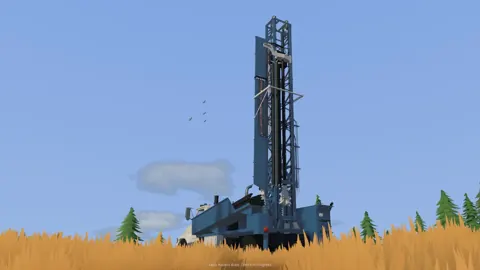
Groundwork Simulator Gold Mining: From Dirt to Payday
Master Groundwork Simulator gold mining with tips for water pumps, excavation, wash plants, cleanup, and drilling. Build your claim and recover more gold.
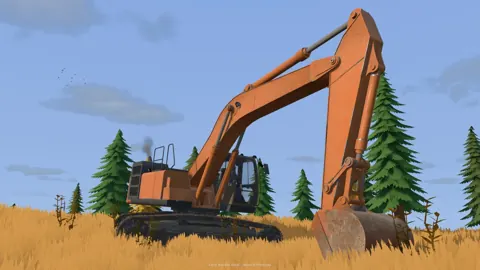
Groundwork Simulator Mining Guide: Dig, Wash, Profit
Find deposits, set up water, dig and haul pay dirt, then wash it and clean up concentrate. Finish the opening tutorial before expanding your operation.
Groundwork Simulator Shaking Table: Gold Cleanup Guide
Use the Groundwork Simulator shaking table to process concentrate, collect gold, and prepare it for sale. Follow cleanup steps and avoid common mistakes.
Join the community
Official channels for news, updates and player help: