
Early access · Release date: October 22, 2026
UpdatedGroundwork Simulator Gold Mining: From Dirt to Payday
Master Groundwork Simulator gold mining with tips for water pumps, excavation, wash plants, cleanup, and drilling. Build your claim and recover more gold.
Jump to
How Gold Mining Works in Groundwork Simulator
Groundwork Simulator gold mining starts with a bucket of dirt and quickly becomes a test of how well you can run an entire worksite. Every haul depends on the terrain you reshape, the water you supply, and the equipment waiting at the other end. To get Groundwork Simulator gold mining moving, connect your washing setup, process a small load, and use that first cleanup to fund deeper exploration.
The mining loop takes you from excavation to gold recovery through several connected jobs. Digging supplies material, transport delivers it, and washing produces concentrate for the cleanup table.
| Stage | Equipment or tool | What happens |
|---|---|---|
| Explore | Material detector and drill truck | Check shallow ground and sample deeper layers |
| Excavate | Excavator | Dig material and load the dump truck |
| Transport | Dump truck and wheel loader | Move dirt into a stockpile, then feed the conveyor |
| Wash | Conveyor, trommel, and sluice boxes | Process material and collect concentrate |
| Clean up | Shaking table | Separate gold from the concentrate |
| Sell | Gold storage and Gold Prices menu | Record recovered gold and sell it |
At the family claim, the tutorial takes you through an initial cleanup before introducing surface scanning and drilling. Follow that sequence before reorganizing the operation.
This guide covers the October 22, 2026 Early Access launch. Start with a complete processing cycle so you understand how each machine connects to the next.
Official page: Groundwork Simulator (store.steampowered.com)
Set Up Water and Power Before Moving Dirt
Your wash plant needs a working water supply and a nearby generator. Groundwork Simulator gold mining gives water a physical presence: a running pump can fill a pond and eventually flood the surrounding worksite.
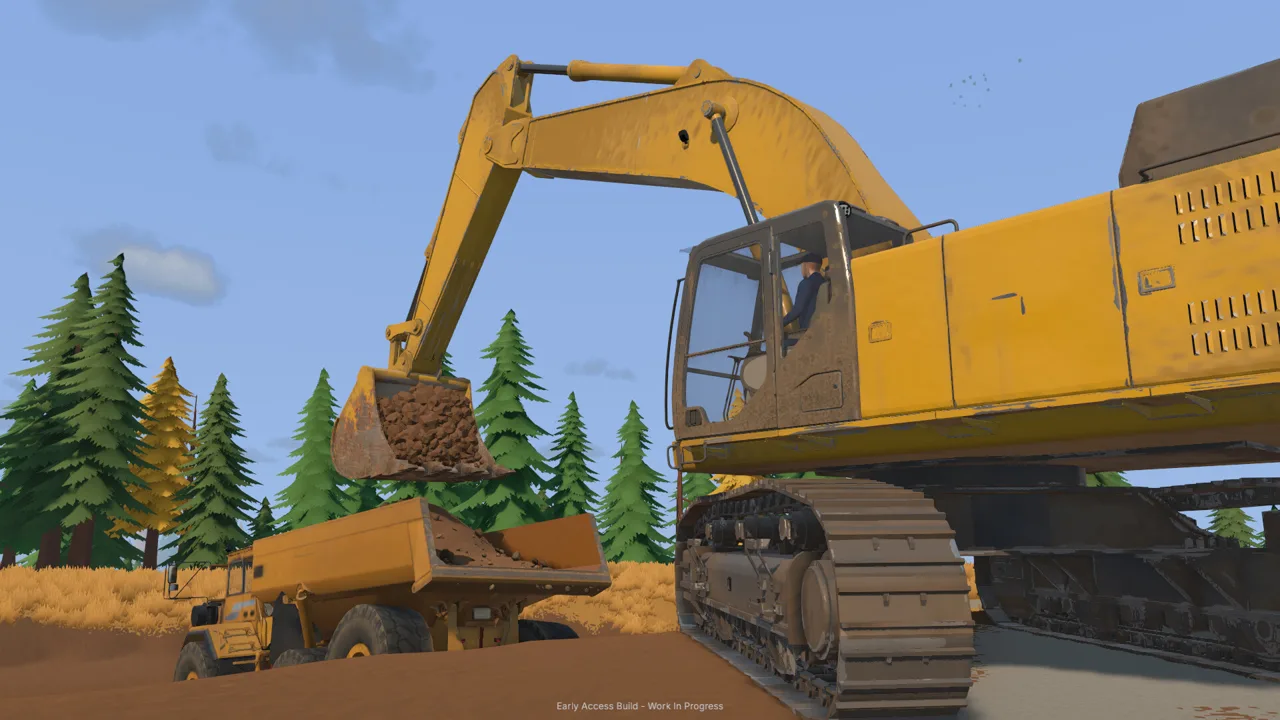 Image: Steam / XYZ STUDIO
At the starting claim, the water system uses two pumps. One transfers river water into the holding pond; the other supplies the trommel from that pond.
| Component | Connection or position | Task |
|---|---|---|
| River pump intake | Place the intake hose in the river | Draw water from the river |
| River pump outlet | Route the discharge hose to the pond | Fill the holding pond |
| Wash pump intake | Place the intake hose in the pond | Draw water for processing |
| Wash pump outlet | Connect the hose to the trommel | Supply the washing equipment |
| Generator trailer | Park near the trommel | Provide power to the plant |
Connect the hoses before starting the pumps. The lower fitting draws water into the pump, while the upper fitting sends it out.
Next, unfold the mobile trommel and position the small conveyor so its discharge reaches the receiving hopper. Follow the tutorial markers while learning the alignment.
Buy the generator when prompted, place it near the plant with the machine transport tool, and start it from its controls.
Watch the holding pond while you work. Shut off the river pump when you need to stop filling it. Switching off the pump feeding the trommel stops the plant’s water supply while leaving river water flowing into the pond.
Check the pond before leaving for a long equipment delivery or exploration trip. Keeping track of those two separate pump jobs can save you from returning to a flooded digging area.
Dig and Haul Without Blocking Your Worksite
Excavation changes the terrain with every scoop. Cut into a hillside, build a stockpile, or disturb a driveway, and your next trip takes place on that altered ground.
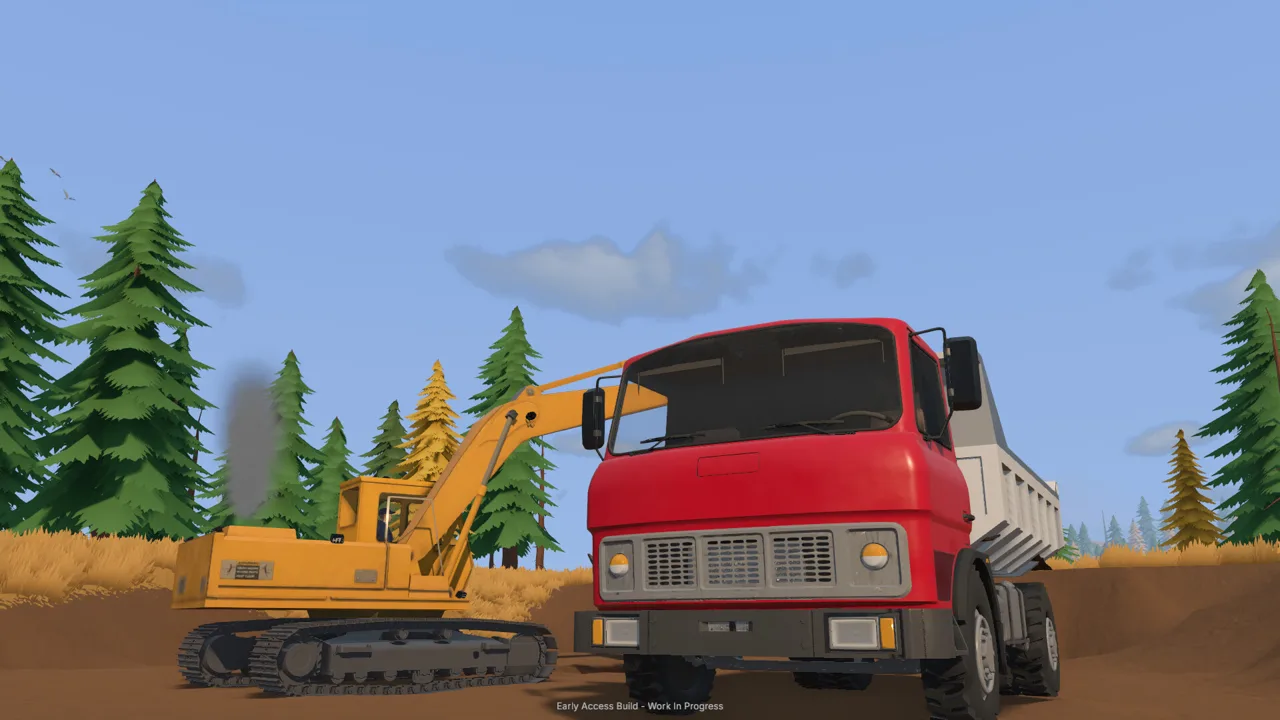 Image: Steam / XYZ STUDIO
For Groundwork Simulator gold mining, plan the truck position and hauling route before opening a large pit. Leave room for the excavator to swing and for the loaded truck to pull away.
Learn the bucket movement
The excavation system simulates resistance and hydraulic feedback. Bucket angle and digging depth affect how the machine responds.
Practice these movements in the tutorial cut:
- Lower the bucket toward the material.
- Draw it through the ground while curling it.
- Lift the load clear of the cut.
- Swing toward the truck and position the bucket over its bed.
- Open the bucket to unload.
Watch the bucket fill indicator as you practice. If a cut produces a small load, adjust your next pass. If the machine struggles, change the bucket angle or take a shallower bite.
Give the loader an accessible stockpile
The starting workflow uses the dump truck to create a pile near the washing line. The wheel loader then carries that material to the conveyor hopper.
Dump where the loader can approach, scoop, reverse, and turn toward the feeder. Park the empty truck away from that approach.
Check the truck’s load indicator rather than judging capacity from the visible mound. When unloading, watch whether material remains in the bed. Pull forward if the dumped pile is obstructing the discharge.
Keep the loader bucket close to the stockpile surface as you approach. Watch its cutting edge: the terrain is deformable, and an awkward pass can disturb the ground beneath your pile.
Run the Wash Plant and Complete Your Cleanup
Groundwork Simulator gold mining turns excavated dirt into saleable gold through washing, concentrate collection, and table cleanup. Feeding the plant is only part of the job.
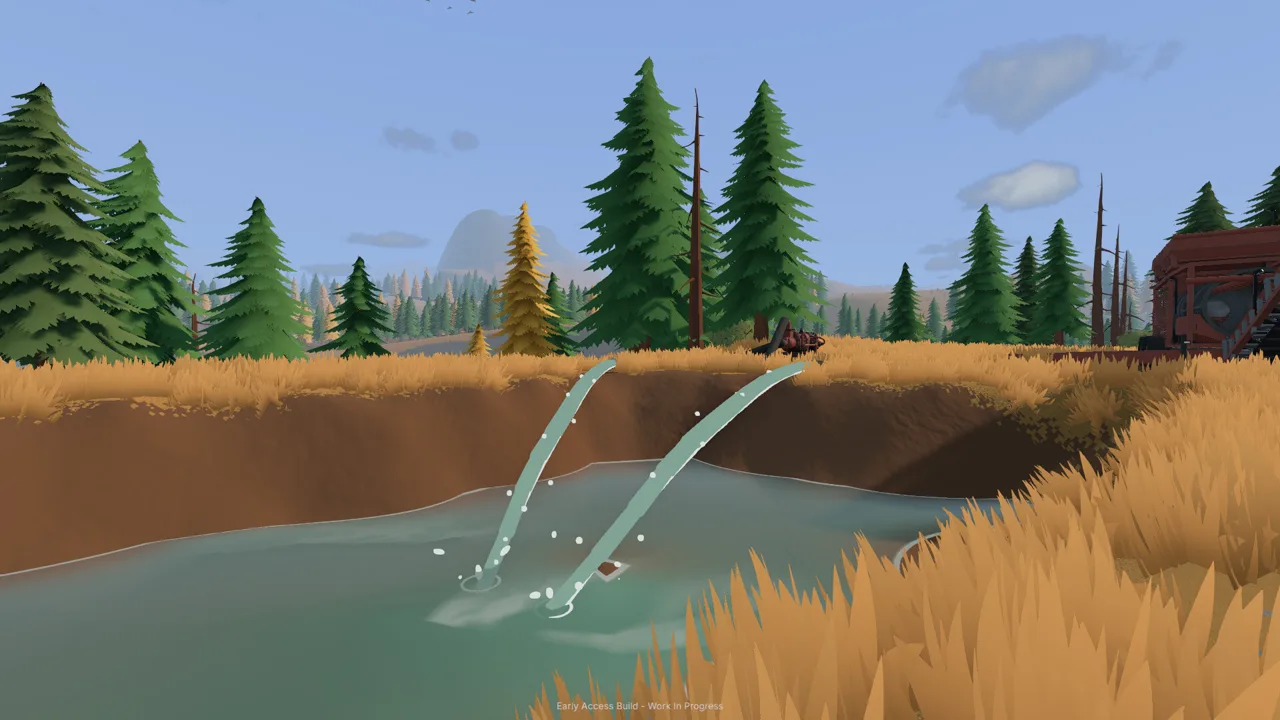 Image: Steam / XYZ STUDIO
Start the trommel before the conveyor. The drum and spray bar need to be operating when pay dirt arrives.
| Order | Action | What to check |
|---|---|---|
| 1 | Start the trommel | Drum and spray bar are running |
| 2 | Start the conveyor | Material travels into the plant |
| 3 | Monitor processing | Watch the feeder and plant hopper contents |
| 4 | Stop the conveyor after feeding | The belt has finished delivering material |
| 5 | Let the remaining material process | The plant hopper empties |
| 6 | Stop the wash plant | The plant is stopped before cleanup |
| 7 | Empty the sluice boxes | Concentrate is ready to carry |
| 8 | Run the cleanup table | Finish processing before collecting gold |
Match the feed to the plant
The conveyor has an adjustable feed speed. Watch the receiving hopper as you change it: a rising material level tells you that material is arriving faster than it is being processed.
Reduce the conveyor speed if the hopper keeps filling. Let the plant work through the remaining material after the feeder empties, then shut it down.
Follow the material through both machines. An empty feeder does not mean the trommel has finished processing its contents.
Move concentrate to the table
After stopping the plant, empty the sluice boxes. Pick up the cleanup pallet, carry it to the table’s drop zone, and set it down before starting cleanup.
The launch tutorial gives the table’s processing rate as 125 grams per in-game hour. It also introduces 120× time speed to move through the cleanup.
Check your pumps before accelerating time, and check the time setting afterward. A pond that still has water flowing into it deserves attention before you fast-forward.
Once cleanup finishes, collect the gold jar and put it into storage. Open Gold Prices to sell the recorded gold. Complete the collection and storage steps before heading to the sales menu.
Survey Deeper Ground and Expand With a Purpose
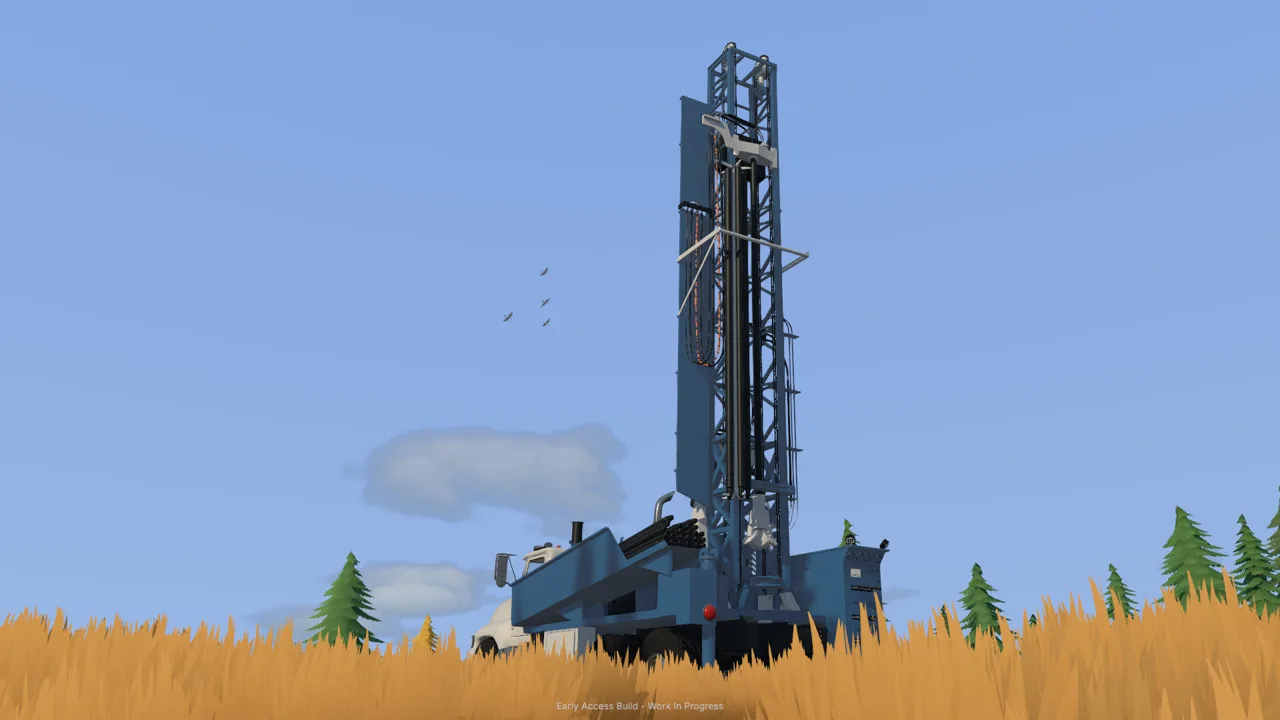
After the initial cleanup, Groundwork Simulator gold mining introduces two different ways to investigate deposits: the handheld material detector and the DR64 drill truck.
Use the detector to examine shallow ground. Then drill to investigate layers below the surface.
| Survey method | Information it provides | How to use it |
|---|---|---|
| Material detector | Shallow-ground readings, including medium and high | Compare nearby surface locations |
| DR64 drill truck | Depth, material layers, and gold-bearing bands | Investigate ground beneath the surface |
| Gold Map borehole markers | Filed drill results | Review the layers and depths from completed holes |
| Exploration clues | Directions involving old workings and terrain | Choose areas for further investigation |
The opening instructions point you toward darker gravel and low areas where water slows. Start there, compare detector readings, and use drilling to examine what lies underneath.
Review layers before excavating
The drill can pass through different materials, including topsoil, clay, and gravel. Read the depth and gold-bearing information rather than choosing an excavation area from surface color alone.
Position the truck with its rear over the intended drilling location. Follow the setup prompts for the stabilizers, mast, drill rotation, and additional rods.
Retract the drill and prepare the truck for travel before moving to another hole. After finishing the tutorial sampling, exit the hired truck and return it through the company fleet menu to stop further daily hire charges.
Explore before relocating the fleet
The valley contains old machinery, mining areas, and written clues. Some abandoned equipment can be added to your company fleet through an interaction.
Follow the clue trail and inspect promising ground before hauling your washing operation elsewhere. Check water access and the equipment route during the same visit.
Use the Gold Map to review boreholes before committing to a large cut. Compare the recorded gold-bearing bands with the depth you would need to excavate, then plan where the truck and excavator can work.
Adjust Controls and Check Launch Hardware Requirements
Groundwork Simulator gold mining involves several machine control schemes. Spend a few minutes on keyboard layout and bindings before loading the truck.
Choose QWERTY if that matches your keyboard, review the excavator controls, and rebind movements that feel awkward. The game includes ISO and SAE control patterns.
Practice boom movement, bucket curl, and swing separately before combining them. Use the on-screen prompts when switching machines, especially while learning the drill truck.
The soil and water simulation puts substantial demand on the CPU.
| Windows component | Minimum | Recommended |
|---|---|---|
| Operating system | Windows 10, 64-bit | Windows 11, 64-bit |
| Processor | Intel Core i5-8400 / AMD Ryzen 5 2600 | Intel Core i5-12400 / AMD Ryzen 5 5600 |
| Memory | 16 GB RAM | 24 GB RAM |
| Graphics | NVIDIA GTX 1070, 8 GB VRAM | NVIDIA RTX 3060, 8 GB / AMD RX 6600, 8 GB |
| DirectX | Version 12 | Version 12 |
| Available storage | 10 GB | 10 GB |
The launch build also has menu problems that can leave navigation stuck on the Gold Map. Save and reopen the game if the menu stops responding.
Groundwork Simulator supports solo play and online co-op. Divide excavation, hauling, and plant feeding among friends, then coordinate deliveries around the material already waiting at the wash plant.
FAQ
How do you start Groundwork Simulator gold mining?
Follow the family claim tutorial to connect the pumps, unfold the trommel, align the conveyor, and position the generator. Excavate a load, haul it to the stockpile, and use the wheel loader to feed the washing line.
Why is my claim flooding?
The river pump continues adding water to the holding pond while it runs. Shut off that pump to stop filling the pond. The separate wash pump draws water from the pond for the trommel.
How do you turn concentrate into saleable gold?
Stop the wash plant, empty the sluice boxes, and carry the cleanup pallet to the table. Finish processing, collect the gold jar, put it into storage, and open Gold Prices to sell it.
Can you mine gold with friends?
Yes. Online co-op lets you share the worksite. You can excavate while a friend hauls material or feeds the wash plant, keeping the connected jobs moving together.
Continue with
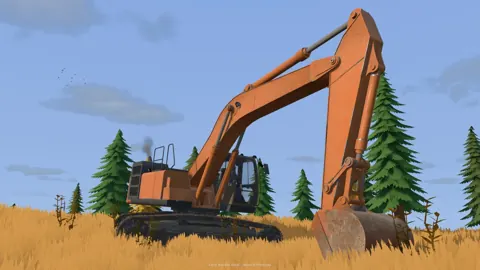 Groundwork Simulator Mining Guide: Dig, Wash, ProfitFind deposits, set up water, dig and haul pay dirt, then wash it and clean up concentrate. Finish the opening tutorial before expanding your operation.
More in Mining

Groundwork Simulator Drilling: Find Gold Before You Dig
Master Groundwork Simulator drilling with DR64 controls, borehole tips, and Gold Map advice. Find promising layers before moving your mining equipment.
Groundwork Simulator Shaking Table: Gold Cleanup Guide
Use the Groundwork Simulator shaking table to process concentrate, collect gold, and prepare it for sale. Follow cleanup steps and avoid common mistakes.
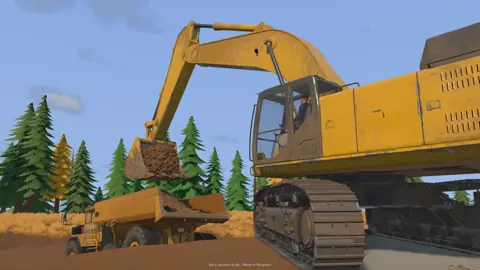
Groundwork Simulator Sluice Box: Wash and Recover Gold
Get your Groundwork Simulator sluice box running with pump setup, conveyor controls, safe shutdown steps, and a clear walkthrough from pay dirt to gold.
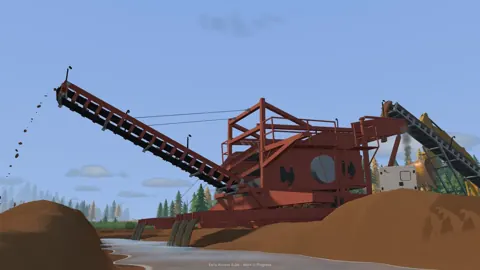
Groundwork Simulator Wash Plant: Setup to Gold Guide
Set up your Groundwork Simulator wash plant, connect water and power, manage conveyor feed, and turn sluice concentrate into gold with a practical guide.
Continue exploring
Groundwork Simulator Controls: Dig, Drive, and Wash
Learn Groundwork Simulator controls for excavators, trucks, tools, and wash plants. Set up your keyboard, handle heavy equipment, and finish your cleanup.
Groundwork Simulator Multiplayer: Co-Op Guide & Tips
Groundwork Simulator multiplayer lets you dig and haul with friends. Learn co-op roles, plan a mining site, and understand launch issues before you play.
Join the community
Official channels for news, updates and player help: