
Early access · Release date: October 22, 2026
UpdatedGroundwork Simulator Mining Guide: Dig, Wash, Profit
Find deposits, set up water, dig and haul pay dirt, then wash it and clean up concentrate. Finish the opening tutorial before expanding your operation.
Jump to
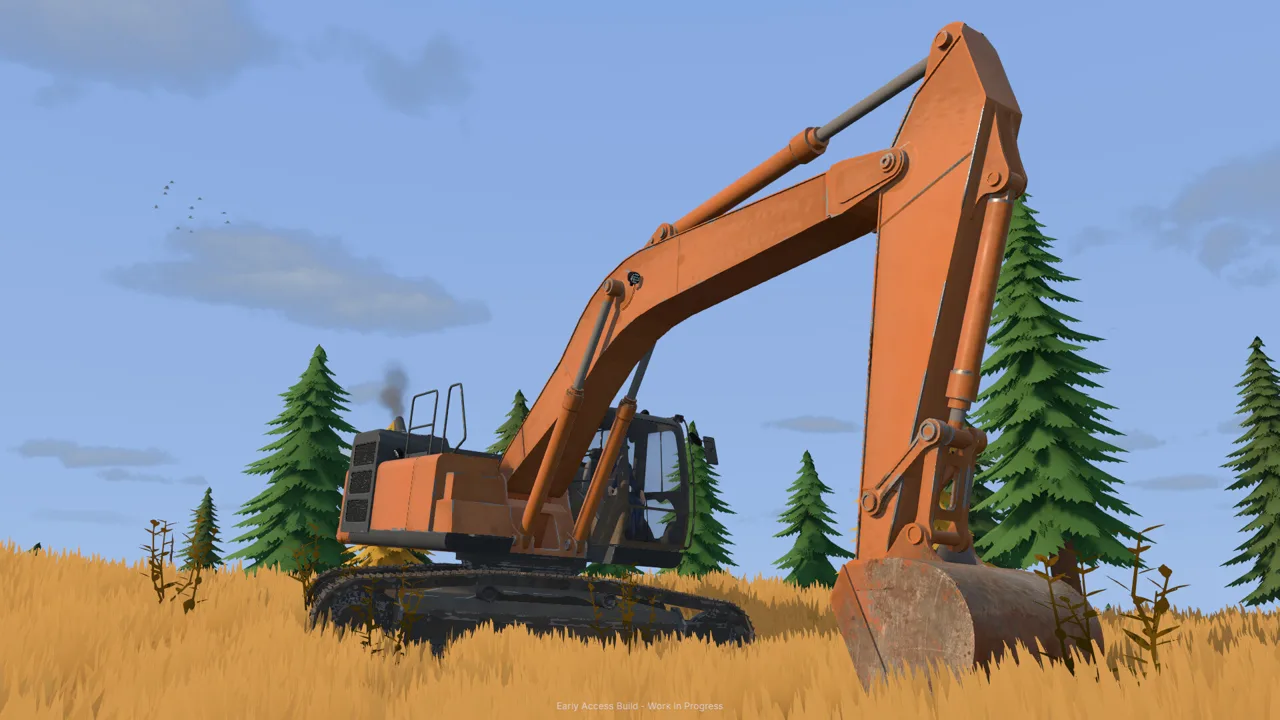
How to Mine Gold in Groundwork Simulator
A full truck of dirt is only the beginning—this Groundwork Simulator mining guide takes you through the work that turns it into gold. Every load needs a working route, water supply, and processing setup, so mistakes between machines can interrupt the whole operation. Use this Groundwork Simulator mining guide to connect those jobs, complete your opening cleanup, and explore deposits with a clearer plan.
The mining loop runs from exploration to excavation, hauling, washing, and concentrate cleanup. Groundwork Simulator entered Early Access on October 22, 2026, with terrain deformation, hydraulic resistance, and flowing water all affecting how your site operates.
| Mining stage | Equipment or system | What happens |
|---|---|---|
| Prospecting | Material detector and drill truck | Check shallow ground and sample deeper layers |
| Excavation | Excavator | Remove material and reshape the digging area |
| Hauling | Dump truck and wheel loader | Move excavated dirt toward the washing setup |
| Washing | Conveyor, wash plant, and sluice boxes | Process material and collect concentrate |
| Cleanup | Shaking table | Separate gold from the remaining concentrate |
Follow the opening tutorial through a complete cleanup before expanding. It introduces the relationship between the machines, including why having dirt in a hopper does not mean the wash plant is ready.
Keep the entire route in mind while digging. Every scoop changes the terrain, including the ground your machines need for their next trip. Throughout this Groundwork Simulator mining guide, prioritize a repeatable route from the excavation to the cleanup table.
Official page: Groundwork Simulator (store.steampowered.com)
Build the Water and Power Setup Before Feeding Dirt
The starting claim uses a pond between the river and the washing equipment. One pump supplies that pond; another draws from it to supply the mobile trommel.
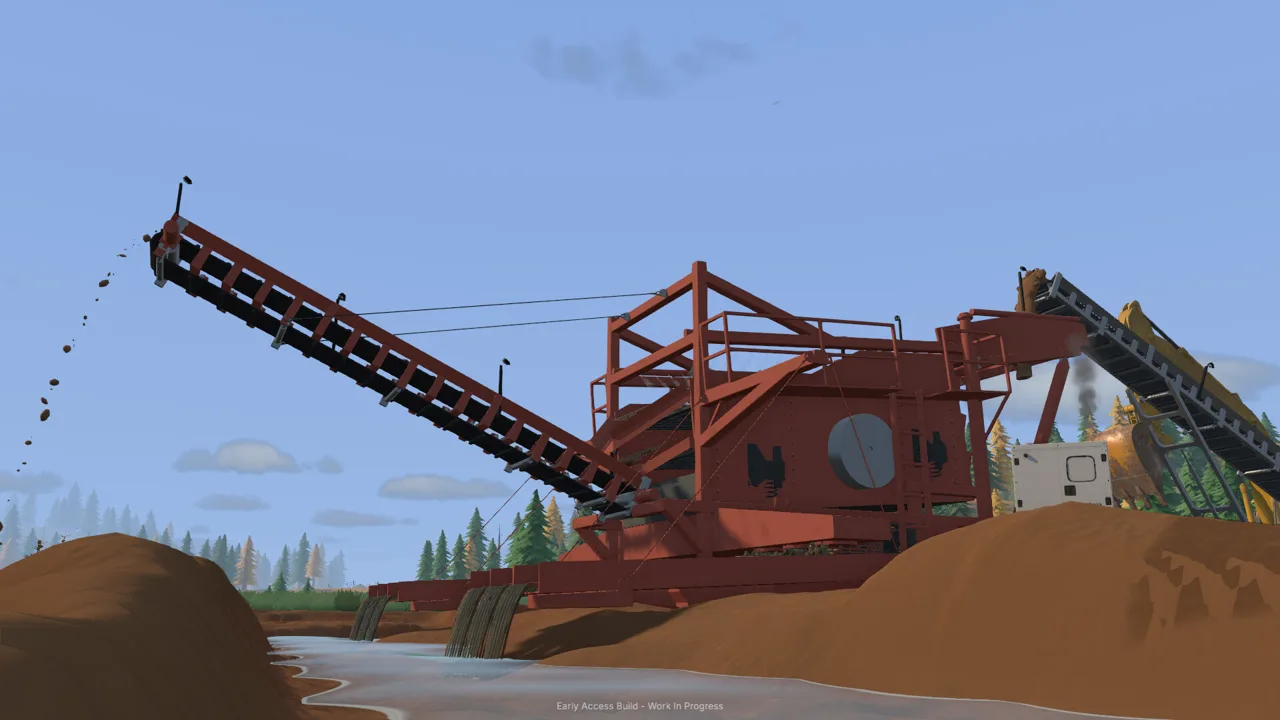 Image: Steam / XYZ STUDIO
These pumps have separate jobs. Remember which one fills the reservoir when you need to stop incoming water.
| Component | Connection or placement | Purpose |
|---|---|---|
| Pump one intake | River | Draws water into the supply pump |
| Pump one discharge | Holding pond | Fills the pond |
| Pump two intake | Holding pond | Draws water for washing |
| Pump two discharge | Trommel water connection | Supplies the wash plant |
| Generator trailer | Near the trommel | Provides power within reach of the plant |
Connect the opening wash line
Follow the tutorial markers through the setup:
- Place pump one’s intake in the river.
- Run its discharge hose to the marked pond area and start the pump.
- Unfold the mobile trommel at its controls.
- Position and raise the small conveyor so its discharge reaches the trommel’s receiving area.
- Connect pump two between the pond and the trommel.
- Acquire the generator trailer through the machine dealer, position it nearby, and start it.
Check the conveyor alignment before loading material. Repositioning an empty conveyor gives you fewer things to manage while learning its movement and height controls.
Watch the pond after starting the river pump. Continued pumping can overflow the reservoir and flood the surrounding claim. Shut off the river supply when necessary instead of leaving it running throughout an exploration trip.
That water management matters throughout this Groundwork Simulator mining guide. Before leaving the claim, inspect the pond and check which pumps are running. The pump feeding the trommel is separate from the pump adding river water to the site.
Start the trommel’s drum and spray bar before starting the feed conveyor. Water, power, and a loaded hopper are separate parts of the setup; check each one before sending material through.
Dig and Haul Without Ruining Your Access
The starting instructions direct you toward darker gravel and low ground where water slows. Use those areas for your opening excavation, then refine your digging plan with detector readings and drill samples.
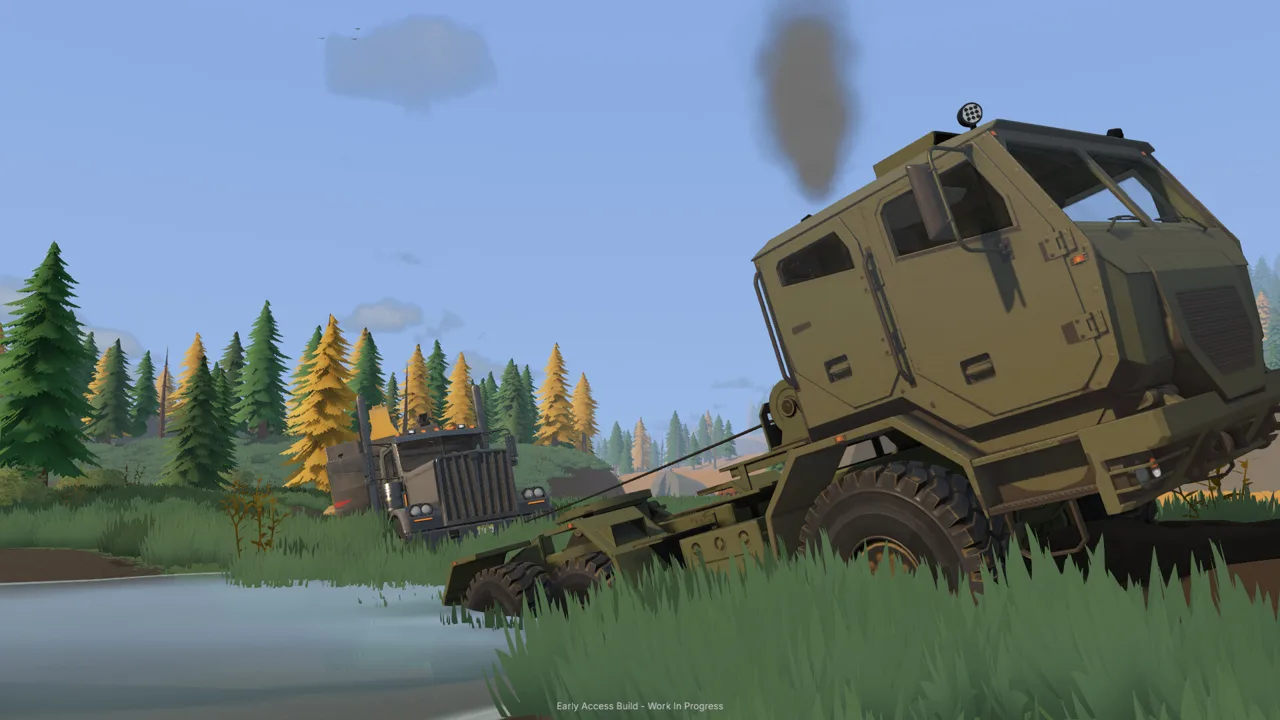 Image: Steam / XYZ STUDIO
Before taking a serious scoop, check your keyboard layout and excavator controls. The settings include QWERTY selection, control rebinding, and joystick pattern options. Set up a layout you can follow without repeatedly confusing boom movement, bucket curl, and rotation.
Practice a controlled sequence: lower the bucket, draw it through the material, curl it, lift, swing toward the truck, and dump. Excavation includes resistance and hydraulic feedback. If the bucket struggles through a deep bite, reduce the cut and adjust its angle.
Position machines around the loading cycle
Park the dump truck within the excavator’s working reach, leaving room to lift and swing the bucket over the bed. Check the load display as you work. A truck’s appearance alone can make its remaining capacity difficult to judge.
The opening hauling route moves dirt through several machines:
- Load the dump truck with the excavator.
- Drive to the marked stockpile area.
- Tip the load into a compact pile.
- Use the wheel loader to transfer that pile into the conveyor hopper.
Leave turning room around the stockpile. Parking the truck beside the pile can obstruct the loader’s next approach, forcing extra repositioning between scoops.
Keep the loader bucket close to the pile while collecting material, then curl and raise it for transport. Watch the cutting edge: terrain deformation means an unintended low pass can disturb the driveway beneath your machine.
For the hauling portion of this Groundwork Simulator mining guide, inspect your route after each excavation session. Preserve an approach to the pit and enough space to turn near the wash plant. If digging creates a difficult slope or rough crossing, improve that ground before repeatedly hauling over it.
Wash Pay Dirt, Process Concentrate, and Sell Gold
Once the water and power are running, load the small conveyor’s hopper with the wheel loader. Start the trommel before the conveyor, then watch material move through the wash line.
 Image: groundworksimulator.com
The conveyor has an adjustable feed speed. Compare the incoming material with the amount waiting in the trommel’s hopper, and reduce the feed if that queue keeps growing. Increasing belt speed moves dirt out of the feeder faster; keep watching the receiving equipment.
| Processing point | What to do |
|---|---|
| Before feeding | Start the trommel’s drum and spray bar |
| During feeding | Watch hopper levels and adjust conveyor speed |
| When the feeder empties | Stop the conveyor |
| While material remains in the plant | Let the trommel finish processing it |
| Before collecting concentrate | Stop the wash plant |
| After emptying the sluice boxes | Carry the cleanup pallet to the table’s drop zone |
Finish washing before emptying the sluice boxes
An empty feeder does not mean the entire batch has finished. Check the material remaining inside the trommel before shutting down the plant.
After processing ends, stop the wash plant and empty the sluice boxes. This produces concentrate for the cleanup stage. Carry the cleanup pallet to the marked area beside the shaking table, set it down, and start the table.
The opening cleanup instructions give a processing rate of 125 grams per hour. That is a processing rate, not a guaranteed gold reward. Keep it separate from the amount of clean gold collected at the end.
Use time acceleration carefully
The tutorial directs you to set time speed to 120× while the cleanup table runs. Before accelerating time, check the river pump and pond. Water can already overflow the claim during ordinary work, so inspect that system before turning your attention to cleanup.
After the table finishes, check that time speed has returned to normal.
The final steps in this Groundwork Simulator mining guide are easy to overlook: collect the gold jar, place it in storage, then open Gold Prices to sell the recorded gold. Concentrate still waiting beside the table has not completed that sequence.
Judge a mining batch after finishing its cleanup. Keep track of where the material came from so the recovered gold can inform your next excavation.
Find Deeper Deposits and Expand With a Plan
After the opening gold sale, the tutorial introduces surface scanning and deeper drilling. These tools answer different questions: the detector checks shallow ground, while the drill samples layers below it.
| Prospecting tool or record | Information it provides |
|---|---|
| Material detector | Shallow ground survey readings |
| Drill truck | Deeper samples through underground layers |
| Filed borehole markers | Recorded drilling locations |
| Gold Map borehole details | Layers, depths, and gold-bearing bands |
Hold the tool dial, select the material detector, and scan the darker ground near the opening excavation. Compare readings across the area before moving the drill into position.
Use this Groundwork Simulator mining guide as a sequence: scan, drill, inspect the recorded layers, and choose where to excavate. A strong shallow reading is a reason to investigate that spot. Use the borehole information to plan the depth of your cut.
Drill, record the hole, and return the rental
The drill operates from the rear of its truck. Align that end over the marked drilling area, deploy its supports and mast as prompted, then start drilling.
Watch the depth and layer information while the bit descends. Add rods when prompted to continue deeper. The opening tutorial includes a 3-meter hole and a later target of 4 meters, introducing the difference between nearby samples.
Pull the drill out to finish the hole. Follow the relocation prompts and lift the stabilizers before driving to the next position.
When the required drilling is complete, exit the hired truck and return it through the company fleet menu to stop its daily hire charges. Inspect the filed boreholes on the Gold Map, including their gold-bearing depths.
Expand around water, terrain, and available labor
Before relocating equipment, check the route, water access, and room for a washing setup. Heavy machinery can travel on trailers, but tight turns, slopes, mud, and rough ground complicate transport.
Online co-op supports up to four players. Divide excavation, hauling, and wash plant work among your crew, then adjust assignments wherever material stops moving.
For solo play, finish one manageable batch through cleanup before committing more ground to excavation. Leave enough room for stockpiles, vehicle access, and the water connections your next cut will need.
FAQ
What should I do first in this Groundwork Simulator mining guide?
Follow the tutorial’s water setup, unfold and position the washing equipment, and bring the generator online. Then complete the opening excavation, hauling, washing, and cleanup sequence before expanding.
Why is my claim flooding?
The river pump can keep adding water until the holding pond overflows. Shut down that supply pump when necessary, and distinguish it from the second pump supplying the trommel.
Does this Groundwork Simulator mining guide use the detector or the drill to find gold?
Use both. The material detector checks shallow ground, while the drill samples deeper layers. Read the filed boreholes on the Gold Map to examine depths and gold-bearing bands before planning further excavation.
How do I sell the gold after washing?
Empty the stopped plant’s sluice boxes, take the concentrate to the cleanup table, and finish processing it. Collect the gold jar and place it in storage, then open Gold Prices and sell the recorded gold.
Continue with
 Groundwork Simulator Shaking Table: Gold Cleanup GuideUse the Groundwork Simulator shaking table to process concentrate, collect gold, and prepare it for sale. Follow cleanup steps and avoid common mistakes.
More in Mining
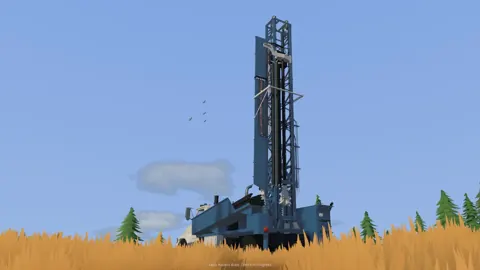
Groundwork Simulator Drilling: Find Gold Before You Dig
Master Groundwork Simulator drilling with DR64 controls, borehole tips, and Gold Map advice. Find promising layers before moving your mining equipment.
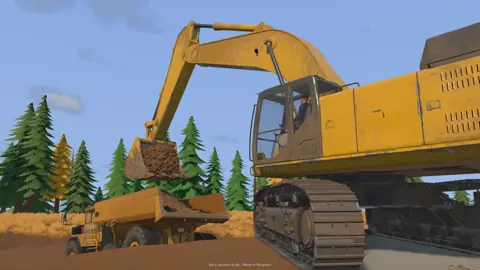
Groundwork Simulator Gold Mining: From Dirt to Payday
Master Groundwork Simulator gold mining with tips for water pumps, excavation, wash plants, cleanup, and drilling. Build your claim and recover more gold.
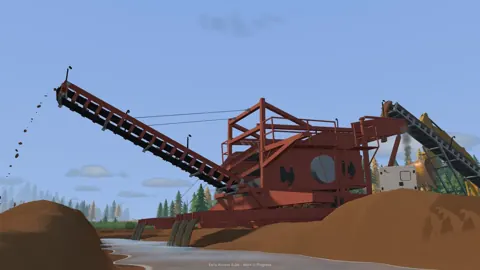
Groundwork Simulator Sluice Box: Wash and Recover Gold
Get your Groundwork Simulator sluice box running with pump setup, conveyor controls, safe shutdown steps, and a clear walkthrough from pay dirt to gold.
Groundwork Simulator Wash Plant: Setup to Gold Guide
Set up your Groundwork Simulator wash plant, connect water and power, manage conveyor feed, and turn sluice concentrate into gold with a practical guide.
Join the community
Official channels for news, updates and player help: