
Early access · Release date: October 22, 2026
UpdatedGroundwork Simulator Drilling: Find Gold Before You Dig
Master Groundwork Simulator drilling with DR64 controls, borehole tips, and Gold Map advice. Find promising layers before moving your mining equipment.
Jump to
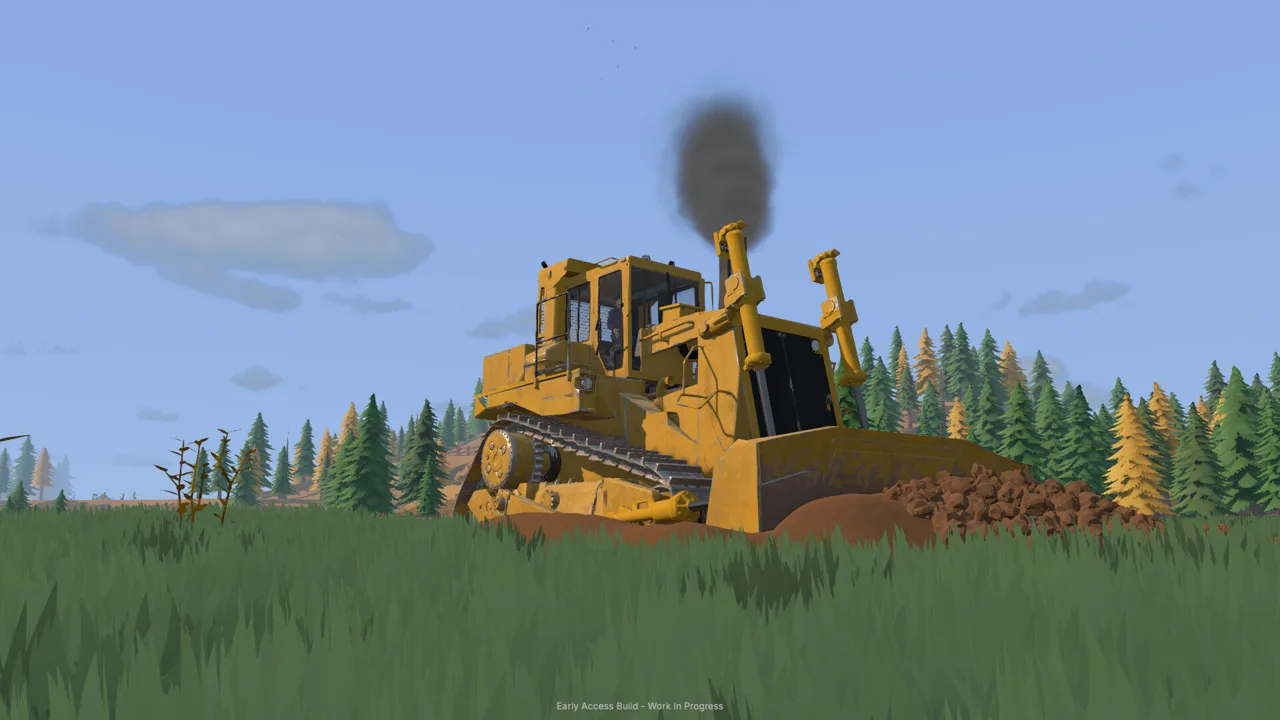
How Groundwork Simulator Drilling Helps You Find Gold
Groundwork Simulator drilling helps you find promising ground before you move a mountain of dirt. Testing beneath the surface gives you a clearer picture of where to excavate and how deep to dig. Use Groundwork Simulator drilling to connect your surface survey with the layers and gold-bearing bands recorded in your boreholes.
The mining loop runs from exploration to testing, excavation, washing, and concentrate processing. Your material detector checks shallow ground, while the DR64 drill truck samples deeper layers. After completing a borehole, you can inspect its information on the Gold Map and plan your excavation around the results.
That planning matters because digging changes the landscape. Each bucket can alter a slope, create a pile, or change the route between your excavator and wash plant. Check the ground before committing your machinery to a large cut.
| Equipment or screen | Role in prospecting |
|---|---|
| Material detector | Scan shallow ground for surface survey readings |
| DR64 drill truck | Drill into deeper layers and complete boreholes |
| Gold Map | Inspect recorded borehole depth, layers, and gold-bearing bands |
| Excavator | Remove material from the digging area you select |
Groundwork Simulator entered Early Access on October 22, 2026. The controls and tutorial details below apply to its launch build. Check your current control prompts before operating the truck, especially after changing keyboard settings.
Official page: Groundwork Simulator (store.steampowered.com)
Scan the Surface Before Hiring the DR64
Start your survey with the material detector. Hold 1 to open the tool dial, point to the detector, and release to select it. Aim the coil at the ground and hold the left mouse button until you receive a reading.
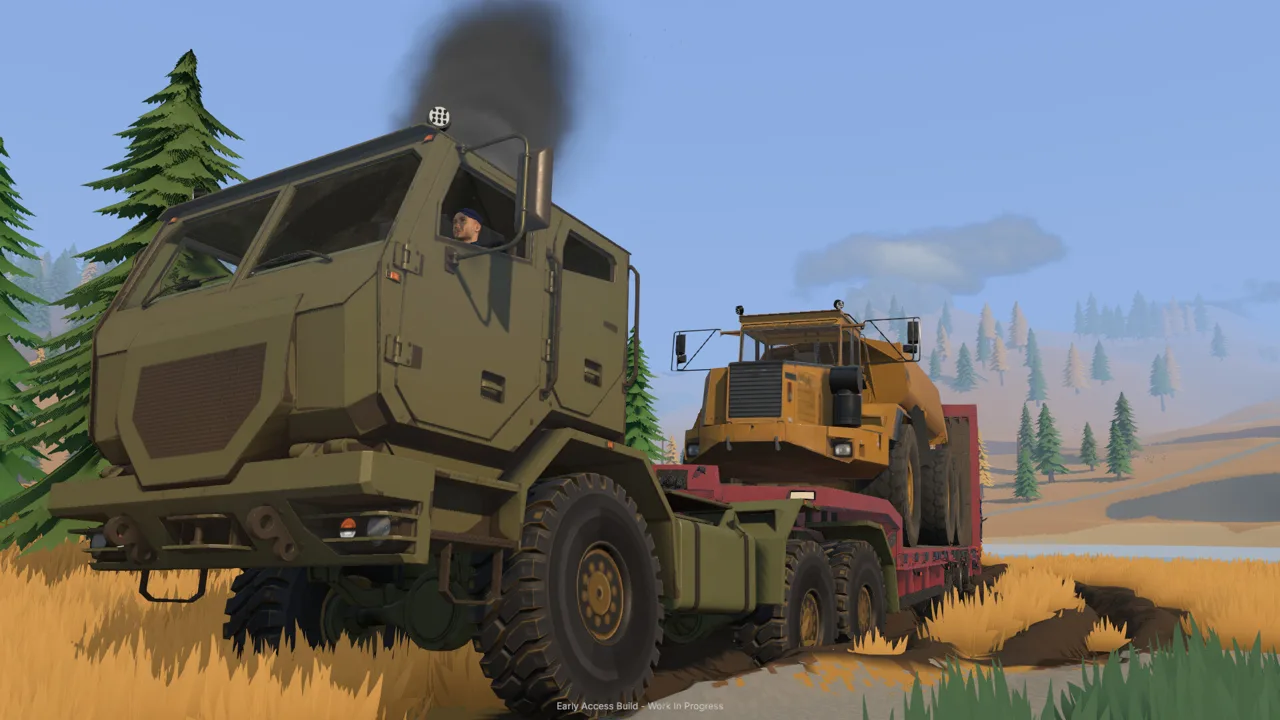 Image: Steam / XYZ STUDIO
The survey displays categories such as Barren, Medium, and High. Walk between nearby patches and compare their readings before choosing where to bring the drill.
The starting tutorial directs you toward darker gravel and low ground. Use those features to choose places to scan, then let the detector guide your next test. Avoid choosing a whole excavation area from its color alone.
For a useful surface survey:
- Scan the darker ground around the starting cut.
- Check nearby patches to compare their readings.
- Identify which promising spots the drill truck can reach.
- Keep room behind the truck for the drilling equipment.
Groundwork Simulator drilling adds depth to this survey. A high surface reading tells you something about shallow ground; a completed borehole lets you examine the layers beneath that location.
In the tutorial, you complete an initial gold cleanup before hiring the DR64 at its introductory rate. Follow that sequence, sell your stored gold through the Gold Prices menu, and then open the Machine Dealer when prompted.
Choose delivery slot one for the tutorial rental. The truck arrives away from the digging area, so plan the drive back to the family claim before setting off. Use the Gold Map to orient yourself and watch for mud, slopes, and tight approaches along the route.
Operate the DR64 and Complete Your Boreholes
The DR64 drills from the rear of the truck. Position that end over your intended test location rather than lining up the front bumper with the marker.
 Image: groundworksimulator.com
Leave room to maneuver. A truck backed against a dirt bank can struggle to pull away, and the terrain around the starting cut becomes more awkward as you excavate it. Approach slowly and check the rear position before deploying the equipment.
Set Up and Drill the Starting Hole
For the tutorial’s initial setup, stop inside the arrival marker and press G when prompted to deploy the supports and raise the mast. Once the drill is ready, press K to start its rotation.
Hold the down arrow to feed the drill into the ground. Watch the live depth display as the bit descends.
| Drilling action | Launch-build control or prompt |
|---|---|
| Initial tutorial setup | G |
| Start or stop drill rotation | K |
| Feed the drill downward | Down arrow |
| Add a drill rod | I |
| Pull the drill and finish the borehole | U |
| Prepare to reposition | Follow the stabilizer and mast prompts |
The first tutorial hole targets 3 meters. A later hole asks you to reach 4 meters, introducing a deeper test. Follow the active objective and watch the depth readout rather than estimating from the visible drill assembly.
Groundwork Simulator drilling also exposes the material beneath the truck. As the bit descends, the display identifies layers such as topsoil, clay, and gravel. Pay attention to where those transitions occur so you can compare them with the completed record.
Add Rods and Finish the Test
When the drill reaches the point where it needs another rod, use I as prompted, then continue feeding downward. The drilling sequence requires rod extensions to keep advancing into deeper ground.
Use U to pull the drill and finish the borehole when your test is complete. Before driving, follow the prompts for lifting the stabilizers and preparing the rig to move.
The controls serve different equipment states, so read the action label before pressing a setup key again. Check that the truck is ready to travel, then move slowly toward your next test location.
Keep these habits throughout the drilling sequence:
- Watch the live depth instead of holding the feed control blindly.
- Check material changes as the bit passes through each layer.
- Complete the borehole before leaving the location.
- Clear the supports before repositioning.
For Groundwork Simulator drilling, a finished record is the useful result. Move through the full sequence so you have information to review when it is time to choose a cut.
Read the Gold Map and Choose Your Excavation Area
Open the Gold Map after completing your tests and select the new borehole markers. Each record contains the layers, depth, and gold-bearing bands associated with that hole.
 Image: Steam / XYZ STUDIO
Compare nearby holes before deciding where to dig. Look at how deep the gold-bearing material sits and which layers surround it. Use those details to plan the excavation at the tested locations.
| Borehole detail | What to examine | Planning tip |
|---|---|---|
| Depth | How far the completed test reached | Check the tested depth before planning a deeper cut |
| Material layers | The sequence of topsoil, clay, and gravel | Plan how to approach the recorded layers |
| Gold-bearing bands | Their position within the borehole | Direct excavation toward the recorded band |
| Nearby markers | Differences between completed holes | Compare tests before expanding the digging area |
Groundwork Simulator drilling becomes more useful when you read it alongside the surface scan. Review both before shifting your excavator or relocating the washing setup.
Keep the distinction between a test location and the surrounding terrain in mind. Compare additional holes around an area you want to expand into instead of extending one borehole’s result across the hillside.
Also inspect access. Mud and slopes affect traction, and heavy equipment needs room to turn. Before opening a cut, leave space for the excavator, the truck receiving its load, and the route back to the stockpile.
Return the Rental After Completing the Tutorial Tests
Complete the required boreholes and movement objectives before returning the DR64. Check the active tutorial instruction, then inspect the new markers when directed.
To return the rental, get out of the truck and open the Company menu’s fleet section. Select the hired drill and return it there. The launch build requires you to exit the rental before returning it.
Returning the truck stops its daily hire charges. Finish your planned tests during the rental period, then return it once that work is complete.
Turn Drilling Results Into a Working Gold Operation
Groundwork Simulator drilling helps you select material to excavate, but recovering gold still requires a working processing line. Plan the route from your cut to the wash plant, including a stockpile the wheel loader can reach.
The tutorial moves material through an excavator, dump truck, wheel loader, conveyor, and mobile trommel. Each transfer needs space. Keep parked machinery clear of the loader’s approach and leave room for the dump truck to unload.
| Stage | Equipment | Action |
|---|---|---|
| Excavation | Excavator | Dig material from the selected area and load the truck |
| Transport | Dump truck | Carry the load and unload it into a stockpile |
| Feeding | Wheel loader and conveyor | Move stockpiled material into the wash line |
| Washing | Trommel and sluice boxes | Process material and collect concentrate |
| Cleanup | Shaking table | Separate gold from the concentrate |
Keep Water and Power Ready
The starting water setup uses one pump to move river water into a holding pond. A second pump supplies the trommel from that pond through its hose connection.
Monitor the pond while you work. Leaving the river pump running can overflow the holding area and flood the claim. Shut off the filling pump when needed, and keep track of which pump supplies the wash plant.
Position the generator trailer close enough to power the trommel and start it before processing material.
Start the trommel’s drum and spray bar before switching on the conveyor. Watch the receiving hopper as material feeds into the plant, and adjust conveyor speed while checking how quickly material accumulates.
Finish Washing Before Cleaning Up
After the feed finishes, stop the conveyor. Let the remaining material process, then stop the wash plant before emptying the sluice boxes.
Carry the cleanup pallet to the table and start concentrate processing. The tutorial uses the time-speed setting to accelerate cleanup; return to normal time when you resume operating machinery.
Collect the finished gold, place it in storage, and use the Gold Prices menu to sell it. Keep each stage organized: survey, drill, inspect, excavate, wash, and clean up. That gives your next load a clear destination from the moment it leaves the ground.
FAQ
What does Groundwork Simulator drilling reveal?
Drilling records deeper material layers and gold-bearing bands. Complete the borehole, then select its marker on the Gold Map to inspect the results.
How do you add a rod to the DR64?
Press I when the drill reaches the rod-extension prompt. Continue feeding downward after the rod is added, and watch the live depth display.
How deep are the tutorial drilling targets?
The first tutorial borehole targets 3 meters. A later test asks for 4 meters. Follow the active objective for the hole you are drilling.
How do you stop paying for the rented drill truck?
Exit the DR64, open the Company fleet menu, and return the rental. Complete the required tutorial drilling steps before returning it.
Continue with
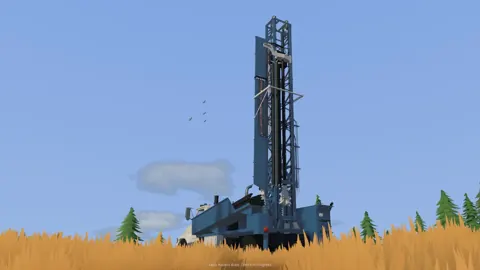 Groundwork Simulator Gold Mining: From Dirt to PaydayMaster Groundwork Simulator gold mining with tips for water pumps, excavation, wash plants, cleanup, and drilling. Build your claim and recover more gold.
More in Mining
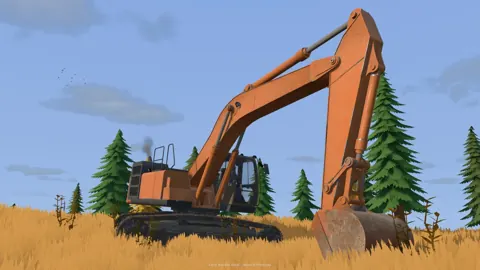
Groundwork Simulator Mining Guide: Dig, Wash, Profit
Find deposits, set up water, dig and haul pay dirt, then wash it and clean up concentrate. Finish the opening tutorial before expanding your operation.

Groundwork Simulator Shaking Table: Gold Cleanup Guide
Use the Groundwork Simulator shaking table to process concentrate, collect gold, and prepare it for sale. Follow cleanup steps and avoid common mistakes.
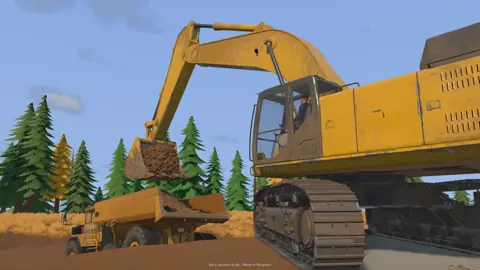
Groundwork Simulator Sluice Box: Wash and Recover Gold
Get your Groundwork Simulator sluice box running with pump setup, conveyor controls, safe shutdown steps, and a clear walkthrough from pay dirt to gold.
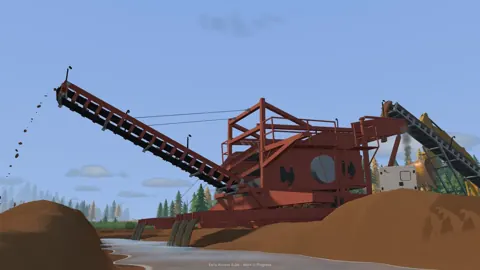
Groundwork Simulator Wash Plant: Setup to Gold Guide
Set up your Groundwork Simulator wash plant, connect water and power, manage conveyor feed, and turn sluice concentrate into gold with a practical guide.
Join the community
Official channels for news, updates and player help: