
Early access · Release date: October 22, 2026
UpdatedGroundwork Simulator System Requirements: PC Guide
Check Groundwork Simulator system requirements, compare minimum and recommended PC specs, and understand CPU demands before starting your mining operation.
Jump to
Groundwork Simulator System Requirements: Minimum and Recommended Specs
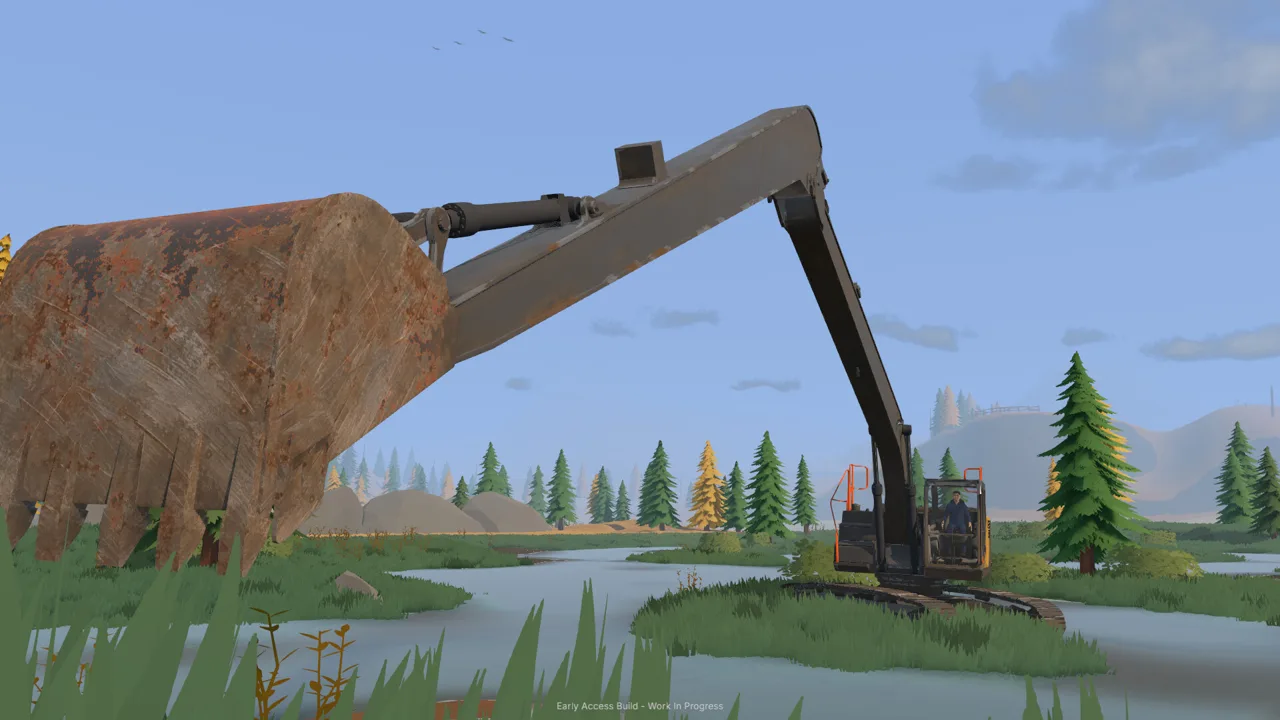
Your excavator has plenty of digging power, but your PC needs enough processing power to keep the soil simulation moving. Groundwork Simulator system requirements start at an Intel Core i5-8400 or AMD Ryzen 5 2600, 16 GB of RAM, and an NVIDIA GTX 1070 with 8 GB of VRAM. Check the Groundwork Simulator system requirements before jumping in, because detailed soil and water physics make this mining sandbox demanding even when its visuals look manageable.
Here is the Windows hardware comparison:
| Component | Minimum | Recommended |
|---|---|---|
| Processor and operating system | 64-bit required | 64-bit required |
| Operating system | Windows 10 | Windows 11 |
| CPU | Intel Core i5-8400 / AMD Ryzen 5 2600 | Intel Core i5-12400 / AMD Ryzen 5 5600 |
| System memory | 16 GB RAM | 24 GB RAM |
| Graphics card | NVIDIA GTX 1070, 8 GB VRAM | NVIDIA RTX 3060, 8 GB / AMD RX 6600, 8 GB |
| DirectX | Version 12 | Version 12 |
| Available storage | 10 GB | 10 GB |
The main differences between the two tiers are the processor, system memory, graphics card, and Windows version. Storage stays at 10 GB, while DirectX 12 and a 64-bit system apply to both.
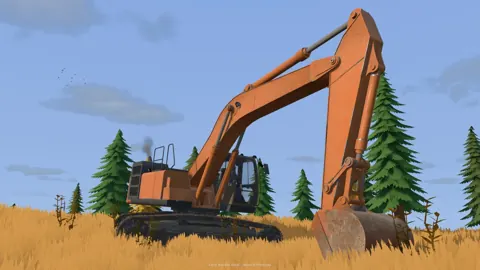
Pay particular attention to the processor row. Groundwork Simulator puts you in charge of excavators, loaders, bulldozers, transport vehicles, and washing equipment across terrain you can reshape. Its soil and water calculations put a heavy load on the CPU, so checking only your graphics card leaves out an important part of the comparison.
Before buying, compare your complete system against one column. Having the recommended graphics card while falling below the minimum RAM requirement leaves a gap that the GPU alone does not address.
What the Two Hardware Tiers Mean for Your PC
The minimum Groundwork Simulator system requirements give you a clear hardware baseline: 16 GB of system memory, a GTX 1070 with 8 GB of video memory, and one of the named minimum processors. Use that combination to identify which parts of your computer need closer attention.
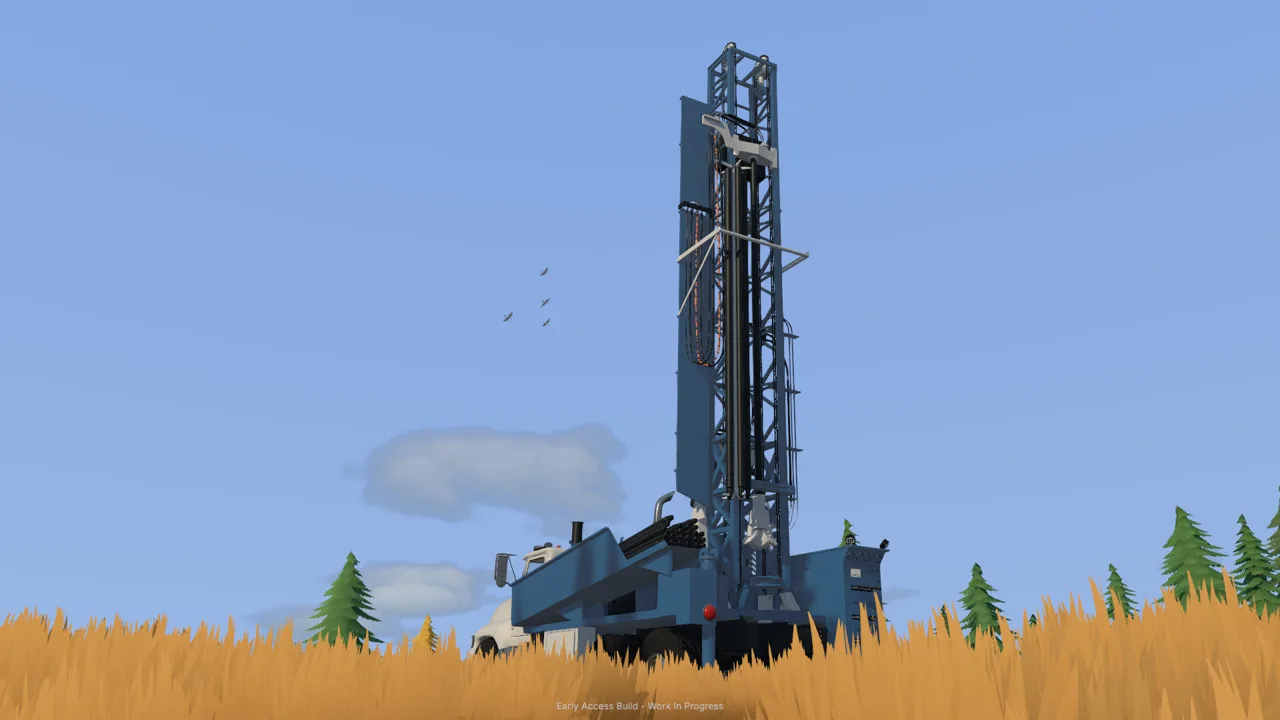 Image: Steam / XYZ STUDIO
The recommended configuration moves to an i5-12400 or Ryzen 5 5600 and increases system memory to 24 GB. On the graphics side, it names the RTX 3060 8 GB and RX 6600 8 GB.
Compare full model names when checking your machine. “Core i5,” “Ryzen 5,” and “GeForce” describe broad product families. The specific processor and graphics model matter when matching your hardware to these requirements.
Keep RAM, VRAM, and Storage Separate
Three different capacity figures appear in the requirements, and each describes a different resource.
| Resource | Required capacity | What to check |
|---|---|---|
| System RAM | 16 GB minimum; 24 GB recommended | Your computer’s installed system memory |
| Graphics memory | 8 GB on each named graphics option | The VRAM capacity of your specific graphics card |
| Available storage | 10 GB at both tiers | Free space on the drive where you will install the game |
The recommended RAM figure increases from 16 GB to 24 GB. That makes memory worth checking even if the rest of your PC looks close to the recommended tier.
Keep those figures in perspective: they describe required memory capacity. They are not performance improvement percentages.
For example, a computer with 16 GB of RAM and an RTX 3060 8 GB matches the minimum memory capacity and the recommended NVIDIA graphics option. It still needs separate checks for its processor, operating system, and available storage.
When comparing Groundwork Simulator system requirements with your PC, keep those checks separate. System RAM, graphics memory, and drive space each have their own requirement; a large number in one category does not fill a shortfall in another.
Why the Soil and Water Physics Matter
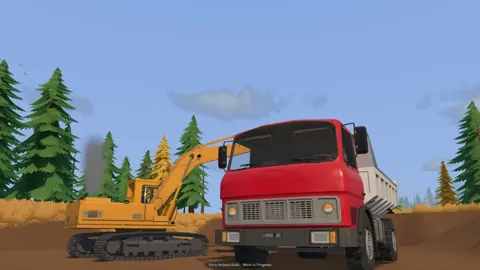
Groundwork Simulator revolves around changing the worksite itself. Digging cuts into hillsides, creates trenches, and leaves piles that affect where you drive next. Your route through a site changes as you work.
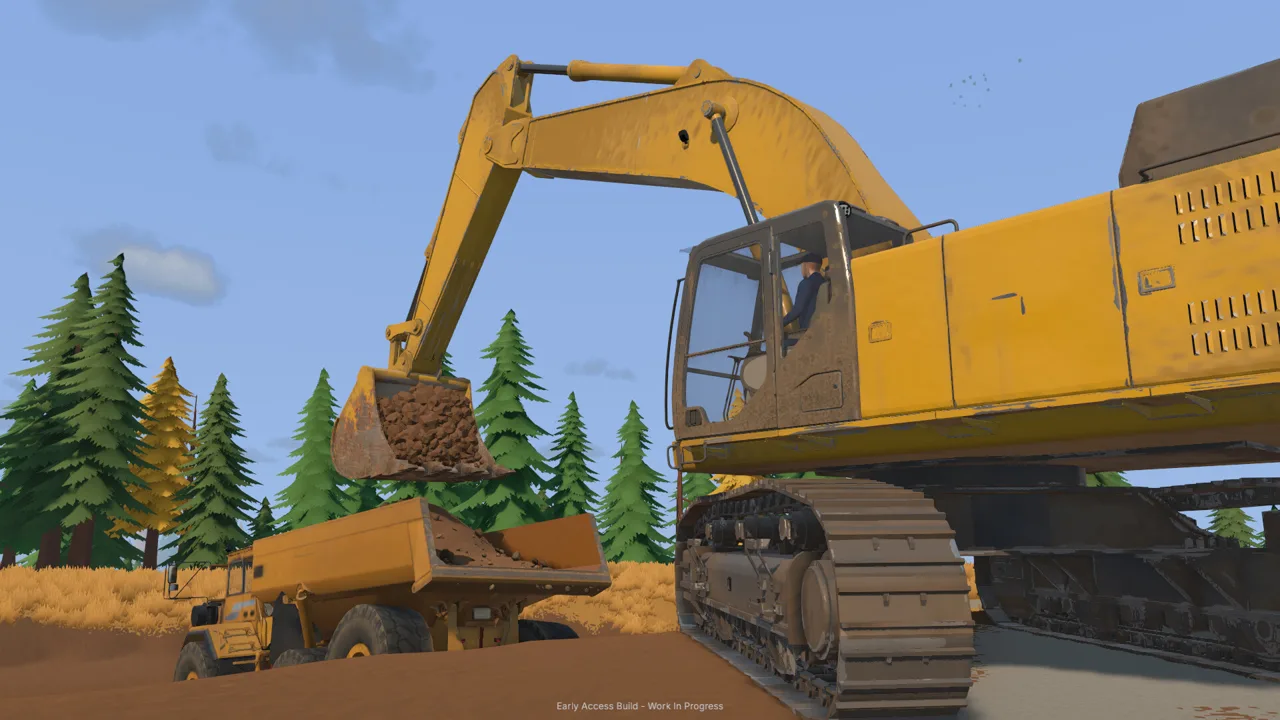 Image: Steam / XYZ STUDIO
The excavation system also simulates hydraulic feedback. Bucket angle, resistance from the ground, and the material inside the bucket are part of operating the machine. You are managing a load as you dig, lift, and move it.
That simulation is central to understanding the Groundwork Simulator system requirements. The game’s soil and water physics place substantial demands on the CPU, making processor capability an important part of your hardware check.
The worksite includes several connected activities:
| Worksite system | What happens during play |
|---|---|
| Terrain shaping | Dig trenches, cut hillsides, and build material piles |
| Excavation physics | Work against ground resistance using bucket angle and hydraulic power |
| Gold processing | Move excavated material through sluice boxes and process concentrate on a shaking table |
| Water supply | Connect pumps and hoses to supply the washing operation |
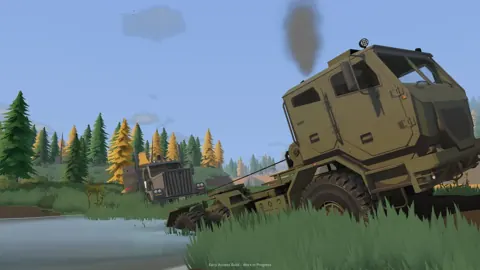
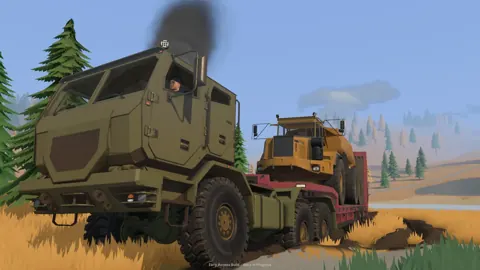
| Heavy transport | Load machinery onto trailers and move it across slopes and rough ground |
The CPU warning specifically concerns soil and water physics. These other activities explain the broader operation you are building, from digging promising ground to keeping material moving through the wash plant.
Give the processor comparison the same attention as the graphics comparison. If you are considering an upgrade for this game, identify which component falls below the hardware tier you want to reach before shopping.
Once you start playing, plan around the terrain you create. Keep transport routes in mind before cutting into a hillside, and position washing equipment so your pumps and hoses can supply it. Those decisions follow directly from how the worksite functions, regardless of your hardware.
How to Compare Your Computer Before Buying
Start with a short inventory of your PC. Write down the exact CPU model, installed RAM, graphics card model, graphics memory, Windows version, and available drive space.
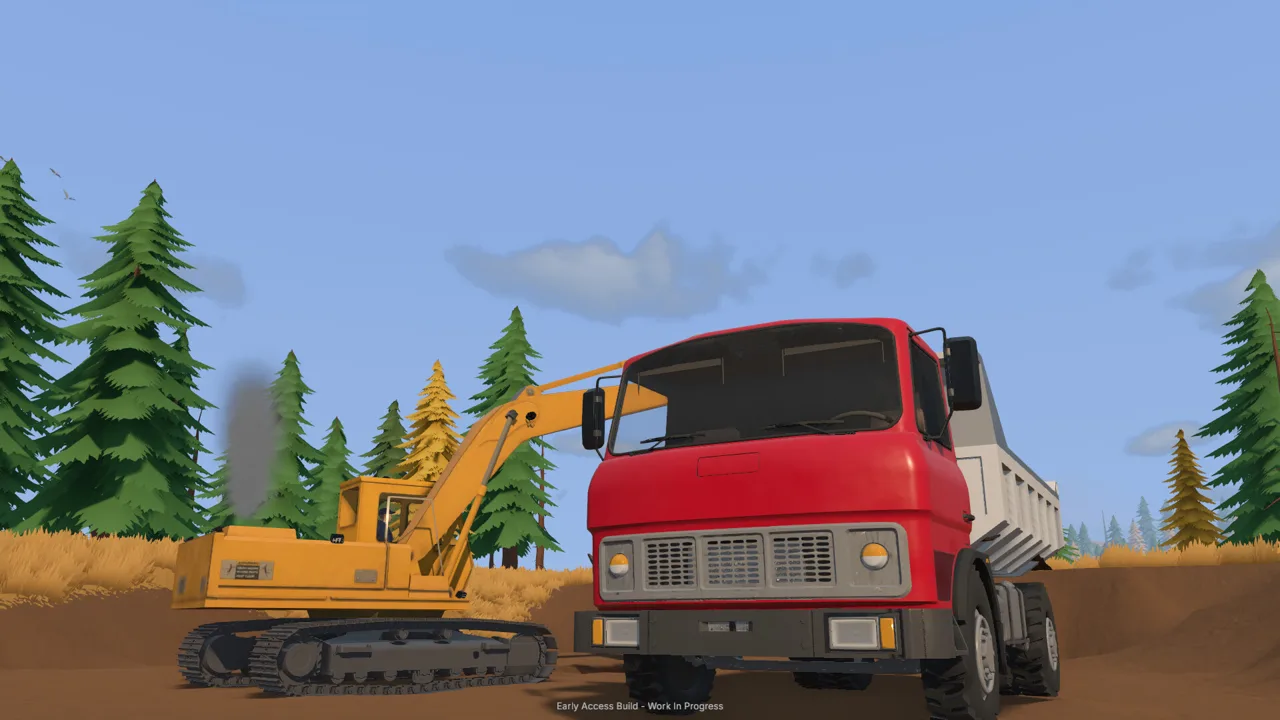 Image: Steam / XYZ STUDIO
Then compare those details with the requirements table one component at a time. This makes a mixed configuration easier to assess: you can see which parts meet the minimum tier and which reach the recommended tier.
Use this checklist:
- Processor: Compare the exact model with the i5-8400 or Ryzen 5 2600 minimum and the i5-12400 or Ryzen 5 5600 recommendation.
- System memory: Check whether you have 16 GB or reach the recommended 24 GB.
- Graphics: Check both the GPU model and its VRAM capacity.
- Windows: Compare your version with Windows 10 minimum and Windows 11 recommended.
- DirectX: Include the DirectX 12 requirement in your compatibility check.
- Storage: Confirm that the installation drive has 10 GB available.
Read the graphics row carefully if you are buying a card. The recommended NVIDIA option is specifically an RTX 3060 with 8 GB, while the AMD option is an RX 6600 with 8 GB. Match the complete product description.
Apply the same care to processors. A computer advertised simply as a “gaming PC with an i5” does not provide enough detail for this comparison. Ask for the full CPU model before making a purchase decision.
Use the Groundwork Simulator system requirements to build a component checklist before spending money. If your computer already matches several requirements, focus your comparison on the remaining parts. Avoid replacing hardware solely because you recognize a newer product name.
You can view Groundwork Simulator on Steam when you are ready to review the game or buy it.
Windows, Mac, and Early Access Launch Issues
Groundwork Simulator entered Early Access on October 22, 2026. Windows and Mac are supported platforms, while Linux has no native version.
| Platform | Native support | Hardware details covered above |
|---|---|---|
| Windows | Yes | Windows minimum and recommended requirements |
| Mac | Yes | The Windows comparison applies to Windows PCs |
| Linux | No | — |
Keep the platform distinction in mind when comparing Groundwork Simulator system requirements. The processor, graphics, DirectX, and Windows version requirements in this guide form the Windows hardware checklist.
The game supports single-player and online co-op. You can run the operation yourself or divide responsibilities with friends, such as operating an excavator while someone else transports material to the washing area.
Hardware compatibility is also separate from launch stability. Startup crashes, graphics-setting problems, control issues, and multiplayer joining problems were among the early launch issues. Avoid assuming that every crash means you need a new processor or graphics card.
XYZ STUDIO is working on a patch for initial launch problems, with further fixes and gameplay improvements planned over the following days and weeks.
If you encounter a problem, describe the action that triggers it when reporting it through the developer’s Discord. Distinguish a crash during startup from a problem opening a menu, changing a setting, or joining a friend’s session. Include your hardware details so the problem description has useful context.
Keep your upgrade decision tied to the requirements comparison. A component below the minimum specification is a concrete hardware mismatch.
FAQ
What are the minimum Groundwork Simulator system requirements?
You need a 64-bit processor and operating system, Windows 10, an Intel Core i5-8400 or AMD Ryzen 5 2600, 16 GB of RAM, and an NVIDIA GTX 1070 with 8 GB of VRAM. DirectX 12 and 10 GB of available storage are also required.
How much RAM does Groundwork Simulator need?
The minimum is 16 GB of system RAM, and the recommended amount is 24 GB. Graphics memory is a separate requirement: each named GPU option has 8 GB of VRAM. Check both capacities when comparing your computer.
Why is Groundwork Simulator demanding on the CPU?
Its detailed soil and water physics create a heavy CPU workload. Excavation reshapes the terrain, while the digging system simulates ground resistance and hydraulic feedback. Give your processor careful attention when checking compatibility, even if the game’s graphics look manageable.
Can you play Groundwork Simulator on Mac or Linux?
Groundwork Simulator supports Mac and Windows. Linux has no native version. The minimum and recommended hardware table above covers Windows PCs, including Windows 10 at minimum and Windows 11 for the recommended configuration.
Continue with
 Groundwork Simulator Xbox: Platforms and Launch GuideLooking for Groundwork Simulator Xbox details? Explore the Steam launch, supported platforms, PC requirements, co-op features, and gold-mining gameplay.
More in Platforms

Groundwork Simulator APK: Platforms and Player Guide
Searching for Groundwork Simulator apk? Explore supported platforms, PC requirements, excavation tips, gold processing, and co-op before you start digging.
Groundwork Simulator iOS: Can You Play on iPhone or iPad?
Searching for Groundwork Simulator iOS? Explore Windows and Mac support, excavation gameplay, co-op, and PC requirements before planning your next dig.
Groundwork Simulator Mac: Compatibility & Play Guide
Explore Groundwork Simulator mac support, launch details, demanding physics, co-op features, and practical site-planning tips before you start digging.
Groundwork Simulator PS4: Platforms and Launch Guide
Play on Windows or Mac and explore machinery, co-op, and PC requirements. Groundwork Simulator launched in Early Access; launch fixes are underway.
Continue exploring
Join the community
Official channels for news, updates and player help: