
Early access · Release date: October 22, 2026
UpdatedGroundwork Simulator Steam Guide: Specs, Co-Op & Bugs
Explore Groundwork Simulator Steam features, PC requirements, online co-op, and launch issues. Plan a gold mining site before you start digging for gold.
Jump to
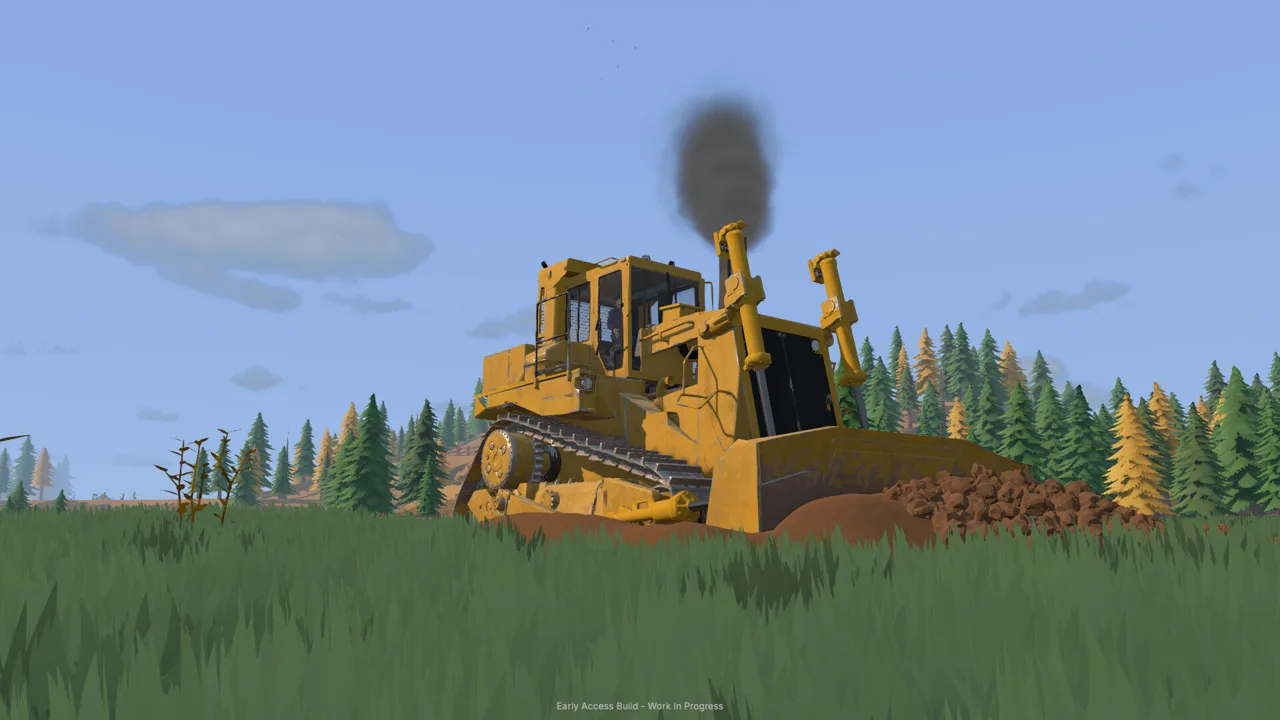
Groundwork Simulator Steam: Release and Platform Details
The Groundwork Simulator Steam release puts you in charge of turning untouched ground into a working gold operation with excavators, trucks, and washing equipment. Preparing your PC and planning your worksite matter because soil and water physics demand processing power, while every excavation changes the terrain you drive across. This Groundwork Simulator Steam guide covers the October 22, 2026 Early Access launch, supported platforms, online co-op, and launch issues.
Developed and published by XYZ STUDIO, Groundwork Simulator combines heavy machinery operation with prospecting and gold processing. You dig into hillsides, move material, supply water to washing equipment, and transport machines between worksites.
Here are the platform details to check before getting started:
| Detail | Groundwork Simulator |
|---|---|
| Steam release date | October 22, 2026 |
| Release status | Early Access |
| Developer and publisher | XYZ STUDIO |
| Supported desktop platforms | Windows and macOS |
| Native Linux support | No |
| Play modes | Single-player and online co-op |
| Steam App ID | 5306540 |
You can get Groundwork Simulator on Steam. Keep its Early Access status in mind when planning your sessions: the launch version has startup, control, menu, and multiplayer issues, with fixes being developed.
The central appeal is the connection between operating machinery and organizing the ground around it. A productive digging spot still needs access for transport, space for equipment, and a water supply for processing. Each part of the operation gives you another practical problem to solve.
PC Requirements and Features to Check Before Playing
Groundwork Simulator’s soil and water calculations put a heavy load on the CPU. Judge your hardware against the processor and memory requirements as carefully as the graphics requirements.
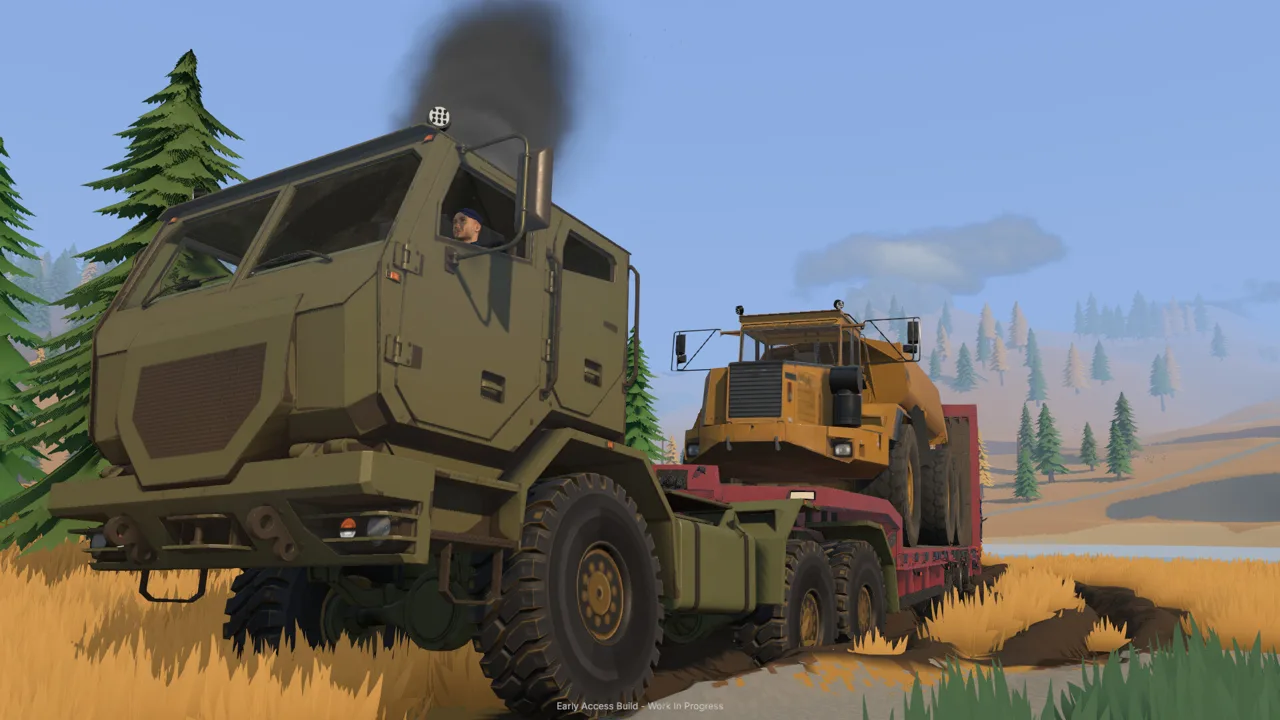 Image: Steam / XYZ STUDIO
For Groundwork Simulator Steam players on Windows, these are the minimum and recommended specifications:
| Component | Minimum | Recommended |
|---|---|---|
| Operating system | Windows 10, 64-bit | Windows 11, 64-bit |
| Processor | Intel Core i5-8400 / AMD Ryzen 5 2600 | Intel Core i5-12400 / AMD Ryzen 5 5600 |
| Memory | 16 GB RAM | 24 GB RAM |
| Graphics | NVIDIA GTX 1070, 8 GB VRAM | NVIDIA RTX 3060, 8 GB / AMD RX 6600, 8 GB |
| DirectX | Version 12 | Version 12 |
| Available storage | 10 GB | 10 GB |
Check the full combination before installing. Having enough storage covers one requirement; it does not tell you whether your processor can handle the excavation simulation. Likewise, a capable graphics card does not replace the required system memory.
These are Windows specifications. macOS is also a supported platform, but keep the Windows operating system and DirectX requirements separate from your Mac purchasing decision.
Several features help you fit the game around your preferred pace:
- Adjustable difficulty lets you change the challenge.
- Save Anytime supports stopping a session when you need to.
- Playable without Timed Input reduces reliance on precisely timed actions.
- Custom Volume Controls let you adjust audio.
- Family Sharing is supported through Steam.
English includes full audio support. Other supported languages include French, German, Italian, Japanese, Korean, Brazilian Portuguese, and both Simplified and Traditional Chinese.
Before gathering friends for a session, compare each Windows PC with the requirements. Keep hardware preparation separate from troubleshooting launch bugs: a machine meeting the requirements can still encounter a software issue.
Build a Worksite Around Digging, Water, and Gold
The Groundwork Simulator Steam experience connects prospecting, excavation, transport, and processing. Gold recovery gives your earthmoving a purpose, while the changing landscape makes worksite planning an ongoing task.
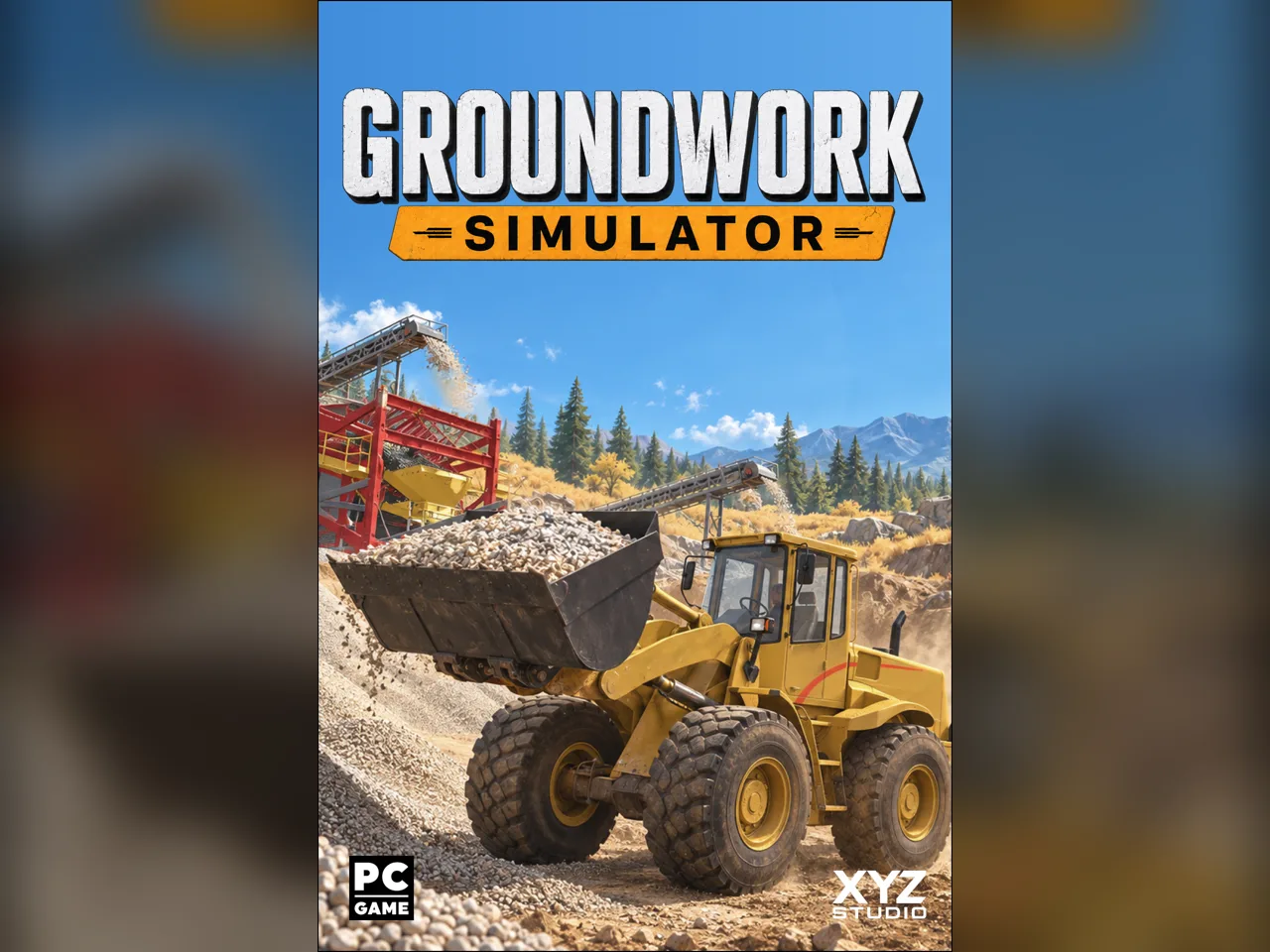 Image: groundworksimulator.com
Start by exploring and testing the ground. Drilling helps you investigate deposits before choosing where to excavate. Once you have a digging location, arrange the equipment needed to move and wash the material.
The work follows this sequence:
| Stage | What you do | Planning tip |
|---|---|---|
| Prospecting | Drill and test for gold deposits | Test the ground before committing your equipment layout |
| Site preparation | Shape terrain and position equipment | Preserve access between the excavation and washing areas |
| Excavation | Dig promising material | Consider bucket angle and available hydraulic power |
| Material handling | Haul soil across the worksite | Leave room for loaded vehicles to maneuver |
| Washing | Run material through sluice boxes | Route pumps and hoses to supply the washing operation |
| Concentrate processing | Use the shaking table | Plan space for the processing equipment |
Leave yourself a usable route
Every scoop changes the worksite. Cutting into a hillside creates new slopes, while deposited material builds piles that can affect access.
Keep your transport route in mind while digging. Leave room for vehicles to approach the excavation, collect material, and reach the wash plant. Position soil piles away from the turns you need to make with a load.
Watch the unloading area as it changes, too. Repeated dumping and loader work can leave uneven ground where you previously had a straightforward approach. Reassess that space as material accumulates.
Plan water connections alongside equipment placement
Washing requires pumps and hoses to bring water to the operation. Equipment placement therefore needs to account for both vehicle movement and water connections.
Arrange your washing setup with those connections in mind. As the worksite expands, adapt the pump and hose layout to keep water reaching the equipment.
Think through the complete trip from digging to processing before moving a machine into position. Trace where material will travel, where trucks will turn, and how water will reach the washing area. That planning follows directly from the systems you need to operate together.
Heavy Machinery, Hauling, and Online Co-op
Excavators, wheel loaders, and bulldozers are part of Groundwork Simulator’s machinery lineup. Trucks and trailers also make transporting equipment part of the job.
 Image: Steam / XYZ STUDIO
The excavation system simulates resistance and hydraulic feedback. Bucket angle, material buildup, and available hydraulic power affect how you cut into the ground and lift a load.
Adjust your approach when the bucket meets resistance. Pay attention to the angle of the cut and the load you are trying to lift. Use the machine’s response to guide your next movement.
| Equipment or system | Role in the operation |
|---|---|
| Excavator | Dig into terrain and load excavated material |
| Wheel loader | Scoop and move material around the worksite |
| Bulldozer | Participate in terrain shaping and ground preparation |
| Truck and trailer | Transport heavy machinery between worksites |
| Drilling rig | Test ground for deposits |
| Pumps and hoses | Supply water to the washing operation |
| Sluice boxes and shaking table | Wash material and process concentrate |
Prepare the route for a heavy load
Moving equipment involves loading a trailer, hauling it by truck, and unloading at the destination. Tight turns, slopes, mud, and rough ground all affect that trip.
Inspect the route before committing to a turn with machinery behind you. Line up carefully for loading and unloading, and account for the space the trailer needs.
Improve difficult ground when access becomes a problem. Terrain shaping serves the transport side of the operation as well as the excavation itself. Keep the route usable as digging and dumping alter the site.
Divide the work in online co-op
Groundwork Simulator Steam supports running the operation alone or sharing it through online co-op. Take the excavator while a friend handles transport, dividing jobs across the worksite.
Agree on responsibilities before moving machinery:
- Assign someone to digging and loading.
- Assign someone to transport between the excavation and wash plant.
- Coordinate access wherever machines share a narrow route.
- Discuss equipment placement before changing the layout.
Solo play puts those responsibilities in your hands. Plan the same sequence before switching between machines: identify what needs digging, where that material will go, and whether the next part of the operation is ready.
At launch, co-op sessions have encountered connection problems when additional friends try to join. Keep that issue in mind when organizing a group session.
Launch Issues and Preparing Your Next Session
XYZ STUDIO is working on a patch for initial launch problems and has announced further fixes over the coming days and weeks. That announcement describes ongoing work; it does not mean those fixes have already arrived.
Groundwork Simulator Steam launch problems include crashes during startup, difficulty using menus, control conflicts, and multiplayer connection trouble.
| Issue area | Launch problems |
|---|---|
| Startup | Crashes or immediate shutdown when launching |
| Graphics settings | Startup trouble after changing shadow quality |
| Machine controls | Linked loader and excavator bindings |
| Menus | Unresponsive tabs or buttons and problems accessing gold-related screens |
| Multiplayer | Difficulty admitting additional friends to a session |
| Material transport | Dirt failing to remain in a truck |
Keep your troubleshooting focused on the problem you actually encounter. If the game stops launching after a graphics change, include that change in your bug report. If a menu becomes unresponsive, describe the screens you opened immediately beforehand.
For machinery controls, name the vehicle and the action involved. Linked boom controls between loaders and excavators are a different problem from a mouse input opening a menu. Clear descriptions help separate those failures.
XYZ STUDIO directs bug reports and suggestions to its Discord channel. Include the circumstances of the issue when asking for help:
- Identify the machine, menu, or setting involved.
- Describe what you did immediately before the problem.
- Explain whether it happens during startup or after entering the game.
- For co-op trouble, describe what happens when another player attempts to connect.
Avoid changing several things at once while investigating a problem. Keep track of the action that preceded it so you can give a useful account.
Before returning to a session, check for developer updates through Steam. Match expectations to the current patch status, especially if startup or multiplayer problems previously interrupted your plans.
FAQ
Is Groundwork Simulator on Steam, and when did it release?
Yes. Groundwork Simulator launched on Steam in Early Access on October 22, 2026. XYZ STUDIO is both the developer and publisher. It combines heavy machinery operation, terrain deformation, and gold processing.
What platforms does Groundwork Simulator Steam support?
Groundwork Simulator Steam supports Windows and macOS. Native Linux support is not included. The Windows minimum requirements include a Core i5-8400 or Ryzen 5 2600, 16 GB RAM, a GTX 1070 with 8 GB VRAM, and 10 GB of available storage.
Can you play Groundwork Simulator with friends?
Yes. The game supports online co-op as well as single-player. You can divide excavation and transport duties between players. Launch multiplayer issues include trouble connecting additional friends to a session.
Is a patch coming for the launch crashes?
XYZ STUDIO is developing a patch addressing initial launch issues. Further updates are planned over the following days and weeks. Startup crashes are among the problems affecting the launch version.
Continue with
 Groundwork Simulator System Requirements: PC GuideCheck Groundwork Simulator system requirements, compare minimum and recommended PC specs, and understand CPU demands before starting your mining operation.
More in Platforms

Groundwork Simulator APK: Platforms and Player Guide
Searching for Groundwork Simulator apk? Explore supported platforms, PC requirements, excavation tips, gold processing, and co-op before you start digging.
Groundwork Simulator iOS: Can You Play on iPhone or iPad?
Searching for Groundwork Simulator iOS? Explore Windows and Mac support, excavation gameplay, co-op, and PC requirements before planning your next dig.
Groundwork Simulator Mac: Compatibility & Play Guide
Explore Groundwork Simulator mac support, launch details, demanding physics, co-op features, and practical site-planning tips before you start digging.
Groundwork Simulator PS4: Platforms and Launch Guide
Play on Windows or Mac and explore machinery, co-op, and PC requirements. Groundwork Simulator launched in Early Access; launch fixes are underway.
Join the community
Official channels for news, updates and player help: