
Early access · Release date: October 22, 2026
UpdatedGroundwork Simulator Mac: Compatibility & Play Guide
Explore Groundwork Simulator mac support, launch details, demanding physics, co-op features, and practical site-planning tips before you start digging.
Jump to
Can You Play Groundwork Simulator on Mac?
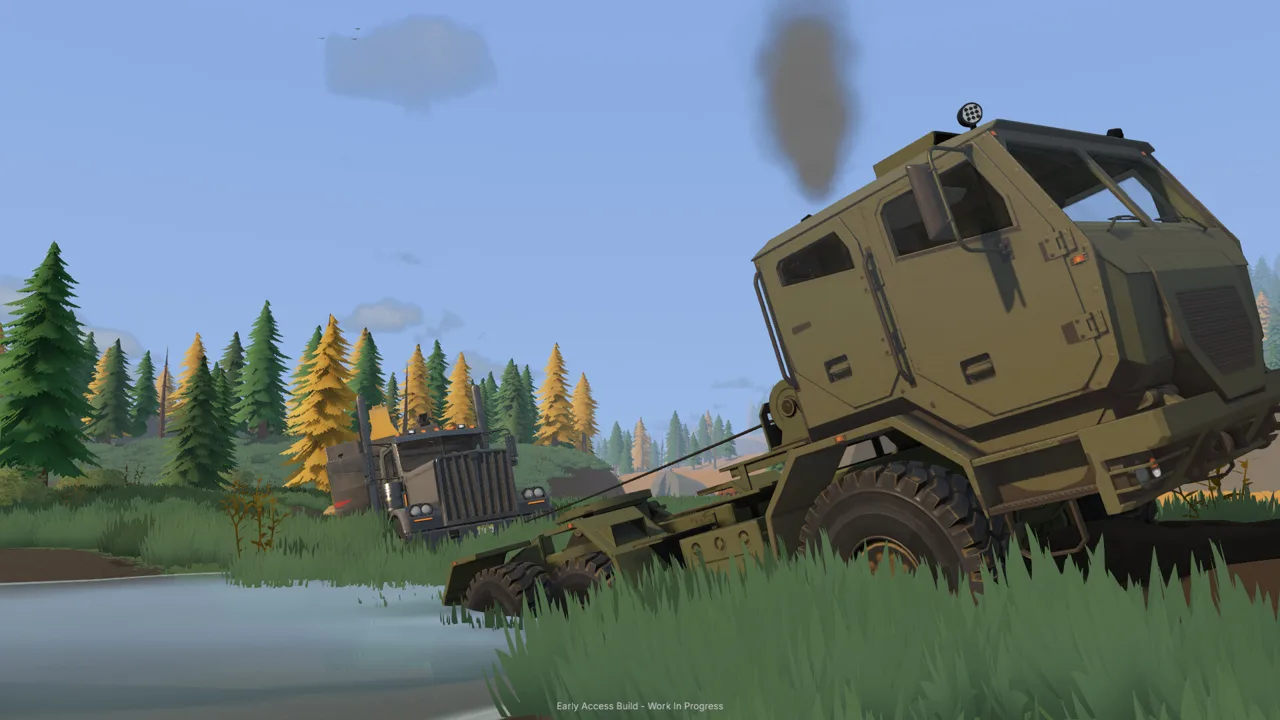
Groundwork Simulator mac support lets you bring excavators, loaders, and a gold-washing operation to your Mac. Hardware matters here because every scoop reshapes the ground, while soil and water simulations put substantial pressure on the CPU. This Groundwork Simulator mac guide covers platform support, the machinery you’ll operate, and practical ways to organize your worksite.
Yes, Groundwork Simulator supports macOS, alongside Windows. Developed and published by XYZ STUDIO, the game launched on October 22, 2026, in Early Access. You can run a worksite alone or share the workload through online co-op.
| Game detail | Current information |
|---|---|
| Mac support | macOS supported |
| Other supported desktop platform | Windows |
| Release date | October 22, 2026 |
| Release stage | Early Access |
| Developer and publisher | XYZ STUDIO |
| Play modes | Single-player and online co-op |
The core attraction is a connected mining operation. You explore for deposits, excavate promising ground, move material, and feed a washing setup. Excavators, wheel loaders, and bulldozers give you different ways to handle the landscape, while trucks and trailers handle equipment transport.
That connection between jobs gives each decision some weight. Cutting into a hillside changes the space around your machine. Building a pile changes the ground that a truck must cross. Positioning the wash plant means thinking about both material delivery and water connections.
Visit the Groundwork Simulator Steam page to purchase the game and check its current release information.
Groundwork Simulator Mac Hardware: Understand the Physics Load
For Groundwork Simulator mac players, the key performance consideration is the simulation beneath the machinery. Detailed soil and water physics make this a CPU-demanding game, even when a scene looks relatively simple.
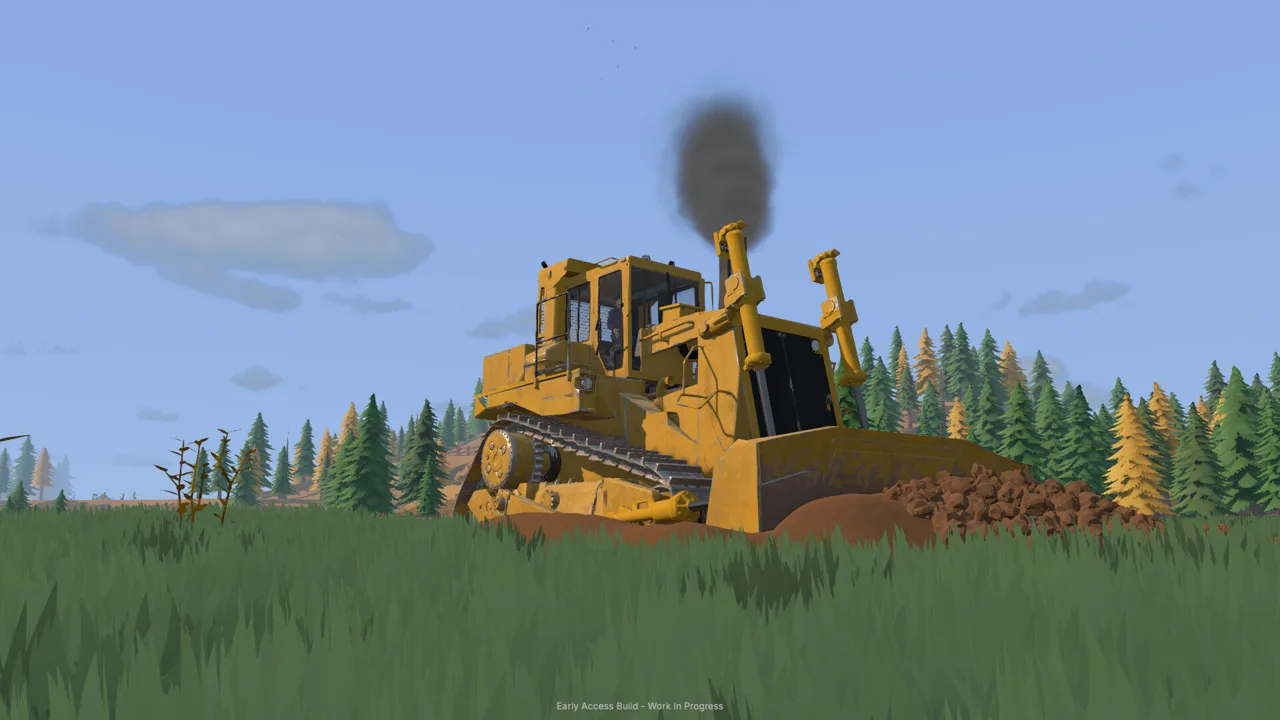 Image: Steam / XYZ STUDIO
An excavator working beside a wash plant involves more than moving vehicle models across a static map. Excavation changes the terrain, material accumulates inside the bucket, and simulated hydraulic resistance affects the digging process. The landscape itself is part of the workload.
The Windows requirements provide useful context for the game’s demands. Keep these specifications in their Windows context when planning your purchase.
| Component | Windows minimum | Windows recommended |
|---|---|---|
| Operating system | Windows 10, 64-bit | Windows 11, 64-bit |
| Processor | Intel Core i5-8400 / AMD Ryzen 5 2600 | Intel Core i5-12400 / AMD Ryzen 5 5600 |
| Memory | 16 GB RAM | 24 GB RAM |
| Graphics | NVIDIA GTX 1070, 8 GB VRAM | NVIDIA RTX 3060, 8 GB / AMD RX 6600, 8 GB |
| Graphics API | DirectX 12 | DirectX 12 |
| Available storage | 10 GB | 10 GB |
Those figures describe a game with meaningful processing and memory requirements. Avoid judging its demands solely by screenshots of a quiet forest clearing or a single parked excavator.
Keep performance troubleshooting focused. Distinguish a startup crash from difficulty operating a machine, and separate either problem from a menu that stops responding. Each symptom points to a different part of the experience and deserves a clear description when requesting help.
For everyday play, give yourself time to learn how the machinery responds. Hydraulic resistance and limited lifting power are gameplay systems. A bucket struggling through a cut calls for a different digging angle or a more manageable load, rather than an immediate trip into the graphics menu.
Learn the Digging-to-Gold Workflow
The appeal of Groundwork Simulator mac gameplay is the full chain between finding promising ground and recovering gold. Excavation supplies the operation, but drilling, transport, washing, and concentrate processing all have a place.
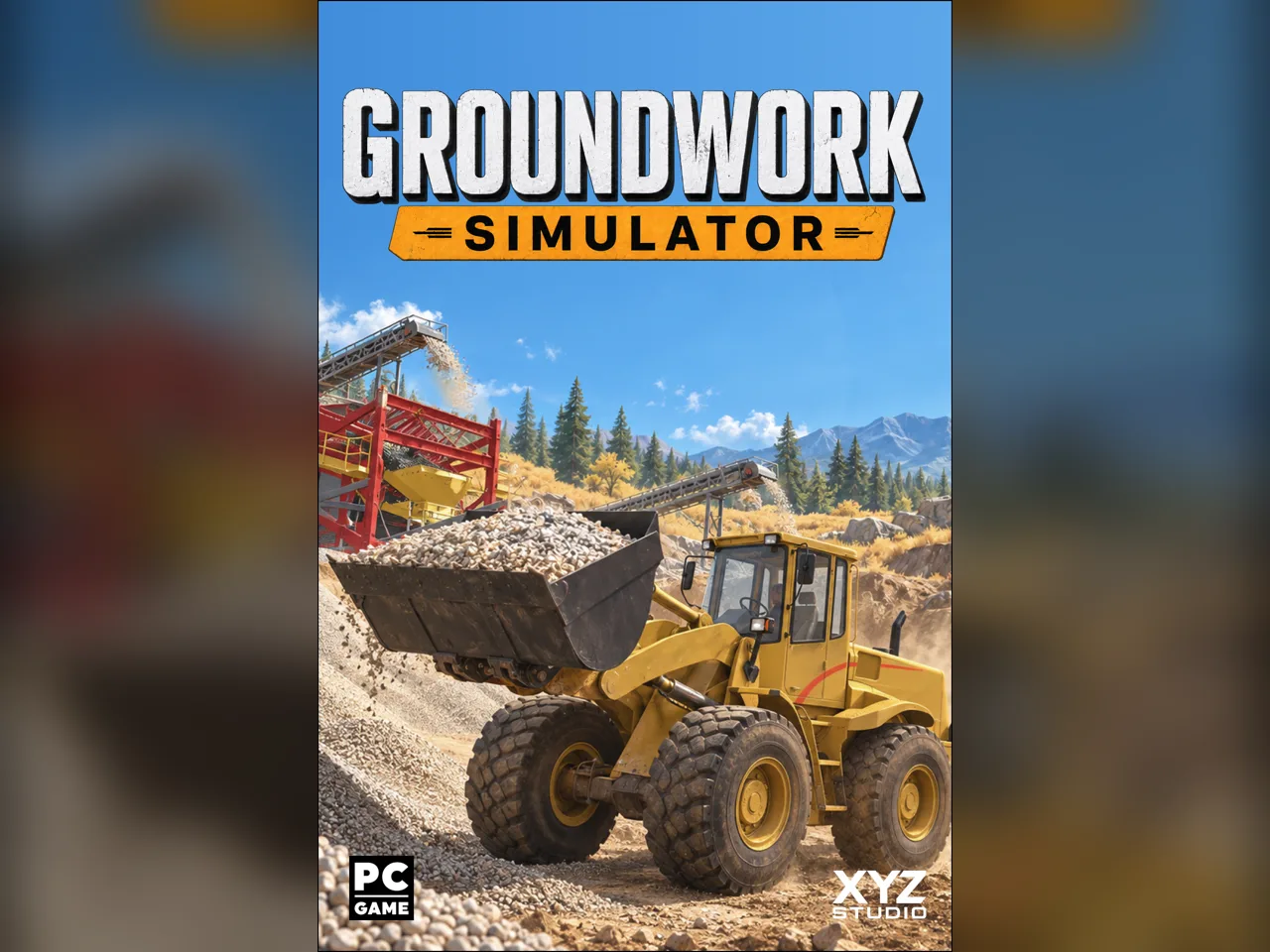 Image: groundworksimulator.com
Start by exploring and testing deposits. The game includes drilling equipment for investigating the ground before you commit to a digging location. Use that information to choose where to establish the operation.
| Part of the operation | Equipment or system | What it does |
|---|---|---|
| Deposit testing | Drilling equipment | Tests the ground for deposits |
| Excavation | Excavators | Removes material and reshapes terrain |
| Material handling | Wheel loaders | Moves material around the worksite |
| Terrain work | Bulldozers | Helps reshape the site |
| Washing | Wash plant and sluice boxes | Washes excavated material |
| Concentrate processing | Shaking table | Processes concentrate for gold recovery |
| Water supply | Pumps and hoses | Supplies the washing operation |
Think through the whole route before settling into repeated digging. Promising material still needs to reach the wash plant, and the washing equipment needs water. A digging spot is only one piece of the setup.
Use the machinery with the ground in mind:
- Adjust the bucket angle. Work with the excavation resistance instead of repeating the same difficult cut.
- Respect hydraulic power. Match the scoop and lift to what the machine can handle.
- Watch the changing surface. Each bucket alters the terrain around your next movement.
- Plan where material goes. Leave room for handling, transport, and access to the washing equipment.
These habits follow directly from how excavation works. Removing soil can create a steeper edge; depositing it creates a new obstacle or pile. The surface you finish with becomes the starting point for the next job.
Gold recovery also gives the operation a clear direction. You are moving material through several connected stages: excavation, washing through sluice boxes, and processing concentrate on the shaking table. Keep those stages connected when deciding where equipment belongs.
Approach each new digging area as a small layout problem. Identify the material, consider machine access, and decide how it will travel to processing. That planning gives your excavator a useful destination for every bucket.
Organize Your Worksite for Transport, Water, and Co-op
Plan your Groundwork Simulator mac worksite around the movement of material and equipment. A productive layout needs room for machines to work, loaded vehicles to travel, and water connections to reach the washing operation.
 Image: Steam / XYZ STUDIO
Water supply involves pumps and hoses that you position and connect across the site. As the operation expands, adapt those connections to keep the wash plant supplied. Include the water route in your planning before surrounding the equipment with piles and traffic.
Heavy machinery also needs transportation between worksites. Load machines onto a trailer, haul them by truck, and unload where the next job begins. Tight turns, slopes, and rough terrain make the route part of the task.
| Worksite task | What needs attention | Practical action |
|---|---|---|
| Supplying the wash plant | Pumps, hoses, and equipment placement | Plan the water connections alongside the plant layout |
| Moving heavy machinery | Trailer loading and truck access | Leave room to line up, load, and unload |
| Hauling across rough ground | Traction, slopes, and load weight | Inspect the route before committing a loaded vehicle |
| Expanding excavation | Changing slopes and soil piles | Revisit access as digging changes the landscape |
| Sharing the operation | Excavation, transport, and processing | Divide connected jobs between players |
Mud and uneven ground deserve particular attention. A route that works for positioning equipment still needs consideration when carrying a heavy load. Choose your approach with traction and the surrounding terrain in mind.
Improve awkward ground when it interferes with the job. Terrain work belongs in the same planning process as excavation: reshaping an access route can be the next useful task before returning to the deposit.
Online co-op lets players divide these responsibilities. One person can operate the excavator while another handles transport, keeping material moving between the digging area and the wash plant.
Agree on where each machine will work. Give the excavator space to dig and place material, then establish where the transport player should approach. Coordinate changes when the digging area moves or a growing pile changes access.
For solo play, walk through those same jobs in sequence. Before taking another scoop, consider whether the next task is moving material, adjusting water connections, or improving the route. Running the operation yourself means switching between the systems that keep it connected.
Handle Early Access Launch Problems Carefully
Groundwork Simulator entered Early Access on October 22, 2026, and its launch period includes startup, control, menu, and multiplayer problems. XYZ STUDIO announced that a patch was being prepared to address initial issues, with further fixes planned over the following days and weeks.
For Groundwork Simulator mac troubleshooting, start with the exact symptom you encounter. Keep your report specific to your Mac and the actions that trigger the problem.
The launch-period complaints span several distinct issues: games closing at startup, controls interfering with one another, menus becoming unusable, and additional friends failing to join multiplayer sessions. Those are separate problems, so describe each one separately if you encounter more than one.
Use a concise bug-report checklist:
- Name your Mac model and macOS version.
- Describe whether the problem happens during startup or after entering the game.
- Identify the machine, menu, or activity involved.
- Explain what you changed immediately before the problem began.
- Include the sequence that reproduces the issue.
If a problem follows a graphics change, include the exact setting and value in the report. Launch-period complaints include crashes after shadow quality was changed to High. That detail is useful for diagnosing a repeatable problem; it is not a reason to assign the same cause to every crash.
Likewise, describe multiplayer trouble through the actual joining sequence. Explain who hosted, who connected successfully, and where the next connection failed. A failed session does not define the game’s intended player limit.
Use the developer’s support channels to submit reproducible bugs. XYZ STUDIO directs players to its Discord for help, bug reports, and suggestions.
Keep Groundwork Simulator mac sessions focused on the systems you can operate reliably while launch fixes arrive. If a particular menu or control sequence repeatedly causes trouble, document it and avoid repeating that sequence unnecessarily. Early Access feedback is most useful when it gives the developer a clear path from an action to a visible failure.
FAQ
Does Groundwork Simulator mac support include macOS?
Yes. Groundwork Simulator supports macOS and Windows. It launched in Early Access on October 22, 2026, with single-player and online co-op modes.
Can you play Groundwork Simulator solo?
Yes. You can handle the entire operation yourself, including exploration, excavation, transport, water supply, and gold processing. Online co-op lets you share those jobs with friends.
Why is Groundwork Simulator demanding even when the graphics look simple?
Its detailed soil and water simulations put a heavy load on the CPU. Excavation reshapes terrain, and simulated hydraulic feedback adds resistance as machines dig and lift material.
What can you do besides operate an excavator?
You can test deposits with drilling equipment, operate wheel loaders and bulldozers, transport machinery on trailers, connect pumps and hoses, and process material through washing equipment and a shaking table.
Continue with
 Groundwork Simulator PS4: Platforms and Launch GuidePlay on Windows or Mac and explore machinery, co-op, and PC requirements. Groundwork Simulator launched in Early Access; launch fixes are underway.
More in Platforms

Groundwork Simulator APK: Platforms and Player Guide
Searching for Groundwork Simulator apk? Explore supported platforms, PC requirements, excavation tips, gold processing, and co-op before you start digging.
Groundwork Simulator iOS: Can You Play on iPhone or iPad?
Searching for Groundwork Simulator iOS? Explore Windows and Mac support, excavation gameplay, co-op, and PC requirements before planning your next dig.
Groundwork Simulator PS5: Platforms and Launch Guide
Looking for Groundwork Simulator PS5 details? Explore the Steam launch, supported platforms, heavy machinery, co-op, and PC requirements before you play.
Groundwork Simulator Steam Guide: Specs, Co-Op & Bugs
Explore Groundwork Simulator Steam features, PC requirements, online co-op, and launch issues. Plan a gold mining site before you start digging for gold.
Join the community
Official channels for news, updates and player help: