
Early access · Release date: October 22, 2026
UpdatedGroundwork Simulator Demo: Release and Gameplay Guide
Looking for the Groundwork Simulator demo? Get the October 2026 release details, PC requirements, co-op basics, and tips for digging and washing for gold.
Jump to
Groundwork Simulator Demo: What Can You Play Now?
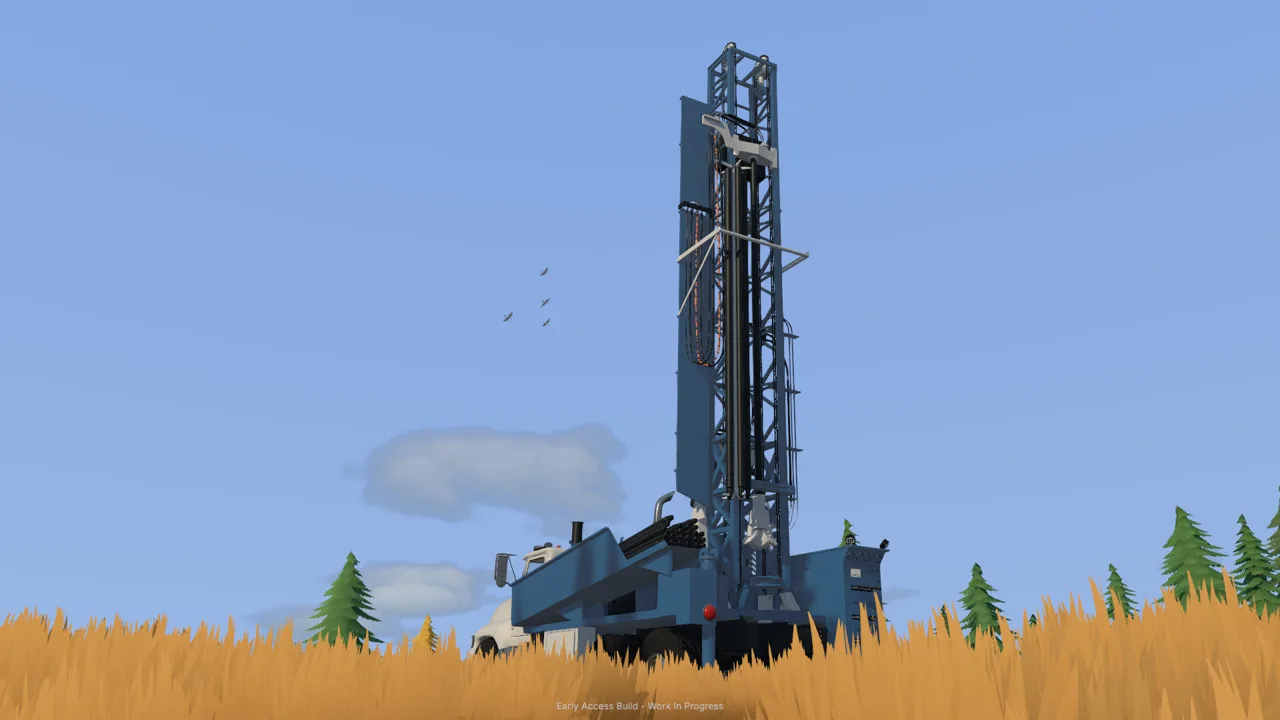
Ready to turn a hillside into a working gold mine? If you're searching for the Groundwork Simulator demo, the release to know is the October 22, 2026 Early Access launch, which brings together excavation, gold processing, and online co-op. Start your Groundwork Simulator demo search on the Groundwork Simulator Steam page to check the current purchase and download options.
Groundwork Simulator is available to buy while development continues. You operate heavy machinery, reshape the landscape, and build the equipment network that carries material from an excavation to gold recovery.
The attraction is how those jobs connect. Digging changes your access routes. Transport depends on the ground beneath your tires. Washing needs a water supply. A productive site takes more than a full excavator bucket.
| Release detail | October 2026 status |
|---|---|
| Release date | October 22, 2026 |
| Development stage | Early Access |
| Developer and publisher | XYZ STUDIO |
| Platforms | Windows and Mac |
| Play options | Single-player and online co-op |
| Advertised co-op capacity | Four players total |
Keep the Early Access stage in mind when deciding when to jump in. The launch includes reports of crashes, control problems, and multiplayer trouble, with a patch announced to address initial issues.
Future plans include another map, story objectives, additional vehicles, expanded processing equipment, and eventually Map Studio and community content support. Those are development plans, with features and timing subject to change. Focus your purchase decision on the mining operation you can play today.
Digging, Hydraulics, and Terrain That Changes
The ground is part of the machinery challenge. Excavating creates cuts, trenches, and piles that reshape the space your vehicles must use afterward.
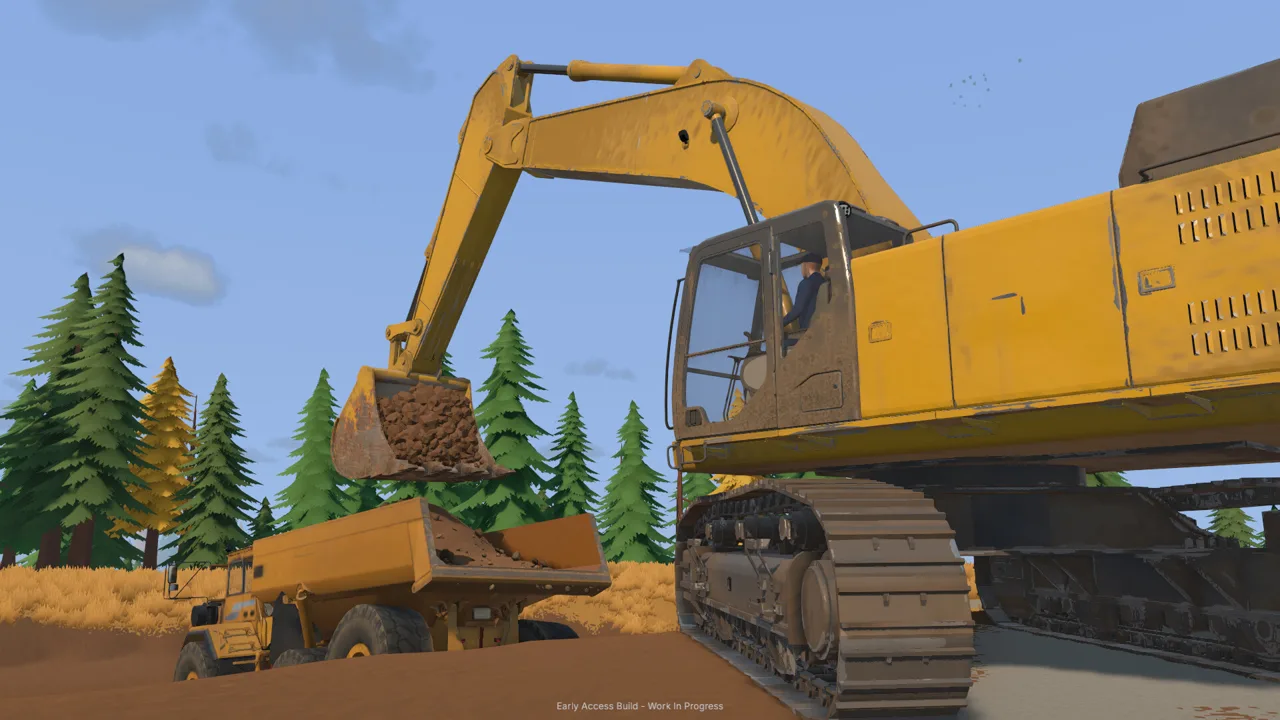 Image: Steam / XYZ STUDIO
That gives every bucket a consequence beyond the material it carries. Cutting into a hillside changes the slope. Building a pile changes the route around it. A digging position that works now can leave awkward access for the next load.
If machinery handling brought you to the Groundwork Simulator demo search, pay attention to the relationship between bucket angle, resistance, and lifting power. Excavation includes simulated hydraulic feedback, so filling and lifting the bucket involves working with the machine's available power.
Adjust your bucket angle when working into the ground. Watch how the load builds, and consider the path the bucket needs to take before starting another cut. Keep the digging motion and the eventual unloading position in the same plan.
Use these terrain habits throughout your operation:
- Keep a route open between the excavation and the processing area.
- Place material piles where they leave room for vehicles to maneuver.
- Check slopes before committing to a heavy transport load.
- Improve rough access ground when it interferes with hauling.
- Reconsider the digging position as the hillside changes.
Mud, uneven ground, and slopes also affect traction. Take care with loaded vehicles, especially where the route narrows or climbs.
The worksite evolves alongside the excavation. Revisit your layout as you remove material rather than expecting the original approach to serve every stage of the job. Leave yourself room to turn, load, and reach the next section of ground.
Follow the Material From Test Hole to Gold
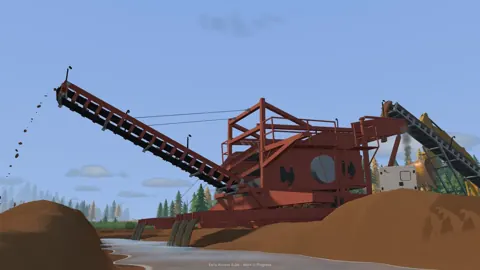
Groundwork Simulator connects prospecting with excavation and processing. You explore for deposits, drill and test the ground, choose a digging area, and build the washing setup around that work.
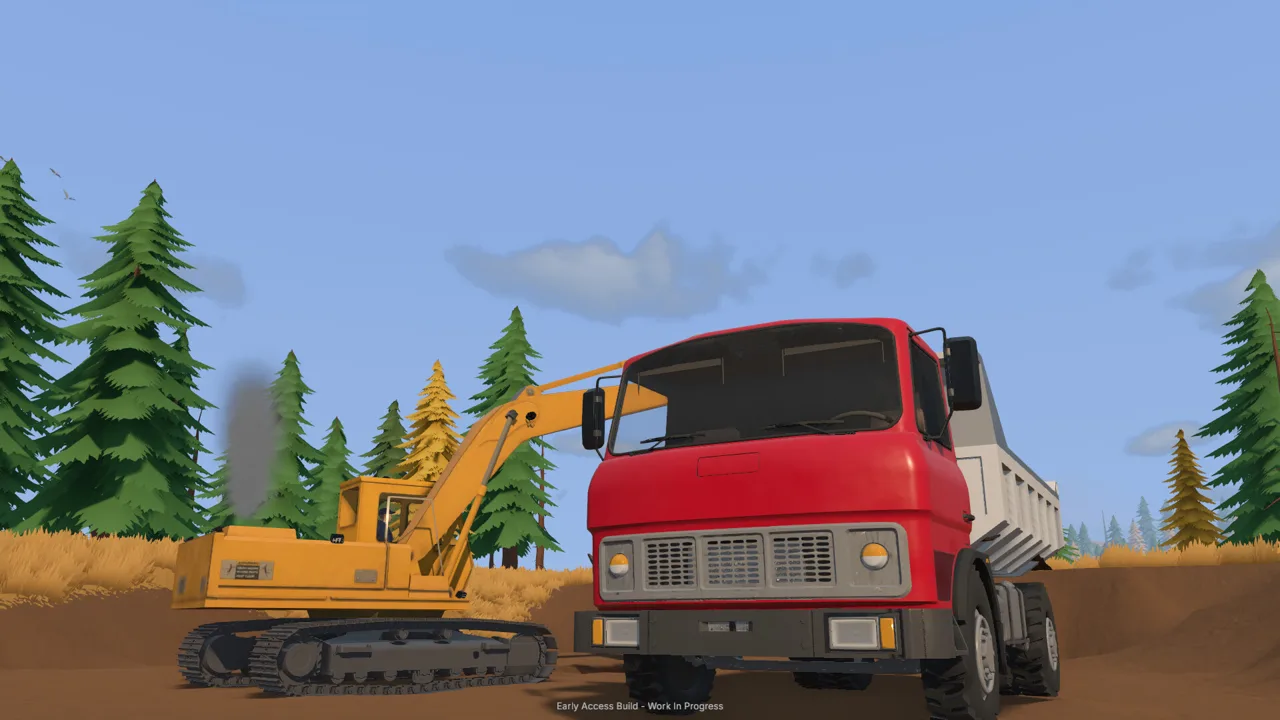 Image: Steam / XYZ STUDIO
If you're looking for a Groundwork Simulator demo to explore gold mining, this connected sequence deserves your attention. The machinery serves a larger operation: promising ground becomes excavated material, and that material moves through equipment designed to recover gold.
| Stage | What happens | Equipment or system involved |
|---|---|---|
| Prospect | Explore and test for deposits | Drilling equipment |
| Excavate | Remove promising material | Excavators and loading machinery |
| Haul | Move material across the worksite | Trucks and loaders |
| Wash | Feed material through the washing operation | Wash plant, sluice boxes, and water supply |
| Process concentrate | Recover gold from the concentrate | Shaking table |
Start with exploration and testing before choosing where to establish your excavation. Plan the site around that location, including access for hauling and space for the washing equipment.
Next, think through the material's route. Keep the digging area, transport approach, and processing setup connected by ground your vehicles can navigate. Consider where a truck needs to stop and where a loader needs space to work.
Water deserves the same attention. Pumps and hoses supply the washing operation, and you position the equipment and route connections across the site. As the operation expands, adapt those connections to the changing layout.
Before settling on equipment positions, walk through the operation in order:
- Choose the digging area after testing for deposits.
- Plan access for excavating and hauling.
- Position the wash plant with material delivery in mind.
- Arrange pumps and hoses to supply the washing operation.
- Follow washing with concentrate processing on the shaking table.
These are linked tasks, so inspect the connection between them when something becomes awkward. Check the loading position when transport struggles to reach the excavation. Revisit hose routing when equipment moves. Keep the material route and water supply in view as the site grows.
Coordinate Co-op Jobs and Heavy Transport
Groundwork Simulator supports solo operation and advertises online co-op for you and up to three friends. Running alone puts the whole workflow in your hands; sharing the site lets you divide excavation, hauling, and processing duties.
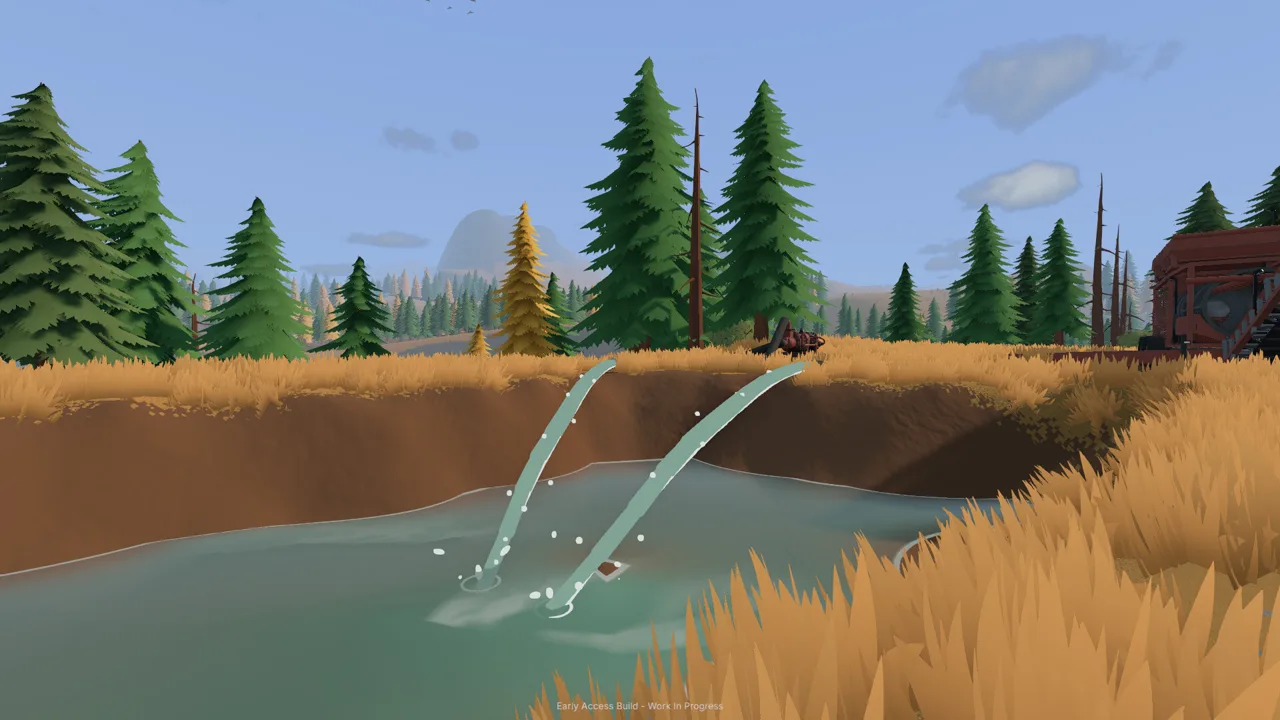 Image: Steam / XYZ STUDIO
If your Groundwork Simulator demo search started with plans to play with friends, think about those jobs before organizing the crew. An excavator operator and a transport driver need a loading position that works for both machines.
Assign responsibilities around the current task. Have one person handle digging while another moves material toward the wash plant. Coordinate vehicle movements around the excavation so the loading area stays usable.
Communicate when the terrain changes, too. A new pile, a deeper cut, or a steeper approach can affect someone driving back with an empty truck.
Launch-period multiplayer problems include players being unable to get beyond two participants. Keep that issue in mind when arranging a four-person session during the opening release.
Transport also includes moving the machinery itself. You can load heavy equipment onto a trailer and haul it by truck to another worksite. Loading alignment, tight turns, rough ground, and slopes all become part of the job.
Before moving a machine, inspect the approach to the trailer and the route to the destination. Choose an unloading area with room to position the equipment for work. Give heavy loads extra attention where terrain or corners restrict movement.
For solo play, use the same coordination principles in your own layout. Position equipment so you can move through the tasks in a sensible order. Revisit the setup when repeated travel or awkward access starts getting in the way of the digging.
Check PC Requirements and Launch Issues
Hardware deserves attention before you settle into a mining session. Detailed soil and water simulation puts a substantial load on the CPU, even when the graphics suggest a less demanding game.
Compare your system with the Windows requirements below. The requirements include a 64-bit processor and operating system.
| Component | Minimum | Recommended |
|---|---|---|
| Operating system | Windows 10 | Windows 11 |
| Processor | Intel Core i5-8400 or AMD Ryzen 5 2600 | Intel Core i5-12400 or AMD Ryzen 5 5600 |
| Memory | 16 GB RAM | 24 GB RAM |
| NVIDIA graphics | GTX 1070, 8 GB VRAM | RTX 3060, 8 GB |
| AMD graphics | — | RX 6600, 8 GB |
| DirectX | Version 12 | Version 12 |
| Available storage | 10 GB | 10 GB |
Pay particular attention to the processor and memory requirements when checking an older PC. The recommended configuration calls for 24 GB of RAM, and the simulation workload makes the CPU relevant alongside the graphics card.
These figures apply to Windows. Mac support is also part of the release, but the Windows hardware table should guide Windows players.
The opening release has several practical issues to weigh alongside those requirements. XYZ STUDIO has announced a patch intended to address initial launch problems, followed by further updates.
| Launch-period issue | What players have encountered |
|---|---|
| Startup crashes | The game closes when launching |
| Controls | Linked loader and excavator bindings, plus joystick problems |
| Multiplayer | Sessions unable to accommodate more than two participants |
| Menus and purchasing | Unresponsive tabs, menu problems, and machine-store buttons failing |
These problems can affect different parts of a session. A startup crash blocks access entirely, while control or menu trouble can interrupt work after you get into the game.
When seeking help, describe the exact action that fails. Include whether the problem happens at startup, after changing graphics options, when opening a menu, or when another player joins. For machinery controls, identify the vehicle and the action involved.
Use the developer's help channels for bug reports, and check for game updates before planning another session. Keep an eye on the official Groundwork Simulator website for development news and the roadmap.
FAQ
Where should I look for a Groundwork Simulator demo?
Start your Groundwork Simulator demo search on the game's official Steam page and check the current download and purchase options. Groundwork Simulator entered Early Access on October 22, 2026, and is available to buy while development continues.
Can I play Groundwork Simulator with friends?
Yes. The game supports online co-op and advertises four players total. During the opening release, some players have encountered multiplayer sessions that stop at two participants.
How does gold mining work?
Explore and drill to test for deposits, excavate promising material, and transport it to your washing setup. Pumps and hoses supply water, sluice boxes handle washing, and a shaking table processes the concentrate for gold recovery.
Why does Groundwork Simulator need a strong CPU?
Soil and water physics create a heavy simulation workload. The minimum Windows requirements include an Intel Core i5-8400 or AMD Ryzen 5 2600 and 16 GB RAM; the recommended configuration moves to an Intel Core i5-12400 or AMD Ryzen 5 5600 and 24 GB RAM.
Continue with
 Groundwork Simulator Price: What to Know Before BuyingCheck the Groundwork Simulator price on Steam, explore its gold mining and co-op features, and review PC requirements before buying this Early Access game.
More in Release

Groundwork Simulator Beta: Release, Co-Op, and PC Guide
Catch up on Groundwork Simulator beta news, Early Access, four-player co-op, PC requirements, launch issues, and building your own gold mining operation.
Groundwork Simulator Release Date: Launch & PC Guide
Groundwork Simulator release date is October 22, 2026. Explore Early Access details, PC requirements, co-op features, and tips for your gold mining setup.
Continue exploring
Join the community
Official channels for news, updates and player help: