
Early access · Release date: October 22, 2026
UpdatedGroundwork Simulator Trucks: Hauling and Driving Guide
Learn how Groundwork Simulator trucks handle dirt hauling, heavy trailers, mud, and drilling. Plan your routes and keep your gold mining operation moving.
Jump to
What Do Trucks Do in Groundwork Simulator?
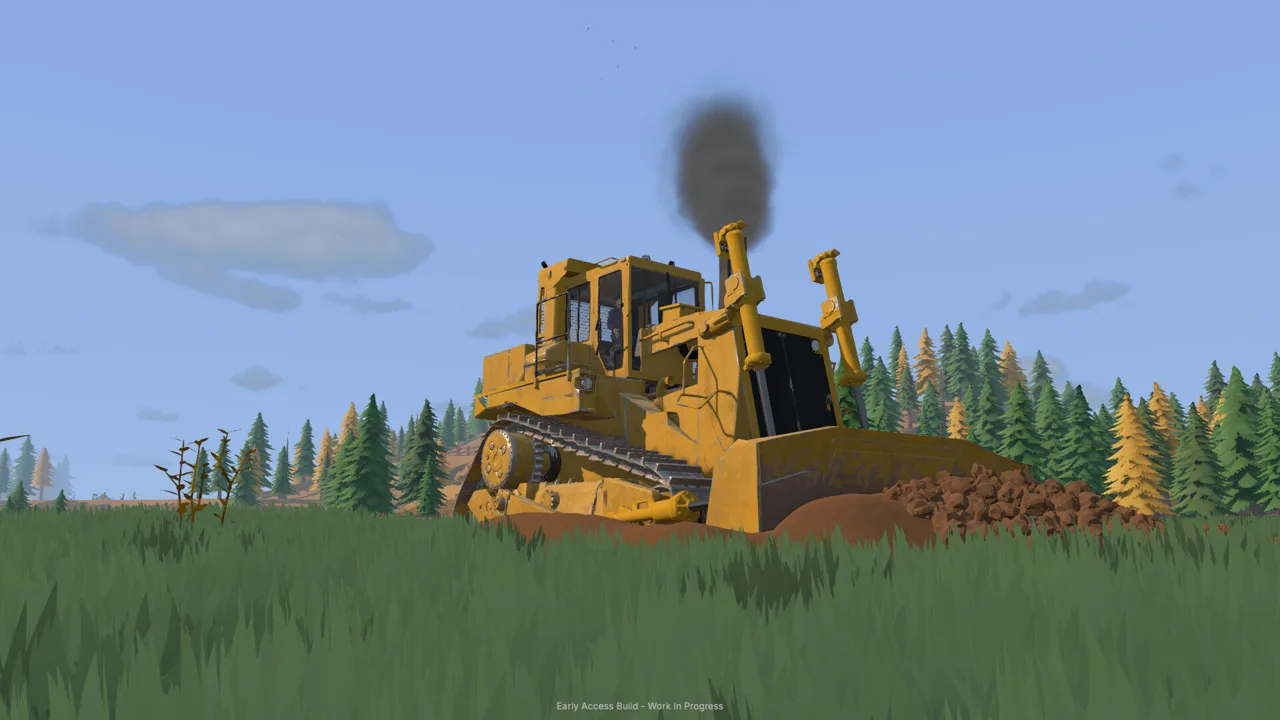
A loaded truck needs a usable road before that dirt can become gold. Groundwork Simulator trucks handle material hauling, equipment transport, and mobile drilling, connecting the different jobs around your claim. Understanding how Groundwork Simulator trucks fit into that operation helps you position machinery, keep access clear, and spend less time wrestling loads through ground you just excavated.
The fleet covers several distinct jobs. Your opening pickup tows the caravan, dump trucks move excavated material, and heavy trucks pull machinery on trailers. The DR64 carries drilling equipment for testing deeper ground before you commit to a larger cut.
| Truck or vehicle type | Role in your operation | Relevant equipment |
|---|---|---|
| Pickup truck | Tows the caravan during the opening tutorial | Caravan |
| Dump truck | Carries excavated pay dirt to a stockpile | Excavator and wheel loader |
| Heavy truck | Hauls machinery between worksites | Machinery trailer |
| DR64 drill truck | Samples underground layers and gold-bearing bands | Mounted drilling rig |
The machine dealer also includes cab-over, conventional American-style, and military-style trucks, alongside dump trucks and trailers. Focus on the job you need to complete before adding another vehicle to the yard.
These are different parts of the same mining operation. Excavation exposes material, transport moves it, and the washing setup separates concentrate for cleanup. Adding trucks alone will not solve an awkward loading area or a conveyor that is still switched off.
Groundwork Simulator entered Early Access on October 22, 2026. This guide covers its launch gameplay, including the tutorial hauling loop and truck-mounted drilling.
Move Pay Dirt From the Excavator to the Wash Plant
The starting workflow gives Groundwork Simulator trucks a clear purpose: move excavated dirt to a stockpile that the wheel loader can reach. The loader then transfers that material into the conveyor feeding the mobile trommel.
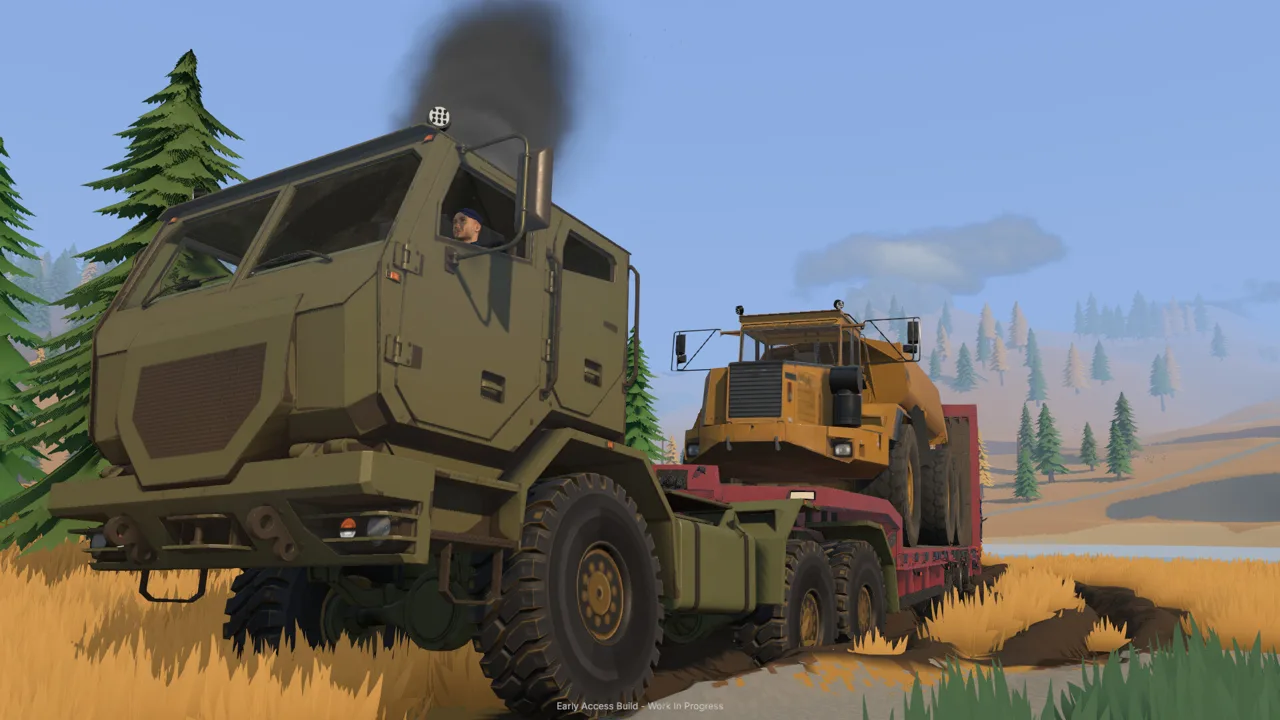 Image: Steam / XYZ STUDIO
That intermediate pile matters. In the starting setup, the dump truck does not reach high enough to unload directly into the conveyor hopper. Follow the stockpile workflow and give the loader room to operate.
| Stage | Machine or equipment | What to do |
|---|---|---|
| Excavation | Excavator | Dig material and empty the bucket into the dump truck |
| Hauling | Dump truck | Carry the load to the designated stockpile area |
| Stockpiling | Dump truck | Raise the bed and unload the material |
| Feeding | Wheel loader | Scoop the stockpile and fill the small conveyor |
| Washing | Conveyor and trommel | Run the wash plant before starting the feed belt |
| Cleanup | Sluice boxes and cleanup table | Stop the equipment, collect concentrate, and process it |
Position the truck before digging
Park the dump truck where the excavator can reach its bed without repeatedly moving its tracks. Leave enough clearance for the bucket to pass over the sides.
Use the load indicator to track how much material is aboard. The visible shape of the dirt does not tell the whole story: the truck can reach its displayed capacity while the bed still appears to have space.
Stop loading when the truck reaches capacity. Avoid repeatedly dumping another bucket into the same full bed.
Keep the exit from the loading position clear, too. Excavation changes the surrounding ground, so a convenient parking spot can become awkward once you have cut a trench beside it.
Give the wheel loader a workable stockpile
During the tutorial, unload inside the marked stockpile area. Afterward, keep your piles accessible from the loader’s approach and leave room to turn toward the conveyor.
Lower the dump bed before returning to the excavator. If material remains trapped against the pile during unloading, move forward carefully to create space for it to fall.
Park the empty truck away from the loader’s scoop path. A truck beside the pile can force the loader into an awkward approach, especially near a slope.
Before feeding the conveyor, get the washing equipment ready:
- Supply water through the pumps and hoses.
- Position the generator within reach of the washing setup.
- Start the trommel’s drum and spray bar.
- Start the conveyor to feed material into the running plant.
When feeding finishes, stop the belt. Let the remaining material process, then stop the wash plant before emptying the sluice boxes.
Drive Through Mud Without Ruining Your Haul Route
Groundwork Simulator trucks operate on terrain that changes as you work. Mud affects traction, excavators create new edges and slopes, and piles can obstruct routes that were clear earlier.
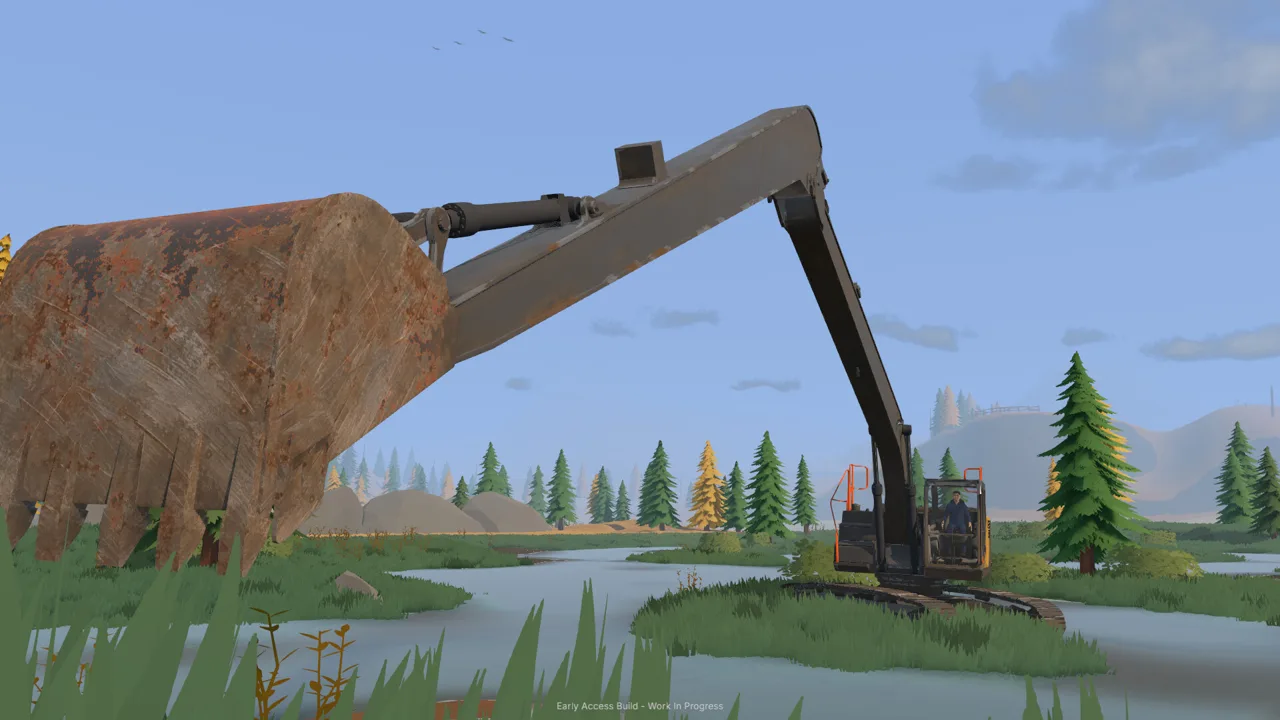 Image: Steam / XYZ STUDIO
The opening caravan journey introduces differential lock and the recovery winch. Those tools help with difficult ground, but route preparation remains part of the job.
| Terrain or access problem | Relevant mechanic | Driving or planning tip |
|---|---|---|
| Mud | Traction and differential lock | Engage differential lock when tackling the muddy section |
| Truck stuck near trees | Recovery winch | Open the winch controls and follow the attachment prompts |
| Tight corner | Truck and trailer maneuvering | Leave room for the trailer before committing to the turn |
| Rough access track | Deformable terrain | Improve the ground before repeating loaded trips |
| Steep or uneven approach | Slopes and heavy loads | Choose your approach before driving onto the slope |
| Flooded work area | Flowing water and pumps | Check the water supply and stop unnecessary pumping |
At launch, X toggles differential lock, while L opens the recovery winch. Follow the current on-screen controls for selecting an anchor and operating the winch.
Use the camera view that lets you judge the immediate obstacle. The opening pickup supports alternate views with C, including a cab view. Check your surroundings before backing a caravan or lining up beside another machine.
Keep excavation away from the access lane
Leave a continuous route between the digging area, stockpile, and wash plant. Avoid cutting across that lane just because the next bucket of promising material sits beneath it.
If the road deteriorates, pause hauling and reshape the ground. Bulldozers move material and alter the worksite, giving road preparation a practical place in the mining loop.
Check water management before blaming the truck for a difficult return trip. A pump left filling the holding pond can flood the surrounding claim. Stop the river supply when continued filling is unnecessary, while managing the separate water connection serving the wash plant.
Keep hoses and equipment placement in mind when choosing a route. Plan vehicle access alongside the water system as the site grows.
Haul Heavy Machinery on a Trailer
Moving an excavator or bulldozer to another worksite gives Groundwork Simulator trucks another job. Load the machinery onto a trailer, tow it to the destination, and unload where the next operation will begin.
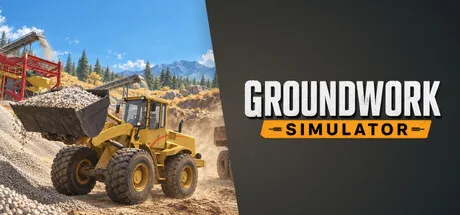 Image: Steam / XYZ STUDIO
The transport challenge includes lining up for loading and navigating turns, slopes, and rough ground with machinery behind the truck. A route that works for the pickup deserves another look before you take a loaded trailer through it.
Use this sequence when preparing a move:
- Choose the unloading area. Leave enough space for the machine to come off the trailer and reach its work position.
- Check the route. Look for narrow turns, rough sections, and steep approaches.
- Prepare difficult ground. Improve access before bringing the loaded combination through.
- Line up for loading. Approach the trailer deliberately rather than correcting a large angle at the last moment.
- Drive with the trailer in mind. Watch its path through corners and uneven sections.
- Unload at the worksite. Position the equipment where it can begin the next job.
Plan the destination as carefully as the journey. Delivering a bulldozer beside a crowded wash line creates another maneuvering problem before work begins.
The game also provides a machine transport tool for relocating company machinery and trailers. It displays the selected equipment and moving price before placement. Use that displayed cost when deciding how to relocate equipment.
For nearby work, compare the existing access with the route the machine would need to travel. For a trailer move, prepare both ends before loading.
Use the DR64 and Coordinate Your Truck Work
Groundwork Simulator trucks also support prospecting through the DR64. A surface scan checks shallow ground; drilling reveals deeper layers and gold-bearing bands, helping you choose where to excavate.
The tutorial introduces the drill after your initial gold cleanup. Hire it through the machine dealer, select the requested delivery slot, and drive it back to the claim.
| Drilling stage | Required action | What it accomplishes |
|---|---|---|
| Delivery | Collect the hired DR64 from its delivery slot | Brings the drill into your operation |
| Positioning | Align the rear of the truck with the borehole marker | Places the drilling equipment over the test location |
| Setup | Deploy the stabilizers and prepare the mast | Sets the rig for drilling |
| Sampling | Start drilling and add rods as needed | Records deeper material layers |
| Completion | Pull the drill and finish the hole | Completes the borehole |
| Review | Select the borehole markers on the gold map | Shows recorded depth, layers, and gold-bearing bands |
| Rental return | Exit the truck and return it through the fleet menu | Ends the daily hire charges |
The tutorial calls for a hole reaching 3 meters, followed by another reaching 4 meters. Watch the depth display and follow the active objective rather than stopping as soon as the drill reaches a different material.
Position the truck with its rear in mind. Leave clearance behind it for the drilling equipment, and retract the stabilizers before driving to the next location.
Finish the requested sampling before returning the rental. Exit the vehicle first, then use the company fleet menu to return it and stop further daily charges.
Divide hauling and digging in online co-op
Online co-op lets one person operate the excavator while another handles transport. Coordinate the loading position and stockpile location before separating into different machines.
For a shared site, establish a simple routine:
- Bring the empty truck to the agreed loading position.
- Keep it still while the excavator fills the bed.
- Announce departure before pulling away.
- Unload where the loader has access.
- Return along the prepared route.
When working solo, use Tab to switch between machines instead of walking across the claim for every change of job.
Keep Groundwork Simulator trucks moving through a site that supports them. Clear loading positions, accessible stockpiles, and prepared roads give every machine a useful place in the operation. If you want to start building that fleet, get Groundwork Simulator on Steam.
FAQ
What are Groundwork Simulator trucks used for?
Trucks tow the caravan, haul excavated dirt, transport machinery on trailers, and carry drilling equipment. Dump trucks connect excavation to stockpiling, while the DR64 samples deeper ground.
Can the starting dump truck unload directly into the wash conveyor?
The starting truck does not reach high enough for that setup. Unload into a stockpile, then use the wheel loader to transfer material into the small conveyor.
How do you use differential lock and the winch?
At launch, press X to toggle differential lock and L to open the recovery winch. Follow the on-screen prompts to attach and operate the winch.
How do you stop paying for the rented drill truck?
Complete the drilling work, exit the DR64, and return it through the company fleet menu. Returning the hired drill stops its daily rental charges.
Continue with
 Groundwork Simulator Machinery Loading: Hauling GuideGroundwork Simulator machinery loading starts with alignment and route planning. Learn to prepare your site, haul heavy equipment, and unload with care.
More in Transport
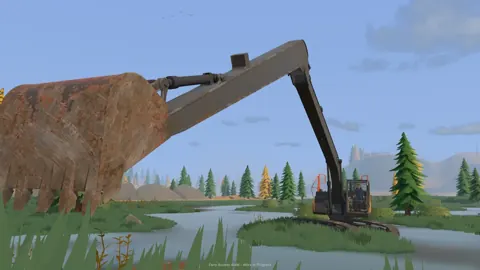
Groundwork Simulator Trailers: Loading and Hauling Guide
Groundwork Simulator trailers move heavy machinery between worksites. Learn loading basics, route planning, and transport tips for your next mining move.
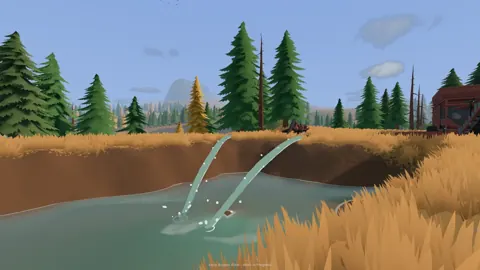
Groundwork Simulator Transport Guide: Haul Machines
Use this Groundwork Simulator transport guide to move heavy machines, manage muddy routes, haul pay dirt, and keep your gold mining operation running.
Continue exploring
Join the community
Official channels for news, updates and player help: