
Early access · Release date: October 22, 2026
UpdatedGroundwork Simulator Water Connections: Pump Setup Guide
Connect your trommel through the starting claim's pond: one pump fills it from the river, and a second draws from it to supply the washing equipment.
Jump to
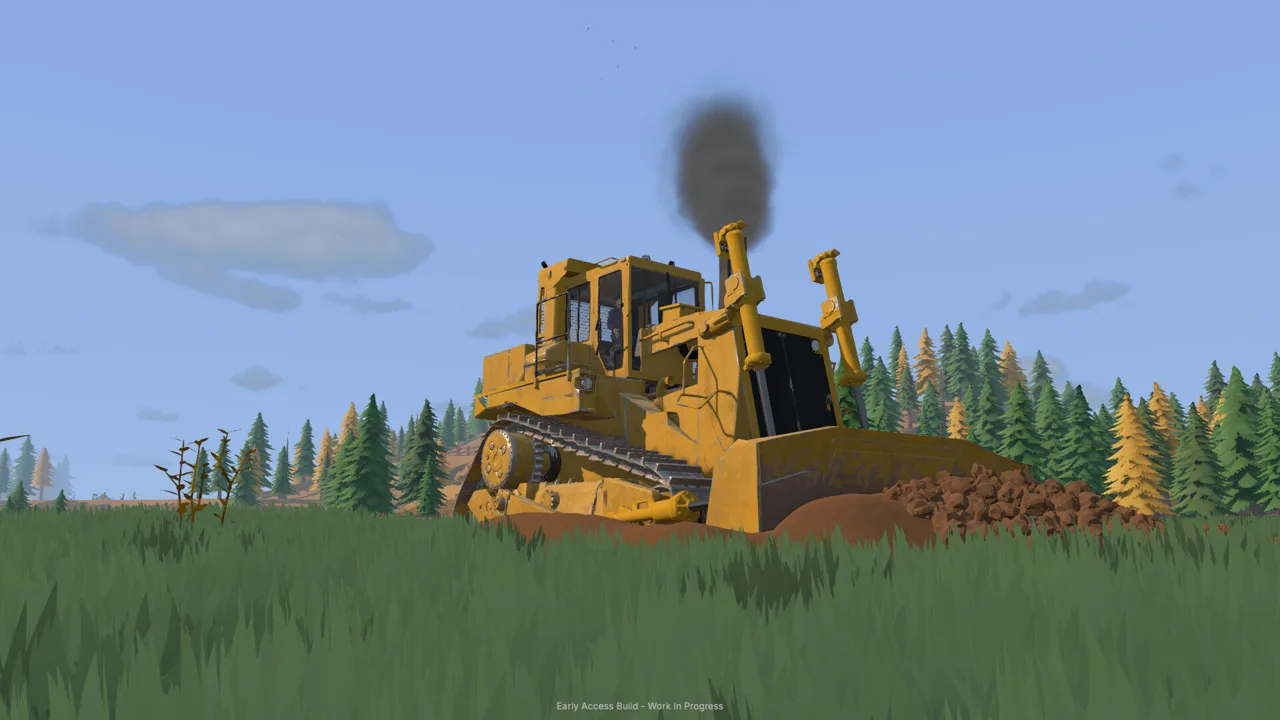
How Groundwork Simulator Water Connections Work
Groundwork Simulator water connections get your claim washing gold, but leaving the river pump running can also flood your digging area. The starting setup moves water from the river into a holding pond, then uses a second pump to supply the mobile trommel. Build your Groundwork Simulator water connections around those two separate jobs, and you’ll know where to look when the plant needs water or the pond starts overflowing.
The starting claim uses this route:
River → pump one → holding pond → pump two → mobile trommel
The pond sits between the river supply and the washing equipment. Pump one fills it; pump two draws from it. That distinction matters when you need to stop adding water without confusing the two pump switches.
| Part of the setup | Connection | Job |
|---|---|---|
| Pump one input | River | Draws water into the river pump |
| Pump one output | Holding pond | Delivers river water to the pond |
| Pump two input | Holding pond | Draws water for the washing operation |
| Pump two output | Mobile trommel connection | Supplies the wash plant |
These instructions follow the launch Early Access tutorial. Follow its amber guidance while connecting the starting equipment, particularly when placing the discharge hose and finding the trommel fitting.
Official page: Groundwork Simulator (store.steampowered.com)
Connect Pump One From the River to the Pond
Start at the pump beside the river. Grandpa’s letter sends you here before the digging and washing work begins, and the tutorial line leads down to the equipment.
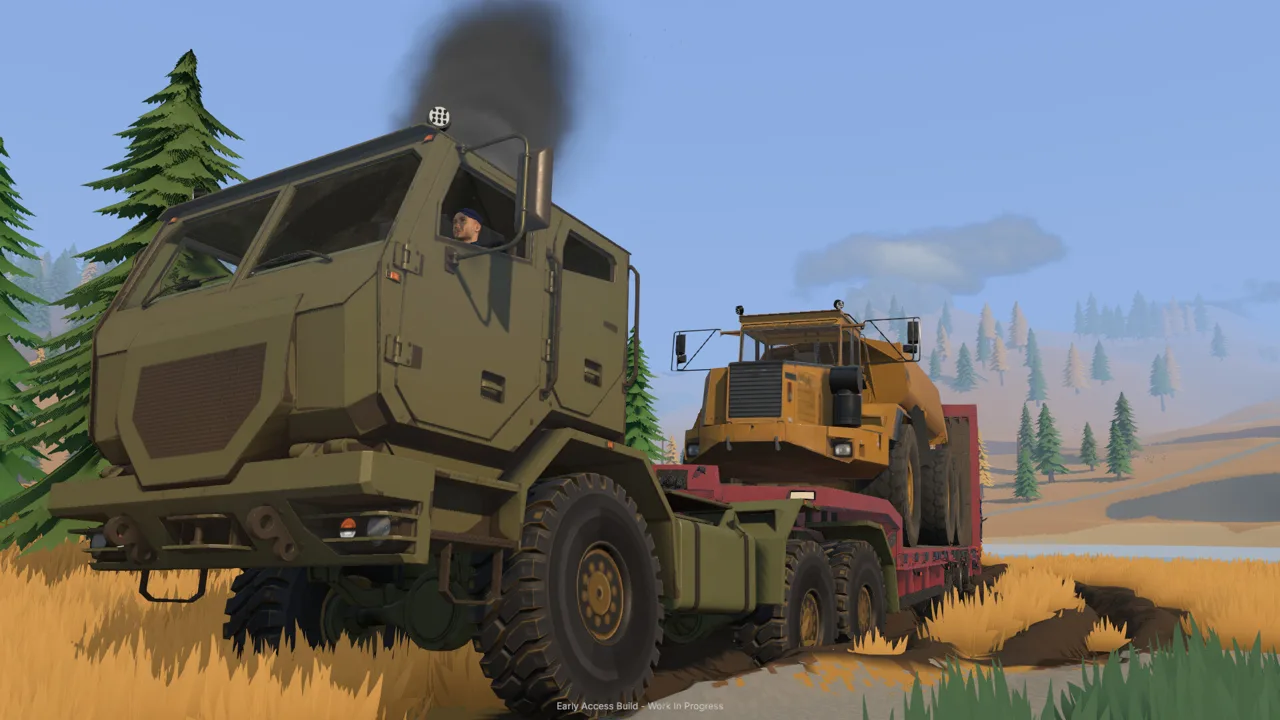 Image: Steam / XYZ STUDIO
Pump one has separate intake and discharge fittings. The lower fitting draws water in, while the upper fitting sends it out. Connect both hoses before switching the pump on.
- Approach the lower fitting. Use the left mouse button to select the intake connection.
- Run the intake hose into the river. Place its free end in the water.
- Return to the upper fitting. Select the pump’s output connection with the left mouse button.
- Carry the discharge hose to the empty pond. Follow the amber marker uphill.
- Place the hose inside the marked pond area. Use the left mouse button to finish positioning it.
- Return to pump one and press E at its switch. Water will begin filling the pond.
| Pump one task | Control or location |
|---|---|
| Select the intake | Left mouse button on the lower fitting |
| Place the intake | In the river |
| Select the discharge | Left mouse button on the upper fitting |
| Place the discharge | Inside the amber pond marker |
| Switch the pump on or off | E at the pump switch |
For Groundwork Simulator water connections, finish the entire route before walking away. Trace the intake back to the river and the discharge forward to the pond, then check that water is actually entering the holding area.
The tutorial lets pump one fill the pond while you prepare the mobile trommel and conveyor. Use that time to work nearby, but keep checking the water level. The pond can eventually overflow if the river pump keeps supplying it.
Avoid assuming that a slowly filling pond has stopped rising. Water can look manageable during setup and spread across the claim while you’re away handling another job.
Connect Pump Two From the Pond to the Trommel
Once the tutorial directs you back to the washing equipment, prepare the mobile trommel and its feed conveyor. The trommel starts folded for transport; stand near its controls and press K to unfold it.
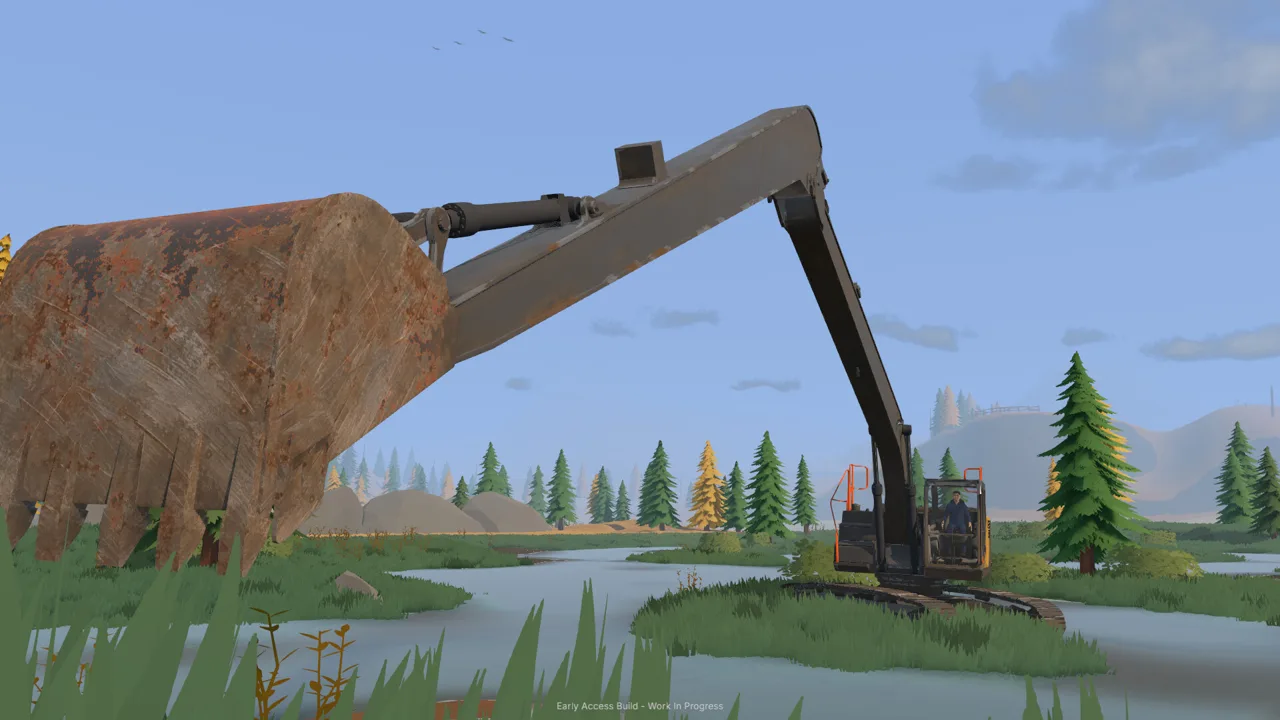 Image: Steam / XYZ STUDIO
Next, take control of the small conveyor and position its discharge so it feeds the trommel. Follow the tutorial’s alignment step before returning to the hoses.
Pump two supplies the washing operation from the pond. Its intake belongs in that holding water, and its output connects to the trommel’s water fitting.
- Leave the conveyor controls. Press E to get back on foot.
- Follow the amber line to pump two.
- Place its intake hose in the pond.
- Take the output hose to the mobile trommel.
- Attach the hose to the highlighted connection point.
- Press E at pump two to switch it on.
The trommel connection can take a little looking around to find. Walk around the machine until you can clearly target the fitting, then attach the hose there. Keep your attention on the connection point rather than the nearby frame or sluice boxes.
At this stage, your Groundwork Simulator water connections should form a continuous route through both pumps. Check each part separately: river intake, pond discharge, pond intake, and trommel connection.
Keep the pump roles straight as you work. Pump two supplies the trommel, while pump one adds water to the pond. Switching off the plant’s supply pump does not stop the river pump from continuing to fill the holding area.
Start the Water, Generator, and Wash Plant in Order
A connected water line is only part of getting the wash plant running. The mobile trommel also needs the larger generator parked nearby, and the conveyor has its own controls.
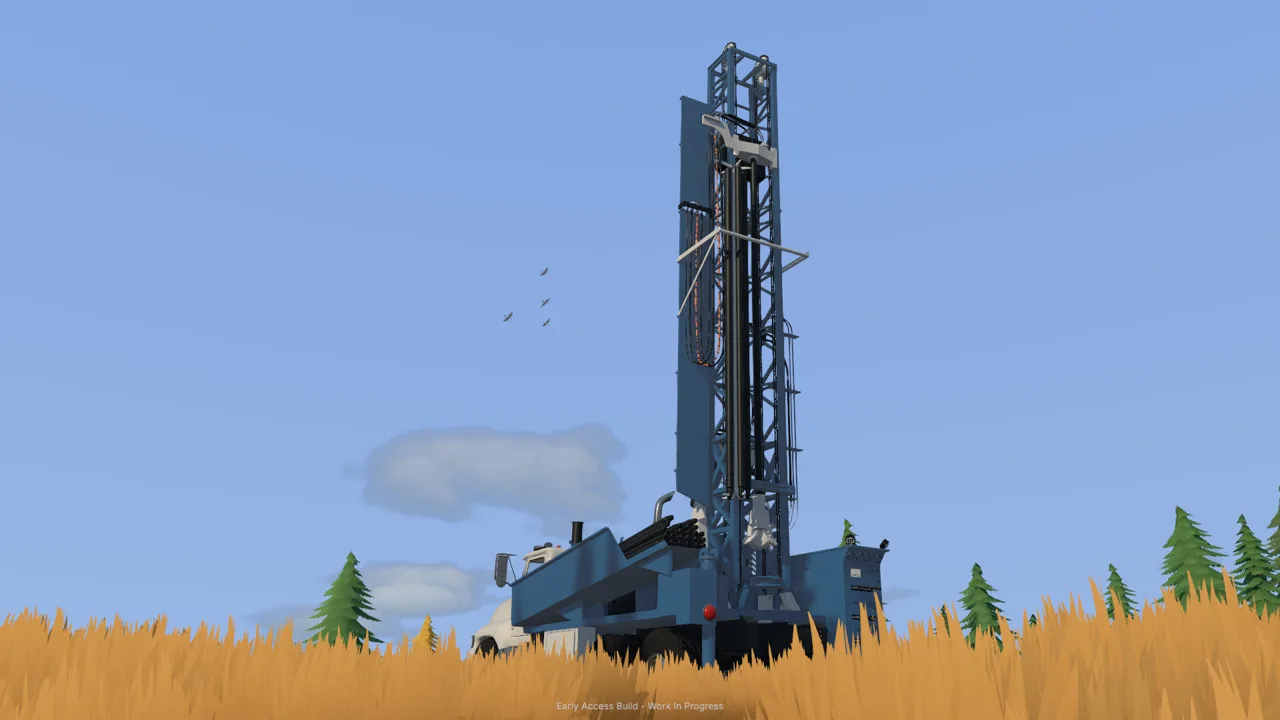 Image: Steam / XYZ STUDIO
During the tutorial, purchase the generator trailer through the machine dealer and position it near the trommel using machine transport. The tutorial guides its placement so the generator’s power can reach the plant.
Stand near the generator’s control panel and press G to start it. The panel is toward the front of the trailer, so reposition yourself if the interaction does not respond from the side.
| Equipment | Startup action | Place in the washing sequence |
|---|---|---|
| River pump | Press E at its switch | Fills the holding pond |
| Pond supply pump | Press E at its switch | Supplies the trommel |
| Generator | Press G near its controls | Provides power to the nearby plant |
| Mobile trommel | Press G at its controls | Starts the drum and spray bar |
| Small conveyor | Press G at its controls | Feeds material into the running trommel |
Once water and power are ready, start the trommel before the conveyor. The drum and spray bar need to be running before the belt delivers pay dirt.
Load the conveyor hopper using the wheel loader, then start feeding the operating plant. Watch the material move through the equipment instead of judging the whole setup by a running belt. The conveyor can move dirt, but the trommel still needs its own startup interaction.
When troubleshooting Groundwork Simulator water connections, separate the water route from the machine controls. Trace the hoses first, check pump two, then check the generator and trommel. Change one thing at a time so you can tell which action restores operation.
Finish a batch in the same deliberate way:
- Let the material finish feeding.
- Stop the conveyor with G at its controls.
- Let the remaining material finish processing.
- Stop the trommel with G.
- Press E beside the sluice boxes to empty the concentrate.
Stopping the drum is part of cleanup. Keep that step separate from managing the pond: finishing a washing batch does not remove the need to watch the river pump.
Prevent Flooding and Check Connection Problems
The important catch with Groundwork Simulator water connections is that pump one can keep filling the pond long after you’ve moved on to another task. In the launch Early Access setup, that water can overflow into the surrounding work area.
Check the pond before leaving to collect machinery, explore, or drill elsewhere. If water is spreading beyond the holding area, return to the river pump and switch it off.
That stops the incoming river supply. It does not immediately clear water that has already spread across the claim.
| What you notice | What to check | Action |
|---|---|---|
| The pond is not filling | Pump one’s intake, discharge, and switch | Trace the river-to-pond route and check the pump |
| The trommel still needs its water supply | Pump two’s hoses and switch | Check the pond intake and trommel attachment |
| The connected plant is not operating | Generator placement, generator startup, and trommel controls | Check power, then start the trommel |
| Water is overflowing the pond | Pump one | Switch off the river pump |
| You switched off pump two but flooding continues | The river supply is still separate | Go to pump one and stop the incoming water |
Manage the Pump That Matches the Problem
When the pond is overflowing, go downstream mentally before touching a switch: the river feeds pump one, which feeds the pond. That is the incoming supply you need to stop.
Pump two serves the washing equipment. Turning it off interrupts that supply while leaving pump one’s filling job unchanged.
Use this distinction when you return to a messy claim. Check which pump you’re standing beside before interacting, especially if water has spread far enough to make the original pond boundary harder to read.
Recheck the Layout After Earthmoving
Groundwork Simulator lets you reshape the terrain, and its water responds to changes in the ground. Moving soil into standing water displaces it, so nearby excavation and dozer work deserve another look at the water’s path.
Keep digging plans and water management connected. Inspect the pond and surrounding low ground after changing the terrain beside them. Before expanding the worksite, trace your Groundwork Simulator water connections again and plan where the equipment and hoses will sit.
For the starting claim, keep your check simple:
- Follow pump one’s intake to the river.
- Follow its discharge to the pond.
- Check pump two’s intake in the holding water.
- Check its output at the trommel.
- Watch the pond level before leaving the area.
A clear route makes it easier to distinguish a misplaced hose, an inactive machine, and an overflowing supply.
FAQ
What is the starting layout for Groundwork Simulator water connections?
The starting claim routes water from the river through pump one into a holding pond. Pump two then draws from that pond and sends water to the mobile trommel.
Which pump should I turn off when the pond overflows?
Turn off pump one, the pump beside the river. It supplies the pond with incoming water. Pump two supplies the trommel, so stopping that pump does not stop the river from filling the pond.
How do I connect a hose to the mobile trommel?
Take pump two’s output hose to the trommel and attach it to the highlighted water connection. Walk around the machine until you have a clear view of the fitting, then complete the connection with the left mouse button.
Why won’t the trommel run after I connect the water?
Check pump two, the nearby generator, and the trommel’s controls. Start the generator with G near its panel, then start the trommel with G at its controls. Run the drum and spray bar before starting the feed conveyor.
Continue with
 Groundwork Simulator Water Guide: Pumps & Flood ControlUse this Groundwork Simulator water guide to connect pumps, supply your wash plant, manage the pond, and stop flooding before it spreads across your claim.
More in Water
Groundwork Simulator Hoses: Pump Setup and Water Flow
Connect Groundwork Simulator hoses, set up both pumps, and supply your wash plant. Learn the tutorial water route and stop your pond from overflowing.

Groundwork Simulator Pumps: Water Setup and Flood Fixes
Set up Groundwork Simulator pumps, connect river and pond hoses, supply your trommel, and stop flooding with practical tips for your gold mining operation.
Continue exploring
Join the community
Official channels for news, updates and player help: