
Early access · Release date: October 22, 2026
UpdatedGroundwork Simulator Trailers: Loading and Hauling Guide
Groundwork Simulator trailers move heavy machinery between worksites. Learn loading basics, route planning, and transport tips for your next mining move.
Jump to
How Groundwork Simulator Trailers Work
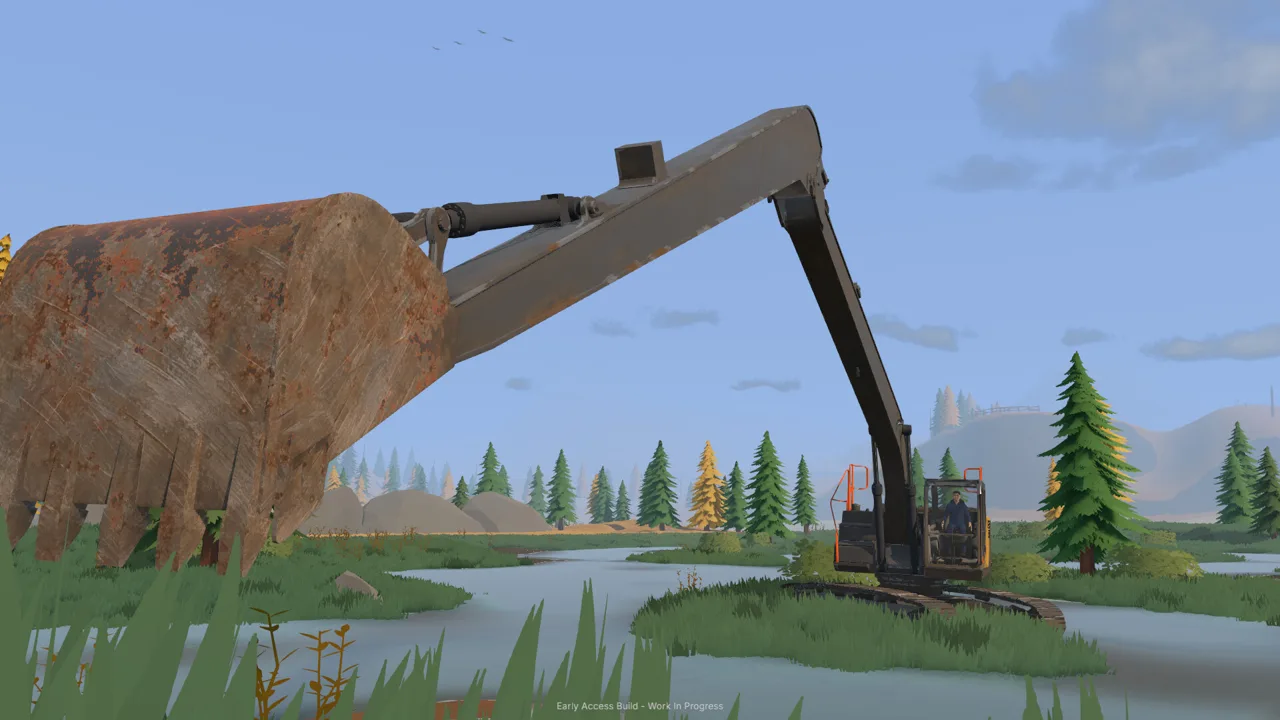
Groundwork Simulator trailers put your next digging job at the end of a heavy haul through tight turns, slopes, and muddy ground. Getting your equipment to the claim matters because excavation, material handling, and washing all depend on machines reaching their working positions. Groundwork Simulator trailers let you load heavy machinery, tow it by truck, and unload at another worksite.
Transport fits into an open-world gold mining operation where you reshape the landscape as you work. Excavators cut into hillsides, loaders move material, and bulldozers change the ground beneath your wheels. Your hauling route runs through that same changing environment.
The equipment transport setup includes a truck pulling a low-loader trailer with a bulldozer aboard. The wider fleet also includes dump trucks, semitrailers, fuel trailers, and a generator trailer.
| Equipment | Transport role |
|---|---|
| Truck and machinery trailer | Move heavy equipment between worksites |
| Low-loader trailer | Carry machinery, including a bulldozer |
| Dump truck | Carry excavated material around the operation |
| Caravan | Tow to the family claim during the opening tutorial |
| Generator trailer | Provide nearby power for the mobile trommel setup |
Keep these jobs distinct when organizing a move. Carrying an excavator to another claim and delivering pay dirt to the wash line involve different loads and destinations.
Start by deciding what you need at the destination. Identify the digging area, the washing location, and the ground connecting them. Then plan where each machine should arrive so you can begin working without immediately rearranging the site.
Official page: Groundwork Simulator (store.steampowered.com)
Loading Groundwork Simulator Trailers and Setting Up to Unload
Loading begins with alignment. The machinery transport sequence asks you to line up, load your equipment, travel to the next site, and unload where the machine is needed.
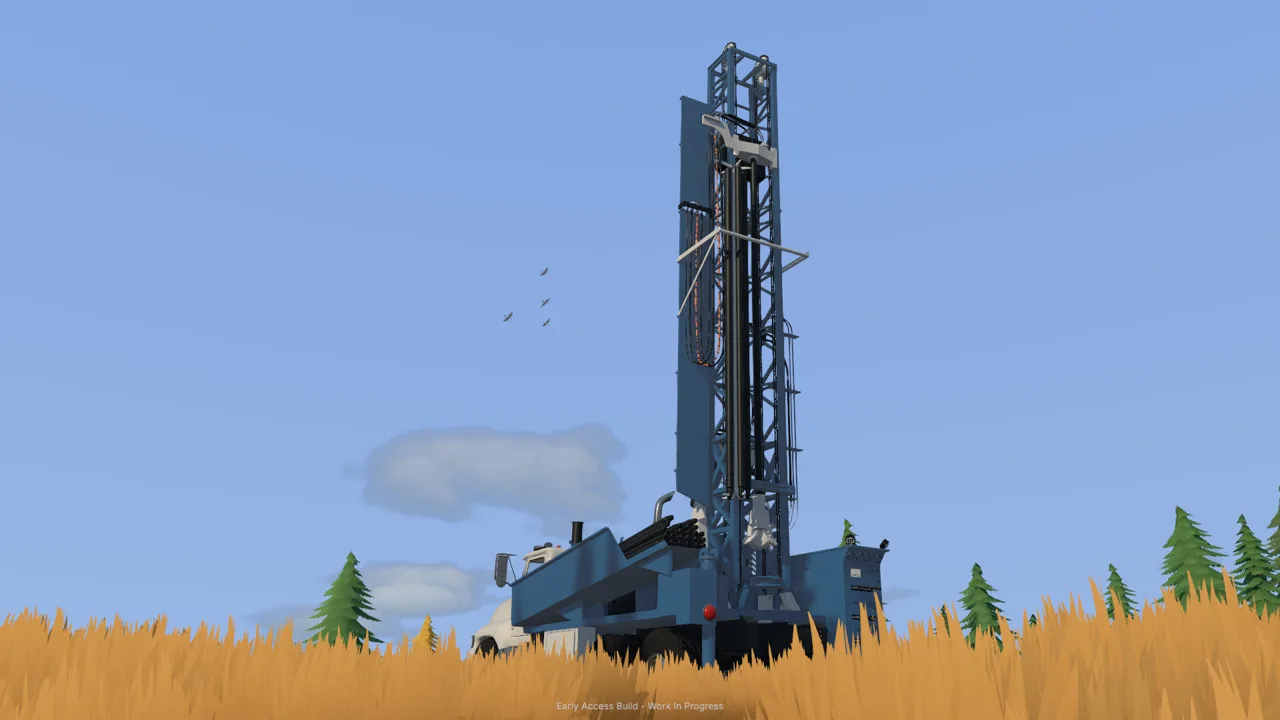 Image: Steam / XYZ STUDIO
Approach the loading position carefully. Use small corrections while lining up rather than trying to solve a poor approach with one sharp turn. Before departure, look along your exit route and check the space available for the truck and trailer.
With Groundwork Simulator trailers, think through the whole move before committing to the drive. The loading position, road, and unloading area are connected parts of the same job.
| Stage | What to do | Planning tip |
|---|---|---|
| Position | Line up the machinery for loading | Check the approach before moving forward |
| Load | Move the heavy equipment onto the trailer | Make deliberate alignment corrections |
| Depart | Begin the haul by truck | Choose your route before leaving |
| Travel | Navigate turns, slopes, and rough ground | Give the loaded combination room |
| Unload | Place the equipment at the next worksite | Aim for usable working space |
Practice towing with the opening caravan
The opening tutorial gives you a towing task before you start running the mining equipment. Back the pickup toward the caravan’s drawbar, press G to hitch it, and follow the marked route to the family claim. At the destination, stop in the indicated area and press G to unhitch.
Use that trip to get comfortable with the driving views and towing through uneven ground. The route introduces mud and differential lock, so it also gives you a reason to watch the terrain instead of concentrating only on the destination marker.
Those caravan instructions apply to that tutorial task. For machinery transport, follow the controls displayed for the equipment you are operating.
Leave room for the next task
Plan the unloading location around what the machine will do afterward. Give an excavator access to the digging face and leave space for the truck receiving its material.
Keep the wash plant’s approach open, too. A machine parked across the loader’s path creates another relocation job before processing can continue. Position incoming equipment with the next movement in mind: excavator to truck, truck to stockpile, and loader to conveyor.
Planning Routes Through Mud, Slopes, and Tight Turns
The challenge with Groundwork Simulator trailers extends beyond finding a road between two points. Mud affects traction, slopes complicate a loaded journey, and tight corners demand attention to the equipment behind your truck.
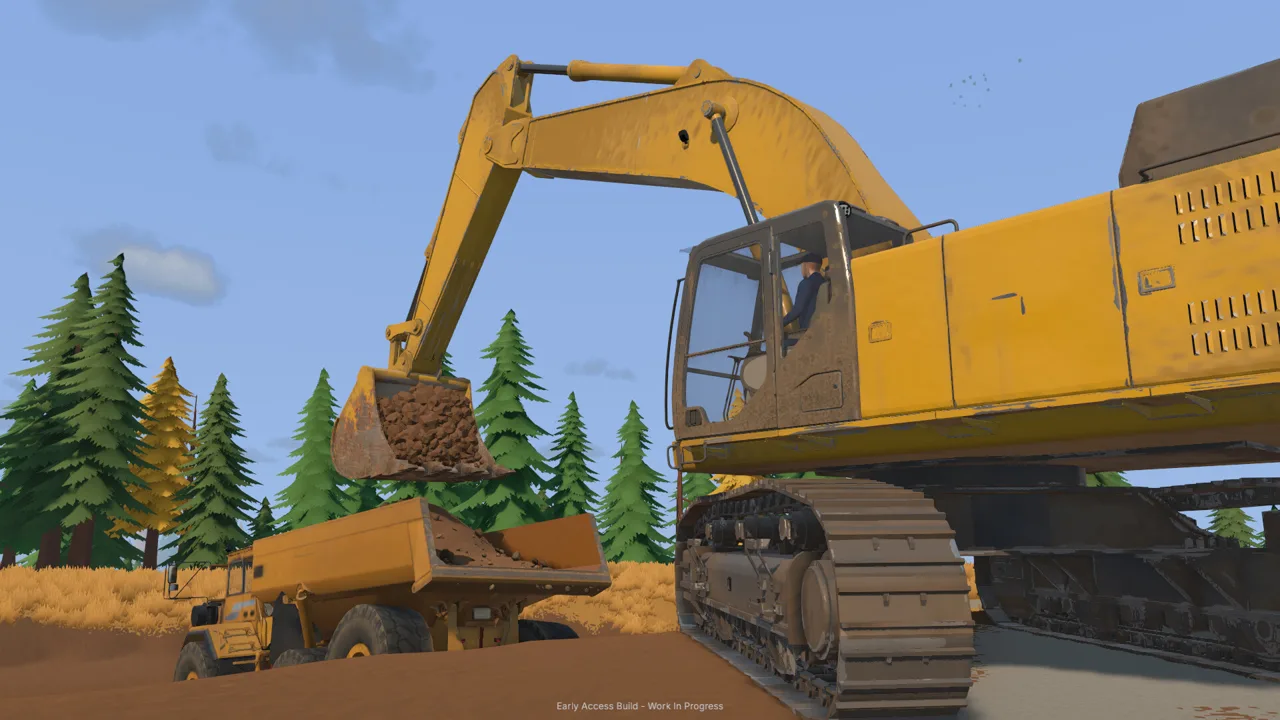 Image: Steam / XYZ STUDIO
Inspect the route before bringing the load through. Look for sharp bends, uneven approaches, and places where excavation has changed the ground. Choose a path that gives you room to maneuver, even when it takes you around the edge of the worksite.
| Terrain or obstacle | Transport concern | What to prioritize |
|---|---|---|
| Mud | Maintaining traction and forward movement | Choose your approach and use differential lock where needed |
| Slopes | Moving a heavy load over changing elevation | Approach carefully and monitor traction |
| Tight turns | Maneuvering the truck with a trailer behind it | Leave room for the loaded combination |
| Rough ground | Uneven travel between work areas | Inspect the route and improve troublesome ground |
| Excavated areas | Cuts and piles change site access | Preserve a usable hauling path |
Keep a route open while digging
Every scoop changes the landscape. Trenches, spoil piles, and cuts into a hillside can alter the route you used to enter the site.
Keep excavation away from the access path you still need. Place loose material where it can be collected without blocking the truck’s approach. Before extending a cut, check whether the remaining ground still connects the loading area to the wash operation.
Groundwork Simulator trailers make that planning relevant beyond the current bucket of dirt. The machine you unload today may need to leave through the same area after the hillside has been reshaped.
Improve difficult ground before hauling
Bulldozers can push material and reshape terrain, while the rake provides a hand tool for flattening ground. Use those options to address a rough approach before bringing heavy equipment through it.
The opening driving sequence also introduces differential lock and a recovery winch. Learn their controls during the tutorial, then check the active vehicle’s prompts when you need them.
Avoid planning an entire move around recovery. Inspect the troublesome section, prepare the ground, and leave yourself room to approach it deliberately.
Organizing Transport Around Your Mining Operation
Groundwork Simulator trailers serve a larger material-handling chain. Once the machines arrive, excavated dirt still needs to move from the digging face to the washing equipment.
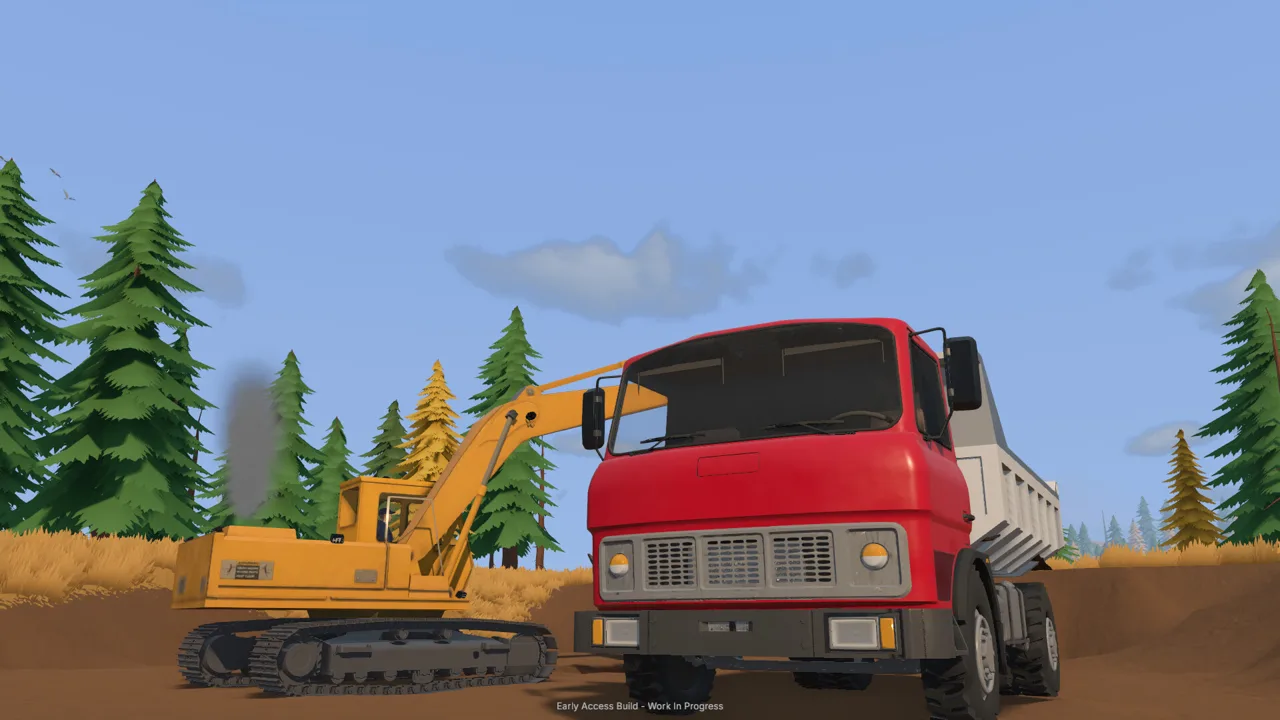 Image: Steam / XYZ STUDIO
The starting operation connects an excavator, dump truck, wheel loader, conveyor, and mobile trommel. Water pumps and a nearby generator support the washing stage. Each machine needs access to its part of the job.
| Part of the operation | Equipment involved | Task |
|---|---|---|
| Excavation | Excavator | Dig material and load the dump truck |
| Material haul | Dump truck | Carry dirt to a stockpile near the wash line |
| Plant loading | Wheel loader | Move stockpiled material into the conveyor |
| Washing | Conveyor and mobile trommel | Feed and wash the material |
| Water supply | Pumps and hoses | Deliver water to the washing operation |
| Power supply | Generator trailer | Supply power near the trommel |
Position the stockpile where the wheel loader can approach and turn. Keep the dump truck’s unloading area accessible without placing it directly across the loader’s route. Check the generator’s working position and hose connections before feeding dirt into the plant.
Divide transport duties in online co-op
You can run the operation alone or share it in online co-op. Take the excavator while a friend handles transport, with machines working together between the digging area and wash plant.
Agree on the unloading point before the truck arrives. Tell the excavator operator where you are positioning, and keep the stockpile location consistent while the loader is feeding the conveyor.
For a worksite relocation, coordinate the destination as well as the departure. Decide where the arriving machine will work and which access path needs to stay clear. That gives the driver a useful unloading target.
Use machine transport for relocation
A machine transport tool also lets you relocate company machines and trailers. It displays a preview of the selected equipment and a moving price before placement.
Check the selected machine and destination before completing the move. Use the preview to position equipment near its intended task, with room for other vehicles to pass.
When planning Groundwork Simulator trailers and equipment moves together, account for the relocation charge as part of the decision. Physical hauling and the transport tool both belong in your site-planning options.
Controls and Early Access Transport Tips
Groundwork Simulator entered Early Access on October 22, 2026. In the launch build, driving sensitivity, unfamiliar equipment bindings, and menu problems can interrupt the flow of a transport job.
Start with the keyboard layout setting. The game includes a QWERTY option and control rebinding, so check those before learning the excavator or other machinery. Read the controls for the vehicle you have entered instead of carrying an assumption over from another machine.
Switch camera views when positioning becomes awkward. Use a view that lets you judge the truck’s surroundings, then adjust again when approaching the loading or unloading area.
Before a heavy move:
- Inspect the destination. Identify the machine’s working position and the route into it.
- Prepare the ground. Address rough approaches before bringing the trailer through.
- Check nearby equipment. Keep parked vehicles out of the unloading space.
- Watch the water supply. A running intake pump can overflow the holding pond and flood the claim.
- Recheck changed routes. Excavation and dumped piles can alter a previously usable approach.
The water system deserves attention during a long relocation. Check the holding pond before leaving to collect another machine, and manage the pump feeding it. Returning with a load to a flooded work area adds another problem to the move.
If the launch-build menu stops responding after using the gold map, save and close the game, then reopen it. Recheck your equipment and task prompts before continuing.
FAQ
What do Groundwork Simulator trailers carry?
Machinery trailers carry heavy equipment between worksites. A low-loader transport setup includes a bulldozer hauled by truck. The equipment selection also includes fuel trailers and a generator trailer.
How do you attach the caravan?
During the opening tutorial, reverse the pickup toward the caravan’s drawbar and press G to hitch it. Drive to the marked location at the family claim, stop, and press G to unhitch.
Can you relocate machines without towing them?
Yes. Use the machine transport tool to select company equipment, preview its placement, and check the moving price. The tool handles both machines and trailers.
Can another player handle transport while you dig?
Yes. Online co-op allows players to divide the work, including excavation and transport. Coordinate the truck’s loading position, stockpile location, and wash-plant access so each operator has space to work.
Continue with
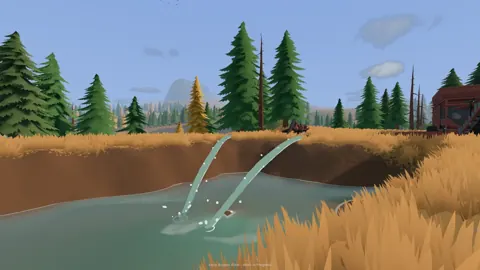 Groundwork Simulator Transport Guide: Haul MachinesUse this Groundwork Simulator transport guide to move heavy machines, manage muddy routes, haul pay dirt, and keep your gold mining operation running.
More in Transport

Groundwork Simulator Machinery Loading: Hauling Guide
Groundwork Simulator machinery loading starts with alignment and route planning. Learn to prepare your site, haul heavy equipment, and unload with care.
Groundwork Simulator Trucks: Hauling and Driving Guide
Learn how Groundwork Simulator trucks handle dirt hauling, heavy trailers, mud, and drilling. Plan your routes and keep your gold mining operation moving.
Continue exploring
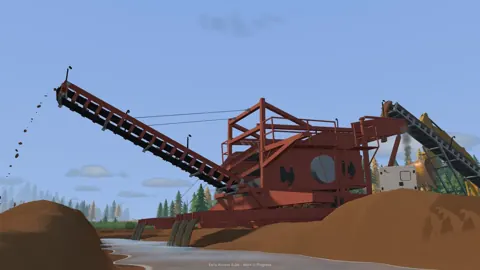
Groundwork Simulator Multiplayer: Co-Op Guide & Tips
Groundwork Simulator multiplayer lets you dig and haul with friends. Learn co-op roles, plan a mining site, and understand launch issues before you play.
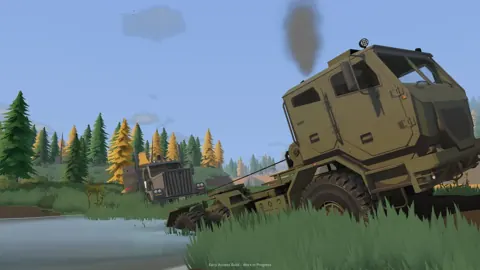
Groundwork Simulator Excavator Controls and Digging Tips
Master the Groundwork Simulator excavator with tips on controls, bucket angles, truck loading, terrain changes, and keeping your gold operation moving.
Join the community
Official channels for news, updates and player help: