
Early access · Release date: October 22, 2026
UpdatedGroundwork Simulator Water Guide: Pumps & Flood Control
Use this Groundwork Simulator water guide to connect pumps, supply your wash plant, manage the pond, and stop flooding before it spreads across your claim.
Jump to
How Water Works in Groundwork Simulator
Leave the river pump running long enough, and your holding pond can spill into the excavation. This Groundwork Simulator water guide walks you through the starting claim’s two-pump setup, from the river intake to the mobile trommel. Getting that circuit working keeps your washing operation supplied while helping you avoid flooding the ground you need to dig.
The starting claim provides the layout used throughout this Groundwork Simulator water guide: one pump fills a pond, and another supplies the wash plant. Each pump has a separate job, so learn which one you’re switching before you leave the site.
| Part of the water circuit | Connection | Job |
|---|---|---|
| Pump 1 intake | River to Pump 1 | Draws water from the river |
| Pump 1 discharge | Pump 1 to holding pond | Fills the pond |
| Holding pond | Receives water from Pump 1 | Holds water for the washing setup |
| Pump 2 intake | Holding pond to Pump 2 | Draws from the pond |
| Pump 2 discharge | Pump 2 to mobile trommel | Supplies the wash plant |
The distinction matters when the pond gets too full. Turning off Pump 2 interrupts the plant’s supply. Turning off Pump 1 stops additional river water from entering the pond.
Water also responds to changes in the terrain. Excavating and pushing dirt into flooded ground can move it around, making water management part of your site layout. Plan your digging area, hauling route, and washing setup together.
Official page: Groundwork Simulator (store.steampowered.com)
Connect the River Pump and Wash Plant
Follow the tutorial’s amber markers while assembling the starting system. The steps below follow the keyboard-and-mouse launch tutorial; use the interaction prompts displayed beside your equipment.
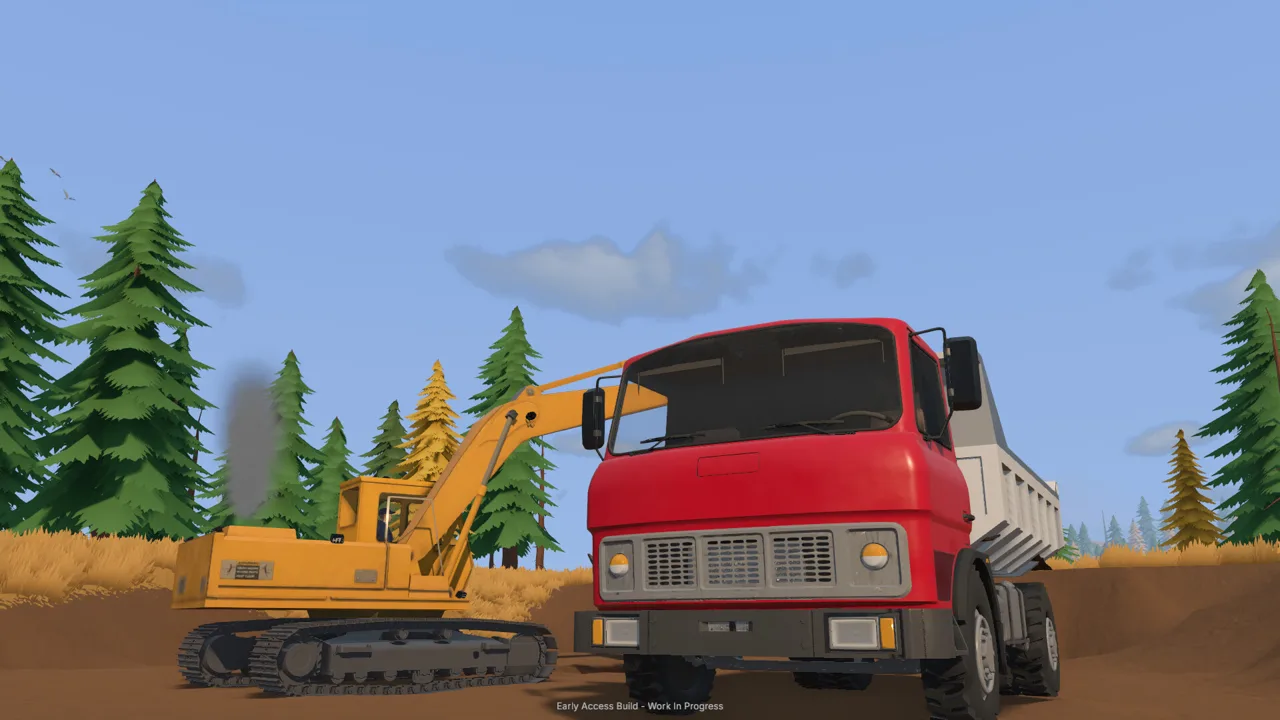 Image: Steam / XYZ STUDIO
Set Up Pump 1 at the River
Walk down to the river pump and identify its fittings as you follow this Groundwork Simulator water guide. On this pump, the lower fitting draws water in, while the upper fitting sends it out.
- Select the lower fitting with the left mouse button. Carry the intake hose end into the river and place it in the water.
- Select the upper fitting. Route the discharge hose uphill toward the empty holding pond.
- Place the discharge end inside the marked pond area. Follow the amber placement marker.
- Return to Pump 1 and press E at its switch. Check that water is entering the pond.
Both hose placement and pump activation matter. Laying out the connections leaves another step: returning to the switch to start the pump.
Let the pond fill while you prepare the mobile trommel, but return to inspect its level as you work. The river pump can continue filling it while you’re occupied elsewhere.
Prepare the Trommel and Connect Pump 2
The mobile trommel starts folded for transport. Stand near its controls and press K to unfold it. Follow the tutorial through positioning the small conveyor so it feeds into the trommel.
Next, move to Pump 2 beside the pond. Connect its intake to the pond, then take its output hose to the trommel’s water connection. Look for the highlighted fitting on the machine.
| Setup task | Launch tutorial interaction | What to check |
|---|---|---|
| Lay out Pump 1 hoses | Left mouse button at the fittings | Intake reaches river; discharge reaches pond |
| Start Pump 1 | E at the pump switch | Water enters the pond |
| Unfold mobile trommel | K near its controls | Machine unfolds from transport position |
| Connect Pump 2 | Route intake into pond and output to trommel | Output attaches to the plant fitting |
| Start Pump 2 | E at the pump switch | Plant’s water supply is switched on |
Give the pond time to collect water before starting Pump 2. Then inspect the entire route: river, first pump, pond, second pump, trommel.
This Groundwork Simulator water guide uses that order because it keeps each connection easy to follow. Finish and inspect one section before moving to the next, especially when hoses stretch across different elevations.
Start Washing in the Right Order
Water is one requirement for processing dirt. The mobile trommel also needs a larger generator parked nearby, and the conveyor and wash plant have separate controls.
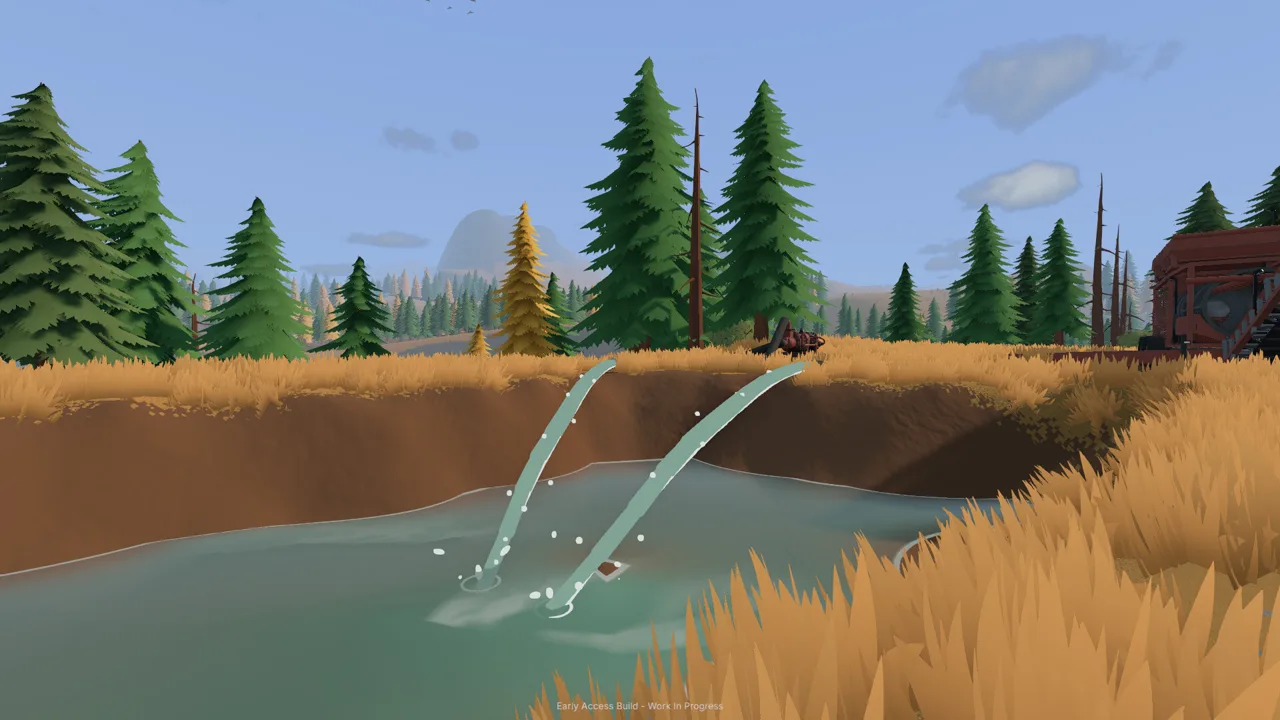 Image: Steam / XYZ STUDIO
Position the generator close enough for its power to reach the trommel panel. At the generator controls, press G to start it. Check the tutorial prompt as you move through the setup.
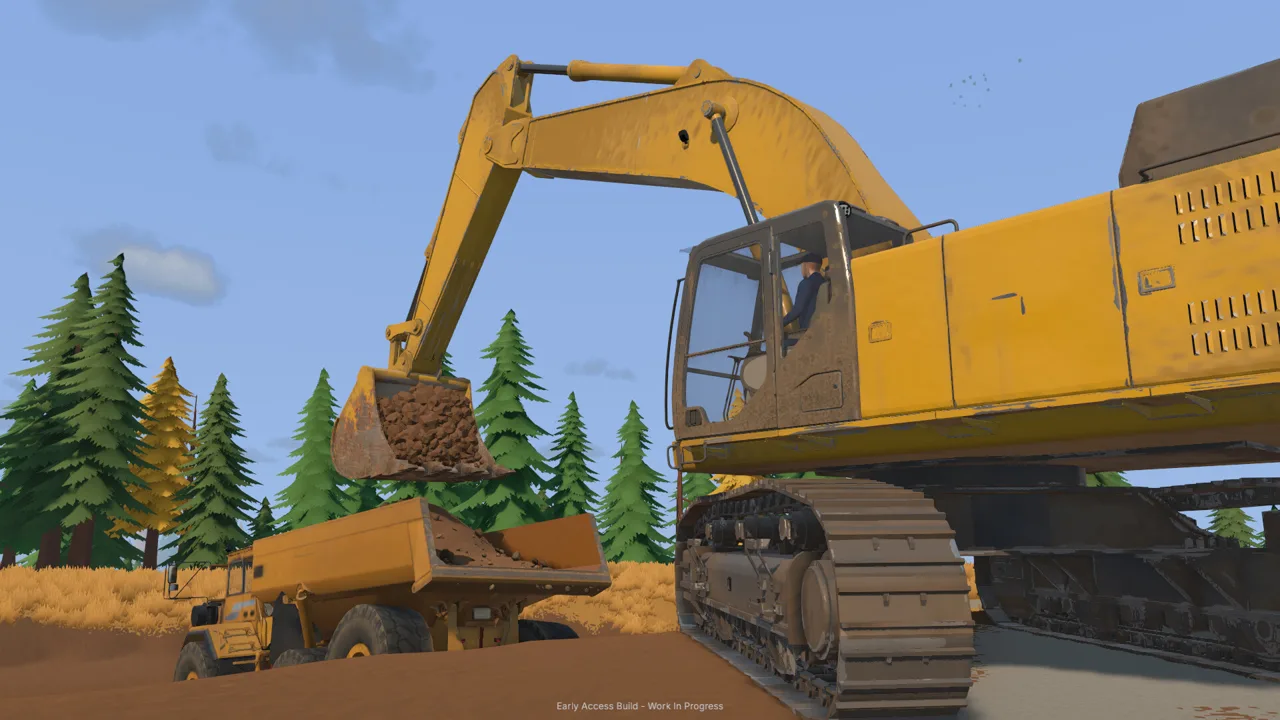
Once water and power are ready, prepare the material feed. The starting operation uses an excavator to load a dump truck, a stockpile beside the gravel path, and a wheel loader to deliver dirt into the small conveyor’s hopper.
Run the Plant Before Feeding It
The drum and spray bar need to be running before the conveyor sends material into the trommel.
| Stage | Action | Purpose |
|---|---|---|
| Supply water | Start Pump 2 after connecting its hoses | Bring pond water to the plant |
| Supply power | Start the nearby generator | Power the mobile trommel |
| Start washing | Press G at the trommel controls | Run the drum and spray bar |
| Begin feeding | Press G at the small conveyor controls | Carry material into the running plant |
| Finish feeding | Stop the conveyor after its feed is finished | End incoming material |
| Prepare cleanup | Let remaining material process, then stop the plant | Make the sluice boxes ready to empty |
Check the receiving hopper as you adjust conveyor speed. The conveyor’s feed setting is adjustable, and increasing it moves material toward the trommel faster.
Raise the setting gradually and watch whether material accumulates in the plant’s hopper. Use that visible buildup to guide your adjustments instead of assuming a higher setting fits every batch.
Finish the Batch Before Cleanup
After feeding ends, stop the conveyor and let the material already inside the plant finish processing. Then stop the wash plant before emptying its sluice boxes.
Collect the concentrate and carry the cleanup pallet to the table. The launch tutorial uses E to empty the sluice boxes, G to carry and place the pallet, and E to start the cleanup table.
Keep the complete processing sequence in mind when using this Groundwork Simulator water guide. Water gets the washing stage supplied, but collecting gold still requires finishing the feed, stopping the equipment, and processing the concentrate.
Prevent Pond Overflow and Handle Flooding
The holding pond can overflow when Pump 1 keeps adding water. During the launch tutorial, leaving the river pump running while traveling away from the claim can result in water spreading into the work area.
 Image: Steam / XYZ STUDIO
Make a pond inspection part of your departure routine. Before heading out for a rental machine, exploring the valley, or following a clue, check whether you still need river water entering the reservoir.
Switch Off the Pump Feeding the Overflow
If the pond is spilling, return to Pump 1 by the river and stop it. That cuts off the incoming river supply.
Keep the pumps’ jobs separate in your mind. Pump 2 draws from the pond for the trommel, so switching it off doesn’t stop Pump 1 from filling the reservoir.
| Situation | Check or action |
|---|---|
| Pond keeps filling | Check whether Pump 1 is still running |
| Water spills toward the excavation | Stop Pump 1 to cut off incoming river water |
| Plant supply was interrupted while addressing overflow | Check whether you switched off Pump 2 |
| Hose placement is confusing | Trace the circuit from river to pond to trommel |
| Ground changes around standing water | Inspect where water moves before continuing earthwork |
Stopping the incoming supply is the immediate response. Afterward, inspect the excavation and access routes before resuming normal hauling.
Groundwork Simulator includes mud, traction challenges, slopes, and deformable ground. Choose your approach carefully when moving a loaded truck around water or rough terrain. Improve difficult ground before committing another heavy load to the route.
Watch Water During Longer Tasks
The cleanup table processes concentrate at 125 grams per hour in the launch tutorial, which also introduces 120× time speed for completing cleanup.
Before settling into cleanup or another extended task, inspect the pond and both pump switches. Keep water management on your checklist even after the tutorial moves on to drilling and gold recovery.
The practical lesson in this Groundwork Simulator water guide is to check the river pump whenever your attention shifts away from washing. A connected system still needs supervision.
Plan Water Around Excavation and Expansion
Every bucket changes the landscape. Cutting a hillside, building a dirt pile, or pushing material into a wet excavation changes the ground surrounding your water system.
Water responds to earthmoving, including dirt pushed into flooded areas. Inspect the result after working near a pond edge or water-filled cut, then decide where to dig next.
Keep the Working Area Easy to Inspect
Plan the equipment positions around the jobs you need to perform repeatedly:
- Leave yourself access to both pump switches.
- Route hoses where you can follow their connections.
- Keep a clear approach to the trommel controls.
- Check the pond after digging or depositing material nearby.
- Recheck the water circuit when relocating washing equipment.
These habits follow directly from the setup’s demands: you need to reach controls, connect hoses, and adapt the arrangement as the operation grows.
Avoid planning an entire excavation around an elaborate river diversion. Start with the working pump-and-pond circuit, inspect how nearby earthmoving affects water, and expand from there.
Divide Water Checks in Co-op
Groundwork Simulator supports solo play or a crew of up to four players. Use that division of labor to keep someone watching the processing area while others dig and haul.
Assign one person to inspect the pond, operate the washing equipment, and coordinate feed changes. Tell the crew before switching either pump so everyone knows whether the reservoir or the plant supply is being stopped.
Use this Groundwork Simulator water guide again when moving the washing setup. Trace the intake and discharge connections, check power, start the plant before feeding it, and inspect the pond before leaving. Repeat those checks as the worksite changes.
FAQ
How do I connect water to the wash plant?
On the starting claim, connect Pump 1 from the river to the holding pond. Connect Pump 2 from the pond to the mobile trommel’s water fitting. Start each pump at its switch, then provide generator power before running the plant.
Which pump should I stop when the pond overflows?
Stop Pump 1 beside the river. It supplies the pond with incoming water. Pump 2 draws water from the pond and supplies the trommel, so keep their functions separate when addressing overflow.
Does this Groundwork Simulator water guide apply to Early Access?
Yes. It covers the starting claim’s pump-and-pond setup in the October 22, 2026 Early Access launch tutorial, including its keyboard-and-mouse interactions and washing sequence.
Can digging and bulldozing affect water?
Yes. Water responds to terrain changes, and pushing dirt into flooded ground can displace it. Inspect the surrounding water after earthmoving near your pond or excavation, then adjust your next digging or hauling move.
Continue with
 Groundwork Simulator Hoses: Pump Setup and Water FlowConnect Groundwork Simulator hoses, set up both pumps, and supply your wash plant. Learn the tutorial water route and stop your pond from overflowing.
More in Water
Groundwork Simulator Pumps: Water Setup and Flood Fixes
Set up Groundwork Simulator pumps, connect river and pond hoses, supply your trommel, and stop flooding with practical tips for your gold mining operation.

Groundwork Simulator Water Connections: Pump Setup Guide
Connect your trommel through the starting claim's pond: one pump fills it from the river, and a second draws from it to supply the washing equipment.
Continue exploring
Groundwork Simulator Machinery Loading: Hauling Guide
Groundwork Simulator machinery loading starts with alignment and route planning. Learn to prepare your site, haul heavy equipment, and unload with care.
Groundwork Simulator Transport Guide: Haul Machines
Use this Groundwork Simulator transport guide to move heavy machines, manage muddy routes, haul pay dirt, and keep your gold mining operation running.
Join the community
Official channels for news, updates and player help: