
Early access · Release date: October 22, 2026
UpdatedGroundwork Simulator Digging Physics: Terrain Guide
Master Groundwork Simulator digging physics with tips on bucket angles, hydraulic resistance, terrain shaping, water flow, and keep your worksite moving.
Jump to
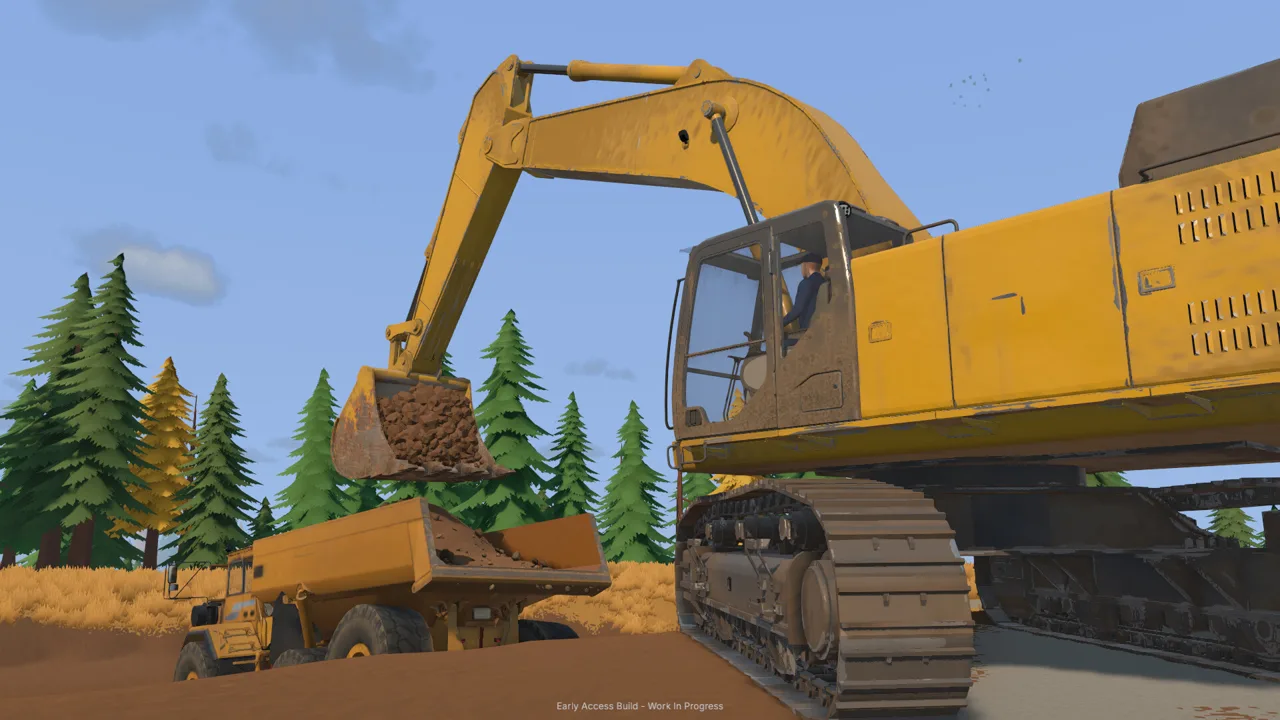
How Groundwork Simulator’s Digging Physics Work
Every scoop changes the ground your next machine has to cross. Groundwork Simulator digging physics combine deformable terrain, excavation resistance, and simulated hydraulic feedback, making bucket angle and load part of the job. Understanding Groundwork Simulator digging physics helps you move material while keeping access routes, equipment positions, and water supply workable.
The excavation system connects what happens inside your bucket with what happens across the site. You can cut into hillsides, open trenches, and deposit material in piles. Those changes reshape the surface you work on, creating slopes and altering routes as the operation expands.
At the machine, digging involves resistance as the bucket enters the ground and material accumulates. You need to adjust your approach around the hydraulic power available to cut, fill, and lift.
| Physics element | What happens during play |
|---|---|
| Terrain deformation | Digging changes the ground, while dumped material builds piles |
| Excavation resistance | The machine responds as its bucket meets the terrain |
| Hydraulic feedback | Available hydraulic power affects cutting and lifting |
| Surface conditions | Mud, slopes, and rough terrain challenge traction and transport |
Think beyond the hole directly in front of you. A cut that reaches promising gravel also changes the route beside it. A pile placed near the loader might interfere with the next truck movement.
Before starting a large excavation, identify where material will go and how machines will reach it. Leave room for loading, travel, and the washing equipment. Groundwork Simulator digging physics make those layout decisions part of operating the machinery.
Official page: Groundwork Simulator (store.steampowered.com)
Control the Bucket Before Expanding the Cut
Groundwork Simulator digging physics put attention on bucket position throughout the scoop. Angle matters when entering the terrain, collecting material, and lifting the filled bucket.
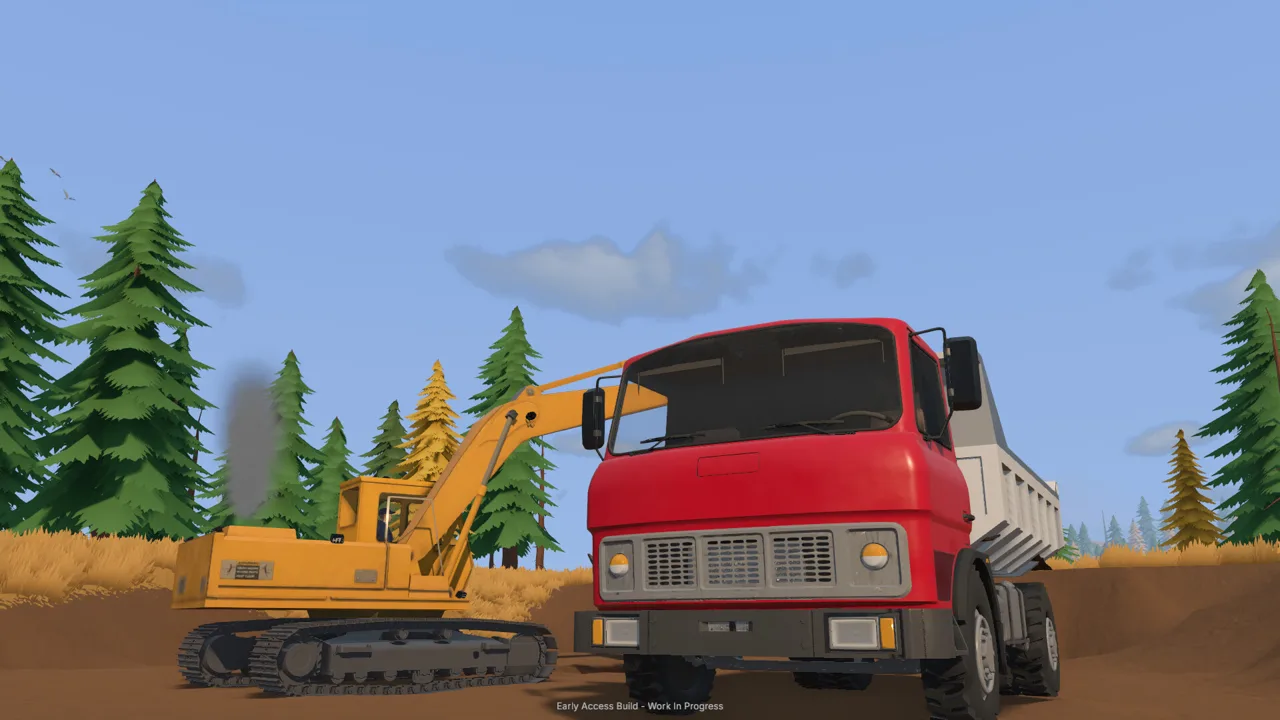 Image: Steam / XYZ STUDIO
Start with deliberate movements. Lower the bucket toward your target, adjust its angle, and watch how the machine responds as you curl through the ground. If the cut becomes awkward, reposition and try a different entry angle. Work with the machine’s available hydraulic power.
Separate learning the controls from trying to fill a truck quickly. Practice moving the boom, adjusting the arm, curling the bucket, and lifting. Then combine those movements into a loading cycle.
Check Your Keyboard Layout
The launch Early Access build includes keyboard layout selection and excavator control rebinding. Check these before deciding that the machine is difficult to operate.
- Select the keyboard layout that matches your keyboard.
- Review the excavator bindings before beginning a cut.
- Rebind movement directions that feel uncomfortable.
- Keep the control help visible while learning.
- Change the camera view to inspect bucket position.
Avoid copying an entire set of key bindings without checking your settings. Establish controls you understand, then practice until each movement feels predictable.
Place the Truck Within a Clear Loading Area
Position the truck near the excavation with room to turn and unload. Use the camera to check where the bucket sits relative to the truck bed before releasing material.
Dumping onto the ground creates another pile to manage. Keep the bucket over its destination before opening it, especially while learning the controls.
Watch the truck’s material display as you load. Use it to track what you have actually transferred, then move the load to its intended destination. A deliberate loading cycle makes the relationship between digging, hauling, and stockpiling easier to follow.
Shape the Worksite With Machines and Hand Tools
The excavation changes your worksite throughout the job. As a trench grows or a hillside recedes, revisit the routes and working areas around it.
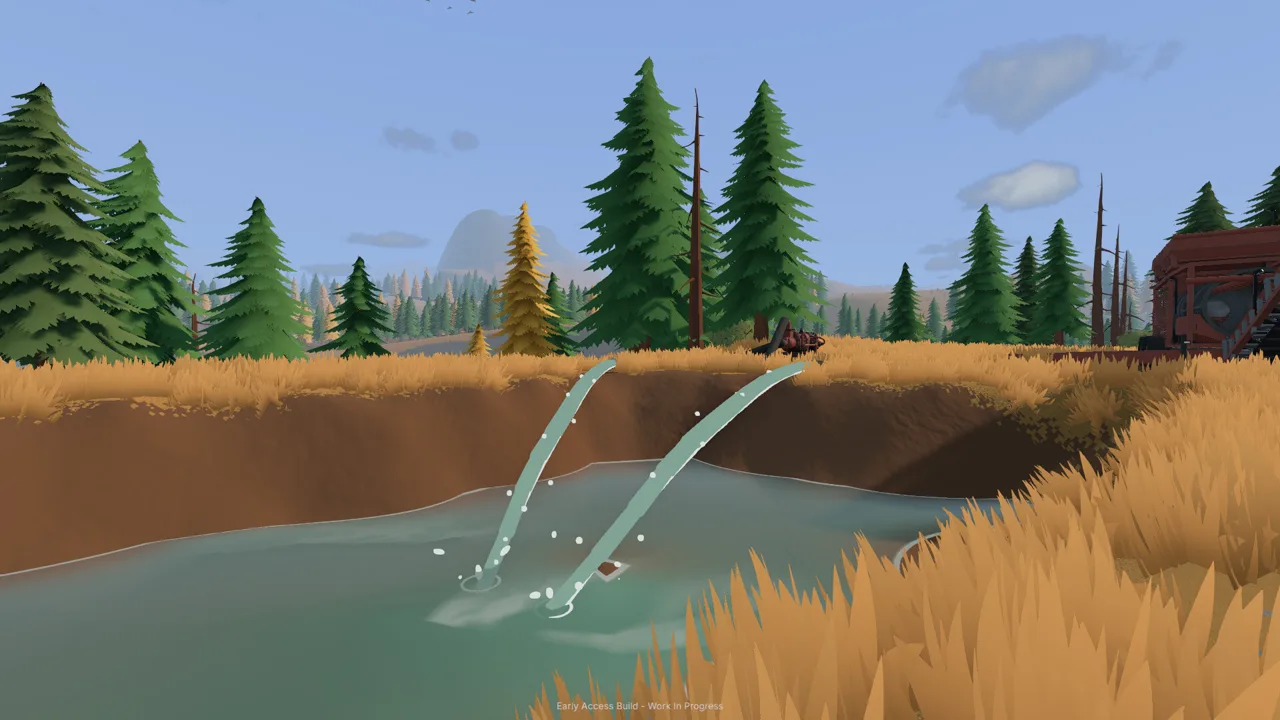 Image: Steam / XYZ STUDIO
Groundwork Simulator includes excavators, wheel loaders, and bulldozers, alongside hand tools for smaller terrain work. Each gives you a different way to interact with the same changing landscape.
| Machine or tool | Terrain interaction |
|---|---|
| Excavator | Scoops material from the ground and deposits it elsewhere |
| Wheel loader | Collects loose material and can cut into the ground |
| Bulldozer | Pushes material and reshapes the surface |
| Shovel | Allows digging on foot |
| Rake | Flattens ground during hand tool work |
A wheel loader can dig into the surface while collecting material. Pay attention to bucket height when approaching a stockpile: lowering it into the ground can extend the excavation into an area you intended to preserve.
Use the rake when you want to flatten a patch of ground on foot. For broader terrain work, use the machinery to move material and change the site’s shape.
Keep Material Handling Organized
Choose stockpile locations before unloading. Leave a clear approach for the loader, and keep piles out of the path between the excavation and wash plant.
For example, a hillside operation needs space for both the excavator and the vehicle receiving its material. Before widening the cut, inspect the loading area and the route leading away from it. Move obstructing material before it becomes part of every trip.
Use this short checklist as the site changes:
- Keep the loading area accessible.
- Check slopes along loaded travel routes.
- Leave room to approach stockpiles.
- Inspect the ground around the wash plant.
- Recheck access after major digging or dumping.
Groundwork Simulator digging physics make site preparation an ongoing task. The terrain you leave behind becomes the surface for the next load, machine movement, or equipment position.
Manage Water Alongside the Excavation
Groundwork Simulator digging physics also interact with water. Terrain changes can alter where water moves, and pushing material into a water-filled hole displaces the water.
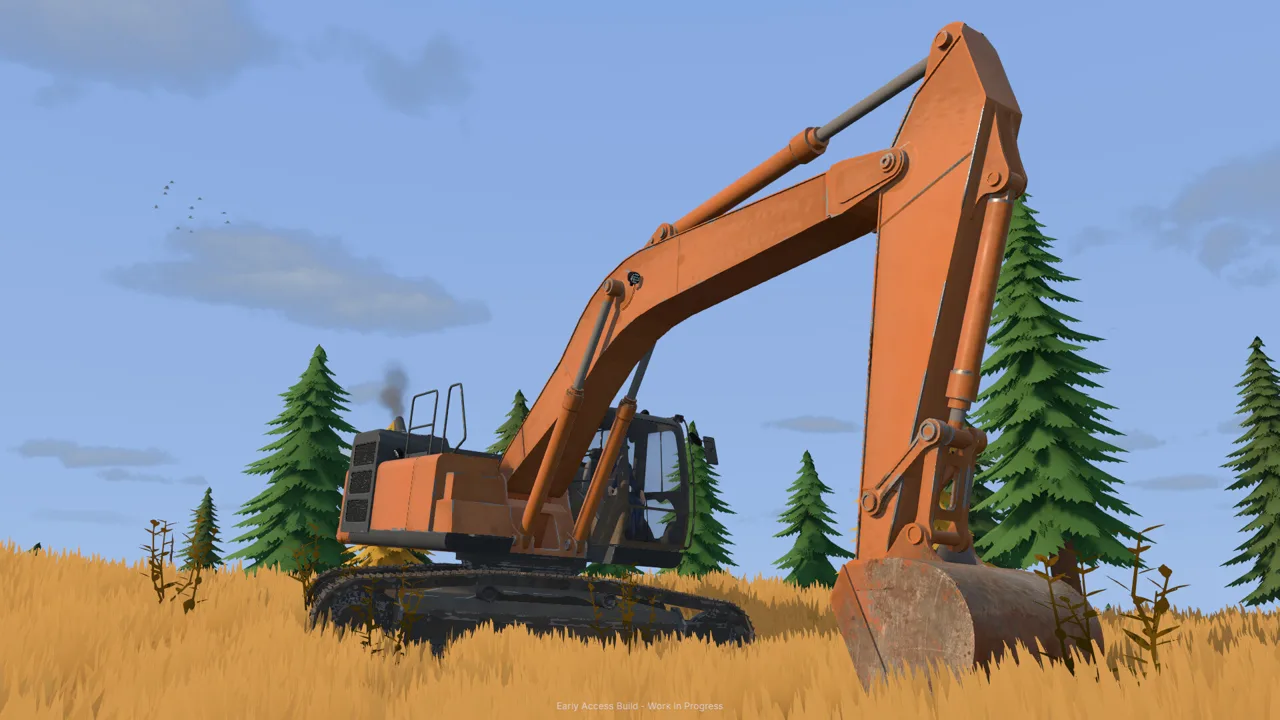 Image: Steam / XYZ STUDIO
That interaction gives earthmoving consequences beyond the shape of a bank. When working beside water, watch the surrounding surface as you dig or fill. Check where the water goes before continuing with a larger change.
The washing operation also needs a functioning water supply. Pumps and hoses move water between the intake and processing equipment, and the setup needs attention as your worksite expands.
| Washing stage | Equipment involved | What happens |
|---|---|---|
| Water supply | Pumps and hoses | Water reaches the washing operation |
| Material feed | Loader, hopper, and conveyor | Excavated material enters the processing line |
| Washing | Trommel and sluice boxes | Material is washed and gold-bearing concentrate is collected |
| Cleanup | Shaking table | Concentrate is processed for gold recovery |
Watch the Holding Pond
In the starting setup, one pump transfers water from the river to a holding pond, while another supplies the trommel from that pond.
Monitor the pond while the intake pump runs. Water can flow out into the claim if you keep adding it beyond what the pond holds. Stop the intake pump when necessary and inspect the area around the pond.
Keep the water supply in mind when choosing a new washing location. Plan where the intake will sit and how the hoses will reach the equipment before moving the operation.
Coordinate Water, Power, and Feed
The starting trommel setup needs water and a nearby generator. Its drum and spray bar must be running before the conveyor feeds material into it.
Check the processing equipment before loading the feed system. Once material is moving, follow it through the washing line and into cleanup. Excavation is only one part of turning a promising deposit into recovered gold.
Plan for Traction, Co-op, and Early Access Performance
Groundwork Simulator digging physics affect the work between excavation and washing, too. Loaded machines still need to negotiate mud, slopes, and rough terrain.
Inspect transport routes before committing a heavy load. Take care around steep approaches and tight turns, including when hauling machinery on a trailer. Improve troublesome ground before repeatedly sending equipment across it.
Differential lock and a recovery winch are available for difficult vehicle situations. Learn their controls before heading into muddy ground, and check the route ahead instead of relying on recovery after every trip.
Divide the Work in Online Co-op
Online co-op lets you split excavation, transport, and processing between players. One person can operate the excavator while another handles material transport.
Agree on the loading position and dumping location before moving. Tell the other operator when a new cut, pile, or terrain change affects the route.
Keep the washing operation involved in that coordination. Moving material toward a plant that still needs water or power leaves the processing stage unfinished. Check that the receiving equipment is ready before sending the next load.
Account for the Simulation’s Hardware Demands
Groundwork Simulator entered Early Access on October 22, 2026. Its soil and water simulations place a substantial load on the CPU, so assess the processor and memory requirements alongside the graphics card.
| Windows requirement | Minimum | Recommended |
|---|---|---|
| Processor | Intel Core i5-8400 / AMD Ryzen 5 2600 | Intel Core i5-12400 / AMD Ryzen 5 5600 |
| Memory | 16 GB RAM | 24 GB RAM |
| Graphics | NVIDIA GTX 1070, 8 GB VRAM | NVIDIA RTX 3060, 8 GB / AMD RX 6600, 8 GB |
| Operating system | Windows 10 | Windows 11 |
| Available storage | 10 GB | 10 GB |
The launch build has performance and interface issues, including menu problems and crashes. Enable the FPS display if you want to watch performance during play, and use the save options before experimenting extensively with the terrain.
Groundwork Simulator digging physics reward attention to the whole site: the bucket’s entry angle, the pile beside the road, the water near the cut, and the loaded machine leaving it. Check each part as the landscape changes.
FAQ
How do Groundwork Simulator digging physics affect excavation?
The excavation system combines terrain deformation with resistance and simulated hydraulic feedback. Bucket angle, accumulating material, and available hydraulic power affect cutting, filling, and lifting.
Can you flatten terrain in Groundwork Simulator?
Yes. The rake flattens ground on foot, while the bulldozer pushes material and reshapes the surface. Use hand tools for small areas and machinery when moving larger amounts of material.
Does changing the terrain affect water?
Yes. Terrain changes can alter water movement, and filling a water-covered hole displaces water. Watch nearby water when excavating or pushing material into a wet area.
Can you share digging and hauling duties in co-op?
Yes. Online co-op supports dividing the operation between players, including excavation and transport. Coordinate loading positions, travel routes, and delivery to the washing equipment as the site develops.
Continue with
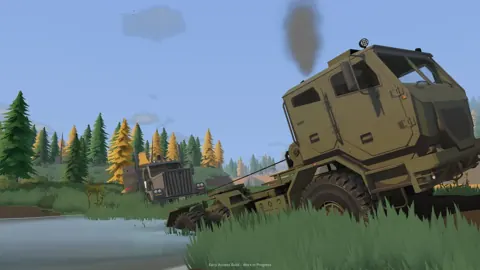 Groundwork Simulator Mud Guide: Traction and RecoveryGroundwork Simulator mud guide: learn differential lock, winch recovery, and pump management to handle rough terrain and keep your gold operation moving.
More in Terrain
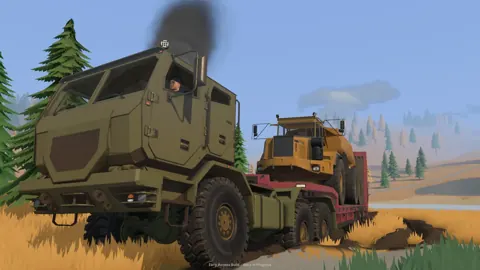
Groundwork Simulator Slopes: Terrain and Hauling Tips
Master Groundwork Simulator slopes with tips for excavation, muddy climbs, hauling, and water control. Plan your routes and keep the gold operation moving.
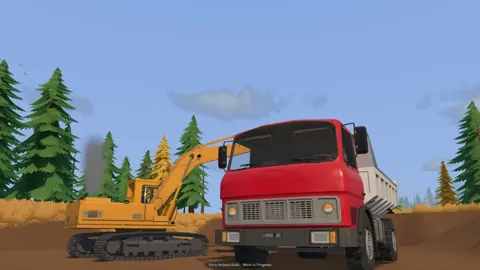
Groundwork Simulator Terrain Guide: Dig, Haul, and Wash
Use this Groundwork Simulator terrain guide to plan digs, handle mud and slopes, manage water, and keep gold-bearing material moving through your site.
Continue exploring
Groundwork Simulator Bulldozer Guide: Terrain & Water
Use the bulldozer's front blade to push tailings into holes, spread dirt, and reshape your mining site while keeping truck and loader routes clear.
Groundwork Simulator Mac: Compatibility & Play Guide
Explore Groundwork Simulator mac support, launch details, demanding physics, co-op features, and practical site-planning tips before you start digging.
Join the community
Official channels for news, updates and player help: