
Early access · Release date: October 22, 2026
UpdatedGroundwork Simulator Mud Guide: Traction and Recovery
Groundwork Simulator mud guide: learn differential lock, winch recovery, and pump management to handle rough terrain and keep your gold operation moving.
Jump to
How Groundwork Simulator Mud Affects Your Machines
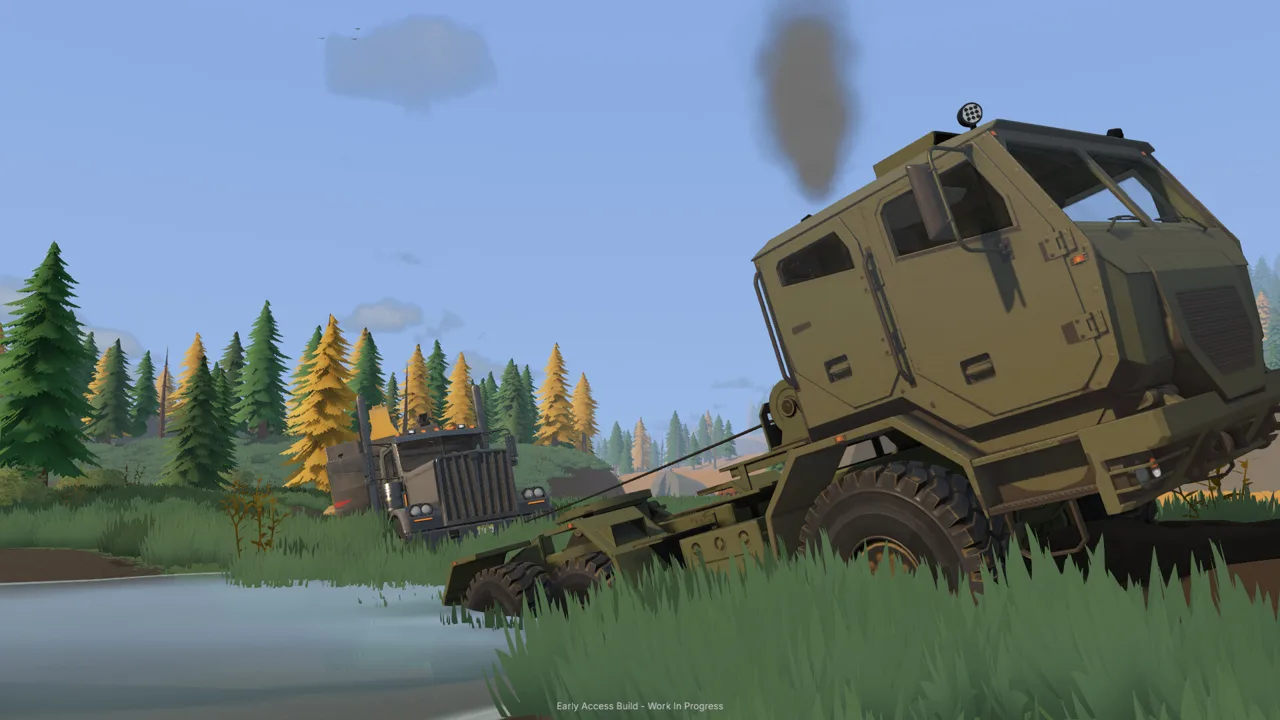
Groundwork Simulator mud turns the drive to your claim into part of the job. Traction matters because you're moving trucks, trailers, and mining equipment across ground that can change beneath your wheels. Handle Groundwork Simulator mud with a planned approach, differential lock, and the recovery winch so transportation doesn't interrupt your digging operation.
Mud belongs to a wider terrain system that includes slopes, rough surfaces, and deformable ground. Driving through a muddy stretch can visibly disturb the surface, while excavation changes the shape of your worksite. A route that looked straightforward before digging can end up beside a trench or behind a growing pile of material.
| Terrain feature | What it means for your operation |
|---|---|
| Mud | Traction becomes part of choosing and completing a route |
| Slopes | Your approach matters, especially with a heavy load |
| Rough ground | Transport requires attention to the surface ahead |
| Excavated terrain | Digging creates cuts, piles, and changes in elevation |
| Flowing water | Pumping and earthmoving can change where water collects or moves |
This guide covers the October 22, 2026, Early Access launch build. Keep the vehicle's control display visible while learning recovery and machinery operation, especially if you've changed keyboard layouts or rebound controls.
The useful habit with Groundwork Simulator mud is to look beyond the patch directly under your tires. Check where the route exits, what you're towing, and whether excavation has changed the approach before committing to the crossing.
Official page: Groundwork Simulator (store.steampowered.com)
Use Differential Lock and the Winch to Recover
The opening drive introduces mud while you're towing the caravan. Its instructions connect three actions: maintain momentum, engage differential lock, and use a tree for winch recovery.
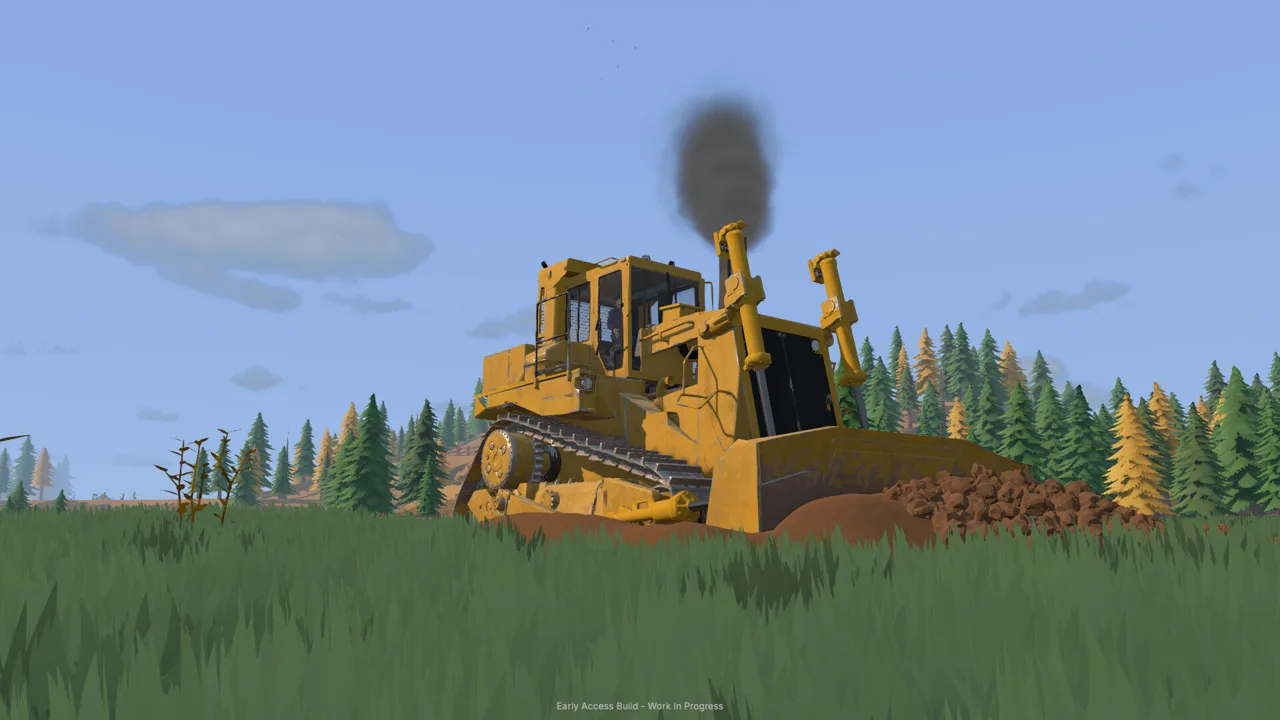 Image: Steam / XYZ STUDIO
Keep those tools in mind when moving larger equipment later. The drill truck also has differential lock and a recovery winch, so getting heavy machinery to the digging area involves more than following a road.
| Control or instruction | Launch-build action |
|---|---|
| Press X | Toggle differential lock |
| Press L | Access the recovery winch |
| Aim toward a tree | Select an anchor during the winch connection process |
| Follow the active winch prompts | Connect and operate the recovery system |
Use the current on-screen prompt for connecting the winch. Keep your attention on the selected anchor and recovery controls instead of relying on a memorized sequence across different machines.
Carry Momentum Through the Crossing
Approach the muddy section with your exit already chosen. Keep moving through it, as the opening tutorial instructs, while watching the ground ahead.
Pair that momentum with a manageable line. Mud can sit along the same route as a hill or a turn, and towing adds another part of the vehicle combination to watch. Line up before entering rather than improvising halfway through.
Engage differential lock when the muddy route calls for it. Then watch whether the truck is actually advancing. If forward progress stops, reassess your position and use the recovery equipment.
Check Clearance Before Pulling
A stopped truck needs a closer look. At the claim, a drill truck can also have its bumper against disturbed ground. Differential lock addresses traction; your route still needs enough physical clearance for the machine.
Before attempting another move:
- Look around the bumper and wheels.
- Check for a raised edge beside an excavation.
- Confirm that nearby machines aren't blocking the route.
- Find a tree for recovery if the vehicle remains stuck.
For Groundwork Simulator mud recovery, work through the obstruction and the available tools together. Reposition when terrain blocks the truck, and follow the winch prompts when you need an anchored pull.
Prepare Haul Routes Before Expanding the Dig
Every bucket changes the landscape. Excavators cut into hillsides and create trenches, while deposited material builds piles. Those changes become part of the route your next truckload must cross.
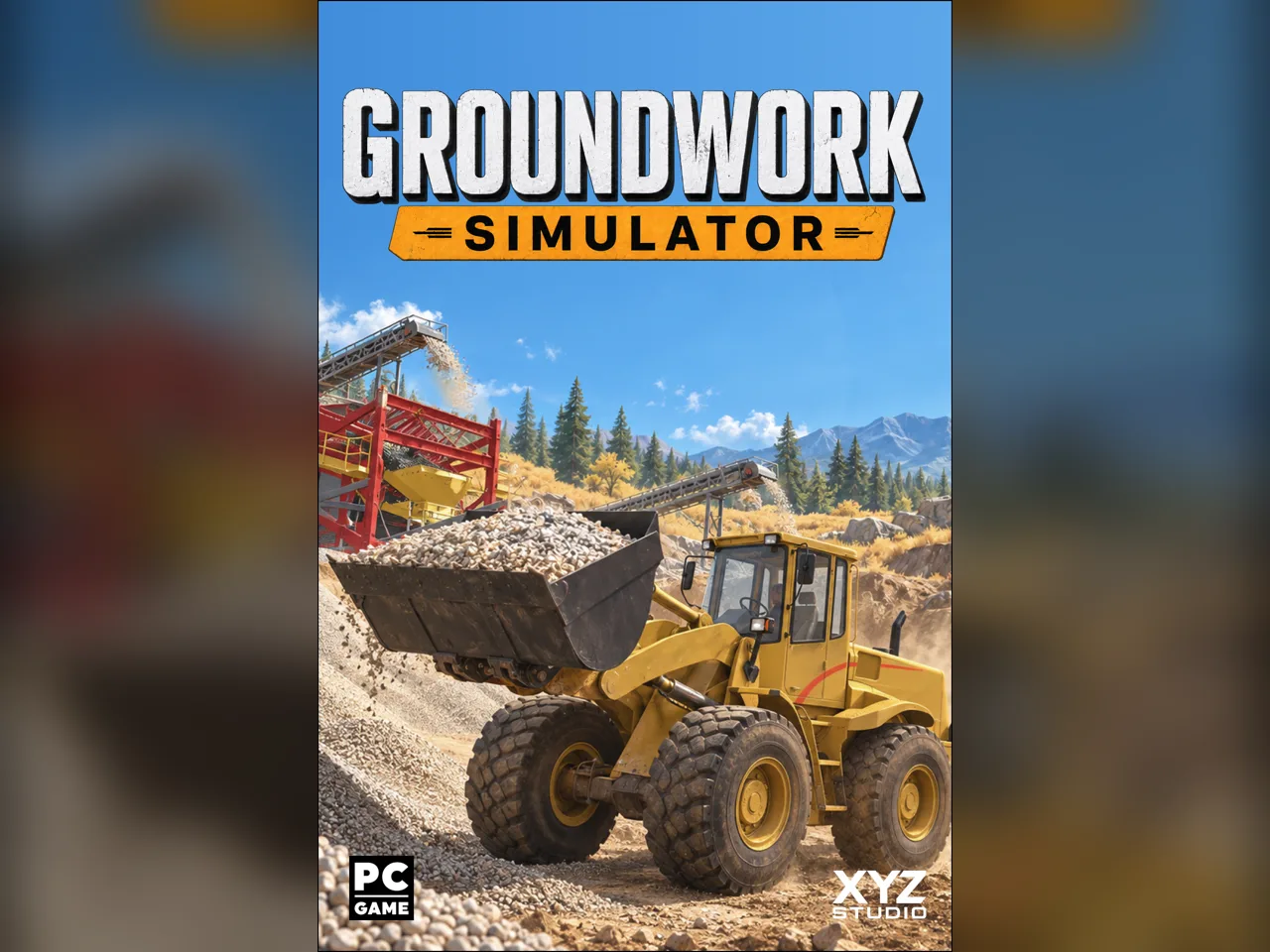 Image: groundworksimulator.com
Preserve an access lane as you expand. Put your digging area, stockpile, and washing equipment into a layout that leaves room for each machine to approach its task.
| Machine or tool | Terrain-related capability |
|---|---|
| Excavator | Cuts into ground, digs trenches, and deposits excavated material |
| Wheel loader | Moves stockpiled material and feeds the conveyor |
| Bulldozer | Pushes material and reshapes the work area |
| Shovel | Allows digging by hand |
| Rake | Flattens ground for local surface adjustments |
Use these capabilities deliberately. The wheel loader's bucket can disturb the ground during an approach, so watch its height and angle while traveling between the pile and hopper. Lower it for the scoop, then lift it for the trip back.
Leave Room Around the Stockpile
Place dumped material where the loader can approach it and then turn toward the conveyor. Park the dump truck clear after unloading.
That sounds simple, but the stockpile area brings several movements together: a truck arrives, tips material, leaves, and makes room for the loader. A parked vehicle beside the pile can force an awkward approach or send the loader toward the edge of the working area.
Check the dump body as material empties. If the pile crowds the discharge area, move the truck forward to finish unloading, as needed.
Inspect the Full Trailer Route
Heavy equipment transport includes loading machinery onto a trailer, hauling it by truck, and unloading at the destination. Tight turns, slopes, and rough ground all matter along that journey.
Walk or inspect the approach before bringing the load through. Check both the muddy crossing and the space beyond it. Leave enough room at the destination to line up and unload.
When Groundwork Simulator mud interrupts repeated hauling, improve the troublesome ground with your terrain tools before sending another machine through. Keep the access lane separate from the expanding excavation and material piles.
Manage Pumps Before Water Spreads Across the Claim
Water management deserves the same attention as traction. The starting washing setup uses a river pump to fill a holding pond and another pump to supply the trommel.
 Image: Steam / XYZ STUDIO
These pumps have different jobs. Learn which one feeds the pond before leaving the washing area for a drill delivery or an exploration trip.
| Equipment | Intake | Discharge | Operating purpose |
|---|---|---|---|
| River pump | River | Holding pond | Adds water to the pond |
| Wash-supply pump | Holding pond | Trommel | Supplies the washing equipment |
The holding pond can overflow when its supply pump keeps running. In the launch build, leaving that pump on during other work can spread water into the claim.
Stop the river pump when you need to stop adding water to the pond. Keep the wash-supply pump's role clear, since that unit sends water from the pond to the washing equipment.
Check Water Before Leaving and Returning
Inspect the pond before heading away from the plant. Look at its level and the area around its edges, then decide whether the river pump should remain running.
Repeat the check when you return. A drill delivery can take you away from the washing setup long enough for an unattended fill operation to become a separate job.
Include the pumps in your Groundwork Simulator mud checklist because transportation, excavation, and water management share the same worksite. An access route needs your attention even while you're concentrating on sampling or washing.
Watch Water During Earthmoving
Excavation and water interact, and pushing material into water can displace it. Digging in a flooded area also produces visible interaction between the bucket, ground, and water.
Make deliberate terrain changes near the pond. After moving material, look at where the water is going before continuing. Keep your inspection focused on the actual flow and the equipment connections you need for washing.
Build a Repeatable Digging and Hauling Routine
Groundwork Simulator mud becomes easier to manage when route checks are part of each work cycle. Build your routine around the game's material flow: excavate, haul, stockpile, load the conveyor, wash, and process the concentrate.
Keep the controls and the worksite layout predictable while you learn. The excavator supports different control patterns and rebinding, and its hydraulic response adds resistance during digging. Check your selected layout before cutting deeply beside an access lane.
Before Digging
Inspect the route between the cut and the stockpile. Look for new edges, dumped material, and parked equipment.
Choose your digging position with the next truck approach in mind. Excavating a hillside changes the ground you'll use afterward, so leave room for the machine and the haul vehicle to keep working.
Use scanning and drilling to investigate promising ground before committing to a larger excavation. The material detector checks shallow ground, while the drill truck samples deeper layers.
Before Hauling
Check the truck's load display instead of judging capacity only by the visible pile in its bed. Then look over the loaded route.
Plan the turn into the stockpile area before reaching it. If a muddy stretch or rough approach has become troublesome, pause hauling and address that section.
For machinery transport, check that the loading and unloading approaches remain accessible after your latest terrain changes.
Before Washing and Cleanup
Start the trommel before feeding it from the conveyor. Watch the material move through the system while keeping an eye on the pond.
At cleanup, stop the conveyor, allow the remaining material to finish processing, and stop the wash plant before emptying the sluice boxes. Carry the concentrate to the cleanup table for further processing.
Use each pause to inspect the site:
- Is the next haul route still open?
- Has excavation created an awkward edge?
- Is the stockpile accessible to the loader?
- Does the pond still need incoming water?
- Are parked machines clear of working approaches?
Keep that loop going as the claim grows. Groundwork Simulator mud requires attention throughout the operation, and a brief inspection gives you a chance to fix the next obstacle before arriving with a loaded truck.
FAQ
How do you get unstuck in Groundwork Simulator mud?
Use differential lock with X and access the recovery winch with L. Aim toward a tree and follow the active connection and recovery prompts. Check for a bumper or other part of the truck caught against disturbed terrain before continuing.
Can you reshape the ground to improve access?
Yes. Excavators change the terrain with each scoop, bulldozers push material, and the rake flattens ground. Use those tools to adjust troublesome approaches and keep excavation or stockpiles from blocking your working routes.
Why is water overflowing into my claim?
The river pump can keep adding water to the holding pond until it overflows. Stop that pump to stop the incoming supply. The separate wash-supply pump draws from the pond and sends water to the trommel.
Does digging change your transport routes?
Yes. Digging creates cuts, slopes, and piles that affect the worksite around them. Inspect your access lane after expanding an excavation, and check the complete route before hauling machinery on a trailer.
Continue with
 Groundwork Simulator Slopes: Terrain and Hauling TipsMaster Groundwork Simulator slopes with tips for excavation, muddy climbs, hauling, and water control. Plan your routes and keep the gold operation moving.
More in Terrain
Groundwork Simulator Digging Physics: Terrain Guide
Master Groundwork Simulator digging physics with tips on bucket angles, hydraulic resistance, terrain shaping, water flow, and keep your worksite moving.
Groundwork Simulator Terrain Guide: Dig, Haul, and Wash
Use this Groundwork Simulator terrain guide to plan digs, handle mud and slopes, manage water, and keep gold-bearing material moving through your site.
Continue exploring
Groundwork Simulator Mining Guide: Dig, Wash, Profit
Find deposits, set up water, dig and haul pay dirt, then wash it and clean up concentrate. Finish the opening tutorial before expanding your operation.

Groundwork Simulator Shaking Table: Gold Cleanup Guide
Use the Groundwork Simulator shaking table to process concentrate, collect gold, and prepare it for sale. Follow cleanup steps and avoid common mistakes.
Join the community
Official channels for news, updates and player help: