
Early access · Release date: October 22, 2026
UpdatedGroundwork Simulator Terrain Guide: Dig, Haul, and Wash
Use this Groundwork Simulator terrain guide to plan digs, handle mud and slopes, manage water, and keep gold-bearing material moving through your site.
Jump to
How to Handle Terrain in Groundwork Simulator
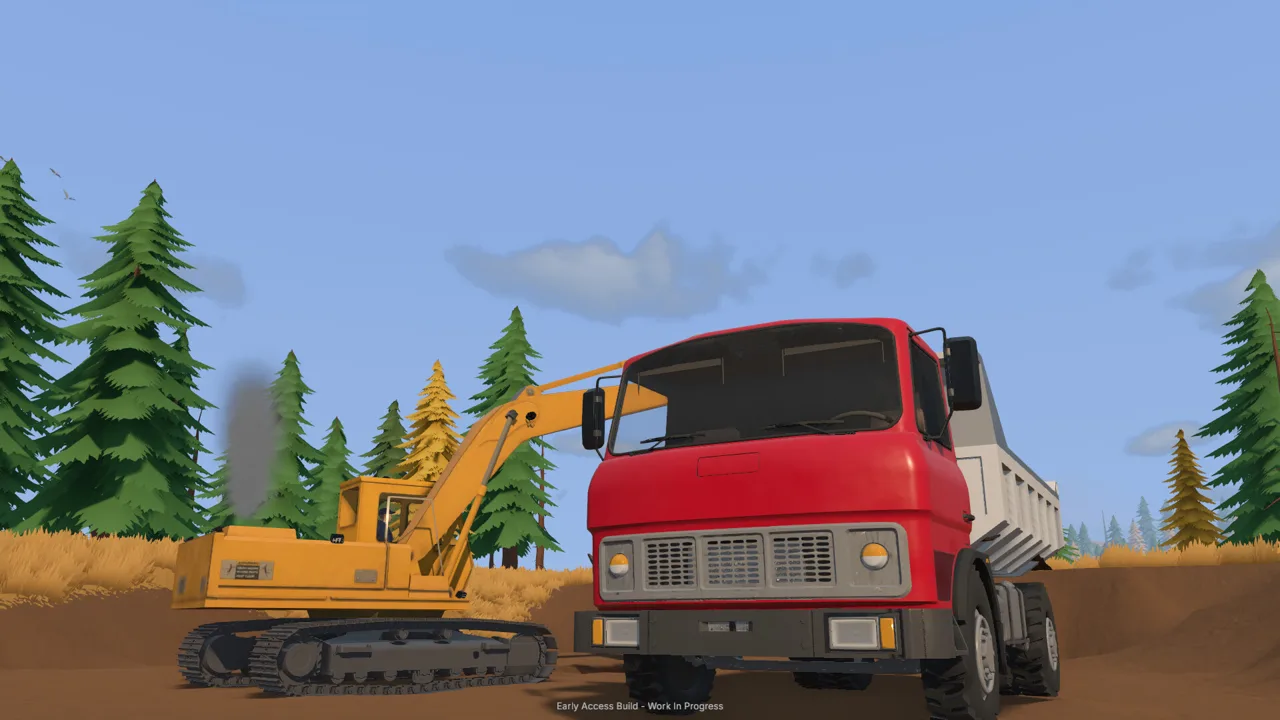
A productive digging spot can become a transportation headache with a few poorly placed scoops. This Groundwork Simulator terrain guide helps you protect access to your excavation, manage water, and keep material moving as every bucket changes the landscape. Use this Groundwork Simulator terrain guide to plan the whole operation, from testing promising ground to leaving enough room for a loaded truck.
Survey before excavating, preserve a usable haul route, and check your water supply regularly. Excavation changes the surface your machines depend on, so digging and site preparation belong in the same workflow.
Mud, slopes, and rough ground all affect route decisions. Heavy loads add another reason to think ahead, especially when transporting machinery on a trailer.
| Terrain challenge | What it means for your operation | Action to take |
|---|---|---|
| Mud | Traction becomes part of choosing a route | Check your approach before committing a loaded vehicle |
| Slopes | Hauling requires care with heavy loads | Plan the climb and the route back |
| Rough ground | Transport involves navigating uneven terrain | Improve troublesome ground before repeating the trip |
| Excavated cuts and piles | Your work changes access around the site | Keep digging and dumping areas clear of essential routes |
Walk through the intended work area before bringing machines into position. Identify where the excavator will stand, where the truck will load, and where material will wait beside the processing equipment.
Leave room for those positions to change. A layout that works beside a shallow opening deserves another look after you cut farther into the hillside.
Official page: Groundwork Simulator (store.steampowered.com)
Find Promising Ground Before Moving a Mountain
Gold recovery starts with choosing material worth processing. Groundwork Simulator includes surface scanning and drilling, giving you ways to investigate the claim before committing to a larger excavation.
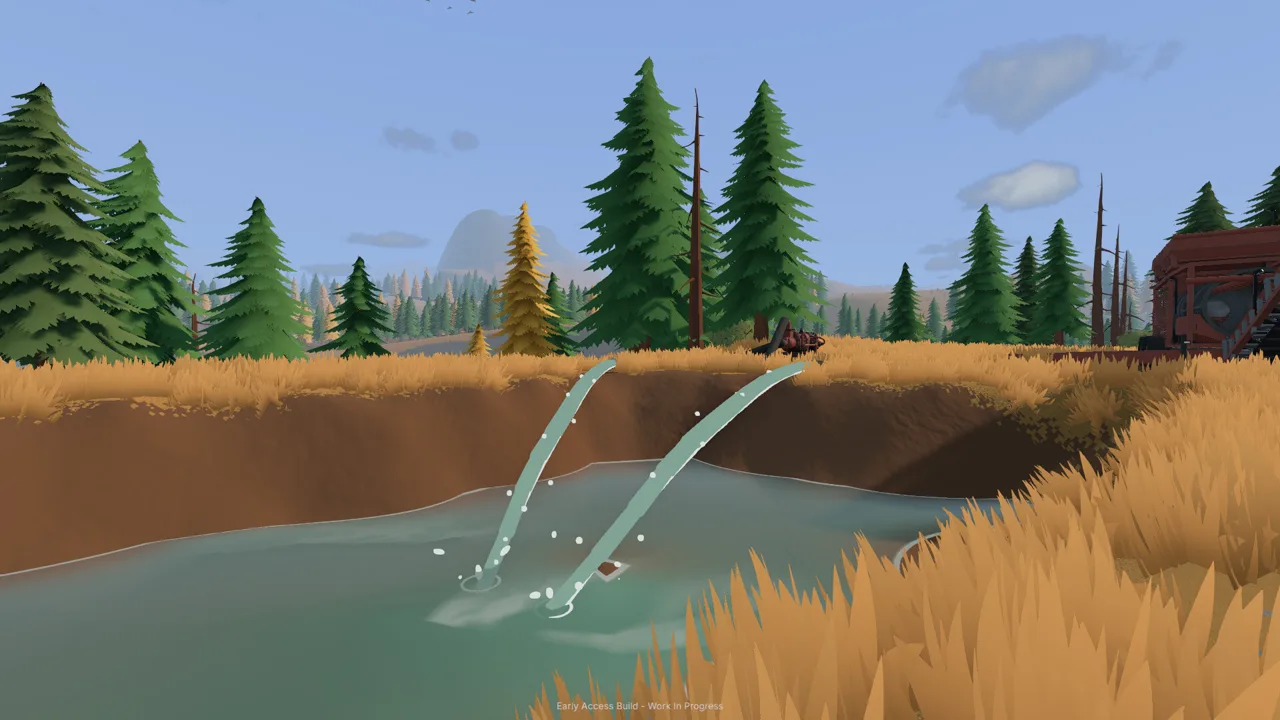 Image: Steam / XYZ STUDIO
The opening tutorial directs you toward darker gravel and low spots where water slows. Use those clues to choose places to investigate, then compare them with survey results. Make a small processing run before reshaping a large area.
This Groundwork Simulator terrain guide puts testing ahead of excavation because the digging location determines everything around it: truck access, stockpile placement, and the route to your wash plant.
| Survey method or clue | Information it provides | Next action |
|---|---|---|
| Dark gravel and low spots | Starting locations highlighted during the tutorial | Scan and sample the ground |
| Material detector | A shallow ground reading | Compare readings around the intended excavation |
| Drill truck | Samples from deeper layers | Investigate below the surface |
| Filed boreholes on the gold map | Layers, depths, and gold-bearing bands | Review the results before choosing where to dig |
Keep the distinction between scanning and drilling clear. The material detector checks shallow ground, while the drill truck investigates deeper layers. A surface reading serves a different purpose from a borehole showing what lies underneath.
During the tutorial, drilling introduces layers such as topsoil, clay, and gravel. Read the filed borehole information before deciding how to approach the deposit. Plan around the recorded gold-bearing bands instead of assuming every bucket from the surrounding area deserves washing.
When positioning the drill truck, remember that drilling happens behind the vehicle. Approach with the rear working area in mind, and follow the setup prompts before starting a borehole.
Return hired equipment after finishing the required sampling. The tutorial specifically directs you to return the hired drill to stop its daily charges. Finish reviewing the ground before letting a rental remain on the claim without a job.
Dig Cleanly and Protect Your Haul Route
Excavation involves bucket angle, material resistance, and available hydraulic power. Forcing the bucket deep into the ground can make curling and lifting more difficult.
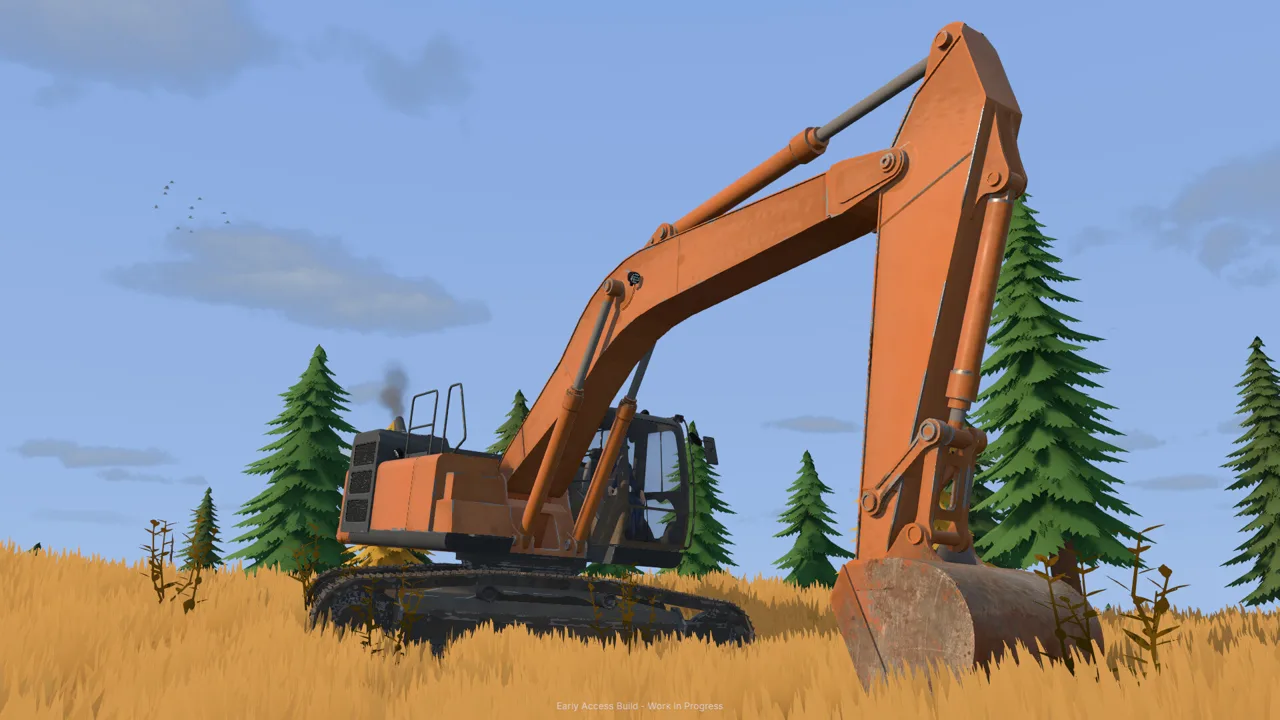 Image: Steam / XYZ STUDIO
Adjust the cut when the machine struggles. Bring the bucket into a workable position, take a more manageable bite, and coordinate the scoop with the curl. Watch how much material actually enters the bucket before swinging toward the truck.
The excavation principle behind this Groundwork Simulator terrain guide is to judge each scoop by what it accomplishes. Check the bucket fill, the truck load, and the ground left behind.
| Work stage | What to watch | Practical adjustment |
|---|---|---|
| Cutting into the ground | Resistance as the bucket enters and curls | Change the angle or reduce the bite |
| Lifting material | Bucket contents and machine response | Lift a manageable scoop before swinging |
| Loading the truck | The displayed truck load | Check capacity instead of judging the heap alone |
| Unloading | Material remaining in the raised bed | Pull forward to provide clearance when necessary |
Keep the truck within a comfortable loading position. If you repeatedly stretch toward the bed or brush the vehicle while swinging, reposition before continuing. Leave a clear departure path so the loaded truck can move away from the excavation.
Avoid cutting across that departure path as the pit expands. Every scoop changes the ground, including the ground you will need on the next trip. Pause to reassess access after extending the excavation or creating a new pile.
Keep Stockpiles Separate From Traffic
Dump material where the wheel loader can approach without squeezing between parked machinery. The tutorial uses a compact stockpile beside the gravel path, followed by loader trips to the small conveyor.
Position the pile with the entire transfer in mind:
- Leave space for the dump truck to tip and pull forward.
- Give the loader room to approach and collect material.
- Keep parked vehicles out of the loader’s turning area.
- Preserve access to the conveyor controls.
Set the loader bucket deliberately before entering the pile. Watch its contact with the surrounding ground, especially beside a route you want to preserve. Terrain manipulation continues during material handling, so careless bucket positioning can change more than the stockpile.
Control Water Before It Takes Over the Worksite
Water management deserves the same attention as excavation. Pumps and hoses supply the washing operation, and their placement becomes part of your site layout.
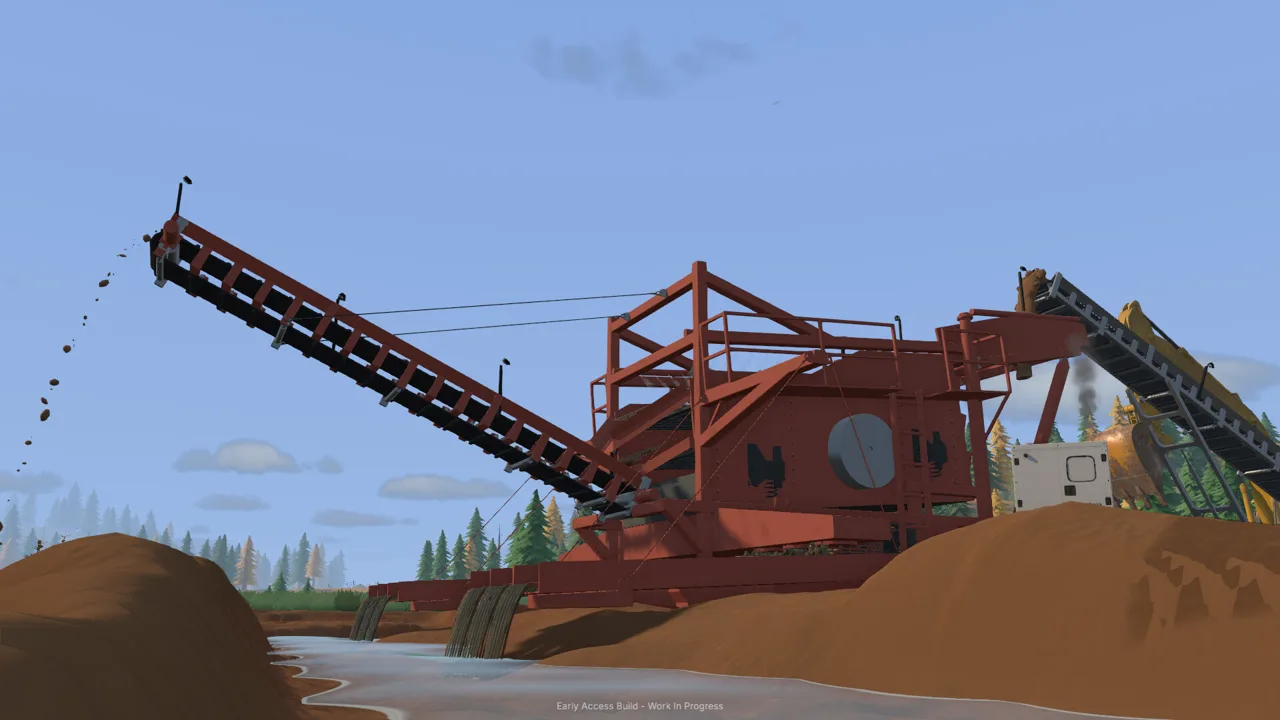 Image: Steam / XYZ STUDIO
In the opening tutorial, one pump transfers river water into a pond, while another supplies the mobile trommel from that pond. Those pumps have different jobs. When the pond overflows, check the pump filling it.
Keep this Groundwork Simulator terrain guide’s water checklist in mind whenever you leave the wash area for drilling or transport. A running supply pump can keep adding water while your attention is elsewhere.
| Water-system component | Role in the tutorial setup | What to check |
|---|---|---|
| River pump | Moves water from the river into the pond | Intake, discharge location, and whether filling should continue |
| Pond | Holds water used by the washing setup | Water level while the supply pump runs |
| Second pump | Supplies the mobile trommel from the pond | Intake placement and connection to the plant |
| Hoses | Connect the water supply across the site | Routing as machines and work areas move |
Follow the highlighted connection points during setup. The tutorial distinguishes the pump intake from its output, then guides the discharge hose to the pond. Complete the plant’s water connection before starting the washing operation.
Check the pond again after working elsewhere. Leaving the river pump running can flood the surrounding claim. Shut off that supply pump when filling needs to stop; the plant’s separate pump controls its own part of the system.
Do not expect switching off the incoming supply to remove water already spread across the work area. Reassess the ground and your machine positions before resuming excavation.
Start Processing in the Right Order
Prepare water and power, then start the trommel before feeding it from the conveyor. During cleanup, stop the conveyor, let the remaining material finish processing, and stop the wash plant before emptying the sluice boxes.
Watch material levels during feeding. The conveyor has an adjustable speed, and increasing it moves material into the plant faster. Check the receiving hopper as well as the pile you are emptying, and adjust the feed to match what the plant is handling.
Keep the Whole Operation Moving
A terrain plan needs to cover repeated trips between the digging face, stockpile, and wash plant. Review that loop whenever the site changes.
Before loading heavy machinery onto a trailer, plan the transport route through tight turns, slopes, and rough ground. Leave space at the destination to unload where the equipment can begin working.
Use this Groundwork Simulator terrain guide as a quick inspection routine when production becomes awkward:
- Check access. Look for new cuts or piles interfering with vehicle movement.
- Check loading positions. Reposition machinery when the excavator’s working area changes.
- Check the stockpile. Clear parked vehicles from the loader’s approach.
- Check water. Inspect the pond and identify which pumps are running.
- Check processing. Match conveyor feeding to the material already inside the plant.
In online co-op, you can work with up to three friends. Divide excavation, hauling, and processing between the crew, then coordinate movements around shared loading and dumping areas.
Tell the driver before changing the truck’s loading position. Tell the loader operator before placing another stockpile beside the wash line. When someone changes the terrain, make sure the rest of the crew knows which route still works.
Solo play benefits from the same checks. Before switching machines, inspect the part of the operation you are leaving behind. Check running pumps, available truck capacity, and the space needed for your next maneuver.
Keep future expansion practical, too. Groundwork Simulator is in Early Access, and Map Studio is planned for full release. For your current operation, use the excavation and machinery systems already available to shape the working site.
Return to this Groundwork Simulator terrain guide whenever a productive dig starts creating transport problems. Preserve access, investigate the next cut, and make room for the equipment that has to carry the material away.
FAQ
What should I prioritize in a Groundwork Simulator terrain guide?
Prioritize surveying, vehicle access, and water management. Test promising ground before expanding the excavation, keep a usable route between machines, and check pumps regularly. Those tasks connect directly to digging, hauling, and washing.
How do you find gold-bearing ground?
Start with the tutorial’s darker gravel and low spots, then use the material detector for shallow readings. Drill to investigate deeper layers, and review filed boreholes on the gold map for depths and gold-bearing bands.
Why does the excavator struggle to curl its bucket?
Excavation includes ground resistance and simulated hydraulic feedback. Adjust the bucket angle and take a smaller bite when curling becomes difficult. Watch the material entering the bucket, then lift before swinging toward the truck.
Can a pump flood your claim?
Yes. Leaving the pump that fills the pond running can cause overflow across the surrounding worksite. Check the water level after time away, and shut off the incoming supply when filling needs to stop.
Continue with
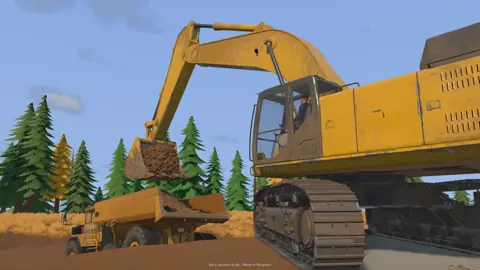 Groundwork Simulator Digging Physics: Terrain GuideMaster Groundwork Simulator digging physics with tips on bucket angles, hydraulic resistance, terrain shaping, water flow, and keep your worksite moving.
More in Terrain
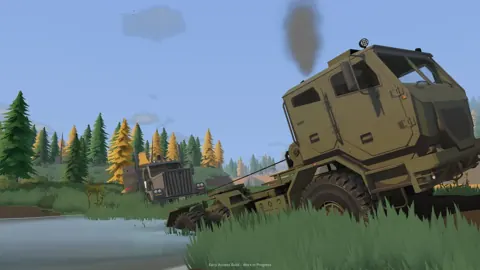
Groundwork Simulator Mud Guide: Traction and Recovery
Groundwork Simulator mud guide: learn differential lock, winch recovery, and pump management to handle rough terrain and keep your gold operation moving.
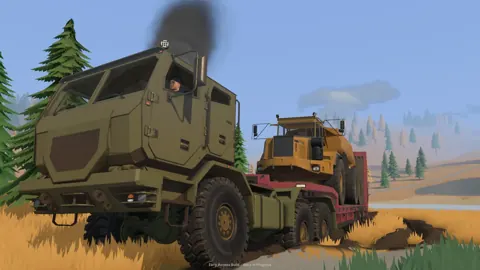
Groundwork Simulator Slopes: Terrain and Hauling Tips
Master Groundwork Simulator slopes with tips for excavation, muddy climbs, hauling, and water control. Plan your routes and keep the gold operation moving.
Continue exploring

Groundwork Simulator Shaking Table: Gold Cleanup Guide
Use the Groundwork Simulator shaking table to process concentrate, collect gold, and prepare it for sale. Follow cleanup steps and avoid common mistakes.
Groundwork Simulator Sluice Box: Wash and Recover Gold
Get your Groundwork Simulator sluice box running with pump setup, conveyor controls, safe shutdown steps, and a clear walkthrough from pay dirt to gold.
Join the community
Official channels for news, updates and player help: